
Welcome to my “3D Modeling & Printing” Page. In this webpage I will try to provide you some idea as to what I am learning about the world of 3D Modeling & Printing, how it can be applied to my Balsa RC Model Builds, and as my wife said - “make toys for our grandchildren.”
For many of the projects the descriptive information and images taken during my printing/assembly are contained in a separate “3D Print/Assembly Description” which you can access through a link provided at the bottom of the project section. If anyone has suggestions, recommendations, or questions about this new webpage or any of my 3D projects, please feel free to contact me @: 3D Modeling & Printing Input.
Click on any link below to jump to that 3D Project
New Project! - "Bonewraith" — Twisted Skull LED Lamp
Black Hole Lamp
Levitating Death Star Lamp
3D Printed Bird Houses
1:144 Scale LGM-25C Titan II ICBM
LEGO Mini-figures Holder
OA-1K Skyraider II 3D Modeling Efforts
Douglas A-26 Invader 3D Modeling Efforts
3DAeroventures X-100 Infinity Wing V2
Kyles Designs RC RQ-4 Global Hawk
First 3D Models off My Ender-3 V3 Printer
Secret Butterfly Box
Majestic Pegasus Statue
Haunted Skull Key Holder
Beetle “Ring Holder” Boxes
SpaceX Starship 1:200 Scale Model
Flying Dragon Book Nook
Miss Vintage WW1 Pilot Bust & Spandau Machine Guns
Finally Finished! - "The Cube" Puzzle Box
Steam "Turbine" Puzzle Box
Steam "Machine" Puzzle Box
"The Heist" Puzzle Box
Dark Techno Isopodius Transport/Tank
Dark Techno Odonatopter Gunship
Tempest Knights Heavy Assault Resistance Eliminator (HARE)
Imperial Force Utility Aircraft
Handy 3D Modeling & Printing Information
NOTE - You can view all images in a “Spotlight Box” by simply clicking on any image.
"Bonewraith" — Twisted Skull LED Lamp
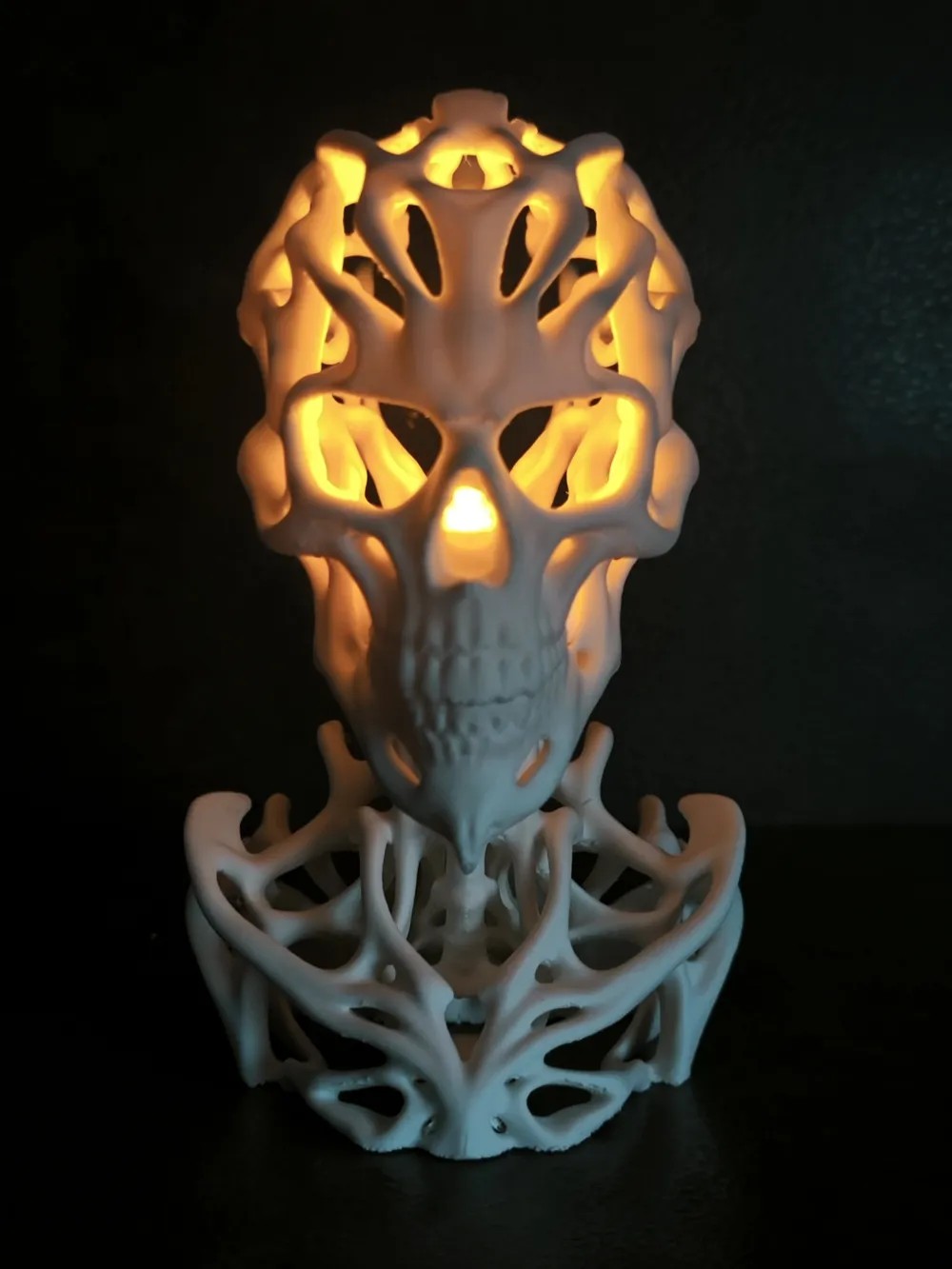
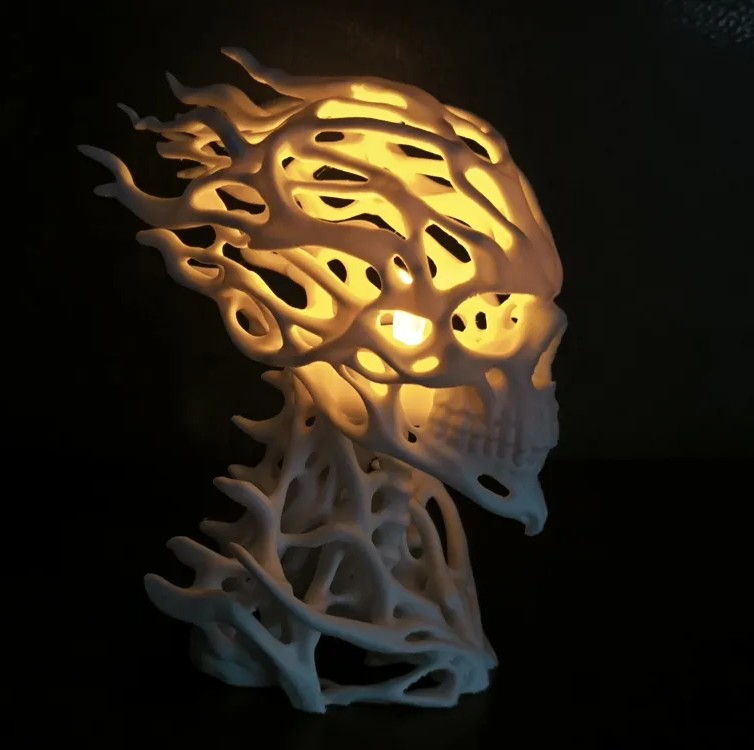
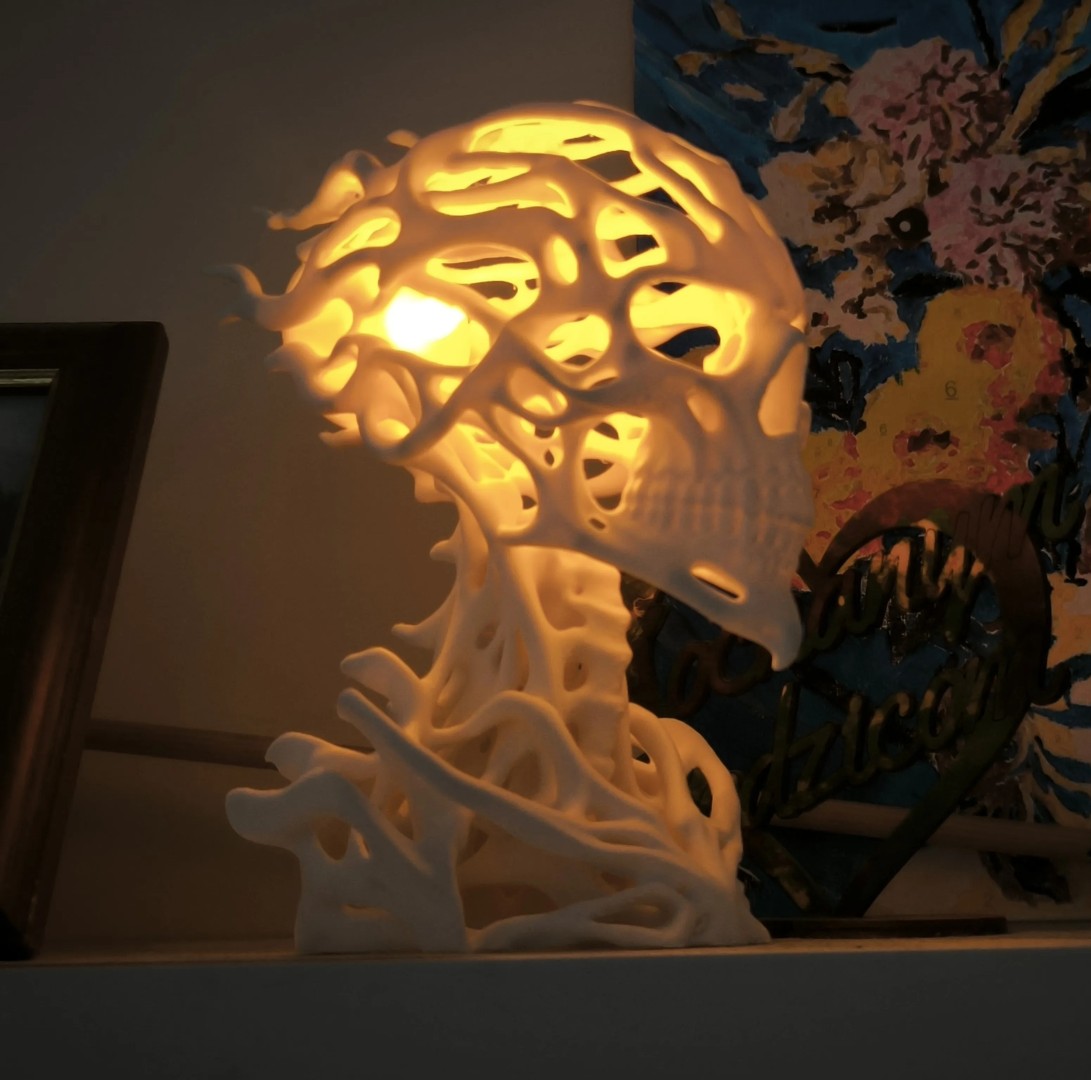
I'm still busy working on more 3D print & builds for Christmas 2026 gifts. I next decided to attempt something for my daughter-in-law Beth. She loves Halloween and has all kinds of decorations they put out and display throughout their home in Clarksville, TN each fall. So, I thought I would see what I could find to add to her collection. After searching the web, I found something different on makerworld.com. There I located a model by Sevro of ServoCraft called the “Bonewraith” a Twisted Skull LED Lamp and shown in the three images below. Servo has 42 other 3D models in his Halloween Collection, so check them out. This 3D model is a single .STL file and also available as a .3MF file to load directly into your slicer. These files can be downloaded for free from the makerworld webpage.
Source of Images: makerworld.com website.
This twisted skull is built from organic, bone-like shapes that create a completely different look depending on how you display it. It works great as a standalone decoration, but you can also place an LED tea light inside. With the warm yellow glow, the skull almost looks like it's on fire. The light can also shine through the twisted structure, creating unusual shadows and patterns on the walls around it.
The skull is designed to work with Maker Supply LED tea lights, as well as slightly smaller tea lights. I was able to find the correct size LED tea lights on Amazon. The LED tea light can be placed in two different positions: Inside the skull for a strong internal glow that makes Bonewraith look almost like it's burning from within. Behind the skull to let the light pass through the twisted structure and create interesting shadows on nearby walls. Choose whichever effect you prefer.
"Bonewraith" 3D Printing
As quoted from Servo, “I would recommend this model for more experienced makers with a well-calibrated printer and filament. I really enjoy projects that test the capabilities of our machines, and I think Bonewraith definitely belongs in that category. I spent quite a bit of time designing the model to minimize the amount of supports needed. I managed to arrange the twisted structures around the head so that supports don't have to go through the inside of the skull. I only painted a few additional supports at the front to improve stability during printing. For the torso, I had to give the supports a little more freedom. There simply was not a good way to avoid them completely while keeping the design I wanted. Because of that, you will need to do a little digging to remove some of the supports hidden inside the torso. But with a bit of patience, everything is removable.”
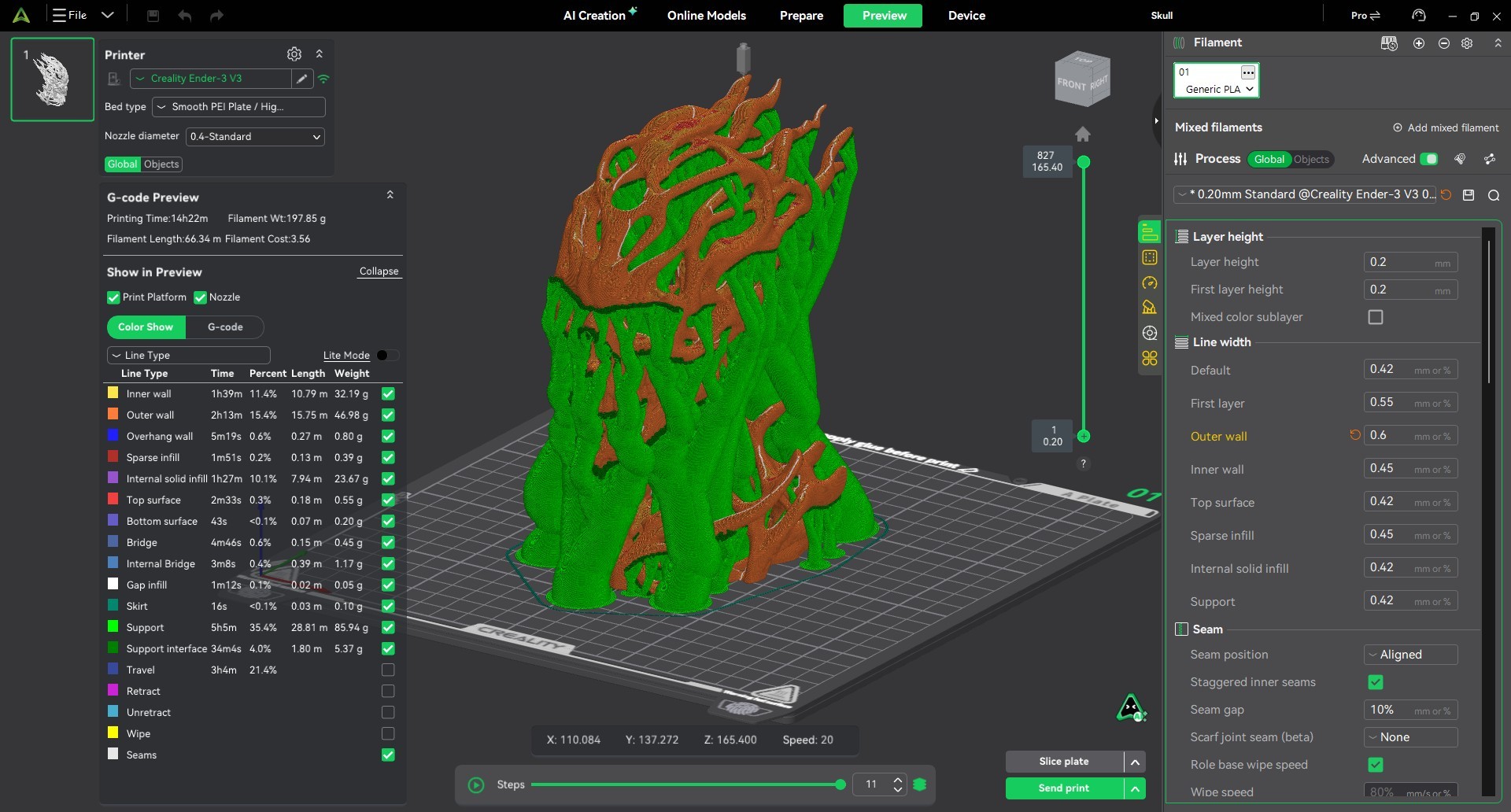
I selected some Bone White eSun PLA+ filament for this project. As shown in the next image below, which is a screen capture from my Creality Print slicer, the Bonewraith .3mf file is a single plate with a single STL part and printed using a single color. About as simple as you can get. I decided to print my model without any changes, which should end up being approximately 96x137x165mm in size.
After reviewing comments made by prior model builders, I established my “initial slicer profile” using a 0.4mm nozzle, 0.2mm layer height, 0.42mm layer width, two wall loops using a “Arachne” wall generator with Inner/Outer walls printing order, five top & three bottom shell layers, 5% Lightening sparse infill pattern, at a 60mm/s print speed, two Skirt loops to purge the nozzle, and Tree Supports enabled with a 10 degree threshold angle.
Using this print profile, the total 3D print time will be 14 hrs. 22 min. requiring 198 grams of filament, of which 86 grams are tree support material.
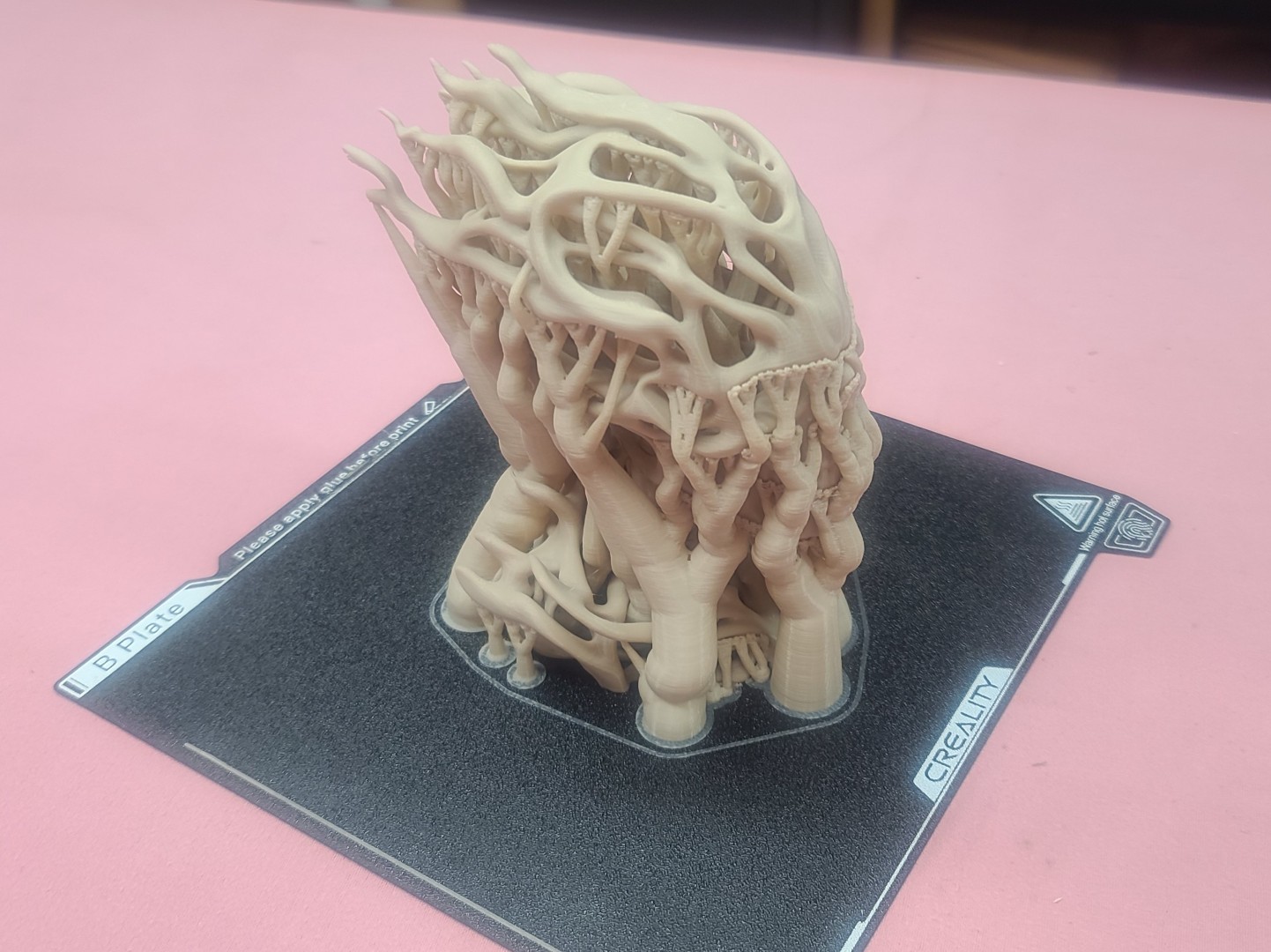
I fired up my Ender-3 V3, loaded up my spool of Bone White eSun PLA+ filament, and sent the print file from my Creality Print slicer to the printer. After 14+ hours of 3D printing, the results can be seen in the next image below.
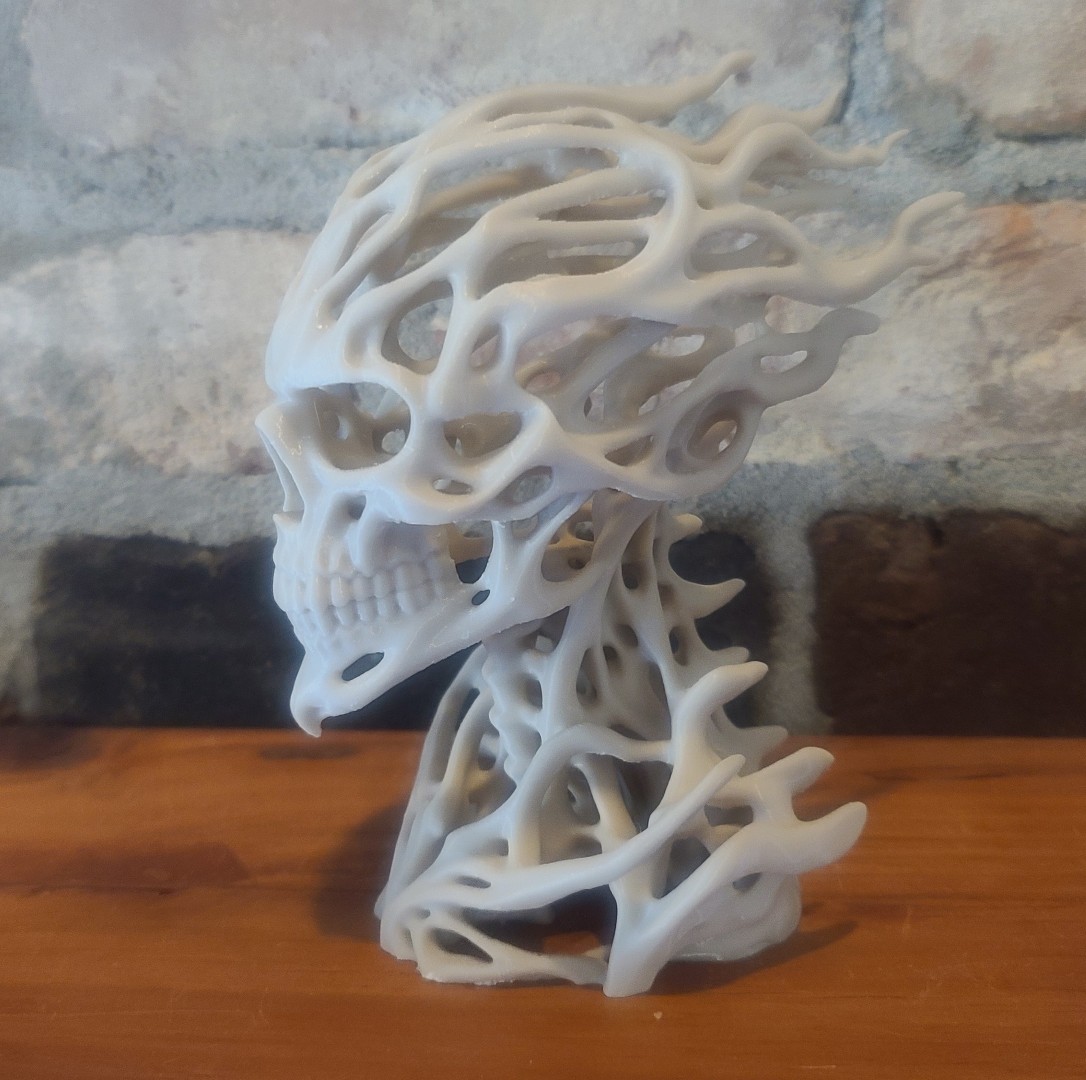
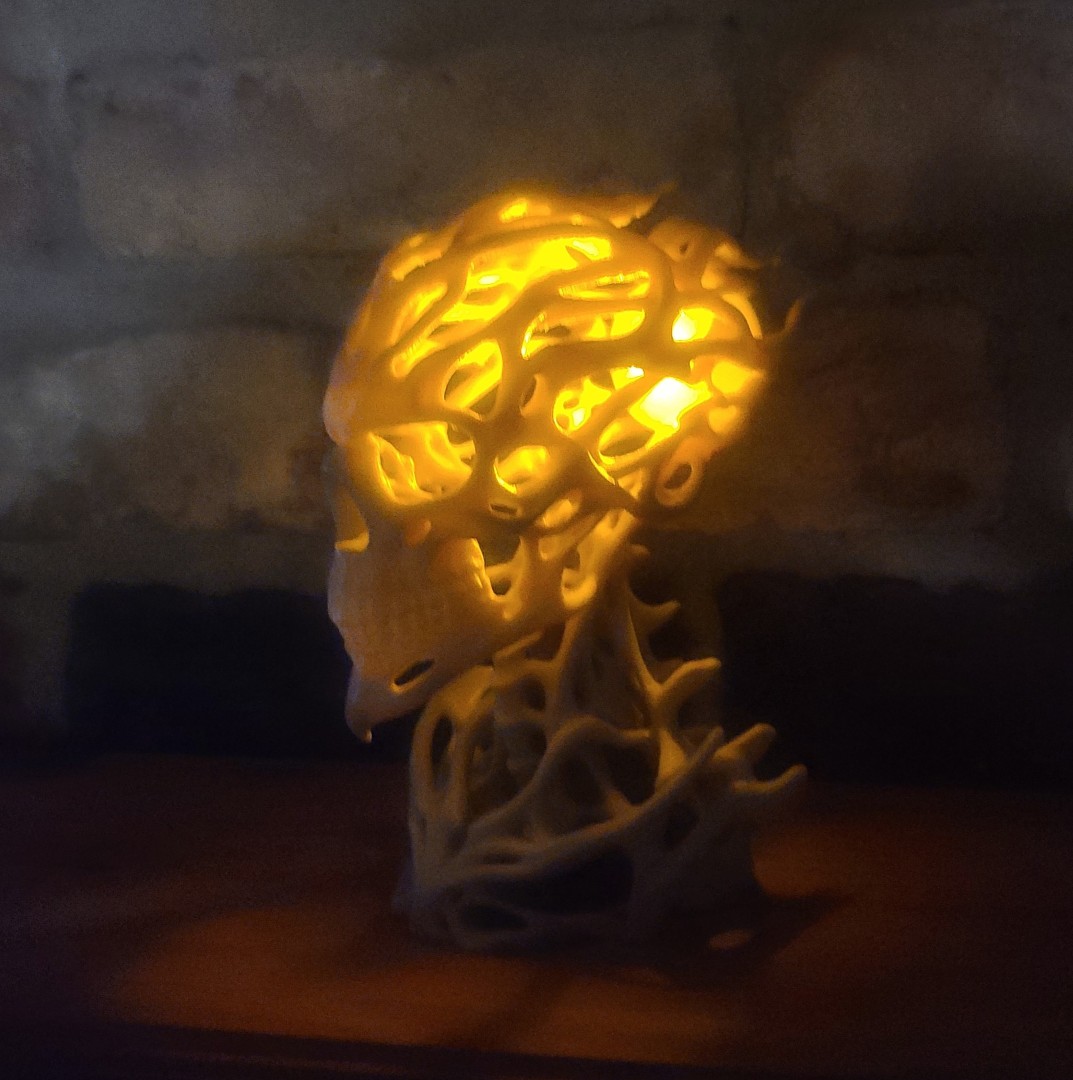
After spending approx. an hour using snips, knife, needle-nose pliers and tweezers, I carefully removed the 86 grams of tree supports that were intertwined around the flowing bone structure of the 3D model. The last two images below show you my final Bonewraith 3D model. I'm pretty sure Beth will like adding this to her Halloween collection.
Black Hole Lamp
While looking for some backup info on one of my projects, I came across a 3D model that I thought was really interesting, and would deck out my computer station (where I work each morning on this website coding) just great. I found the “Black Hole Lamp,” created by a modeler named “NAM_3,” which you can download for free from the thingivers website.
After contacting NAM_3 about a remix of his model by “Geoschatter” that put a USB port in the back of the Pedestal part (shown below), he responded with a link to download the remixed STL files.
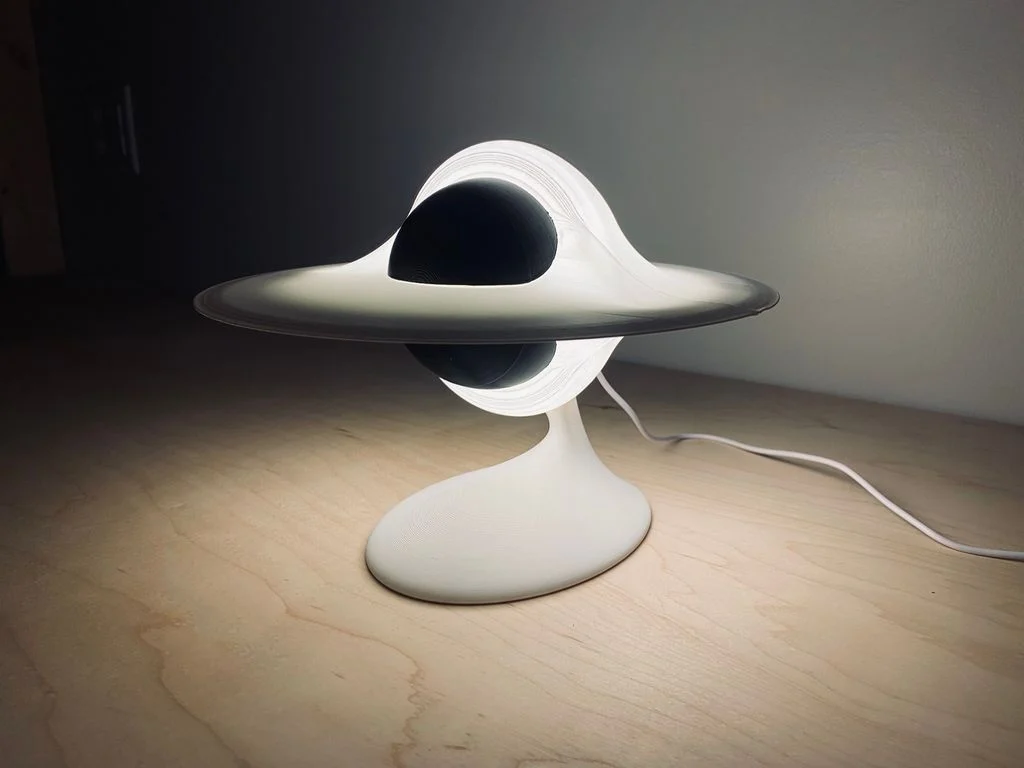
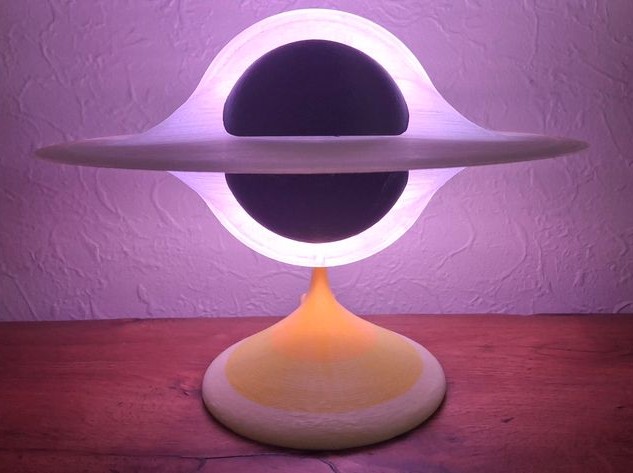
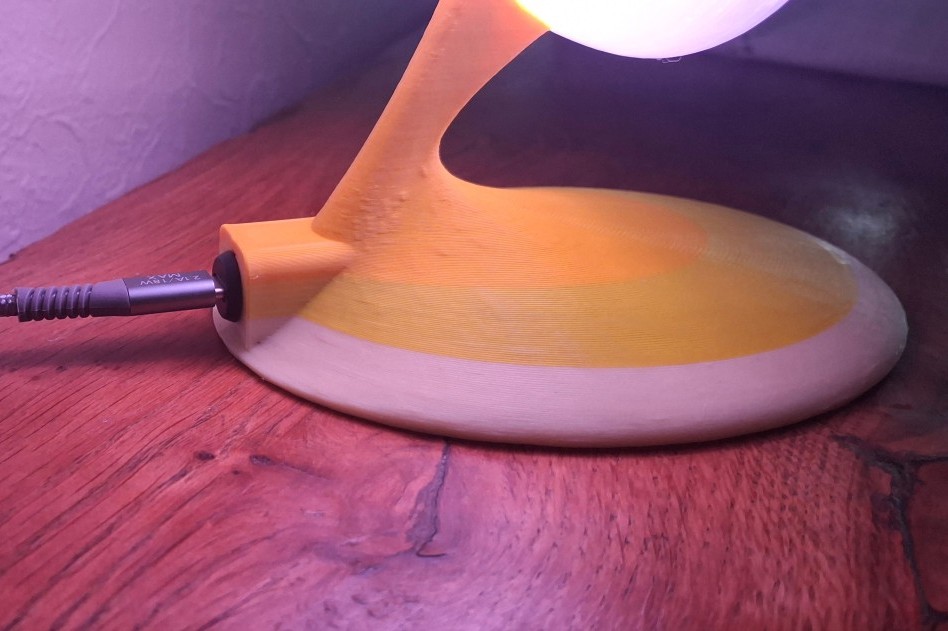
Source of Images: Black Hole Lamp webpages.
This is a light up display lamp that looks like a Black Hole. The Black Hole in Christopher Nolan's science fiction film Interstellar is in the next image below.

The “Black Hole Lamp,” model only requires three colors of filament, an LED Lamp Kit, a USB-C female connector, and a USB cable.
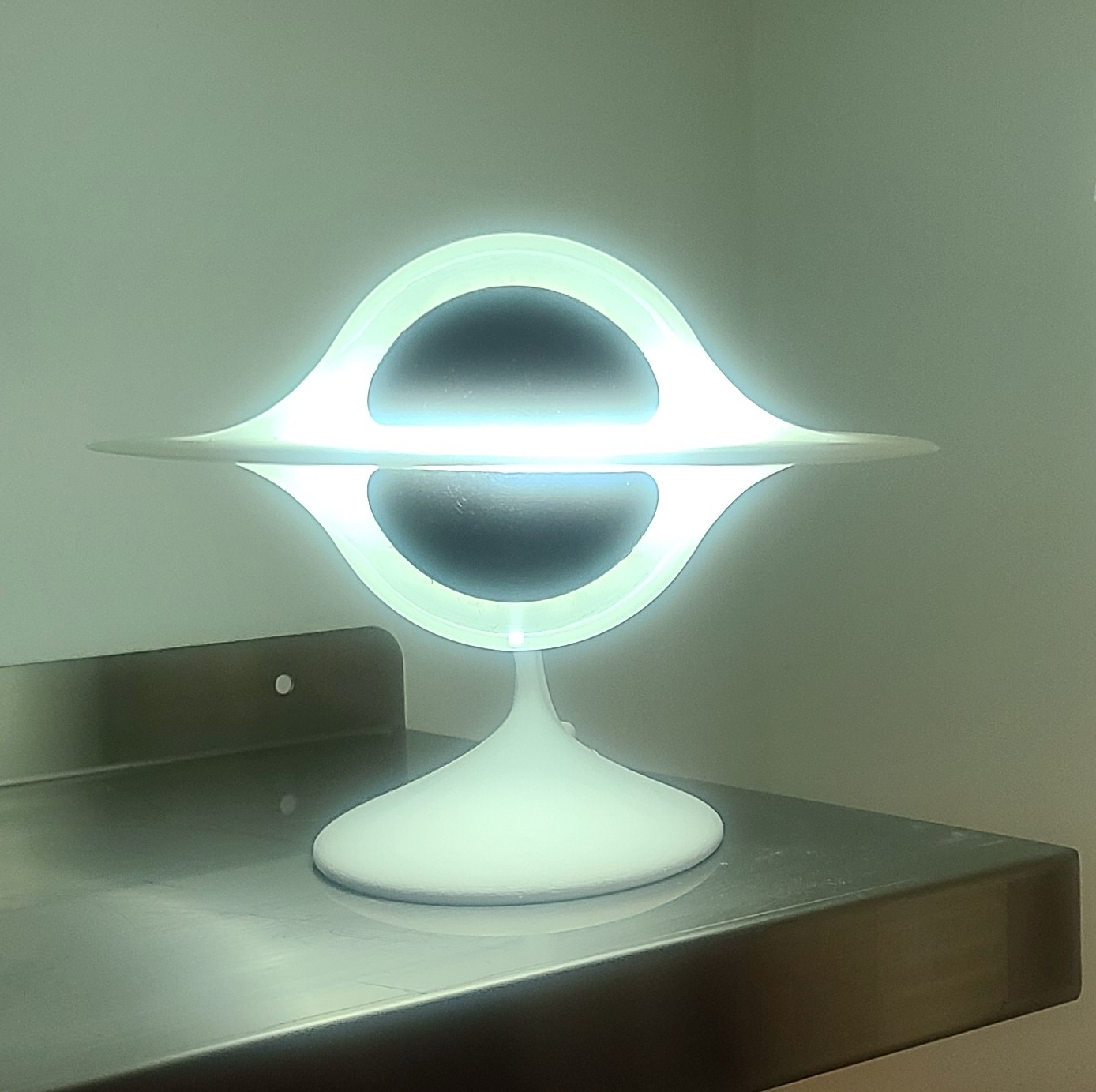
After working through the project Creality Print slicer setup, ordering required electrical components, 3D printing, and assembly, I ended up with the nice lamp shown in the image below. You can read all the details of this, and some issues I ran into, in my Print/Assembly Description via the link below.
Levitating Death Star Lamp
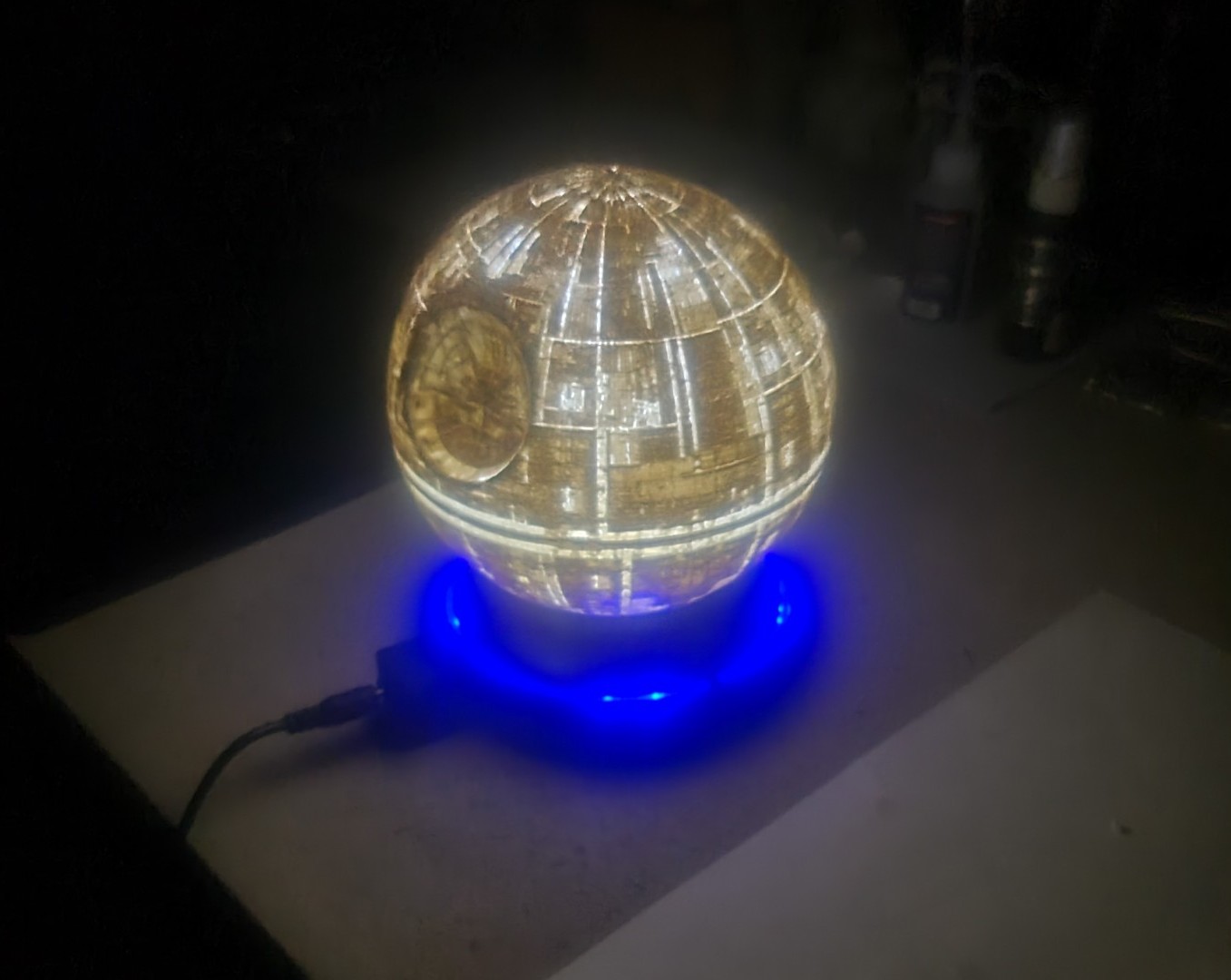
Continuing with my print/build of Christmas 2026 gifts, I decided to try my hand at something my oldest son Kent would like. Being the die hard Star Wars lover he is (he even has a Death Star Christmas tree topper), I thought I would see what I could find to add to his collection. After searching the web for an hour, I found just what I was looking for on Printables.com. There I located a model by Je´je´ l´inge´ called the “Levitating Death Star Lamp” shown in the images below. This model only requires five .STL files to print/build the model. These can be downloaded free from the Printables webpage, and the Thingiverse webpage. Simple to make but has a nice effect!


Source of Images: printables.com.
This final posting is as of 5 October 2026. For those who have not been following my regular webpage updates, you can read my Death Star Lamp Print & Build Description to see everything I have worked on up to this point.
"Levitating Death Star Lamp" Assembly
With all the 3D parts printed it was time to put this little project together. As I indicated earlier I ordered the electronics as listed from Amazon. With everything needed in hand, I watched the Death Star Assembly Video and followed the designers' instructions. Using my little soldering iron, I first attached the induction LED transmitter to the levitation platform and then mounted the assembly to the Base part. This was followed by attaching the induction LED and receiver to the levitation magnet and then mounted these inside the Magnet Support part. I then powered up the electronics and verified everything worked as advertised before putting the Magnet Support into the Death Star.
With all the assembly finished, I powered up the Base, centered the Death Star approximated three inches above the base until all LEDs in the Base outside ring where on, and let go. As you can see in the final image below, the Death Star levitated above the Base and then started to rotate. While the Silver Death Star can be seen when the room is dark, I may print another one in White PLA to see if that will make it brighter.
3D Printed Bird Houses
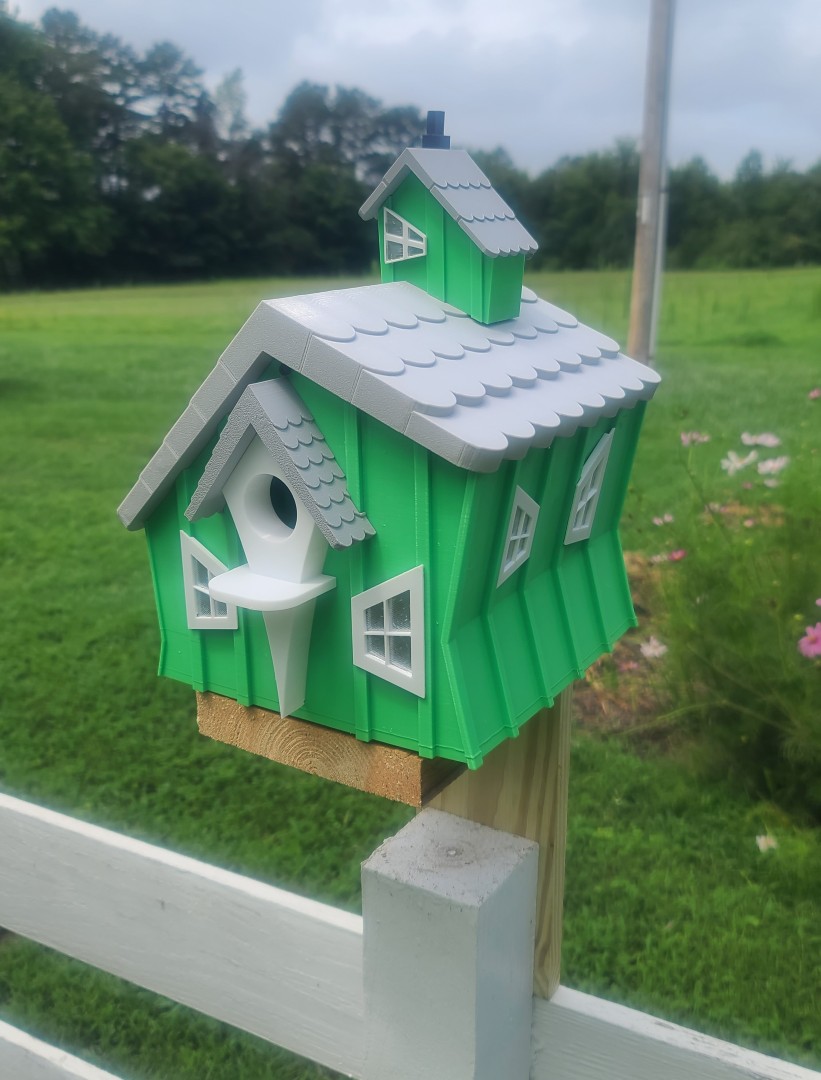
My daughter-in-law Beth in TN likes her yard birds almost as much as my wife and I do here in NC. Since we were planning a visit to TN, I thought I would see what I could find in the way of a birdhouse for Beths' back yard.
After some cruising around on the web I was able to find a very nice and interesting outdoor birdhouse 3D model by Sonia Verdu (she lives in Spain) on cgtrader.com. Her downloadable package includes three STL files, one each for the bottom, middle, and top sections of the 3D model. This is a simple model to print, fits together great, and her design details are very nice. I really like it.
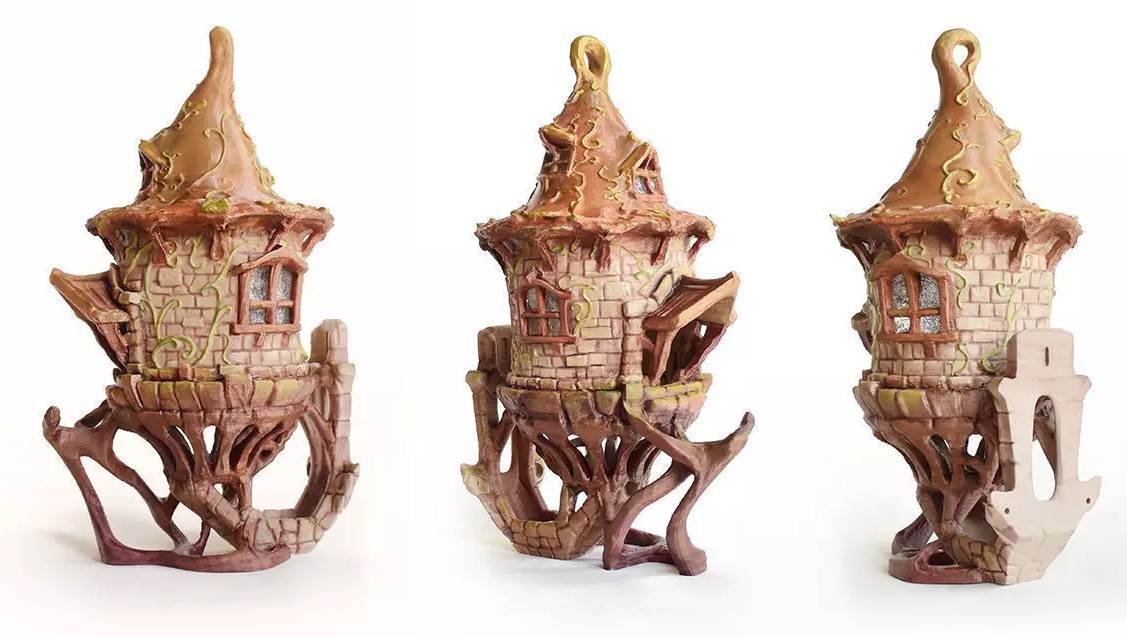
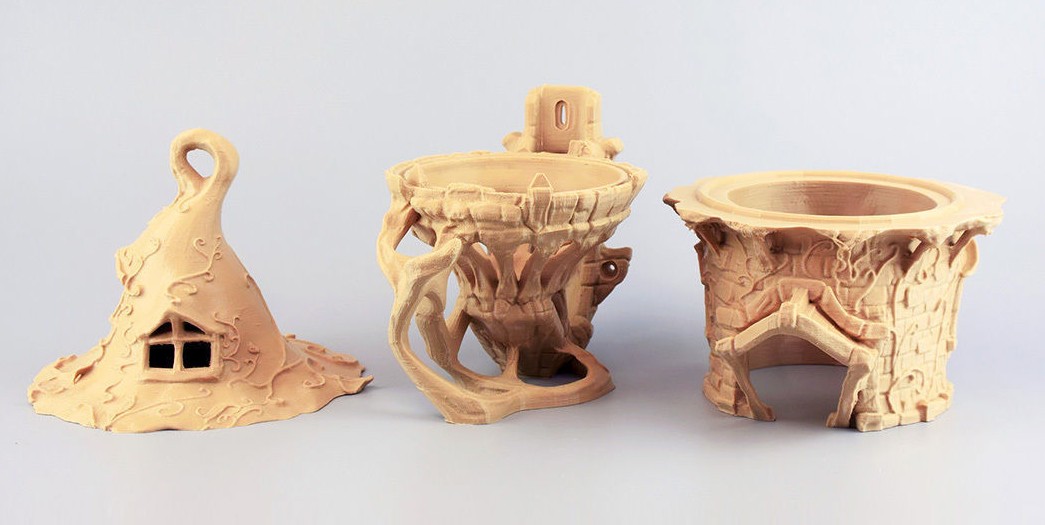
Source of Images: cgtrader.com.
Using my Creality Print slicer I increased all three STL part sizes by 110%, which was as large as I could go and still have the parts fit on my Ender-3 V3 print bed. I then printed the three parts at 200mm/sec. using some Bone White eSun PLA+ filament with a 0.4mm nozzle, 3 wall loops set at a 0.2mm layer height and 0.42mm layer width, and used a 15% sparse infill. No supports or rafts were required.
The total print time for all three parts was 23 hours, 25 minutes, and required 579 grams of filament. Since I decided to use some PLA I already had on the shelf, I applied a couple layers of Papilio Clear UV-protective spray coating to all surfaces of the model to help it withstand the outdoor elements. If I make more of this 3D model, I will use PETG instead of PLA since the PETG is much better suited for the outside environment. I assembled the three parts using some CA glue with the final results shown in the next two images below. Since the front opening is large enough to support annual clean-out of the birdhouse, having to disassemble the birdhouse will not be required. I decided to leave any final detail painting for Beth to do as she wishes.
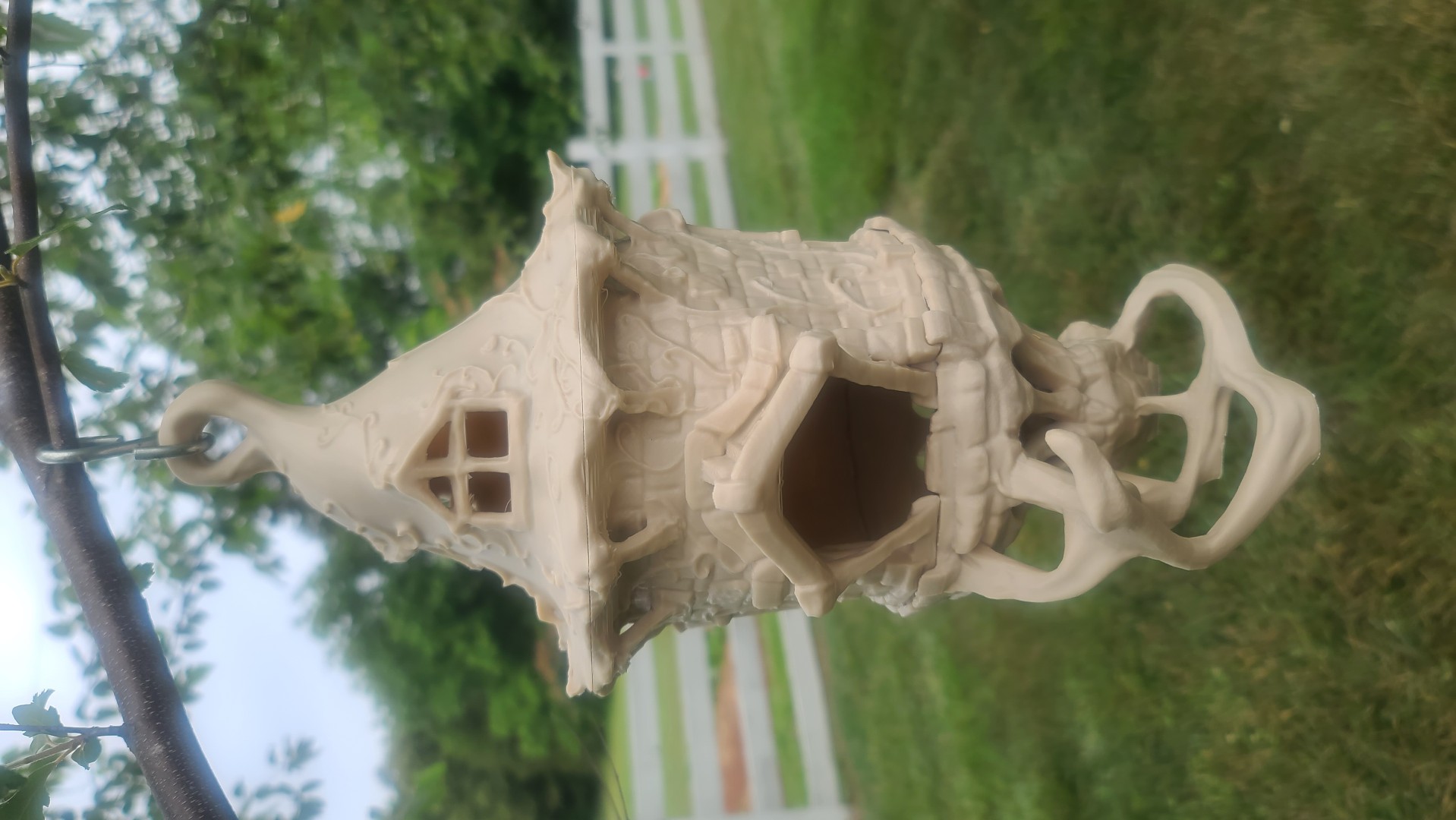
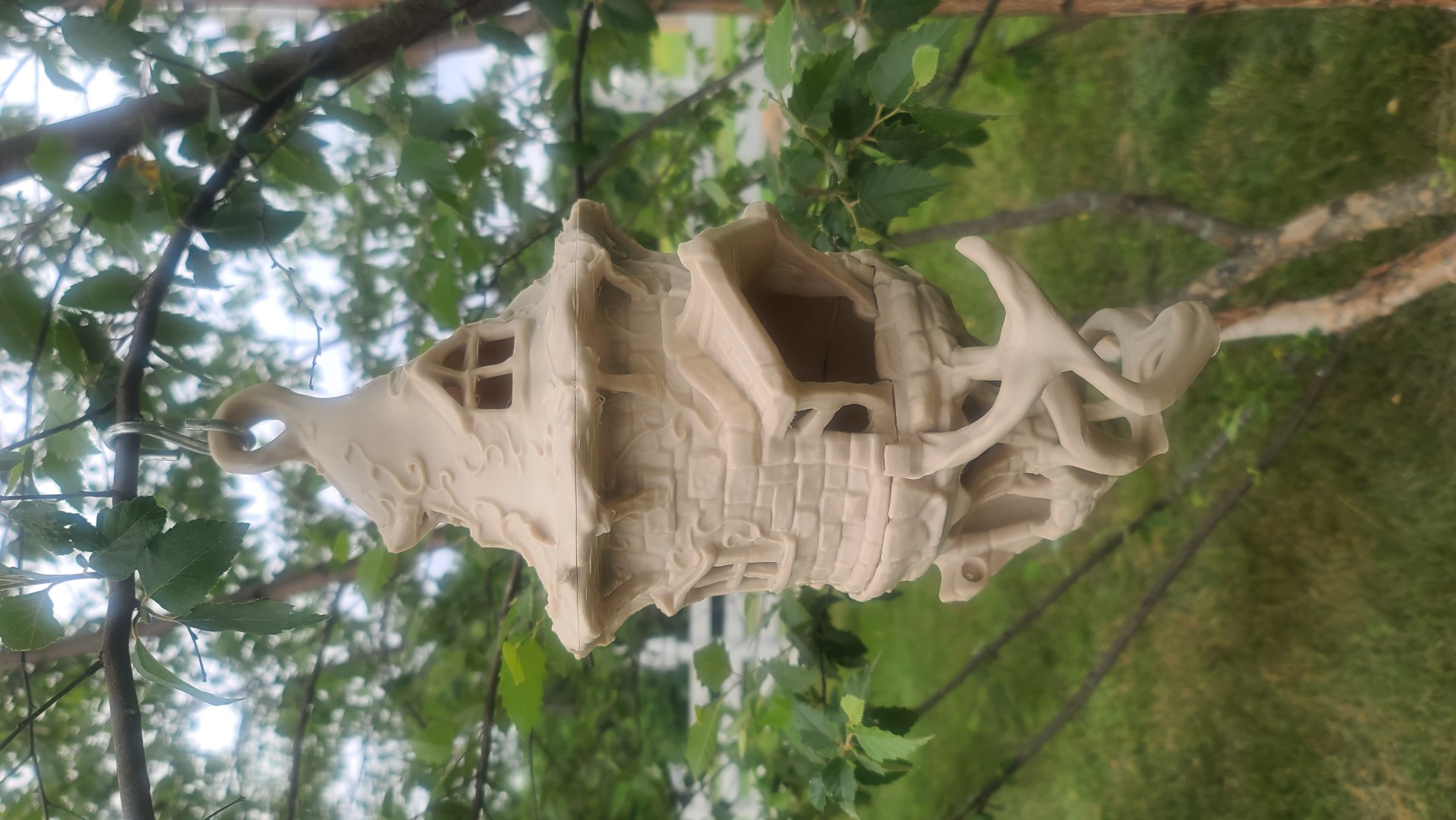
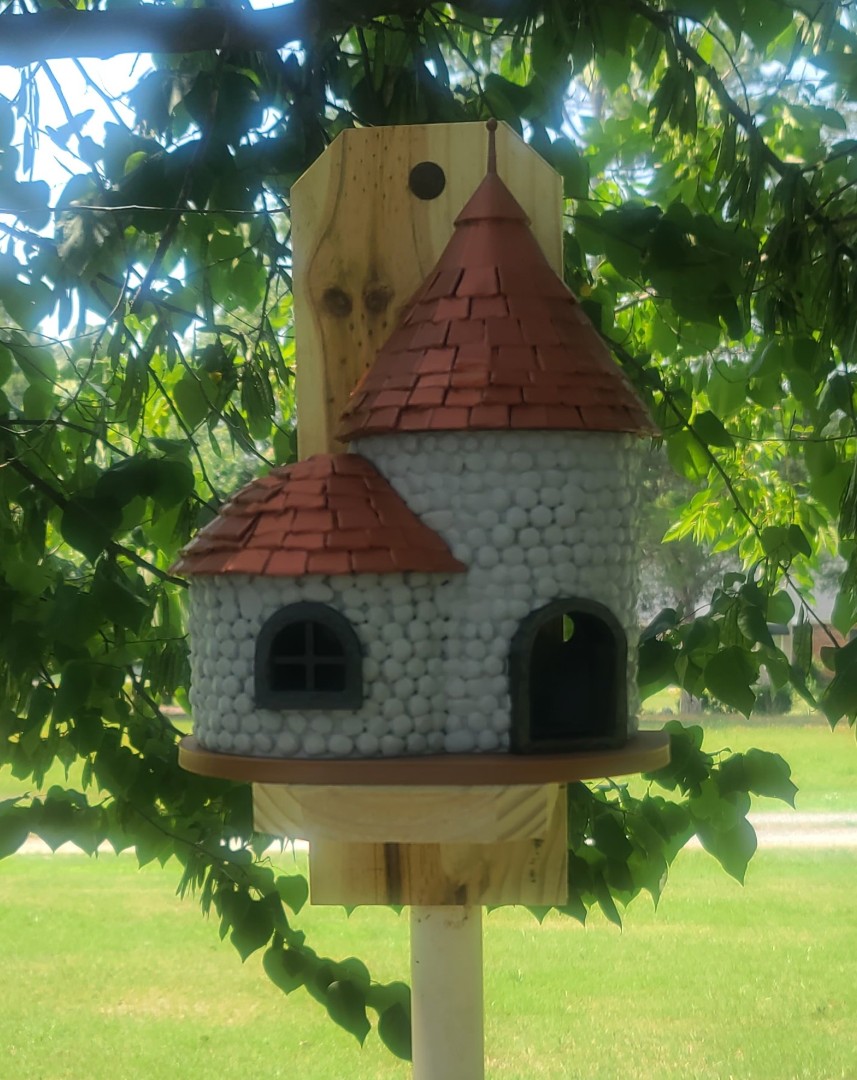
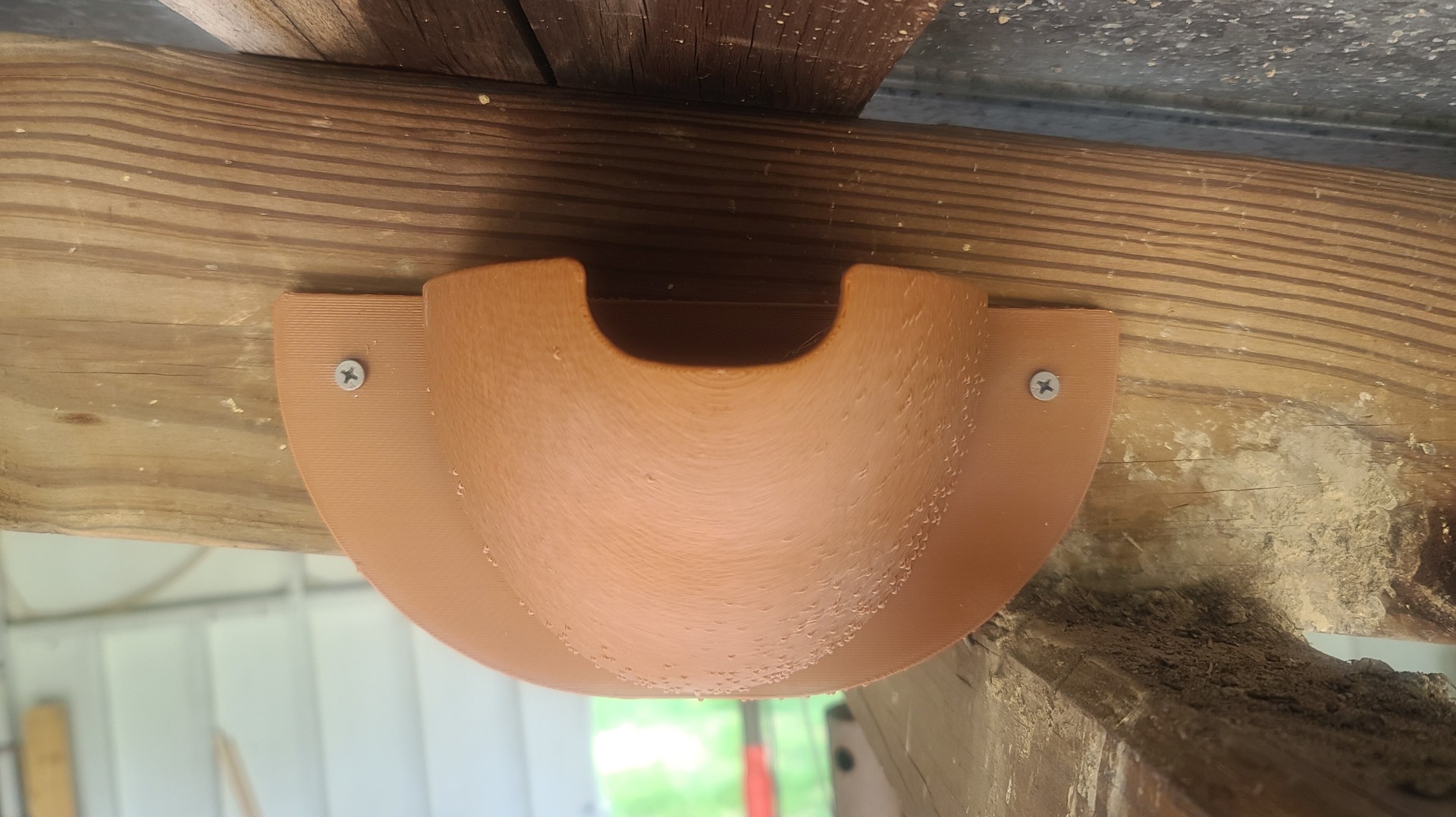
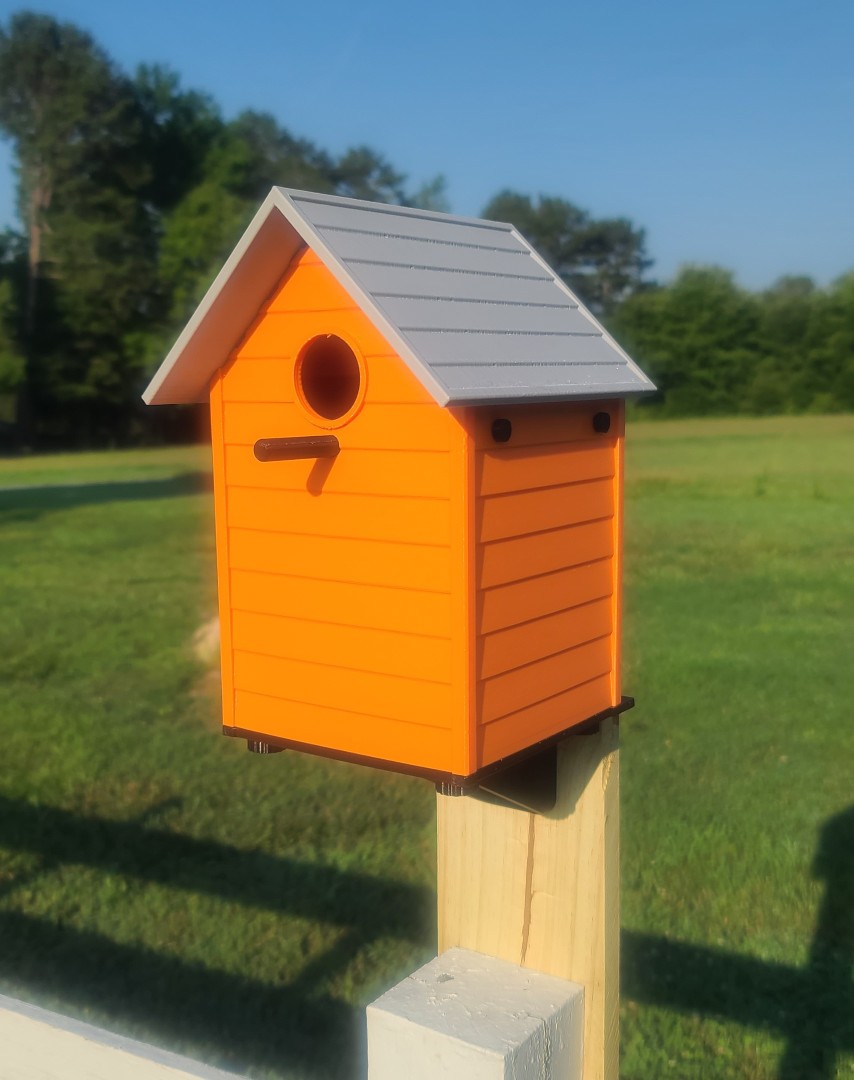
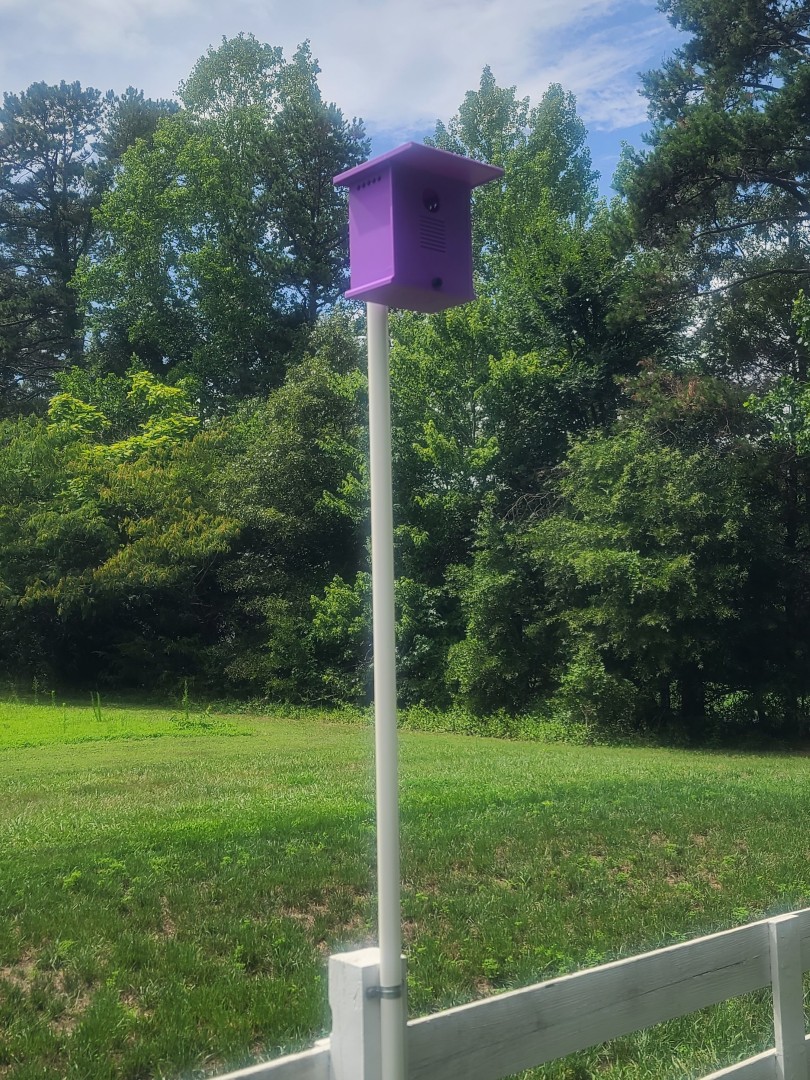
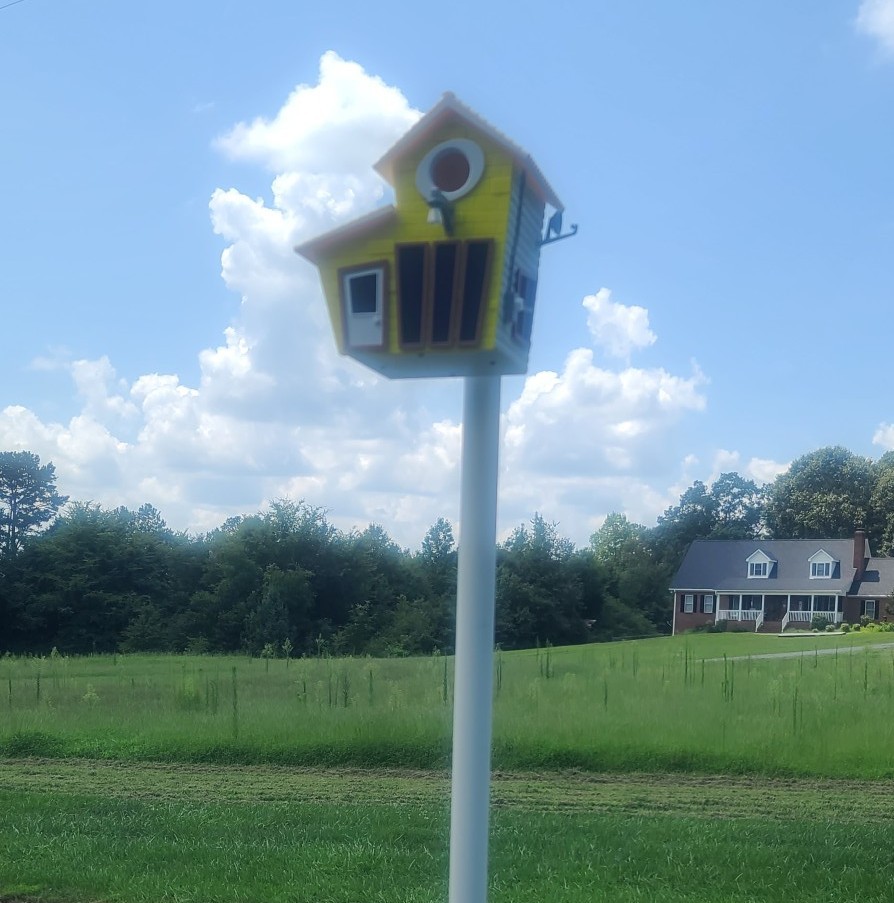
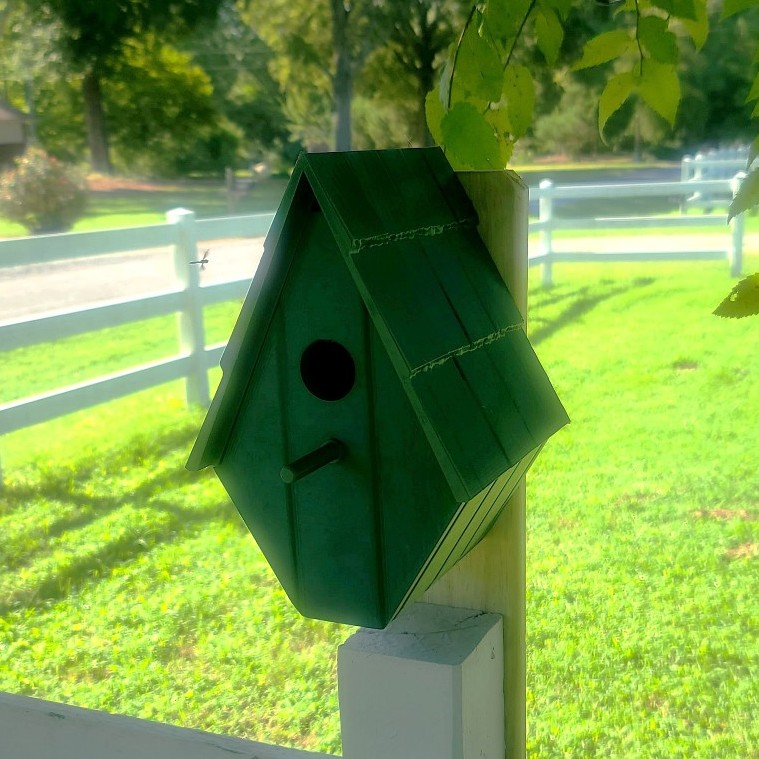
Our NC Yard 3D Printed Bird Houses
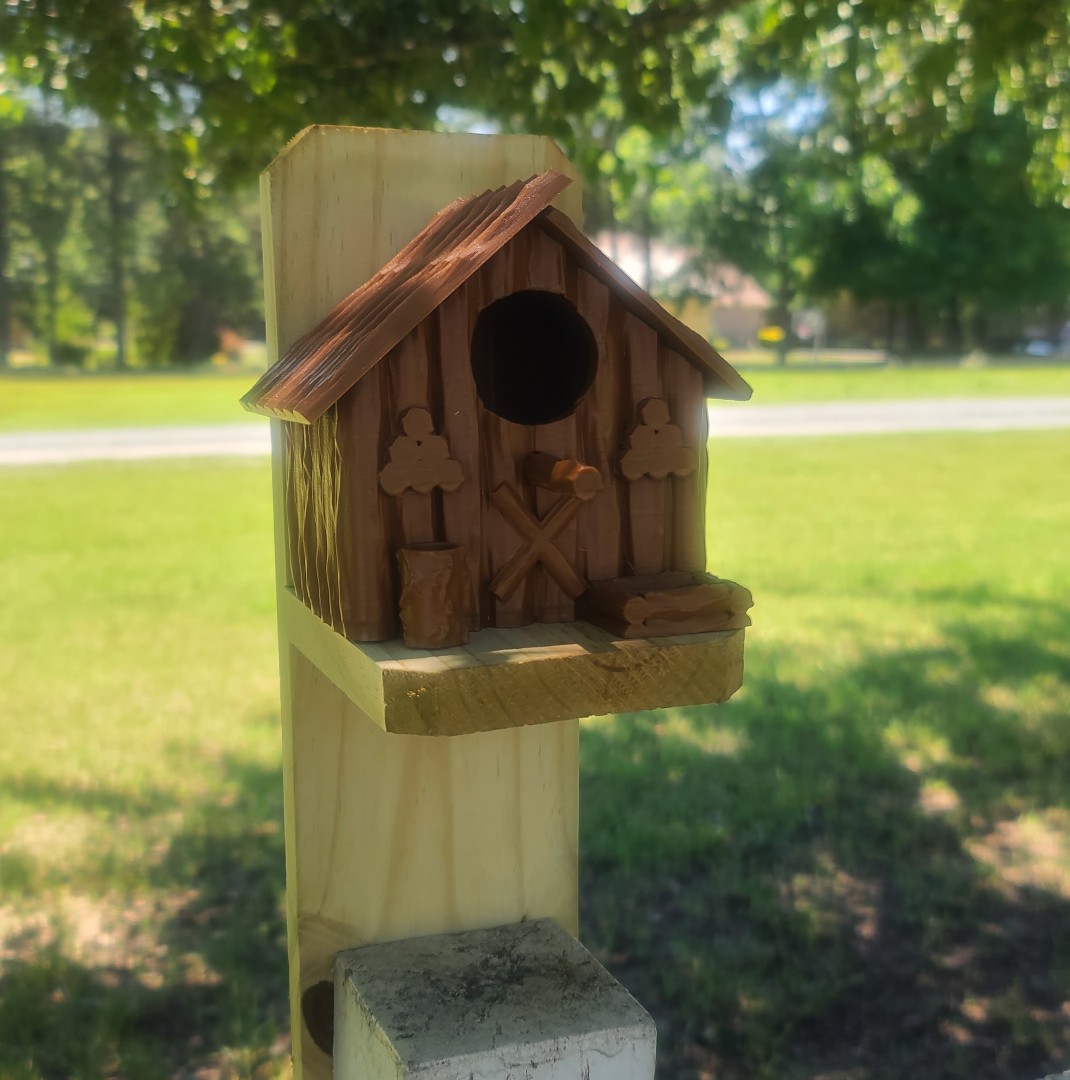
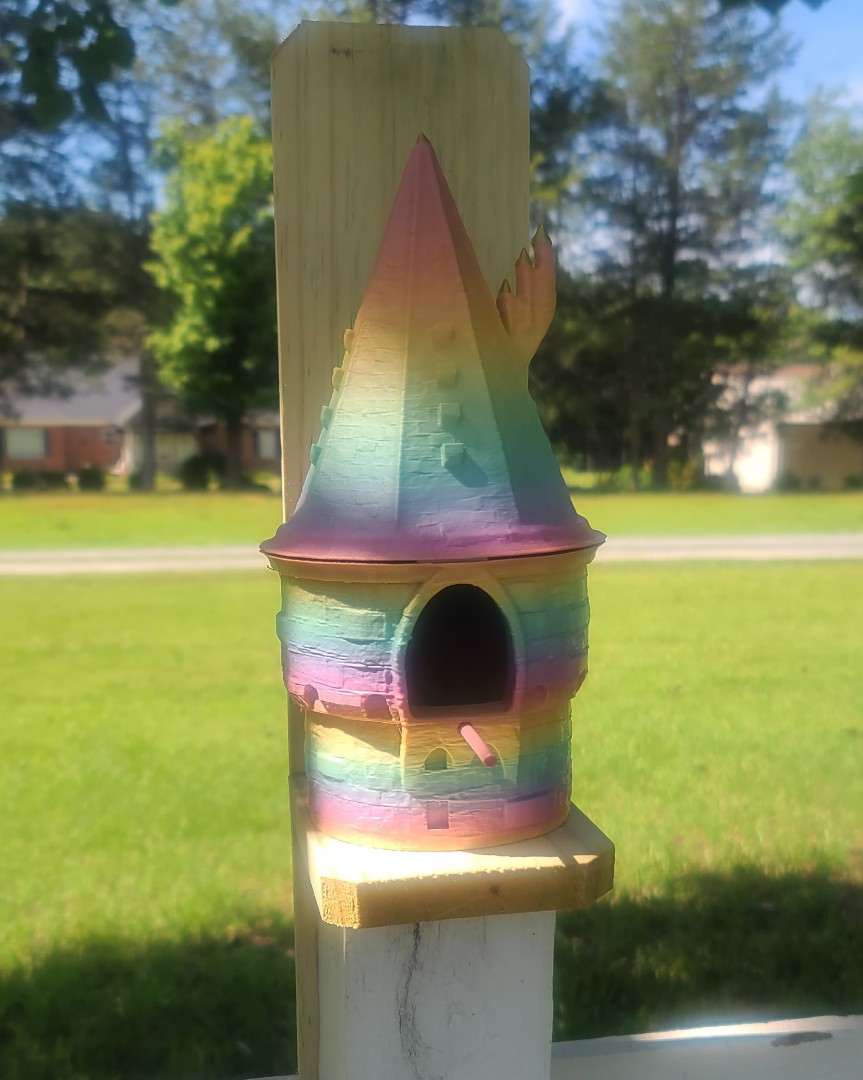
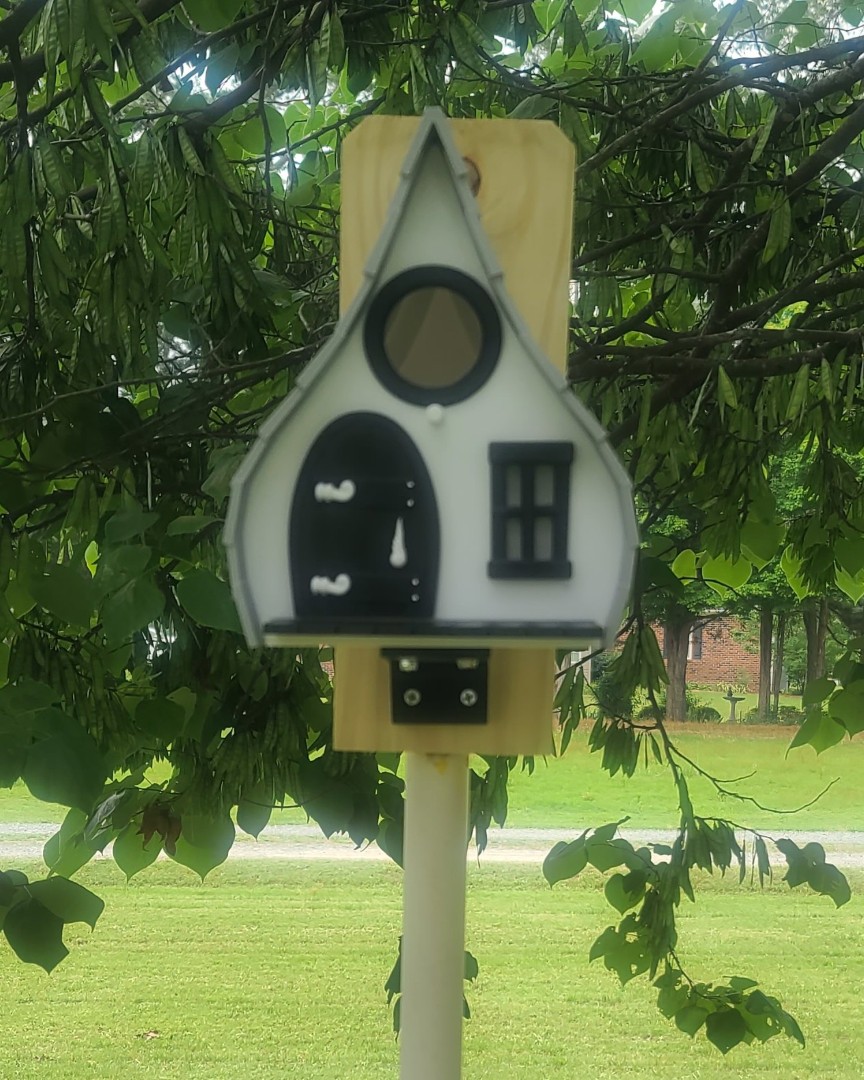
As I stated above, we have several (14 I think) different birdhouses placed around the yard here in NC. All were hand built using pressure treated wood and then painted different colors. Over the many years of use by our many winged friends, even with yearly cleaning and repairs they are starting to look really ragged, so I've decided to start replacing them with various 3D printed birdhouse models. As I work through the printing and assembly of the birdhouse models, I will update “My 3D Printed Bird Houses Print & Build Description” which you can view and download using the link below, and I will also post images of my finished birdhouse models to this section of the webpage.


1:144 Scale LGM-25C Titan II ICBM
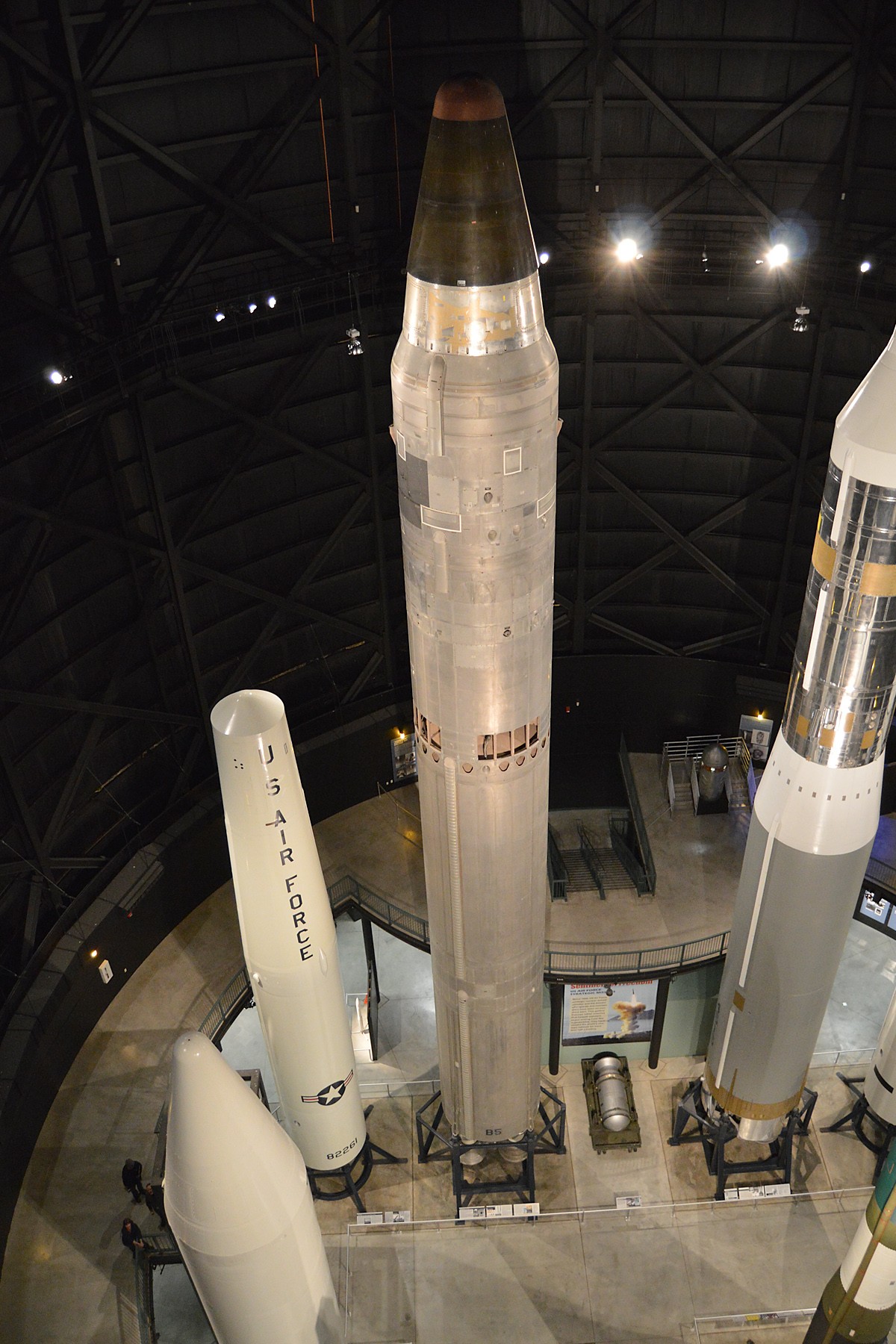
When I first entered the Air Force back in August 1969, after nine months of technical training I was assigned to Little Rock AFB, Arkansas as a Guidance and Control Specialist on the Strategic Air Command LGM-25C Titan II ICBM system. I worked not only on the missile inertial guidance system inside the underground silo, but also performed topside missile alignment surveys at night to ensure the inertial guidance system was properly aligned so the warhead would hit it's intended target some ten-thousand miles away. I was also fortunate enough to participate as a member of the Little Rock AFB Team for two years in the Strategic Air Commands “Olympic Arena” Competition. It was very rewarding service.


Source of Images: Wikipedia.
I have always wanted a model of the LGM-25C Titan II to sit on my shelf along with all the other models of the USAF systems/programs (B-52 AGM-69 SRAM, C-17, KC-135 GATM, RQ-4 Global Hawk, Litening Targeting Pod, and others) I worked on during my 41 years with the Air Force. So now that I have a nice 3D printer, I am finally going to be able to fill that wish.
Cruising around on the web I was able to locate a very nice 1:144 scale 3D model by ESzczesniak on Cults3d.com. The package includes 10 STL files representing stages, nozzles, engine truss, warhead, and stand. This is a fairly simple model. The assembled model in the images below was painted and then spare decals from aircraft model kits used for the markings.
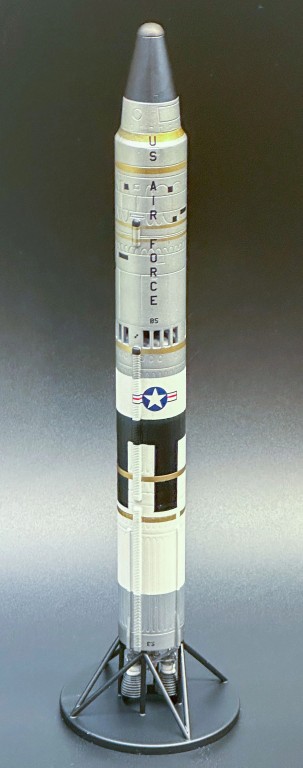
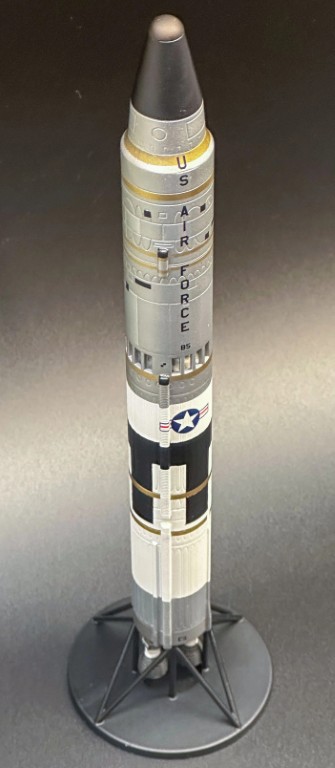
Source of Images: Cults3d.com.
After working my way through print setup, lots of hours of 3D printing, and model assembly, I finally had a nice Titan II model to add to my collection. You can read more about my efforts in the build description listed below.
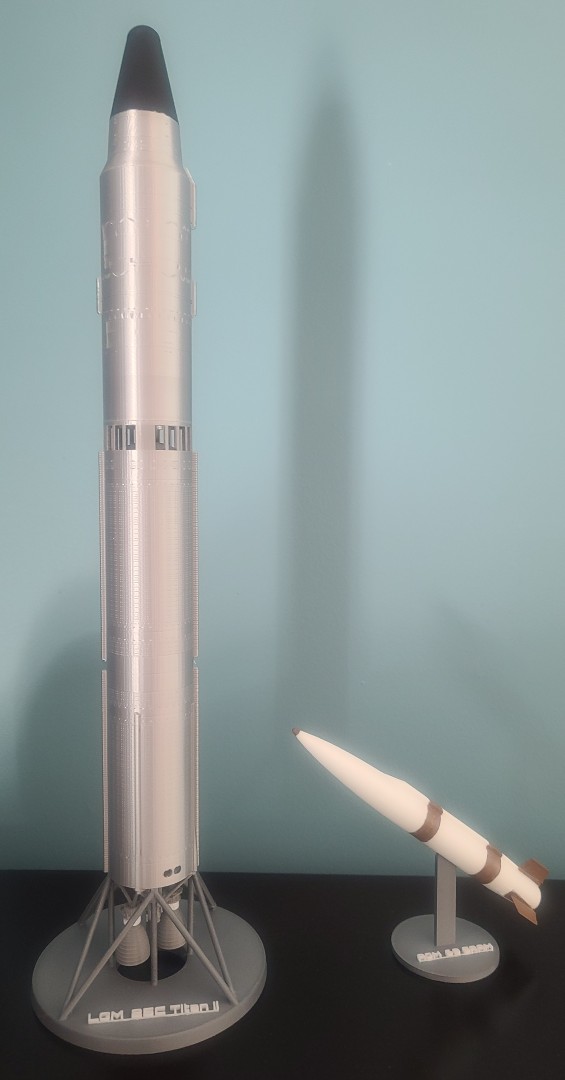
1:144 Scale LGM-25C Titan II ICBM 3D Print & Assembly Description.
LEGO Mini-figures Holders
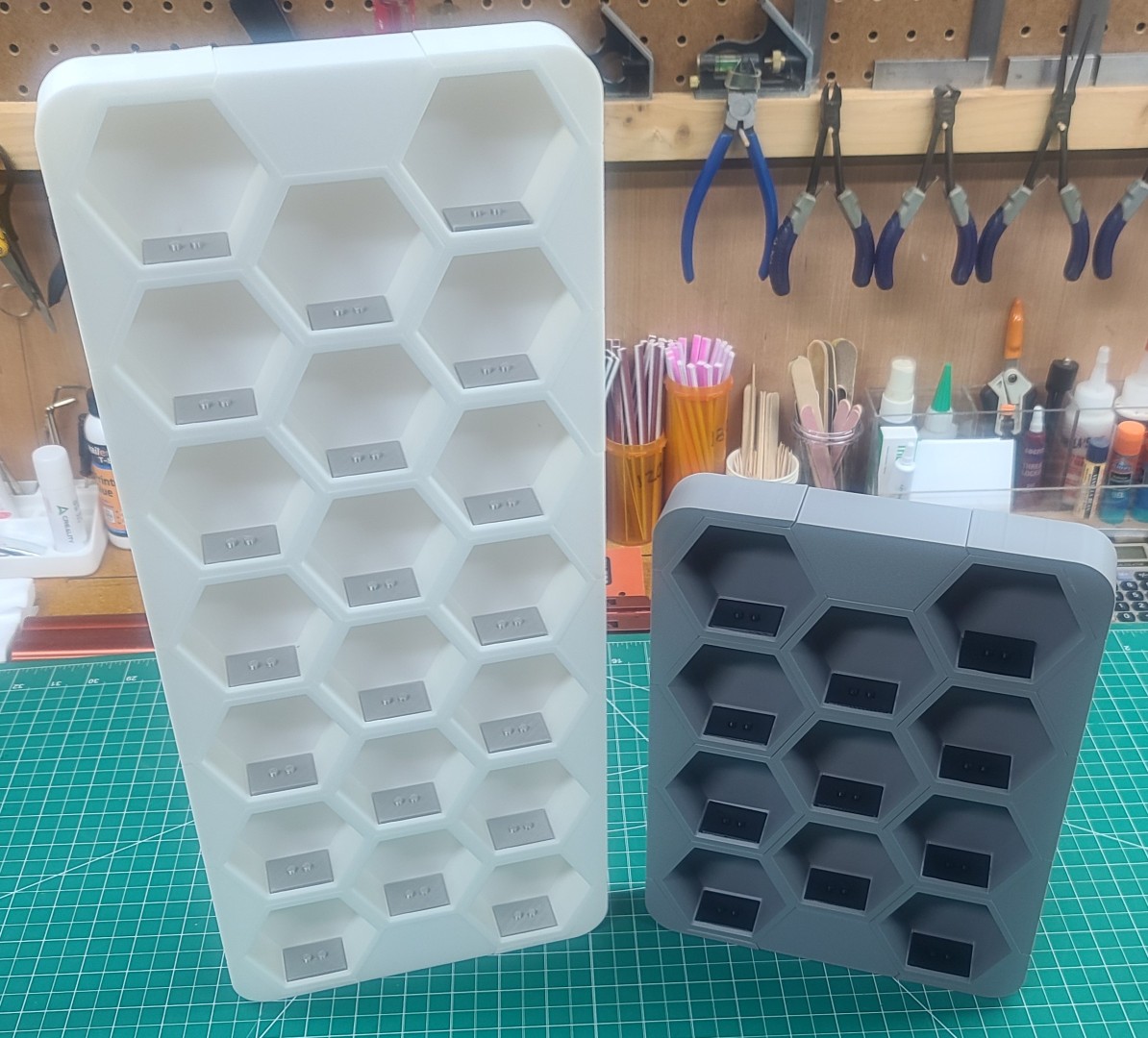
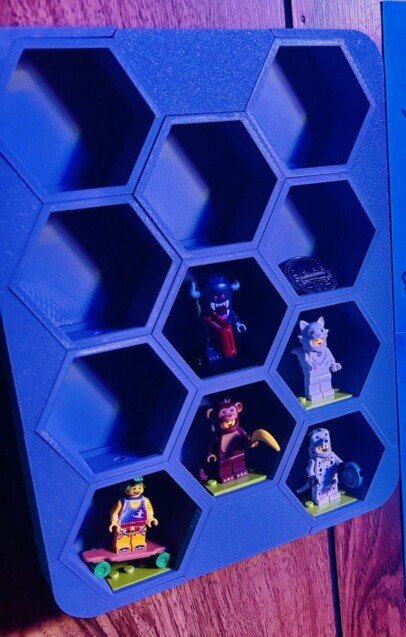
I have three members of my family who are real LEGO lovers, my Grandson August, my oldest son Kent, and his beautiful wife Beth. Anyone who has built some LEGO sets knows they generally come with some kind of LEGO mini-figures. To help keep these little critters from running off and getting lost some clever 3D designers have come up with several different styles of mini-fig display stands. With a little web research, I was able to find what I felt would work well for my LEGO lovers in a design from Metaman @: Cults 3D.
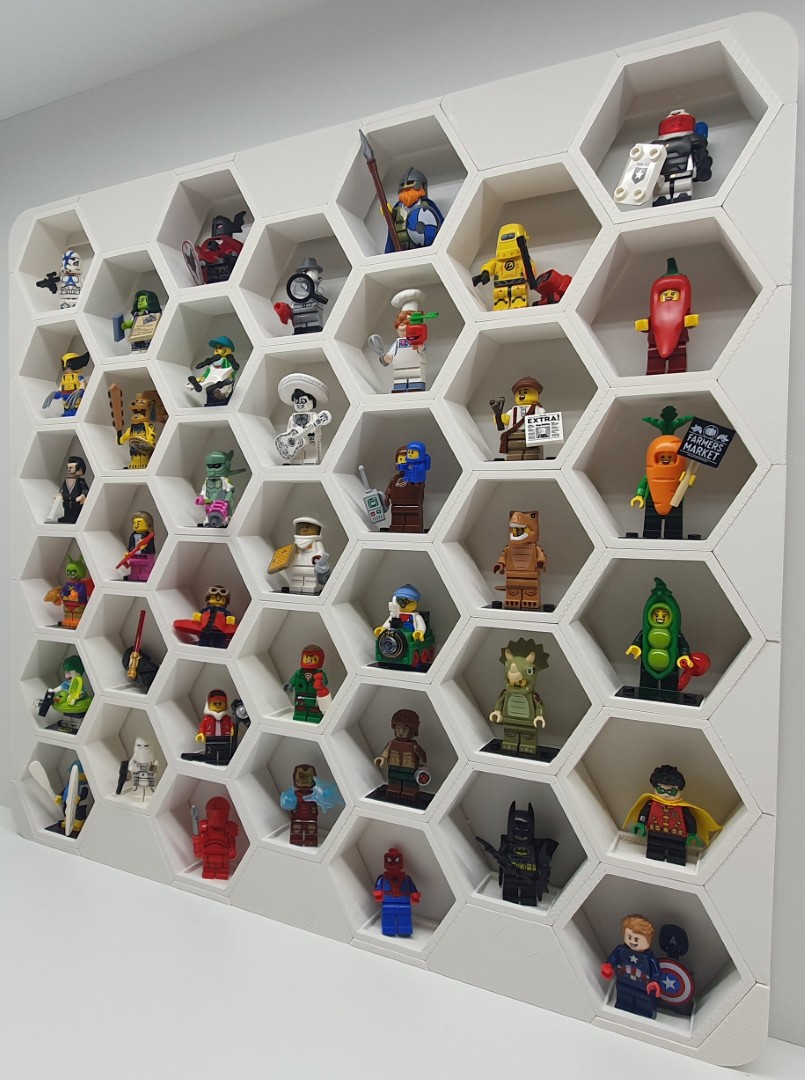
Source of Images: Cults 3D.
Well, my LEGO lovers have now placed orders for their mini-figs display stands. Gus's will have 11 cubies in a Light Gray frame and Black mini-fig bases, and Kent's will have 20 cubies in a White frame and Silk Silver mini-fig bases. The design of the stands are such that as their collections grow, I can 3D print more cubies to add to their display stands. All the required parts will be printed on my Ender-3 V3 using a 0.4mm nozzle with a 0.2mm layer height.
After having to modify a couple of the provided parts so they would fit properly, I finished the two display stands shown in the images below. The lights in Gus's “Man cave” makes his gray holder in the right image appear blue.
OA-1K Skyraider II 3D Modeling Efforts
In all my 37+ years of building Balsa RC Models, I had never entertained the idea of using 3D Modeling & Printing to build some of the parts for my RC scratch builds. Well, all that changed when I decided to scratch build the OA-1K Skyraider II.
Given that my OA-1K scratch build would require a wide selection of ordnance and a targeting pod hanging below it's wing, this presented a new problem as to just how I would build those. So, I started looking for some ordnance models to purchase, which rapidly introduced me to all the stuff available using 3D Modeling & Printing. The more I searched the web for related information the more I realized that I needed to learn how to build 3D models and generate the files I would need for 3D printing.
To do this I first needed to learn how to use a 3D CAD program that would produce the “STL” (stereolithography) file required for 3D printing. So, I was off again learning yet another new computer program and jumping feet first into the world of 3D modeling.
As you can see from the images below, I have spent many hours learning how to build 3D models and learning how to use a very nice Creality Ender-3 V3 3D printer to produce the various 3D printed parts I needed for my OA-1K Skyraider II scratch build. To learn more about what all I have learned, and produced, please take a few minutes to page down through my "OA-1K Skyraider II 3D Modeling Efforts" document.
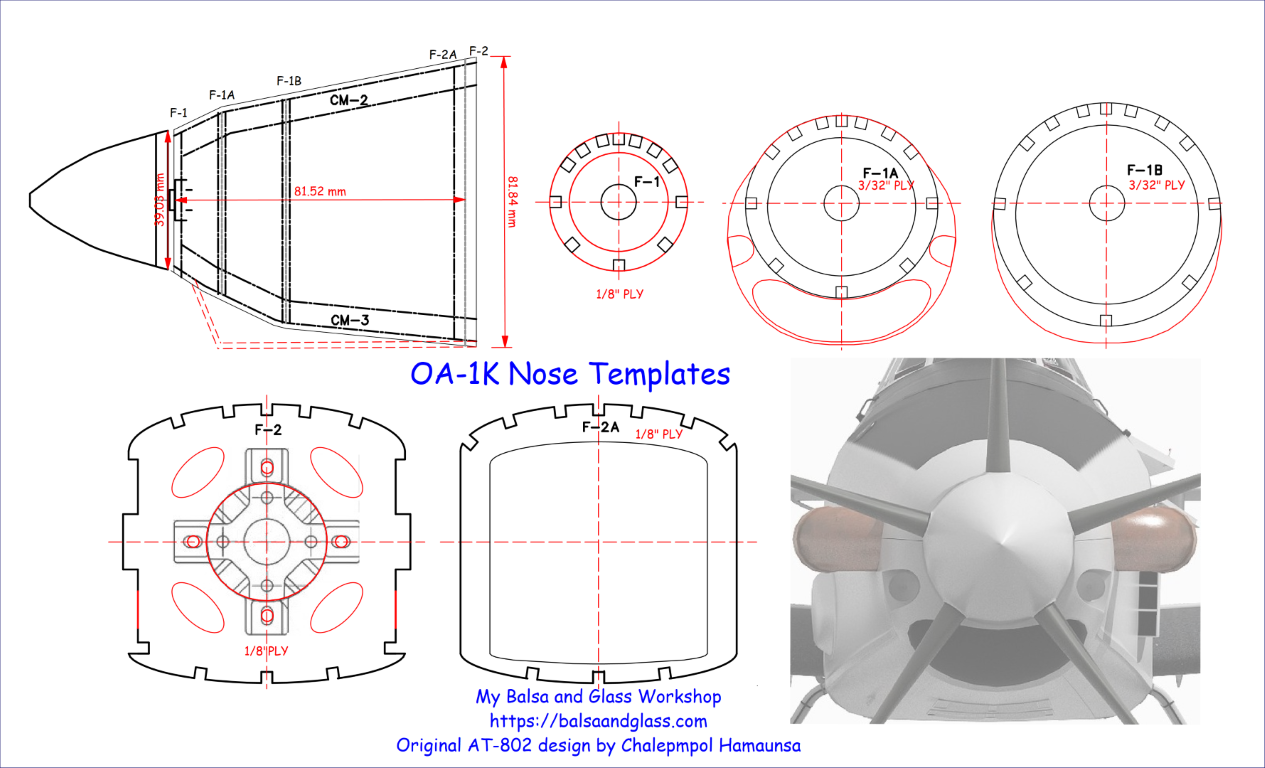
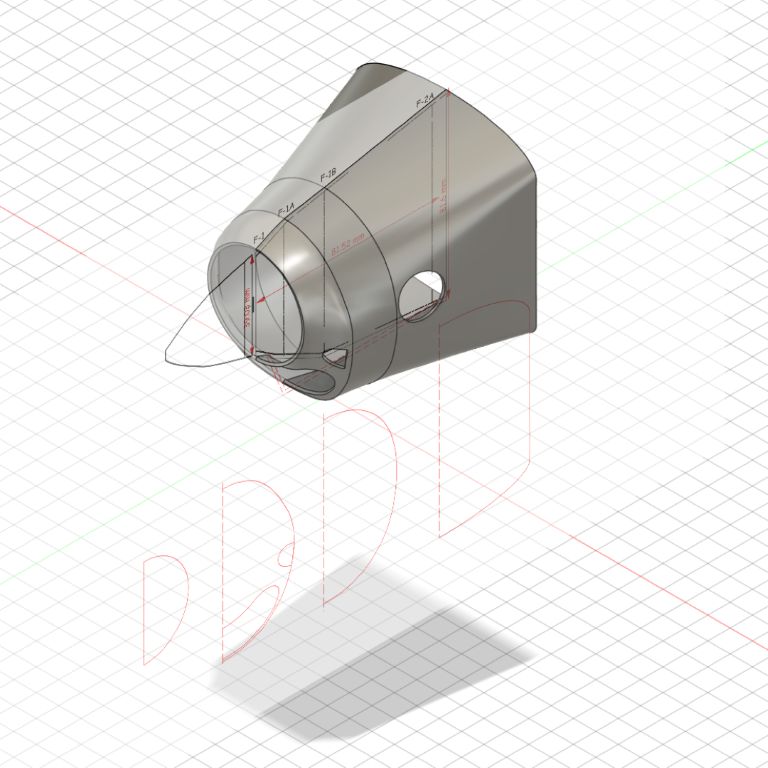
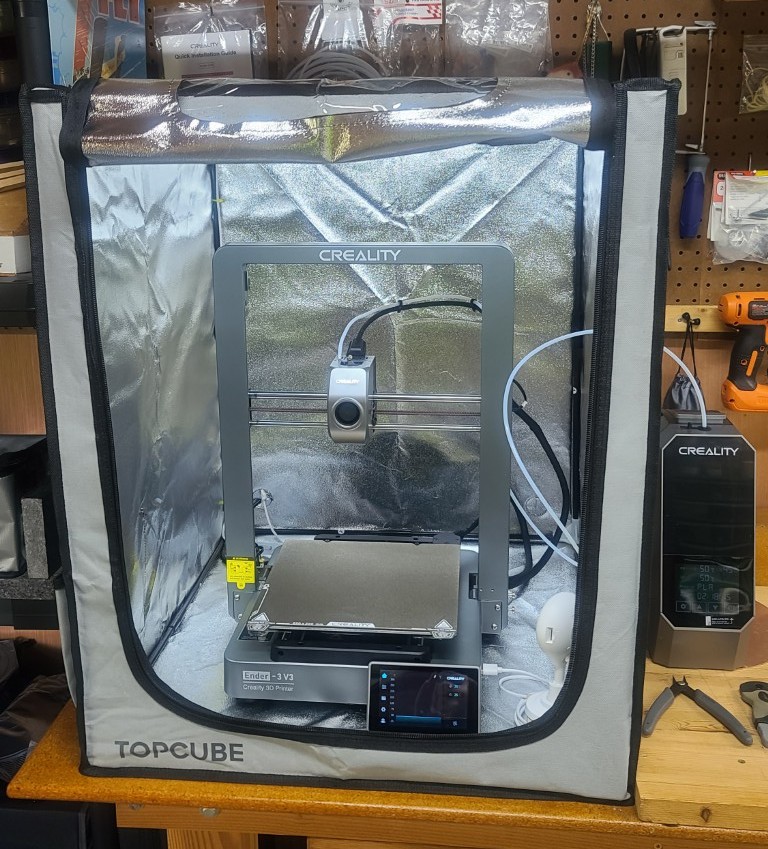
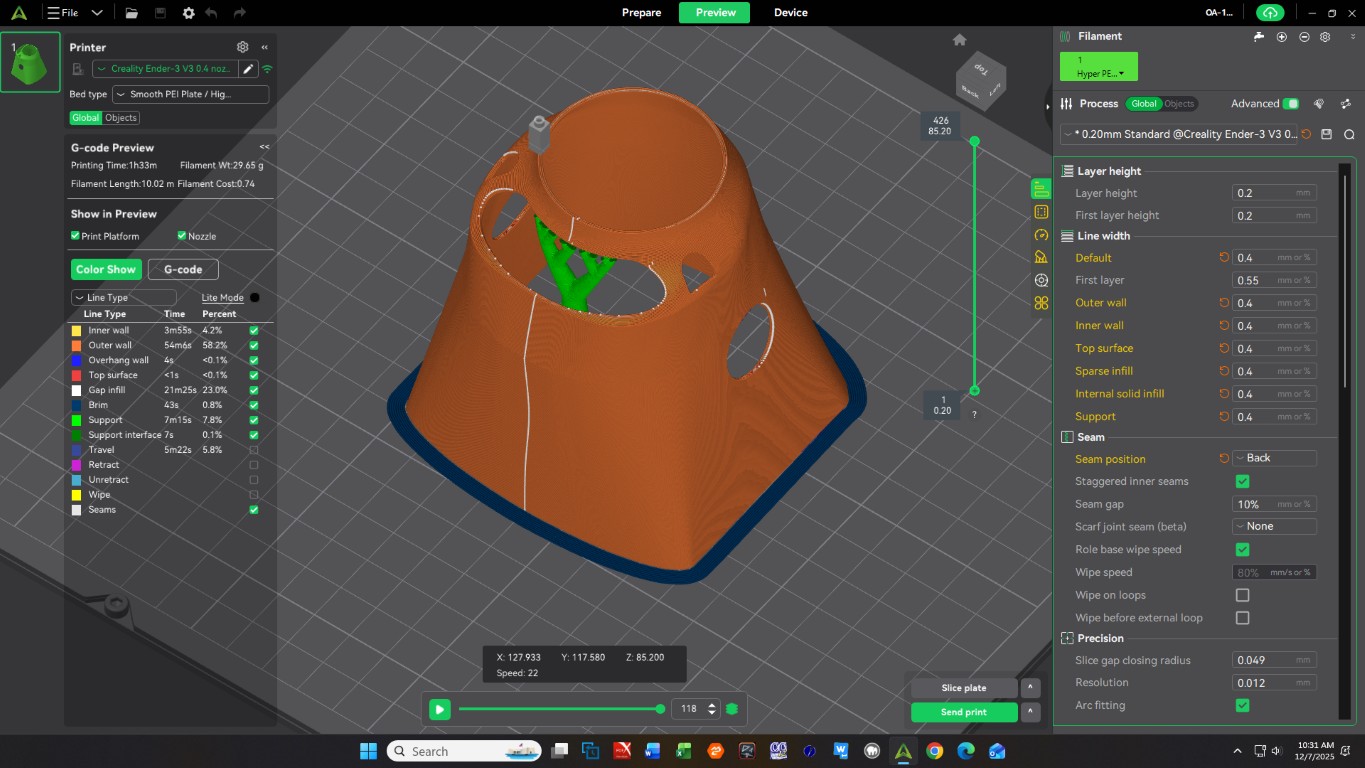
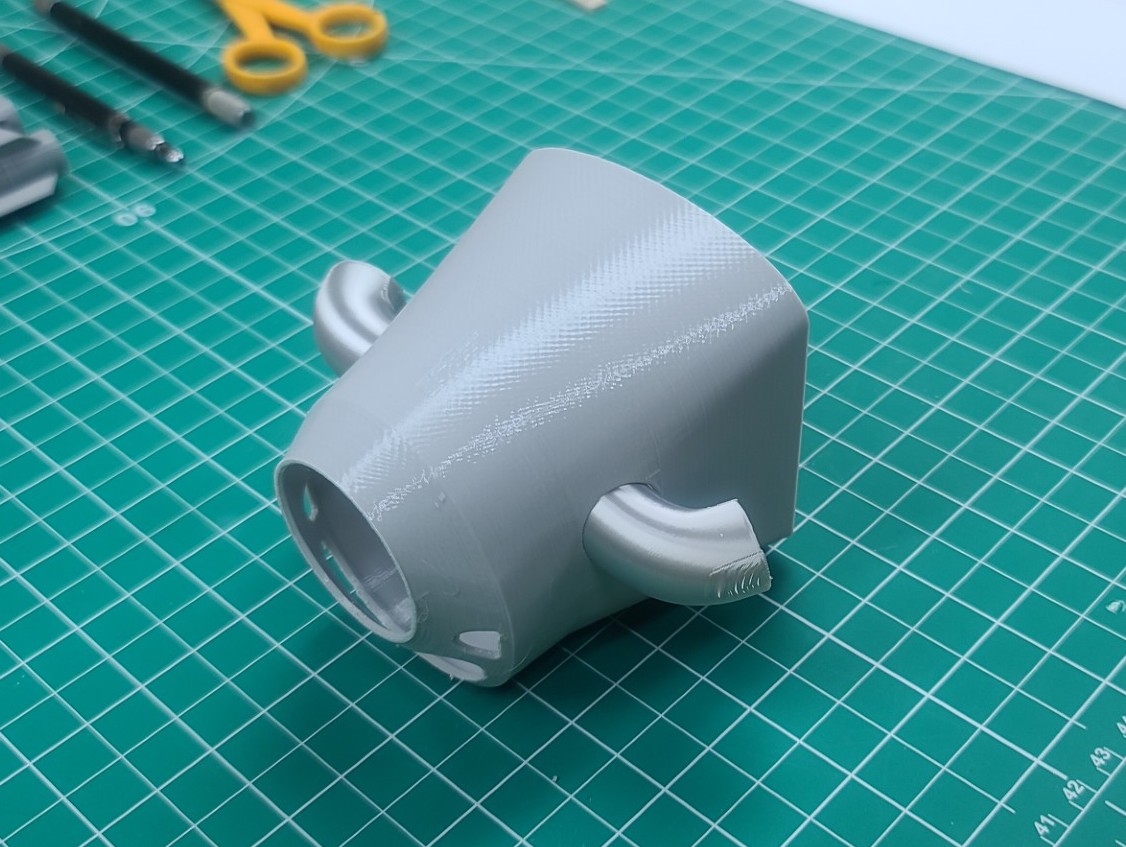
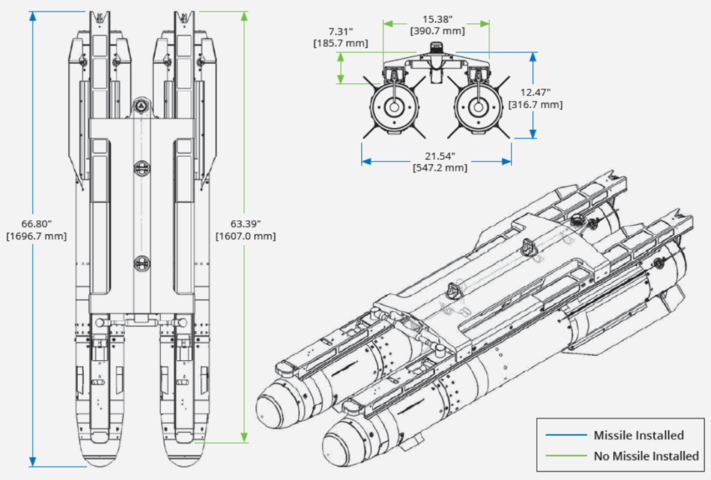
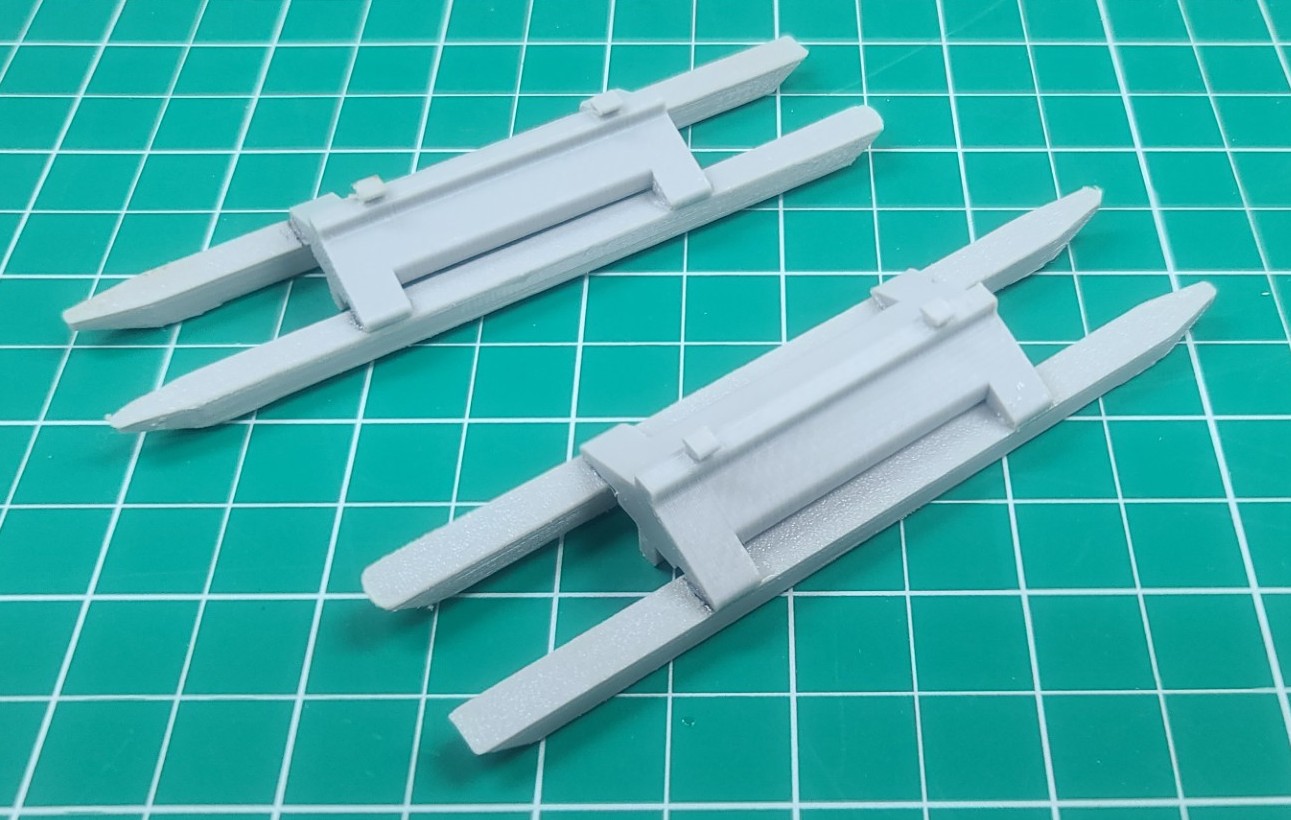
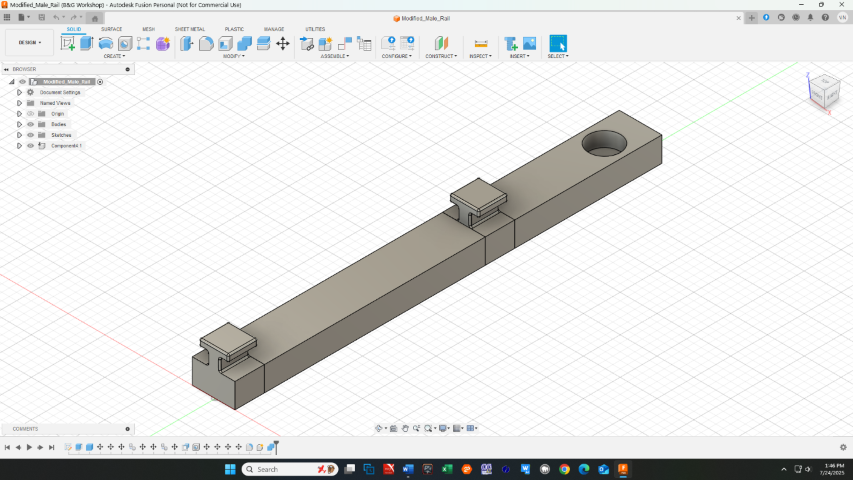
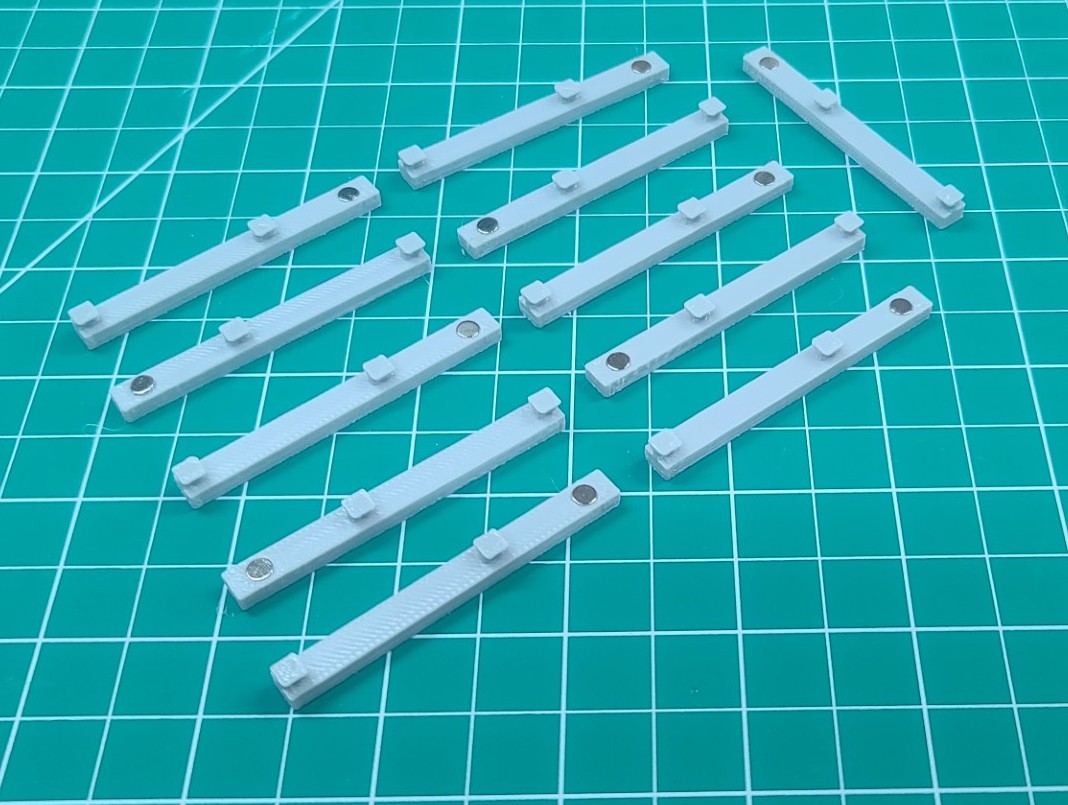
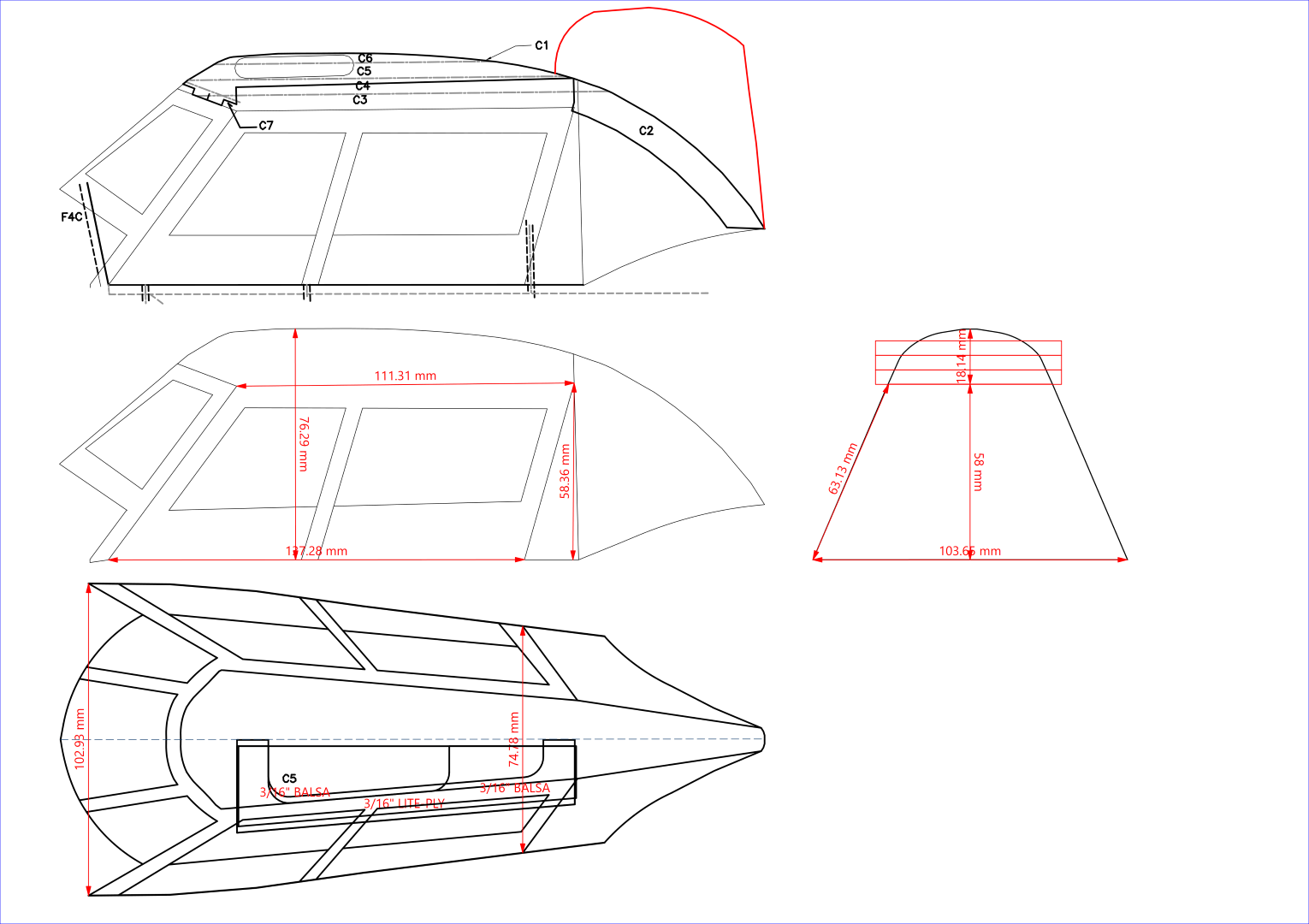
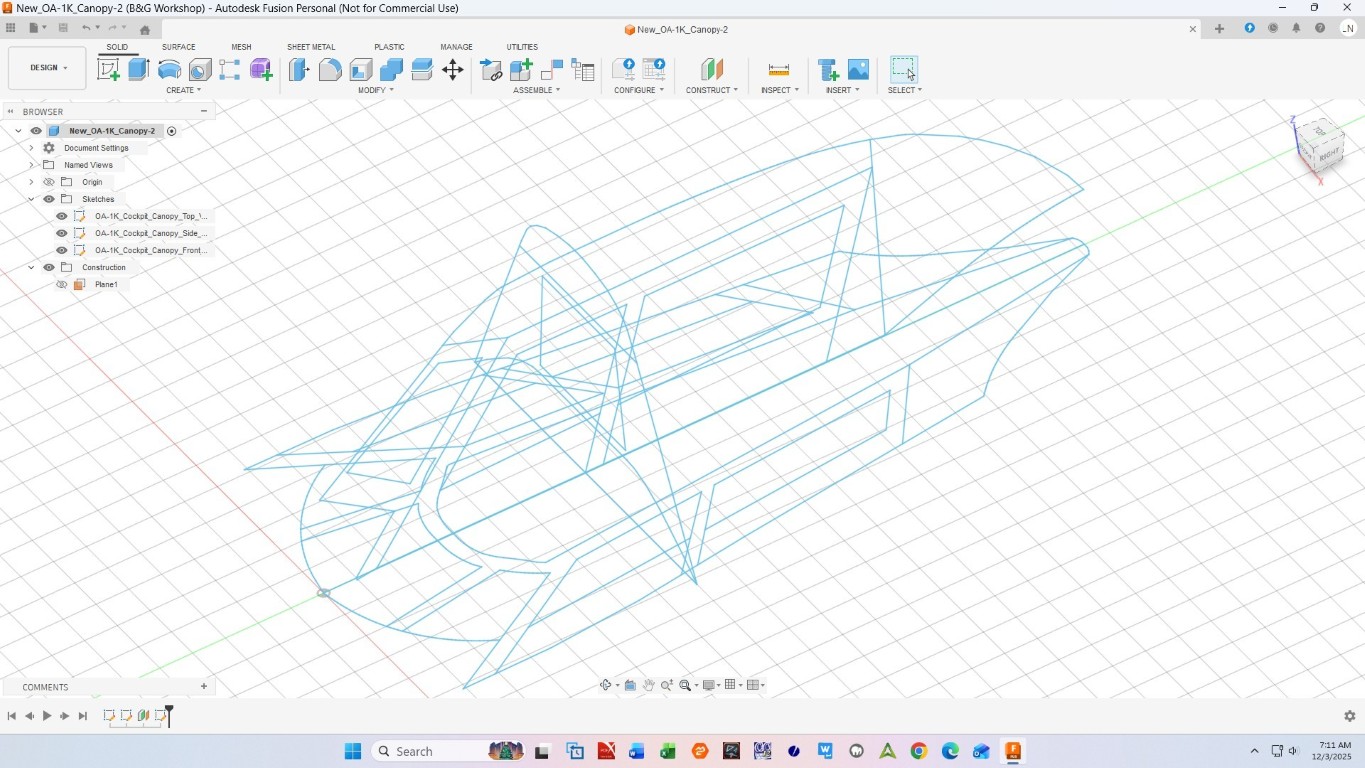
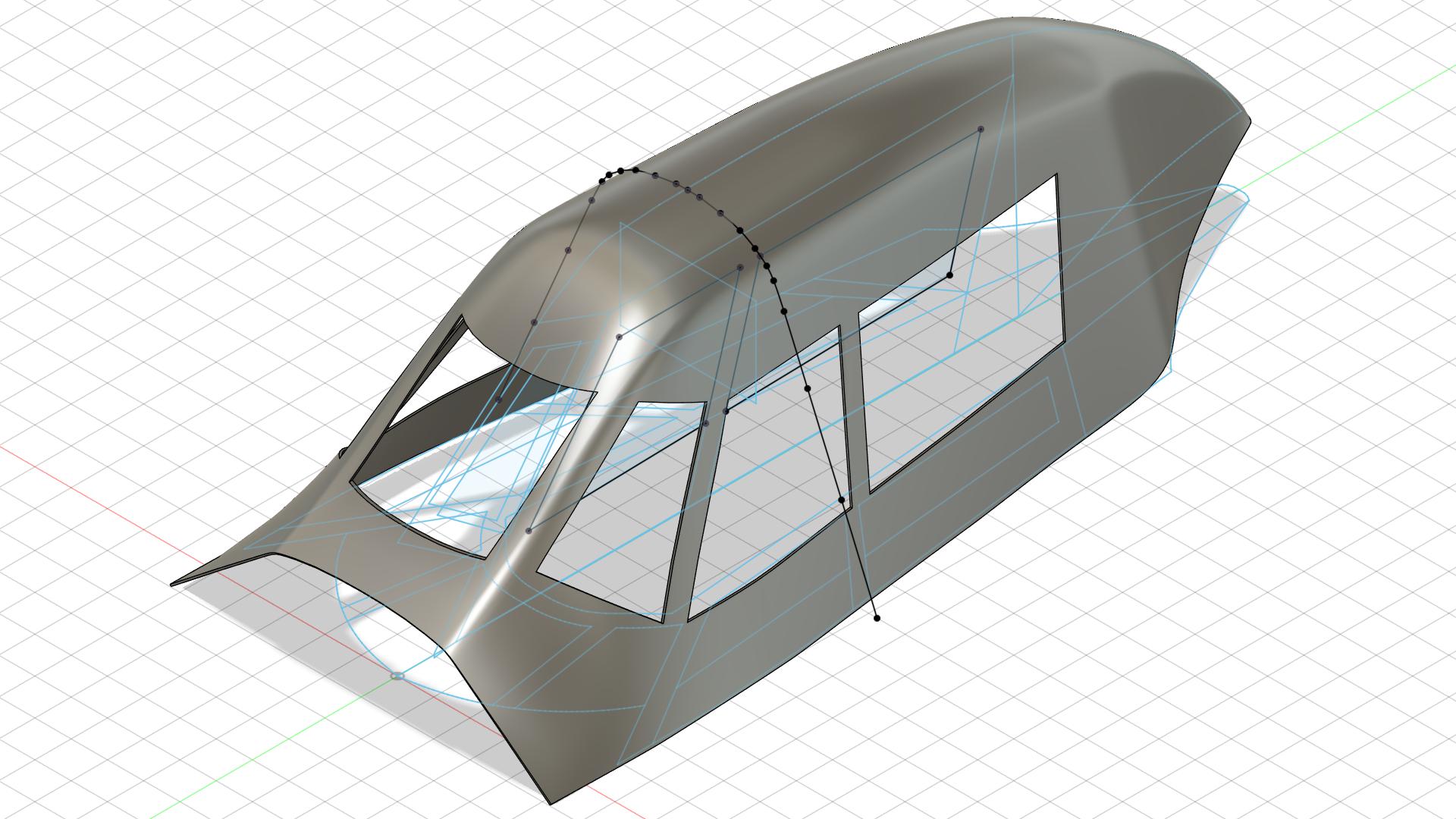
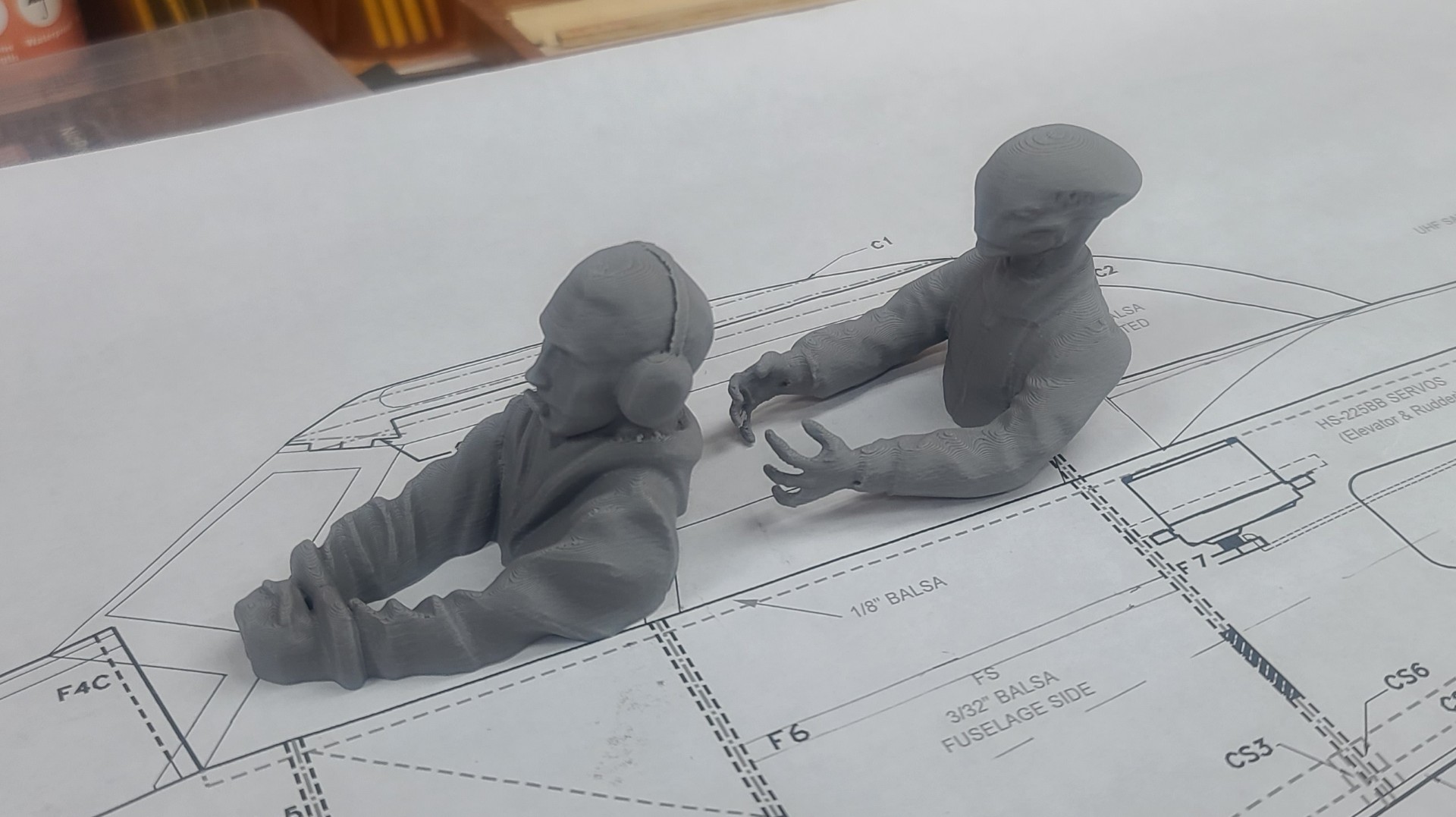
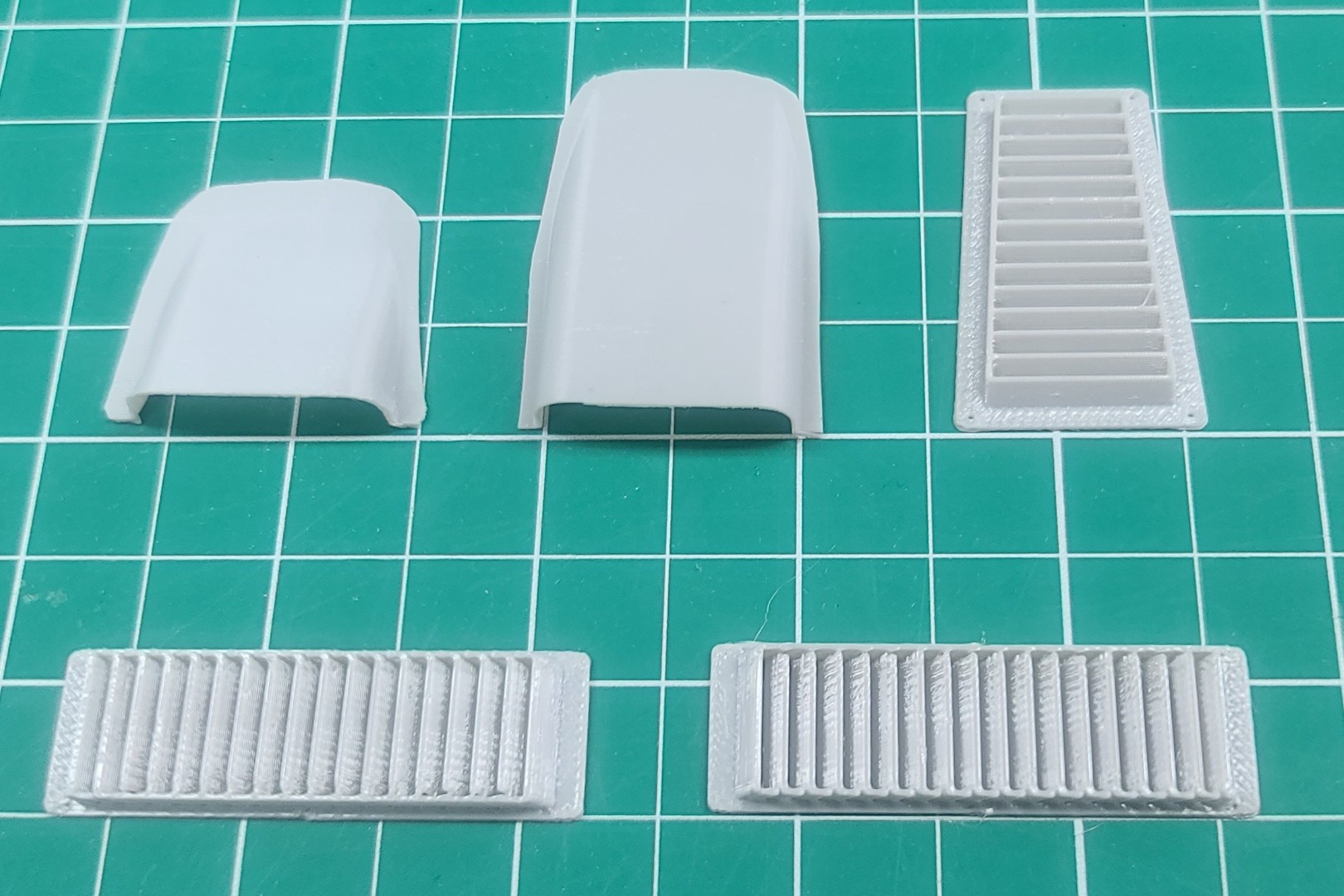
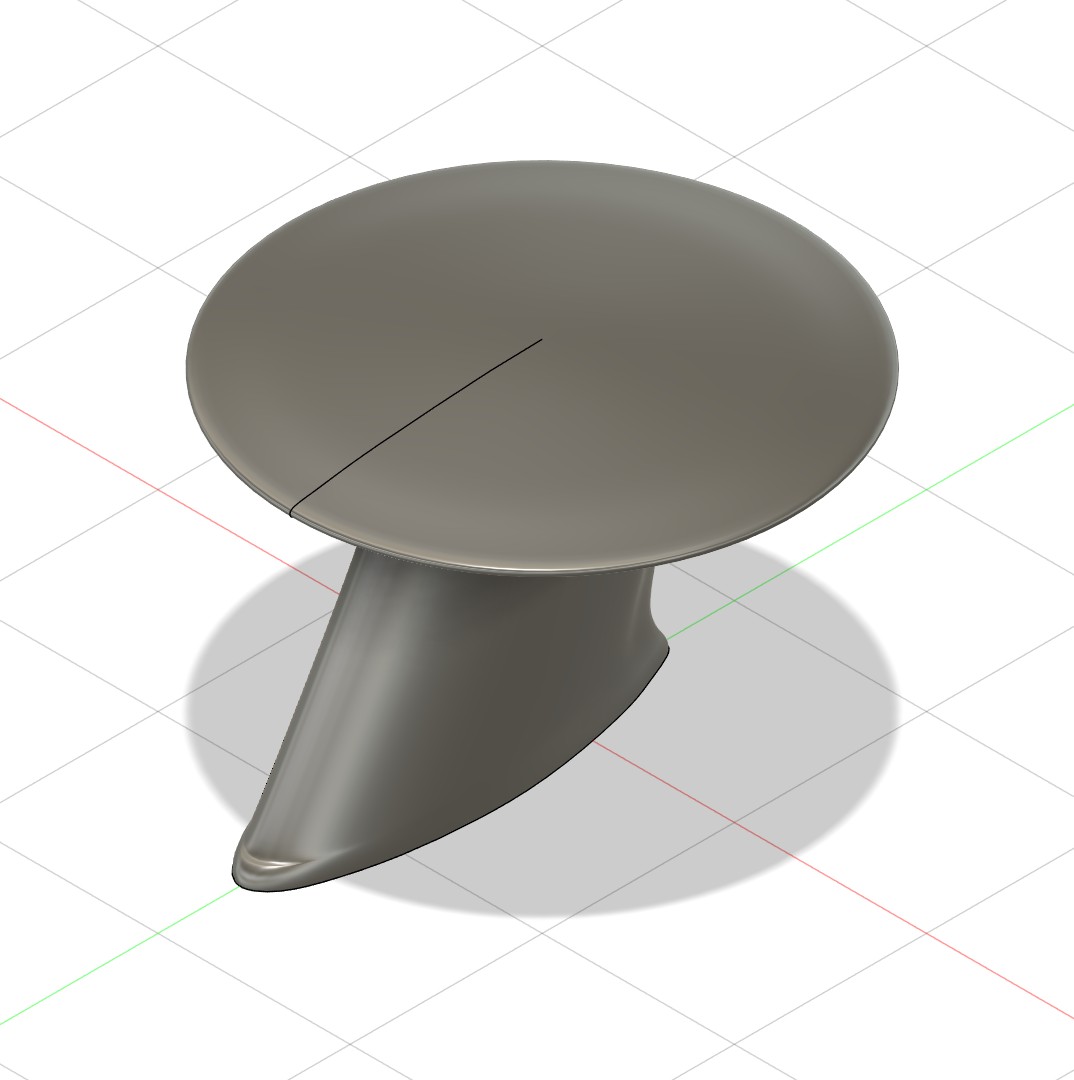
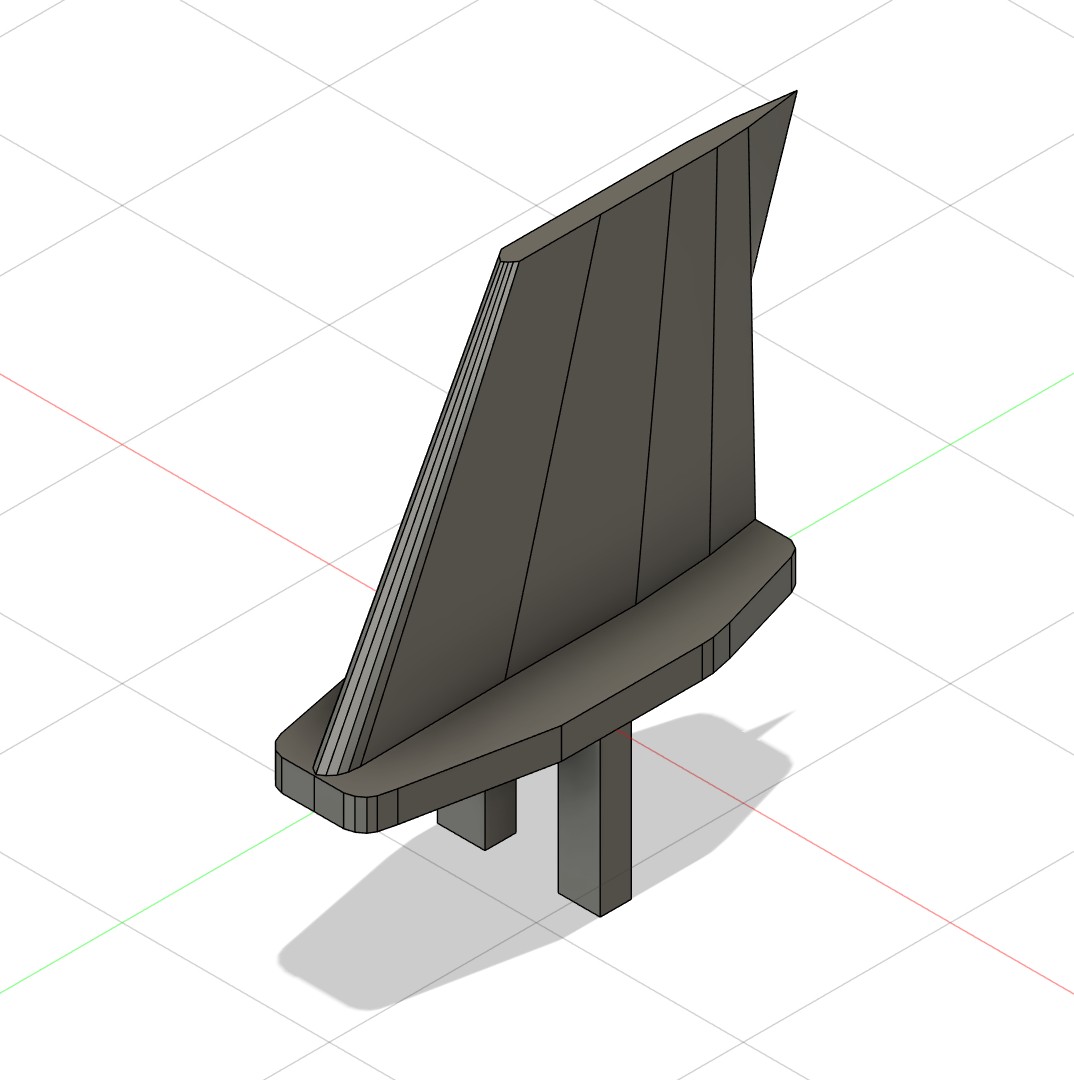
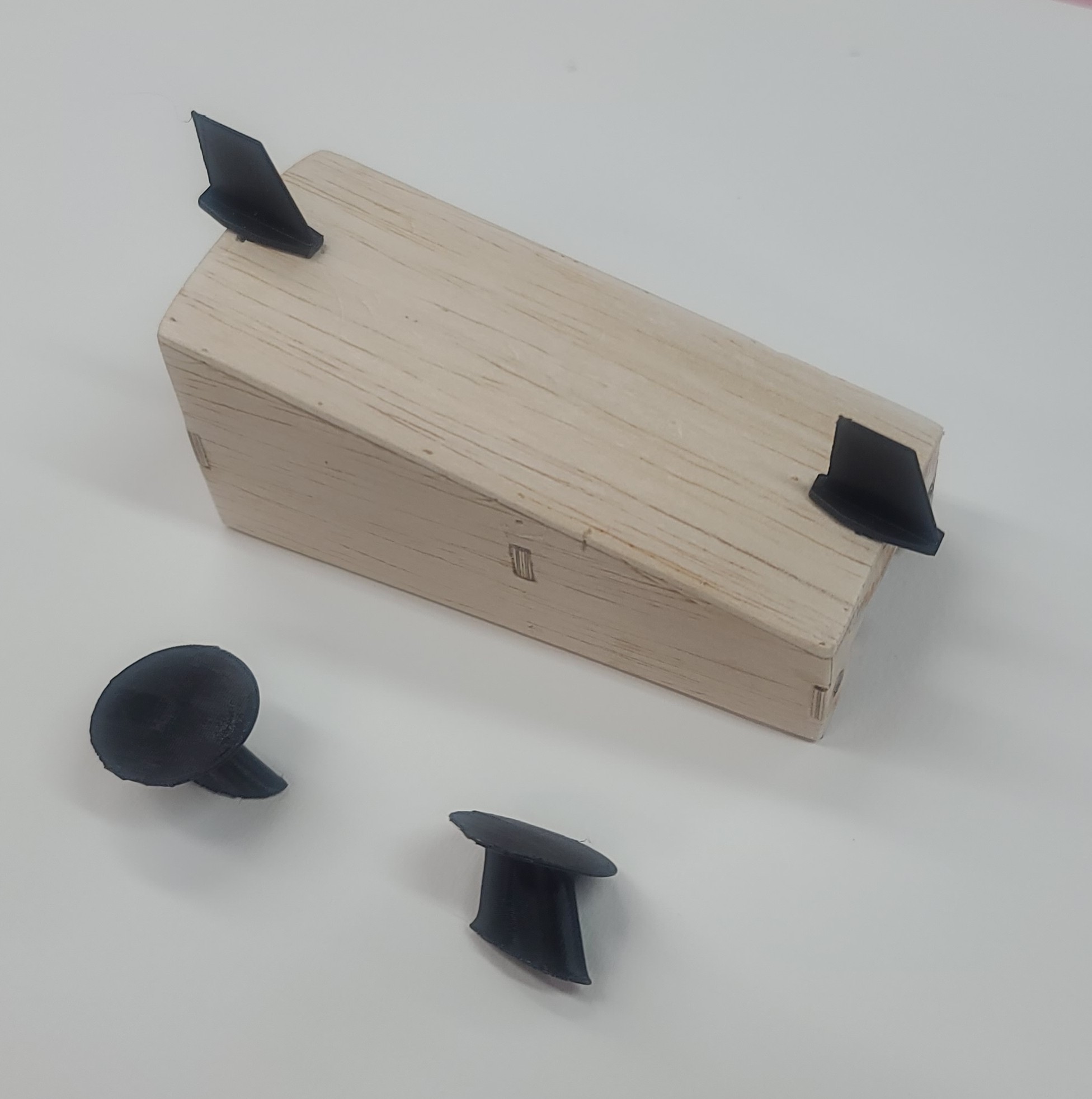
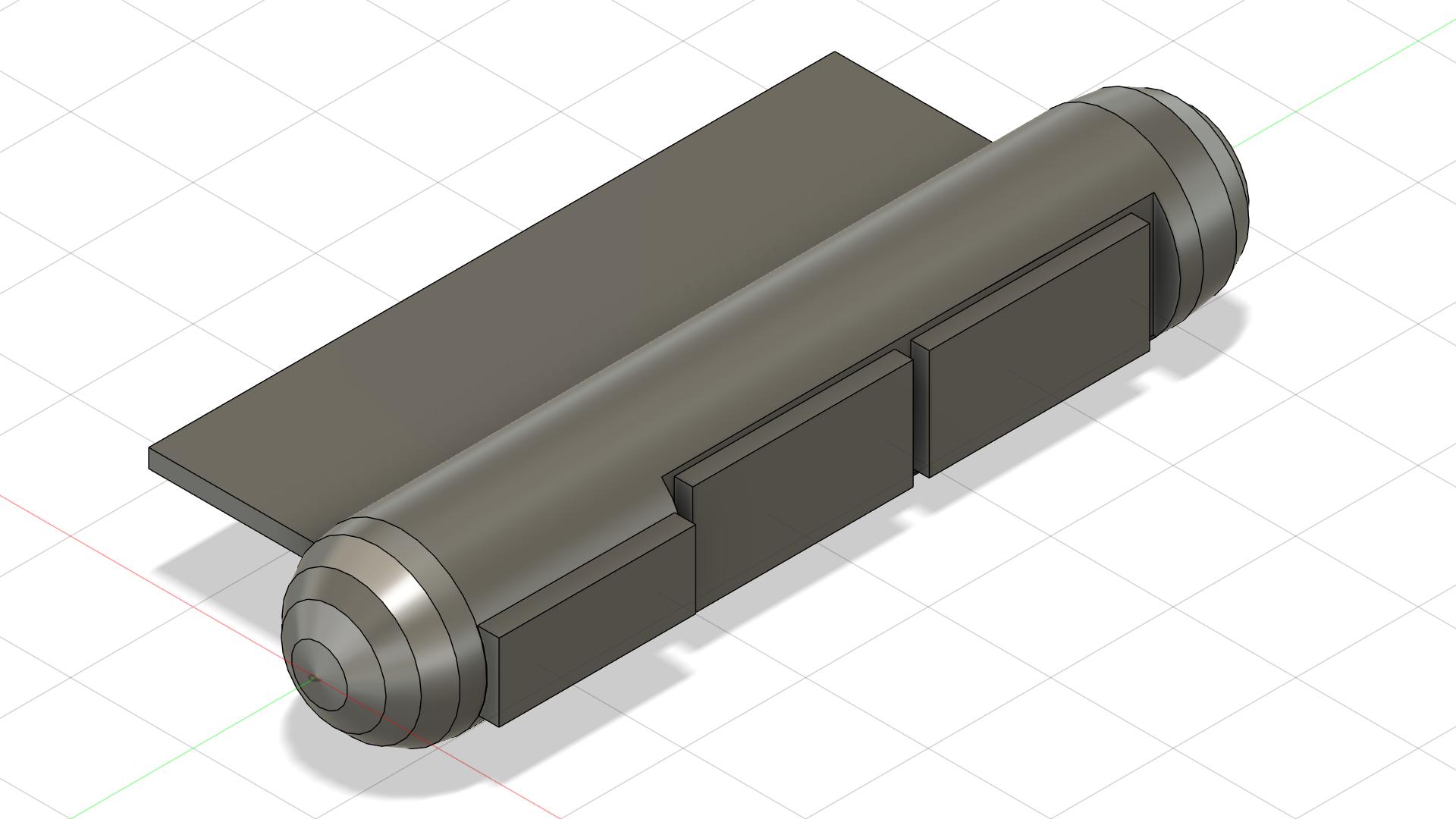
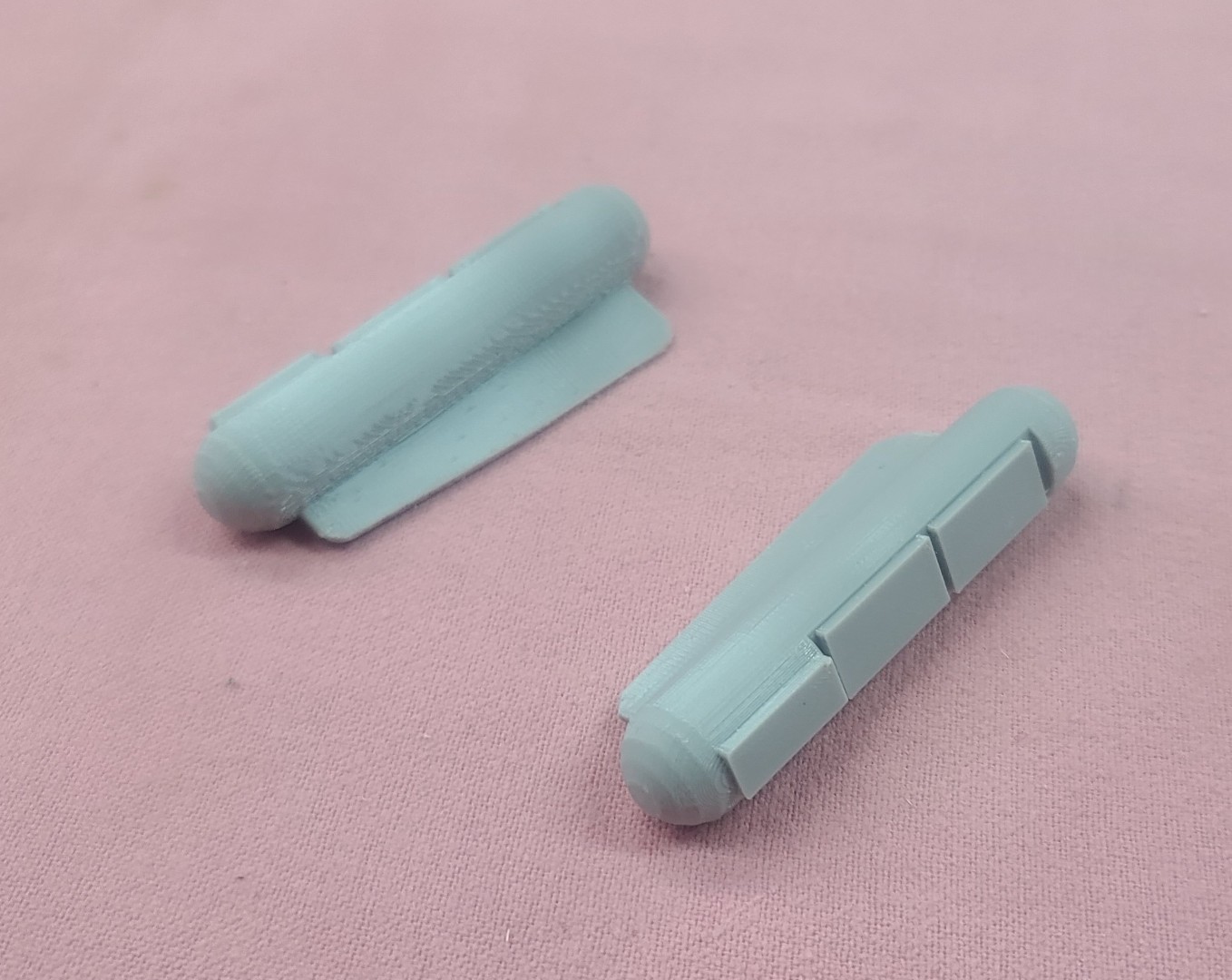
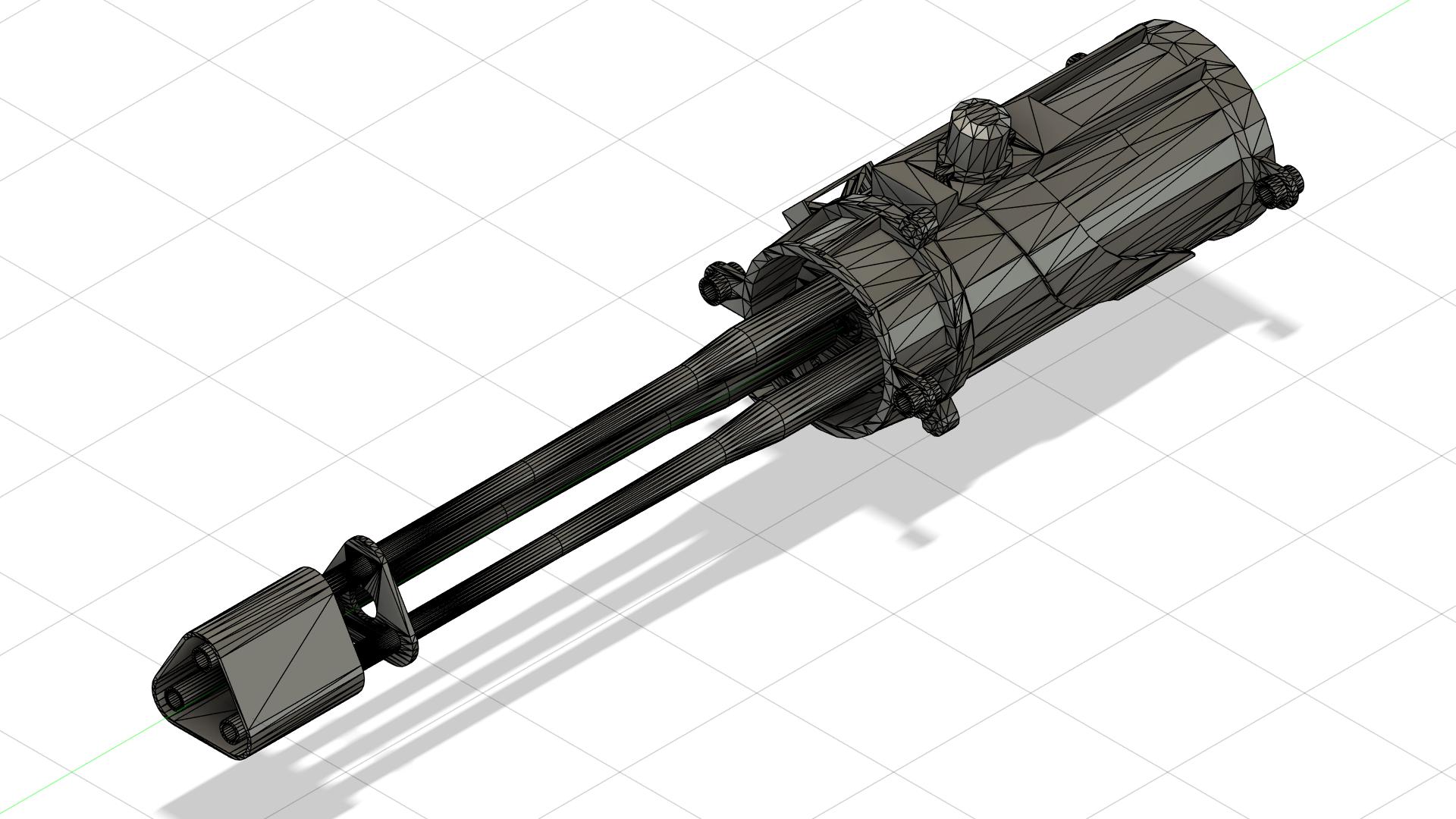
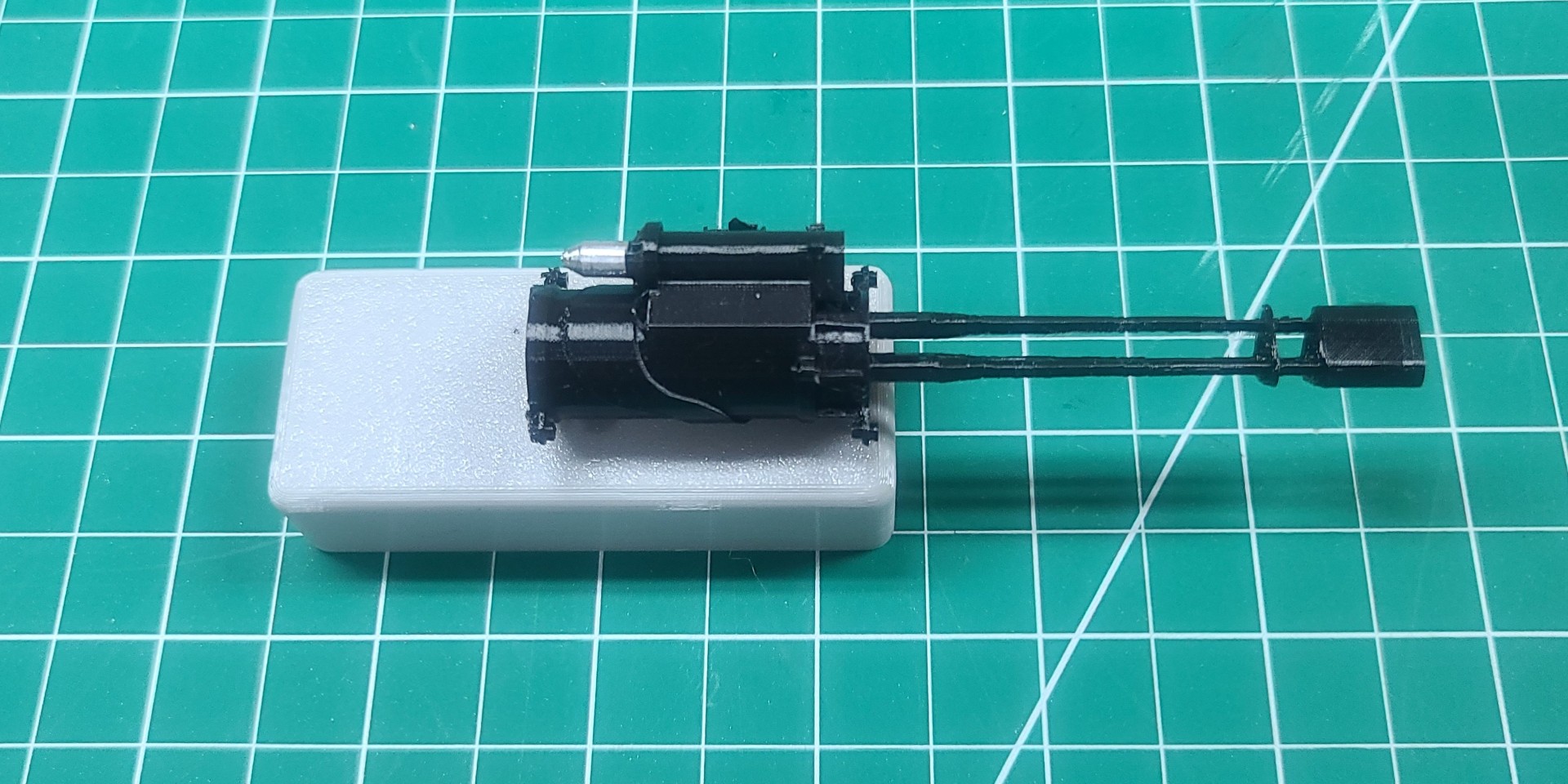
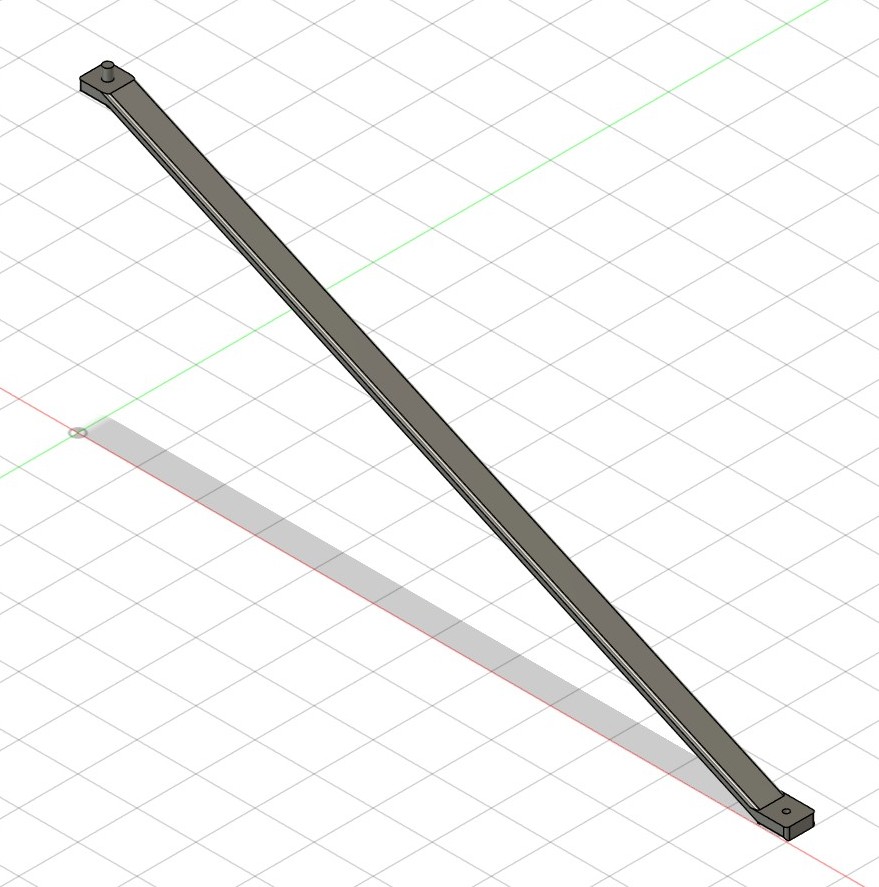
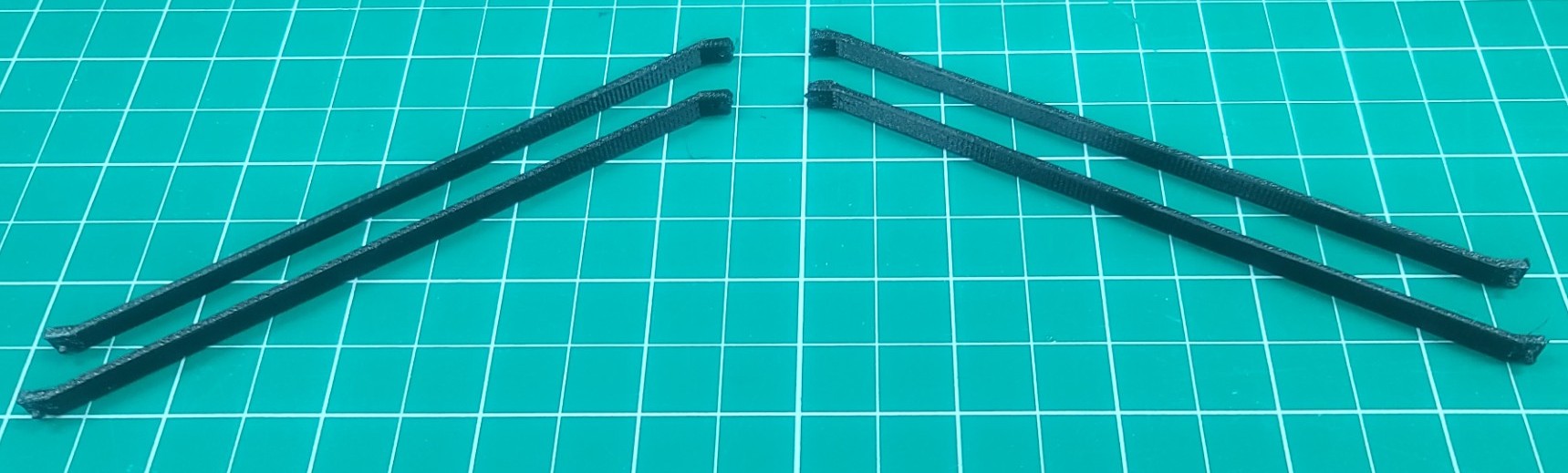
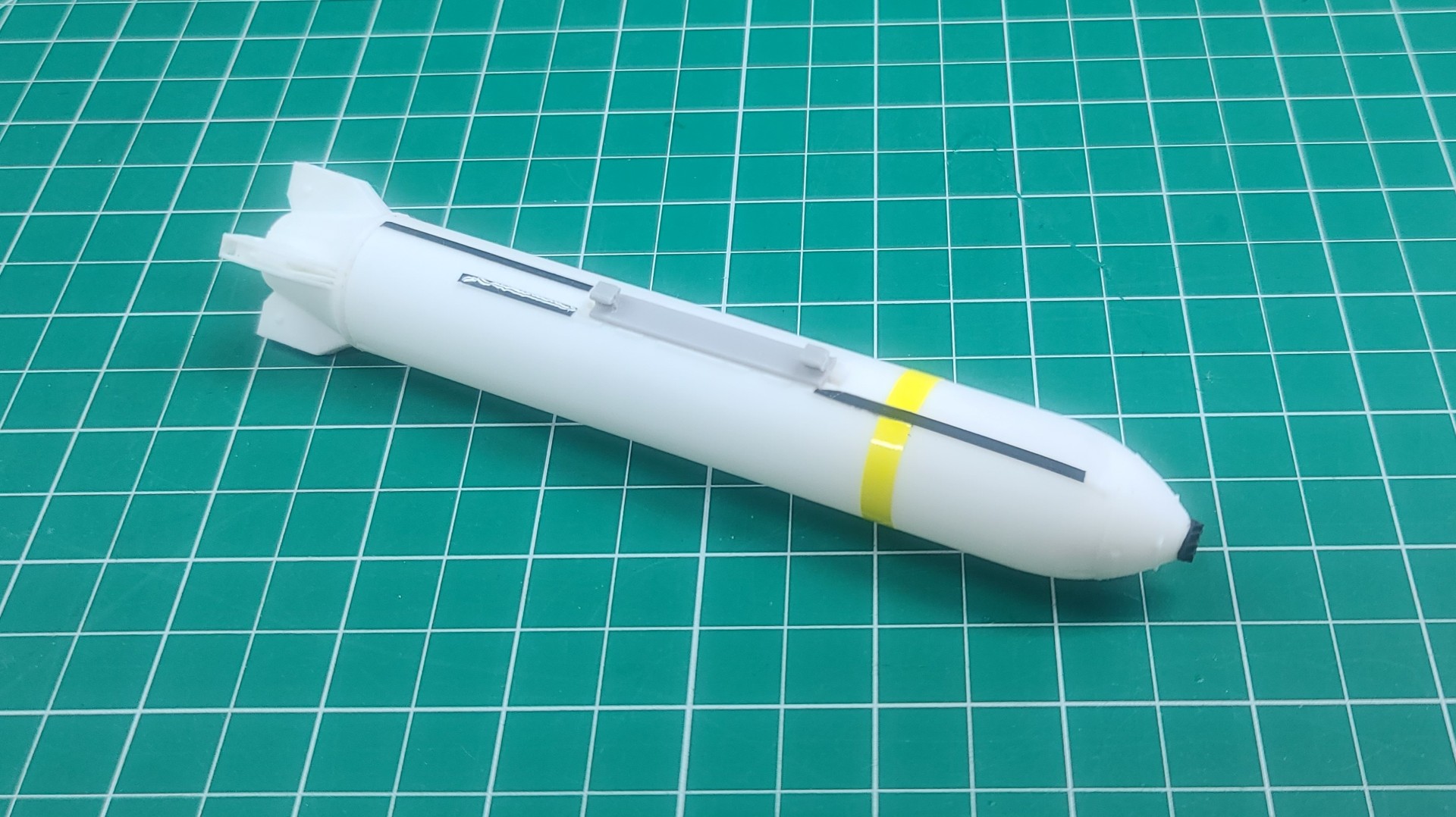
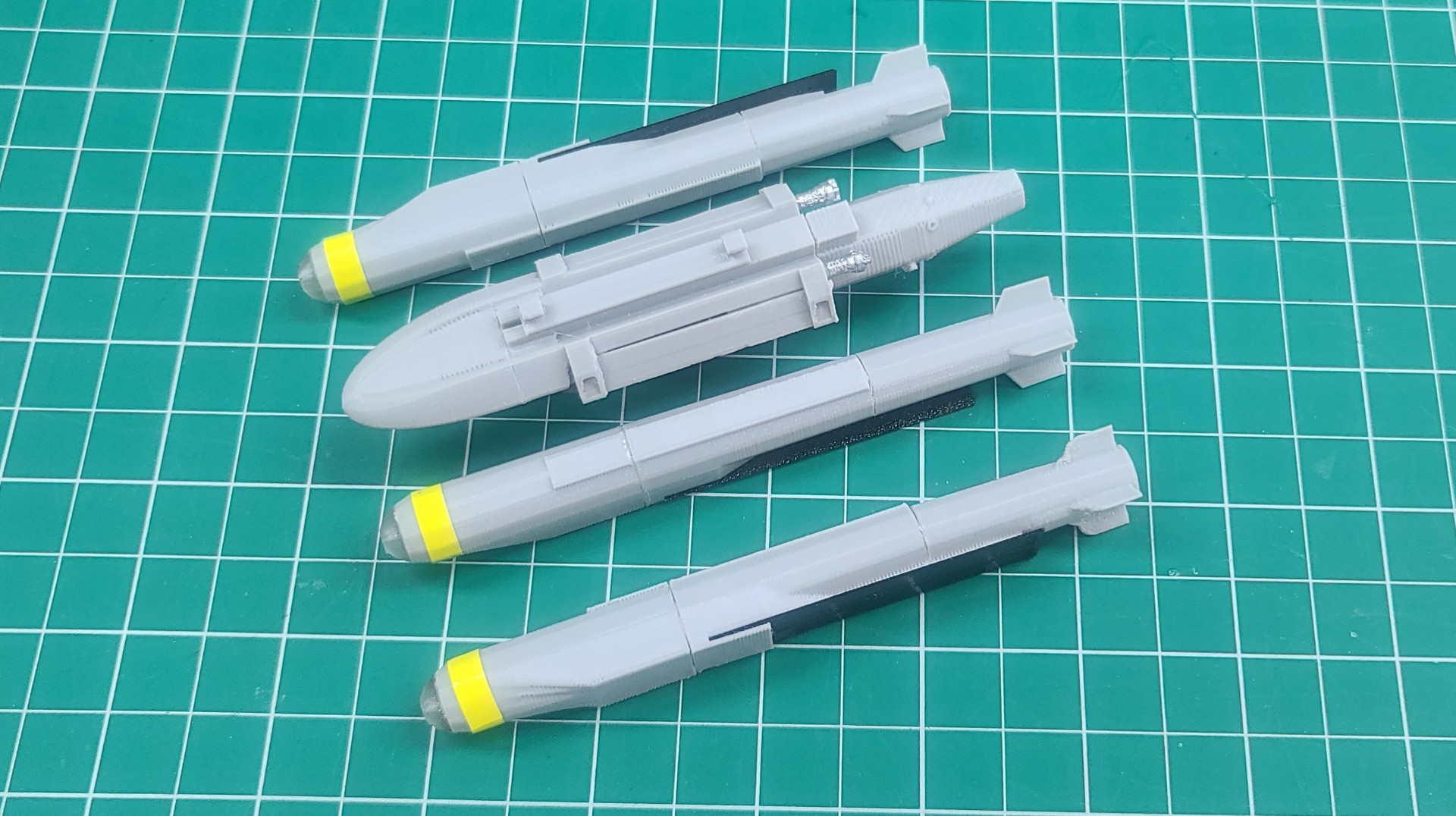
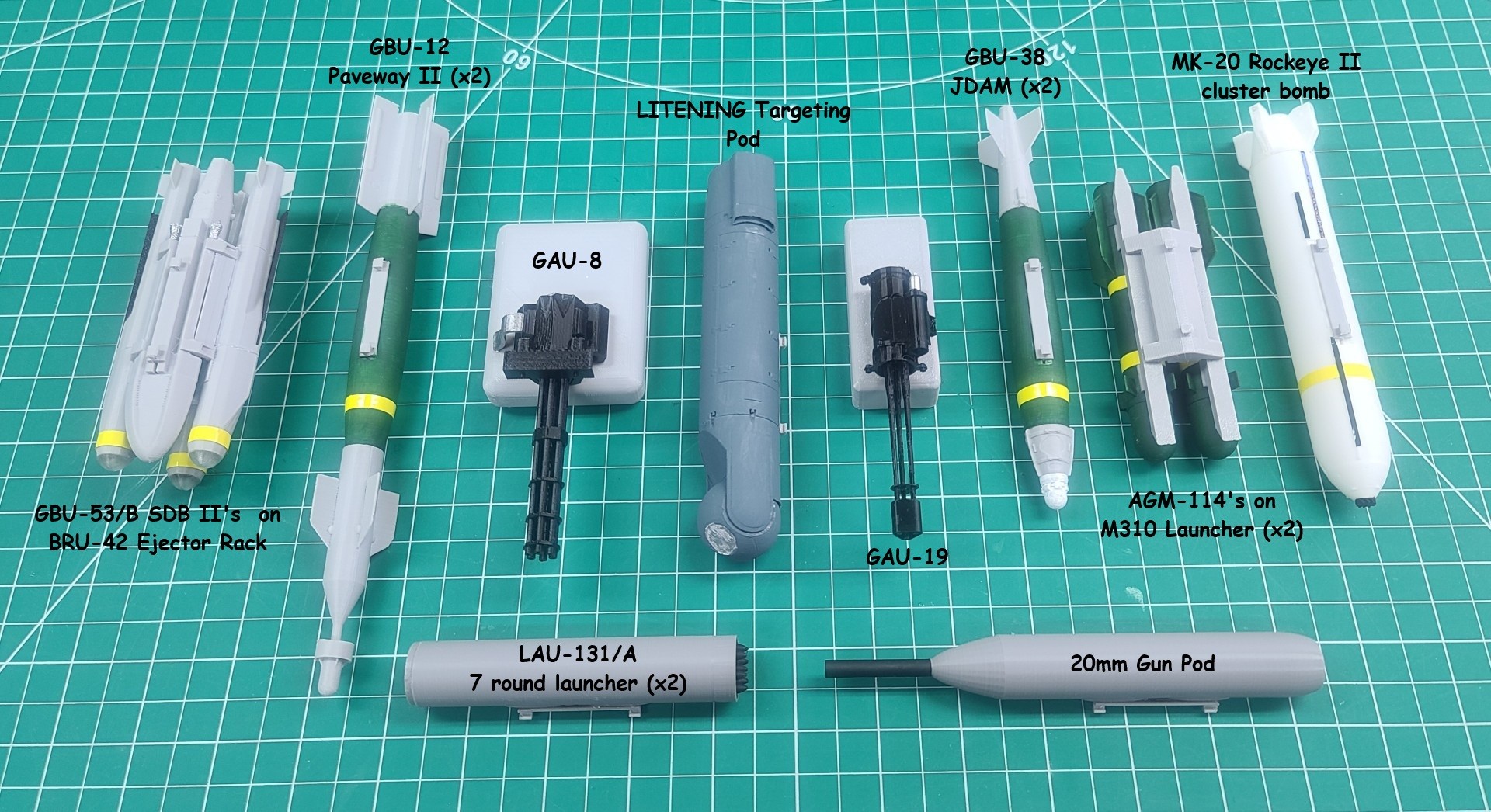
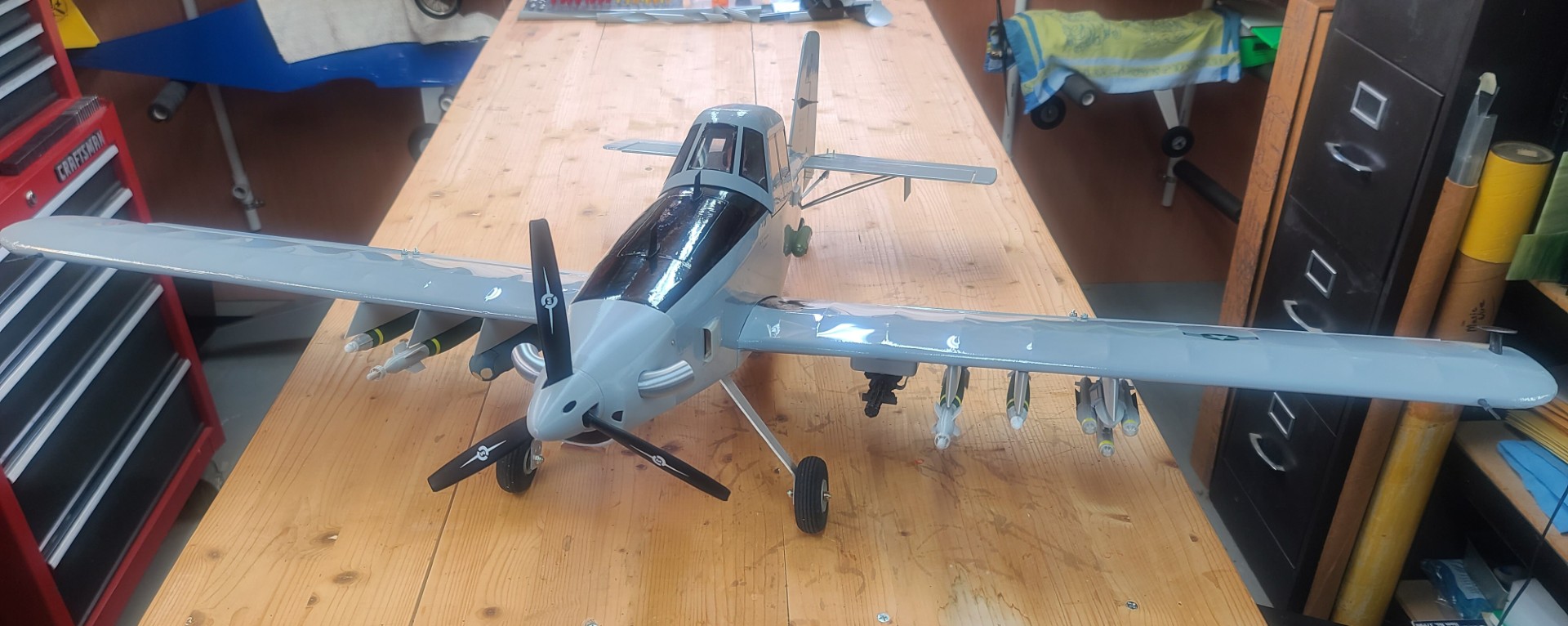
OA-1K Skyraider II 3D Modeling Efforts.
OA-1K Skyraider II 3D Printed Parts in .STL format.
OA-1K Skyraider II Build Description.
See All Images Taken During my OA-1K Skyraider II Scratch Build.
Douglas A-26 Invader 3D Modeling Efforts
Just as I had done for my OA-1K Skyraider II scratch build, I used my 2D CAD program “Back to the Drawing Board,” and 3D CAD program “Fusion 360” to develop and model several parts for my A-26 Invader scratch build.
Below are images of those efforts, which you can read more about in my A-26 Invader Build Description. I will continue to add to this section as I work my way through the A-26 build.
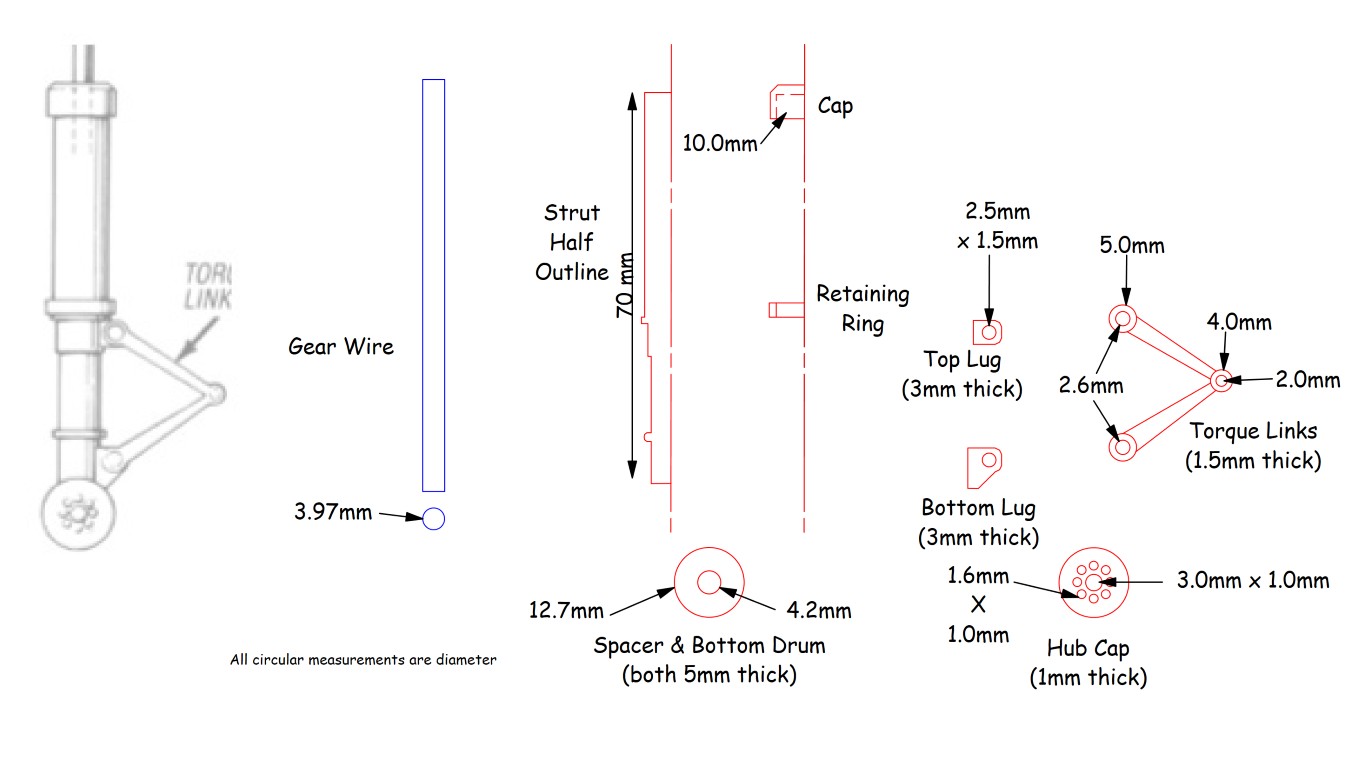
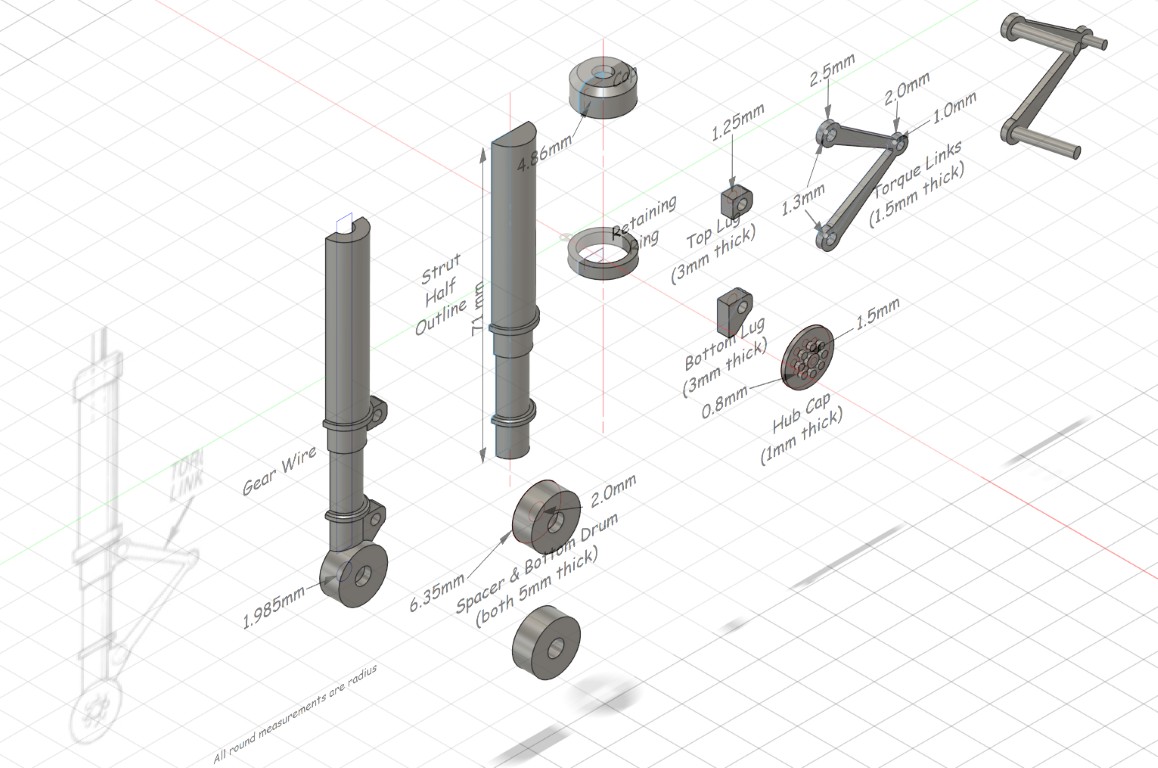
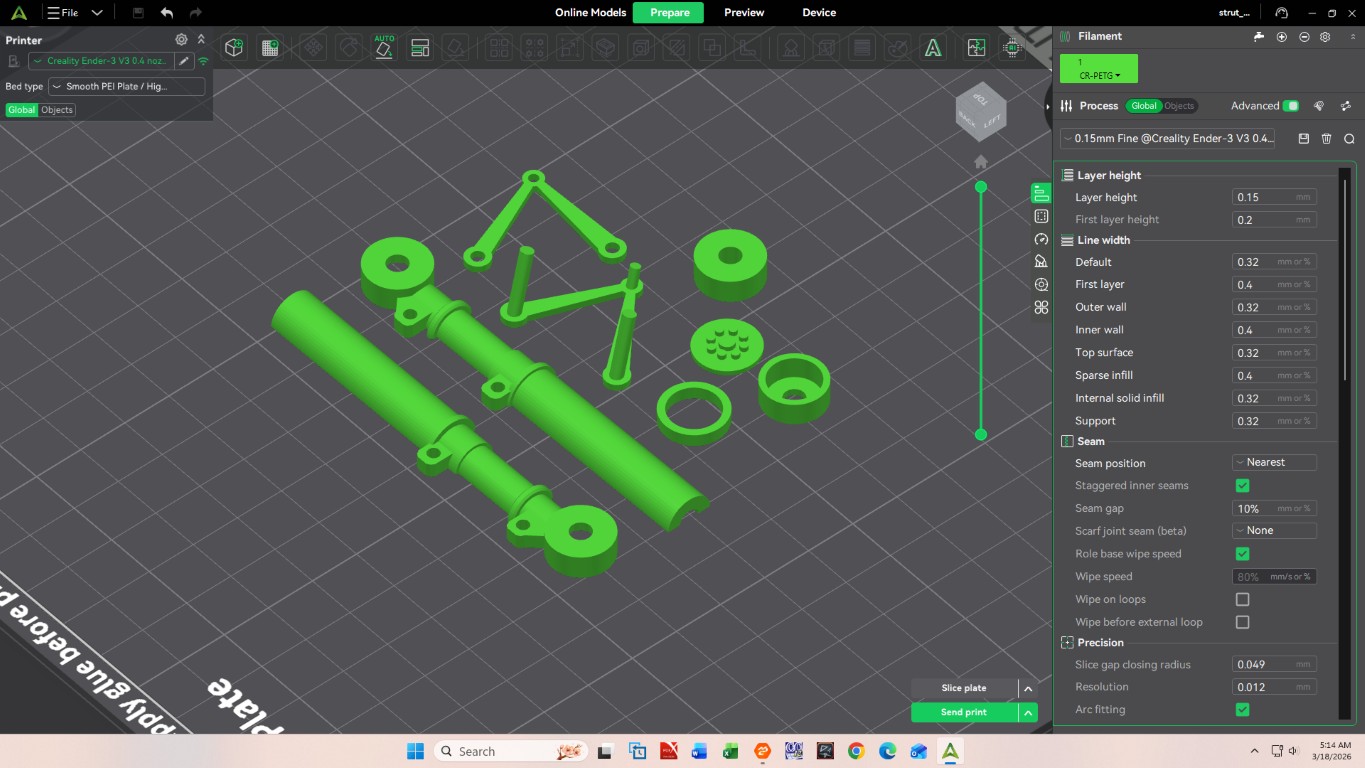
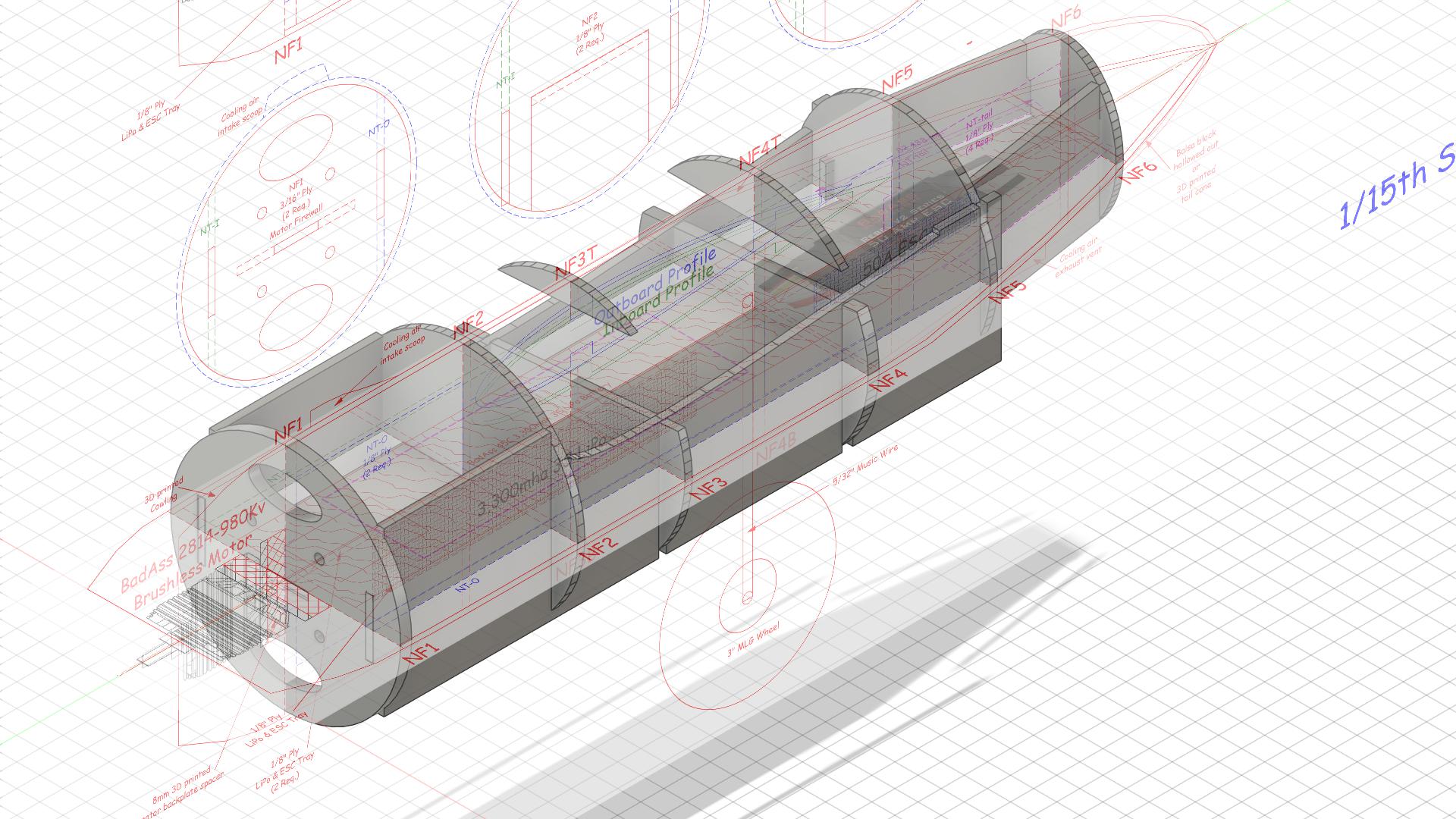
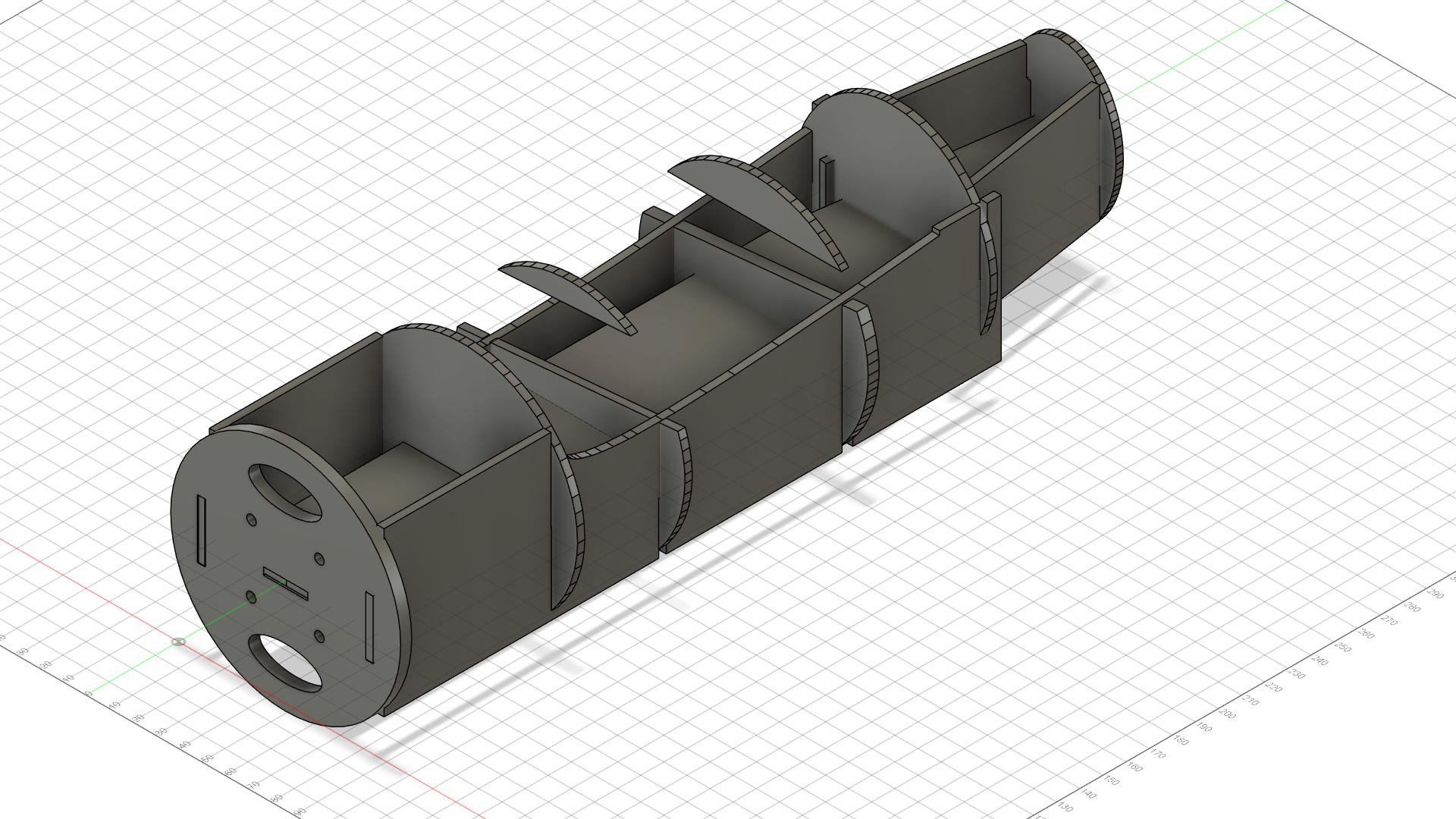
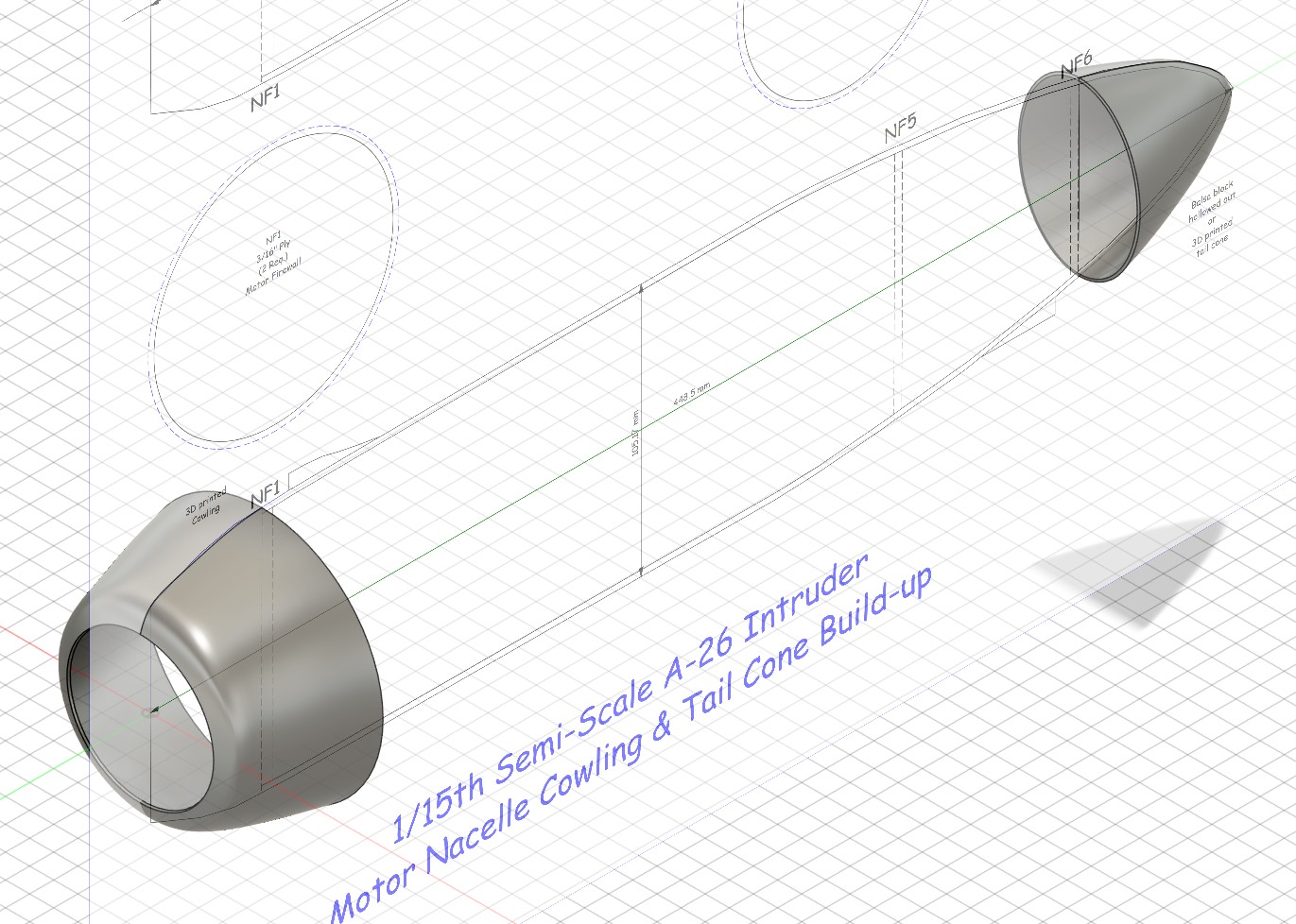
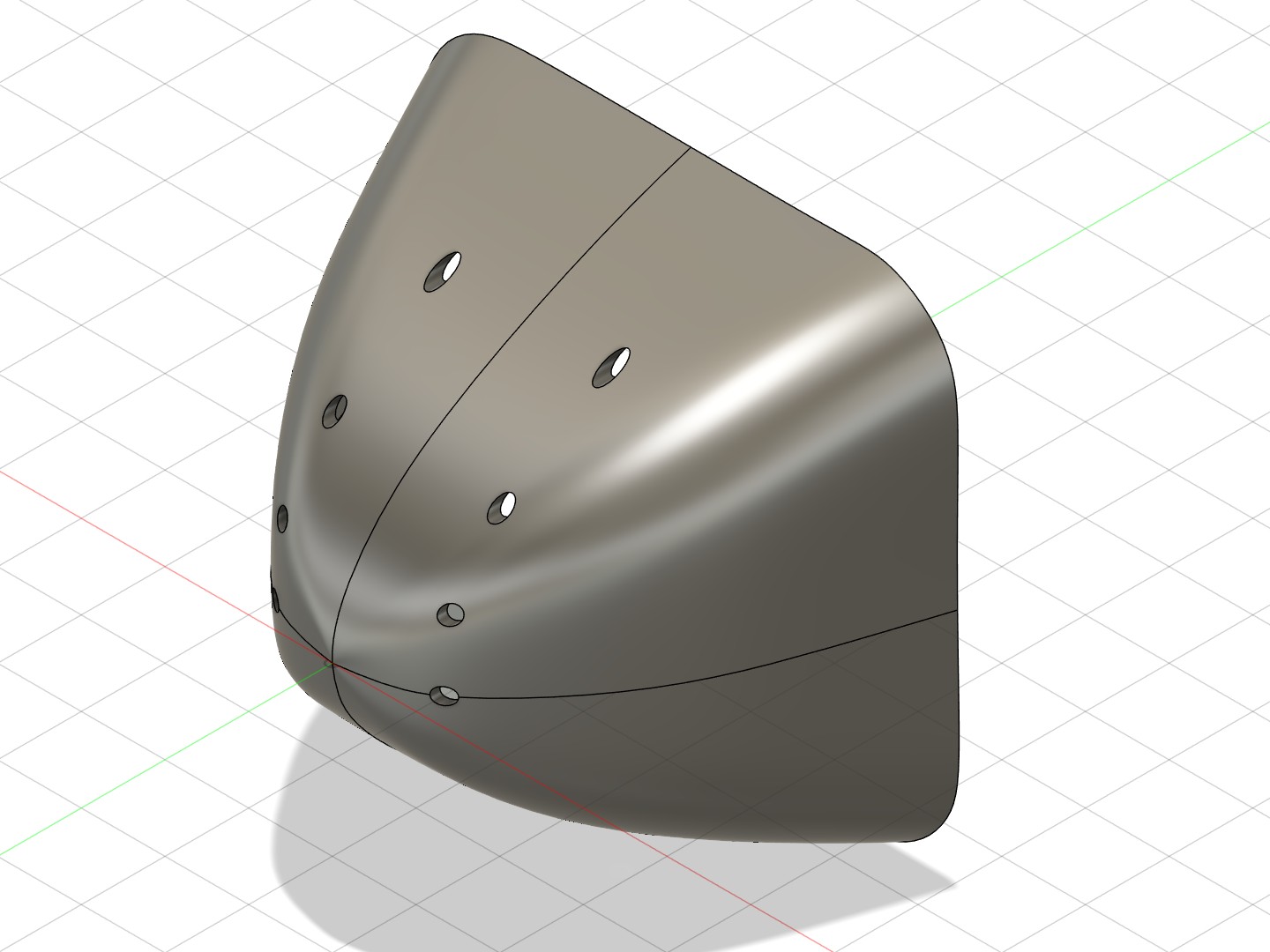
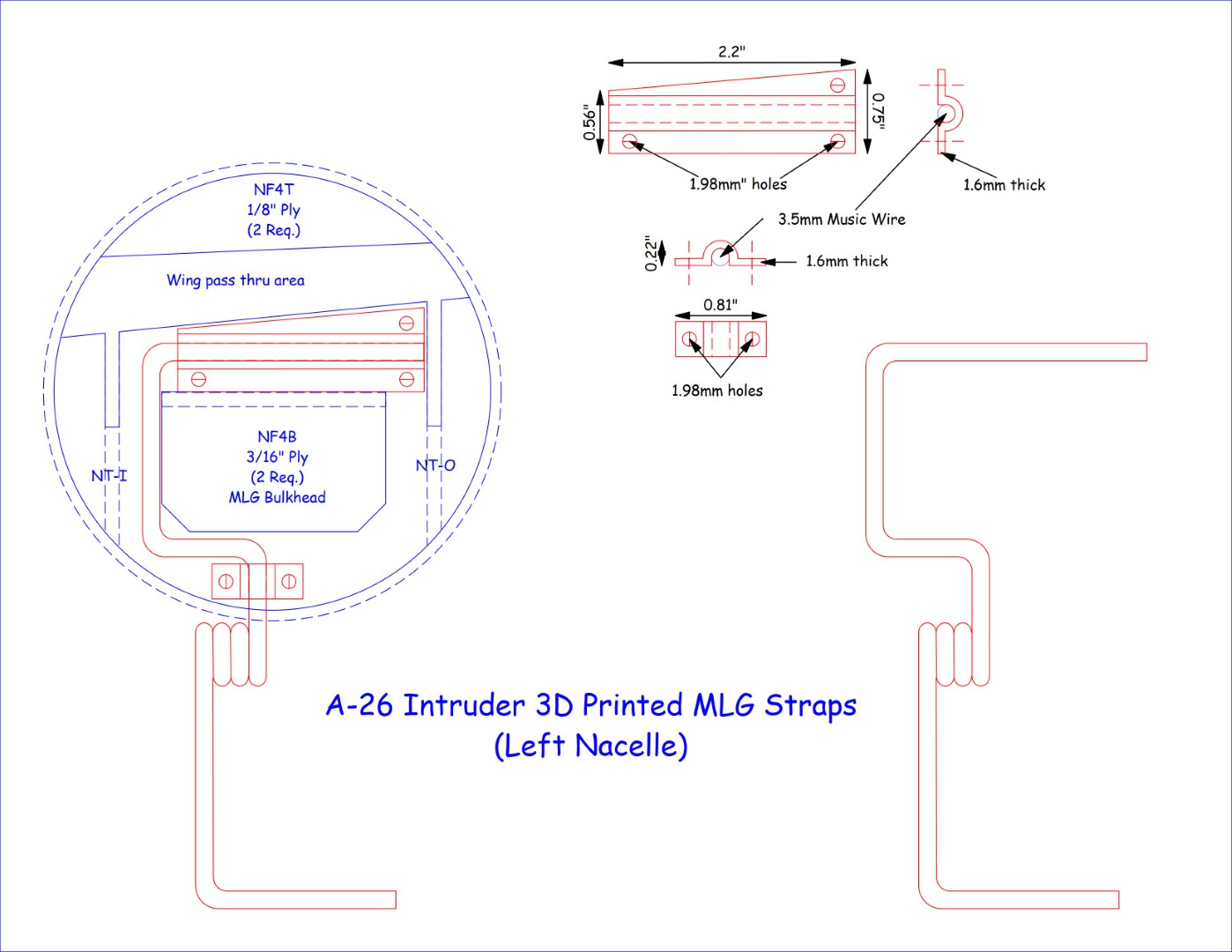
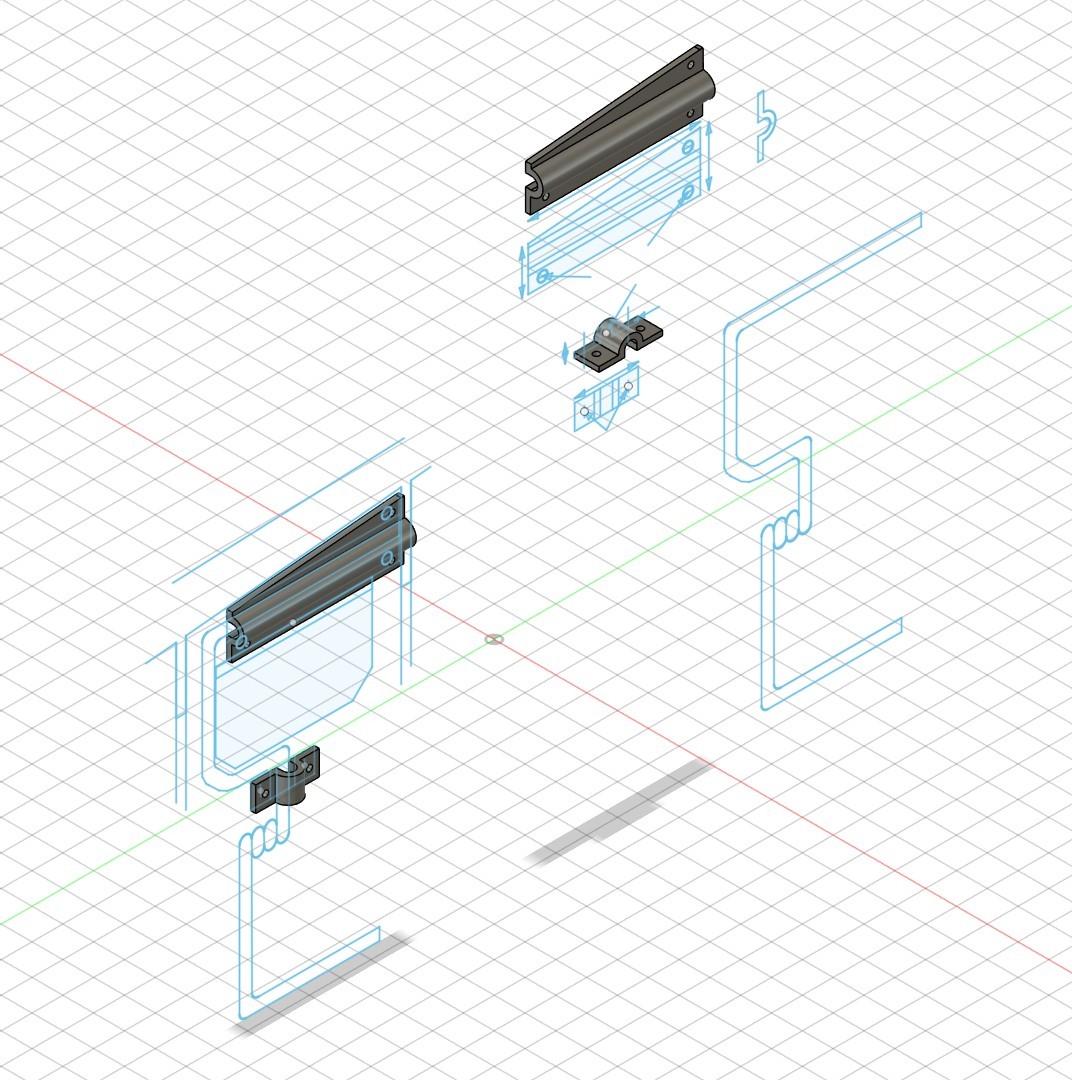
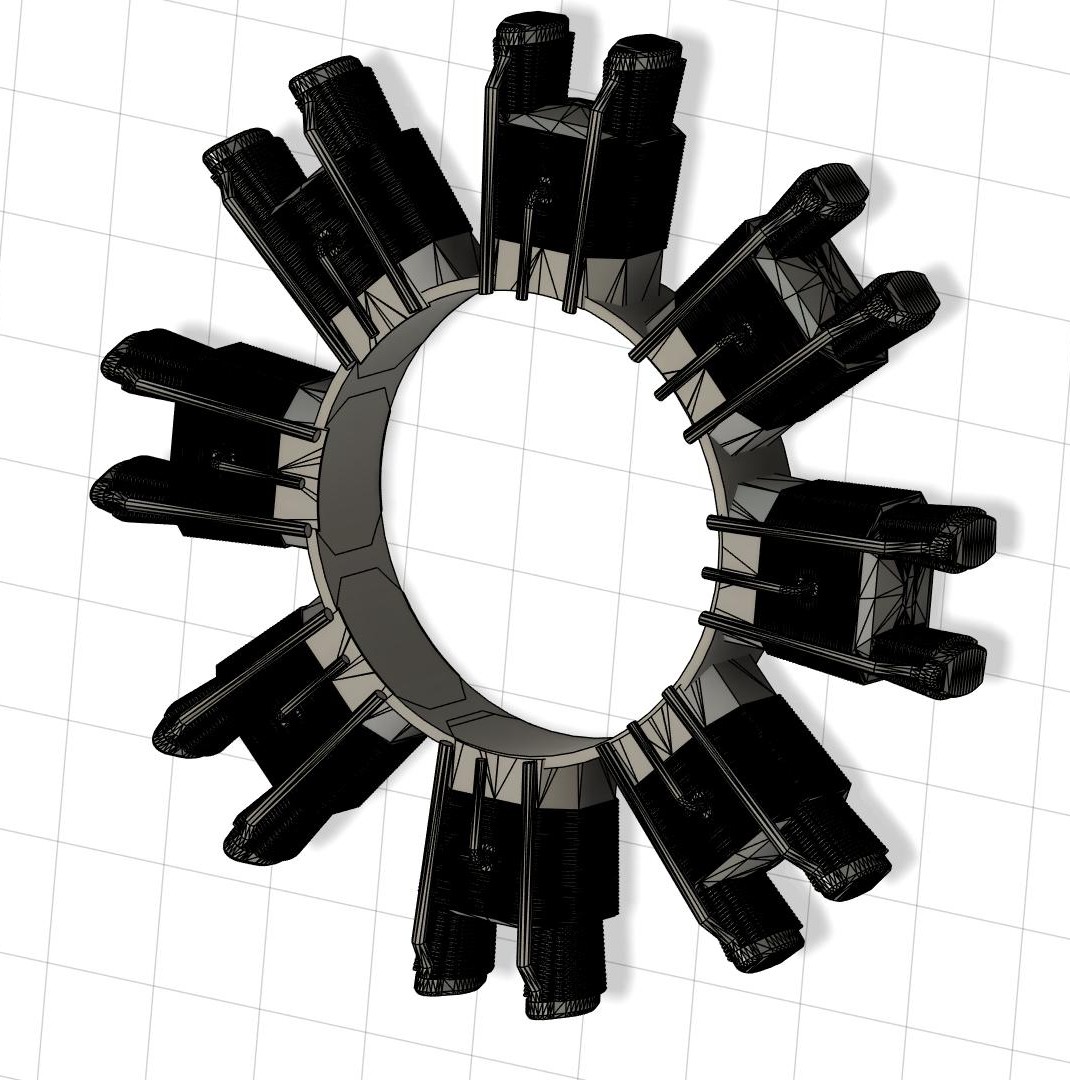
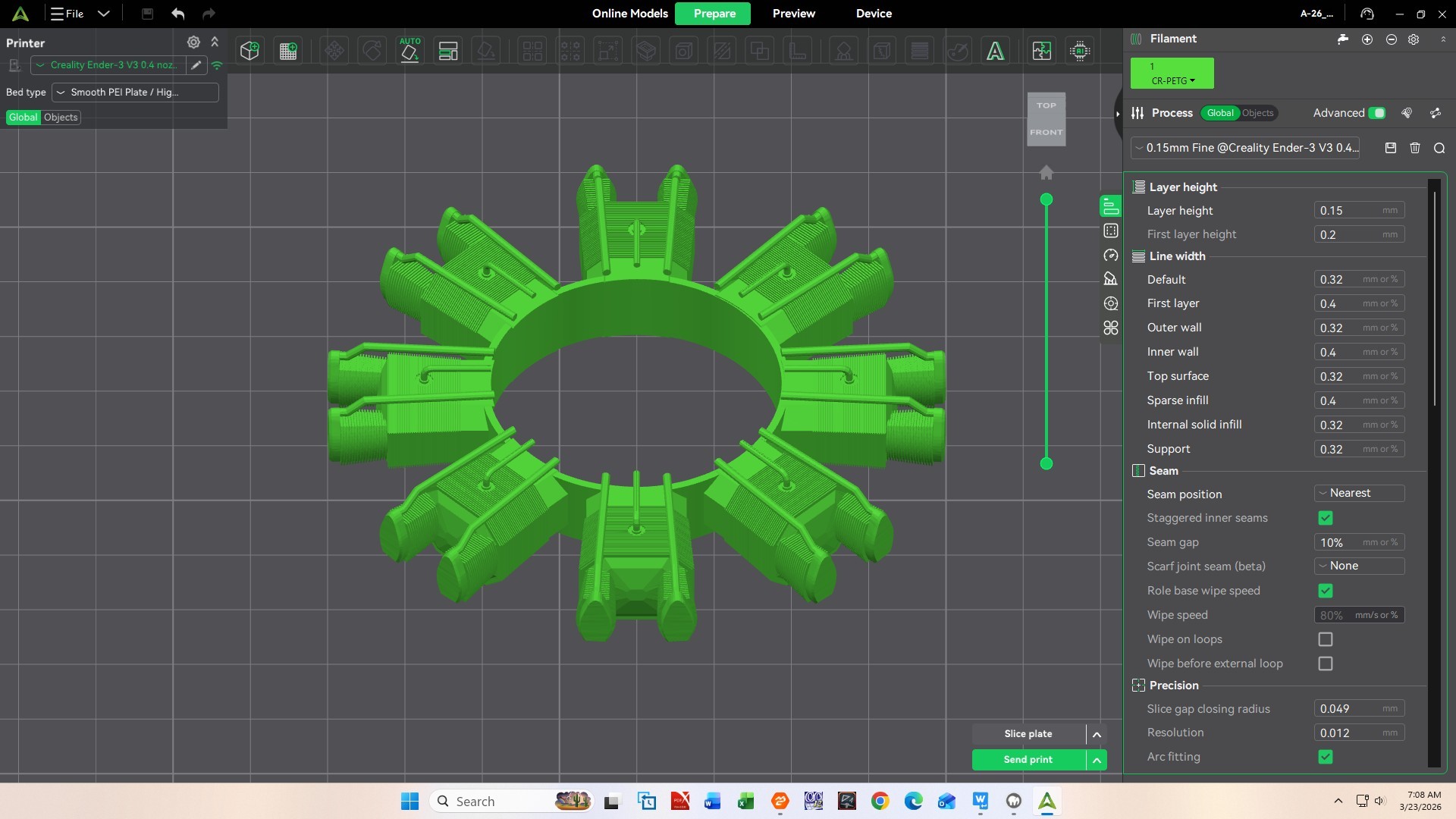
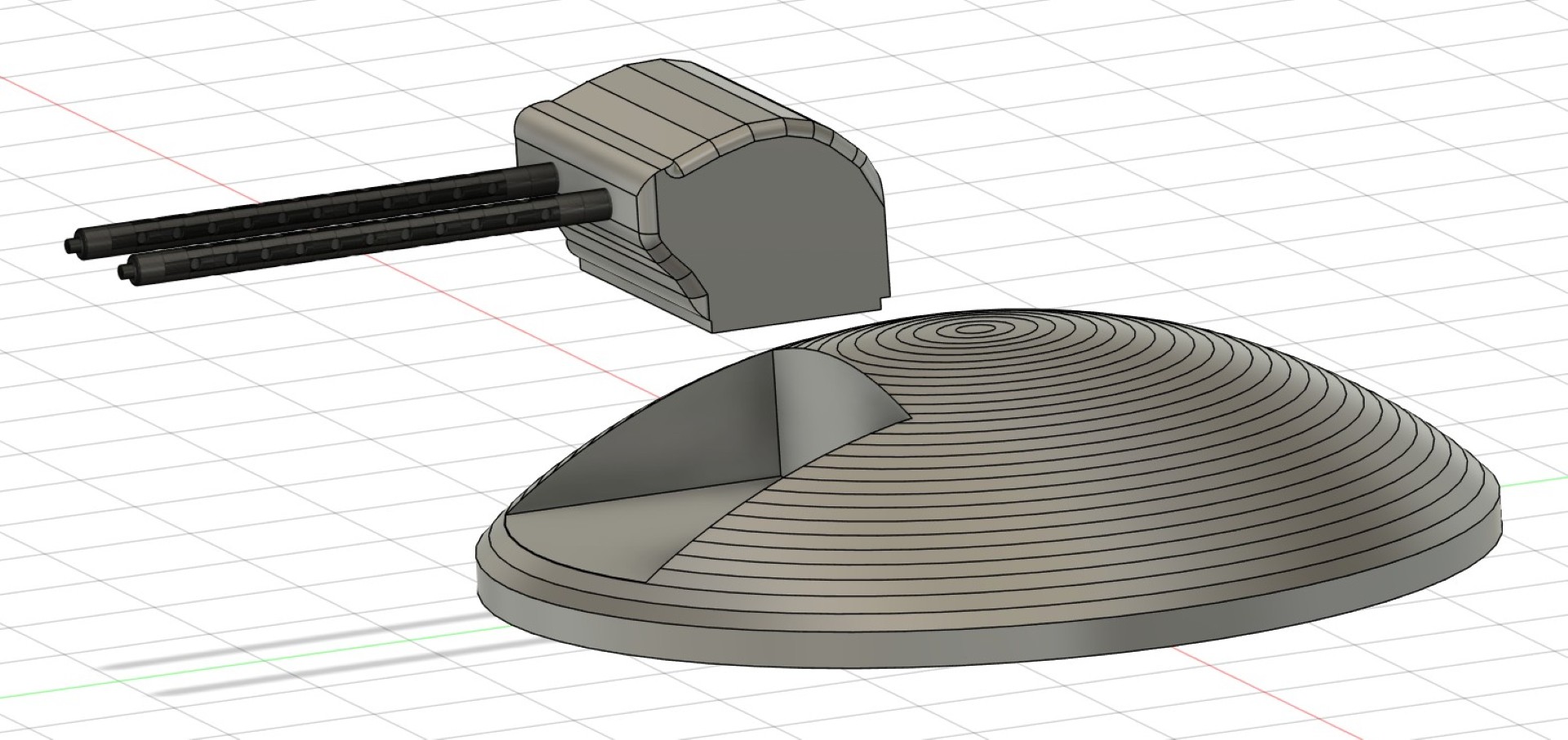
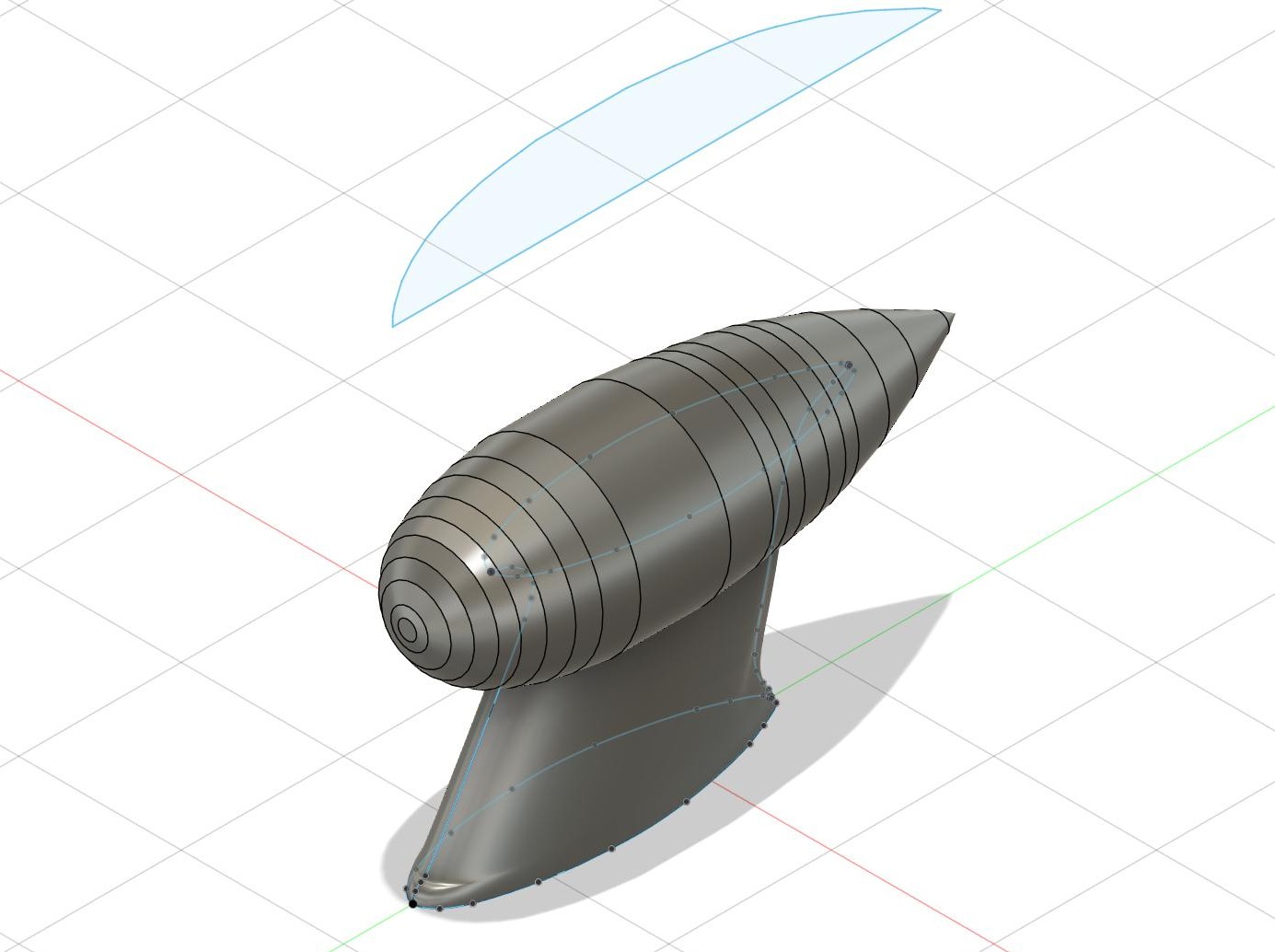
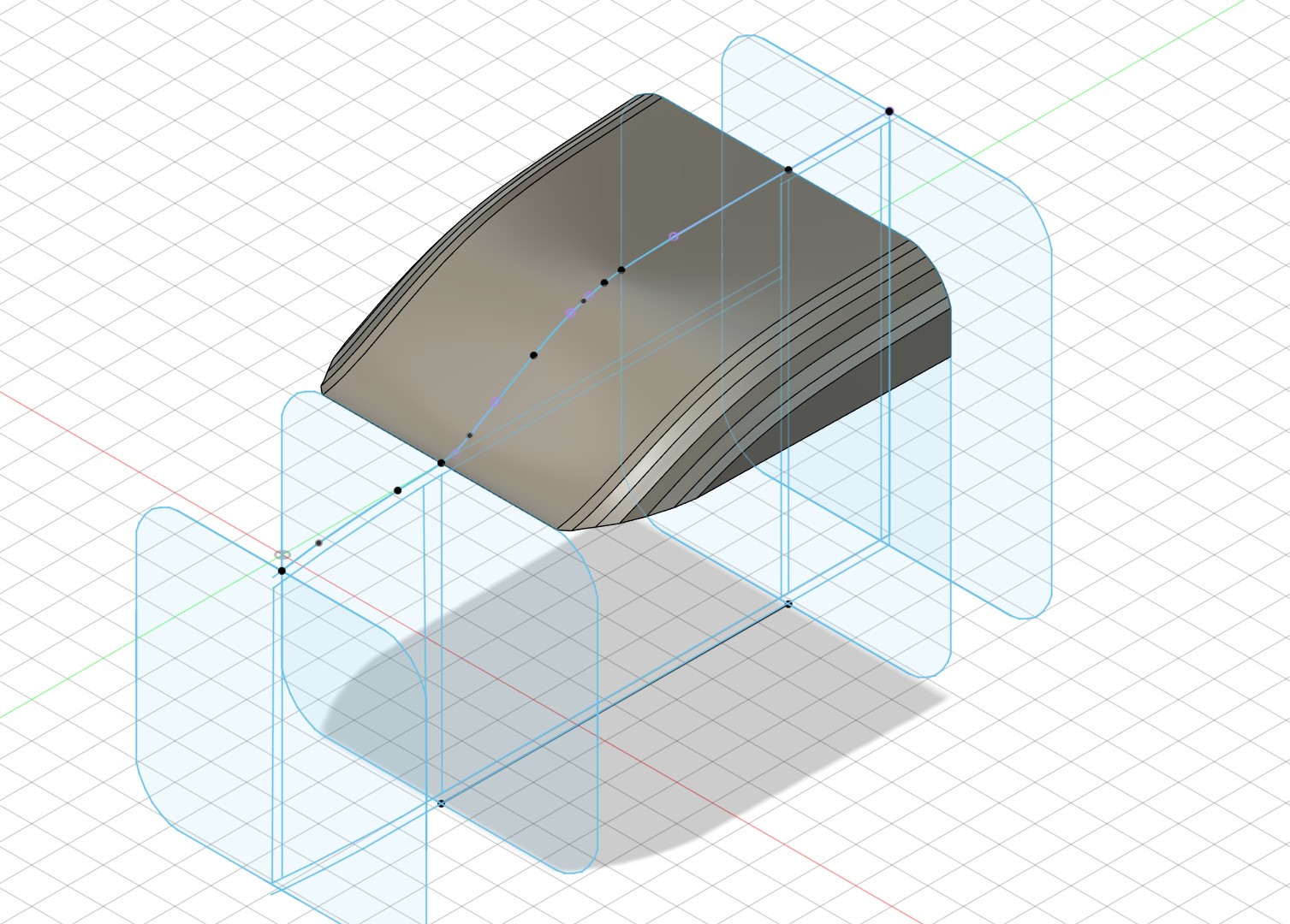
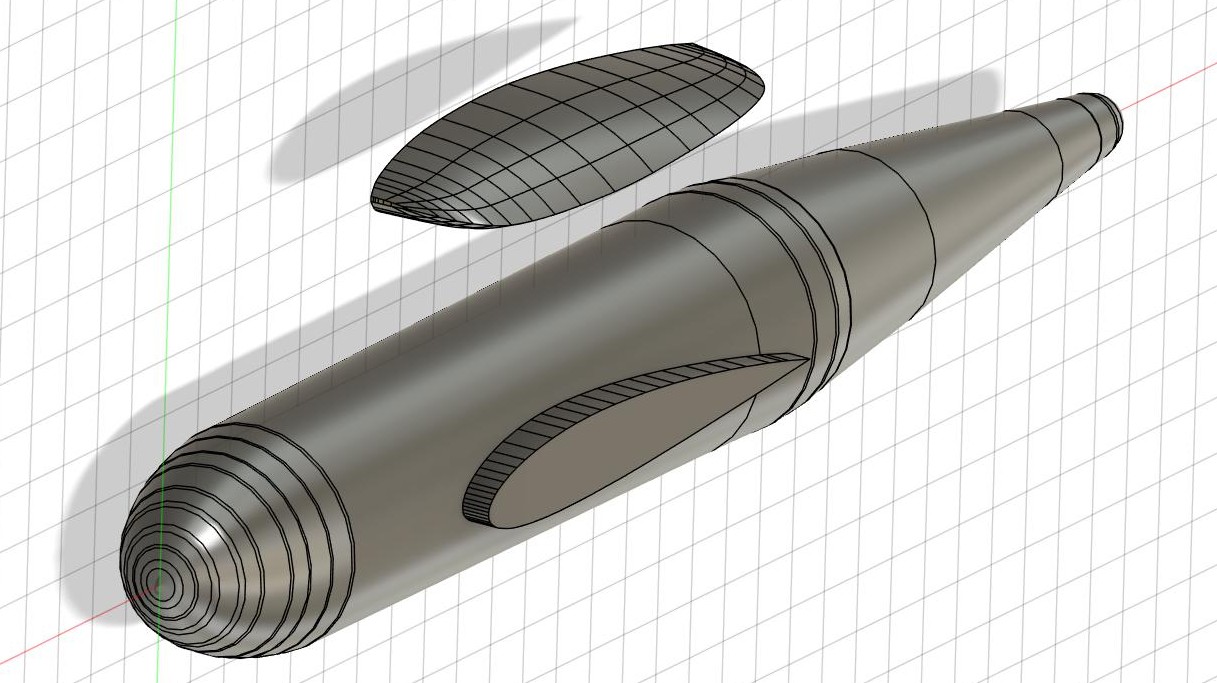
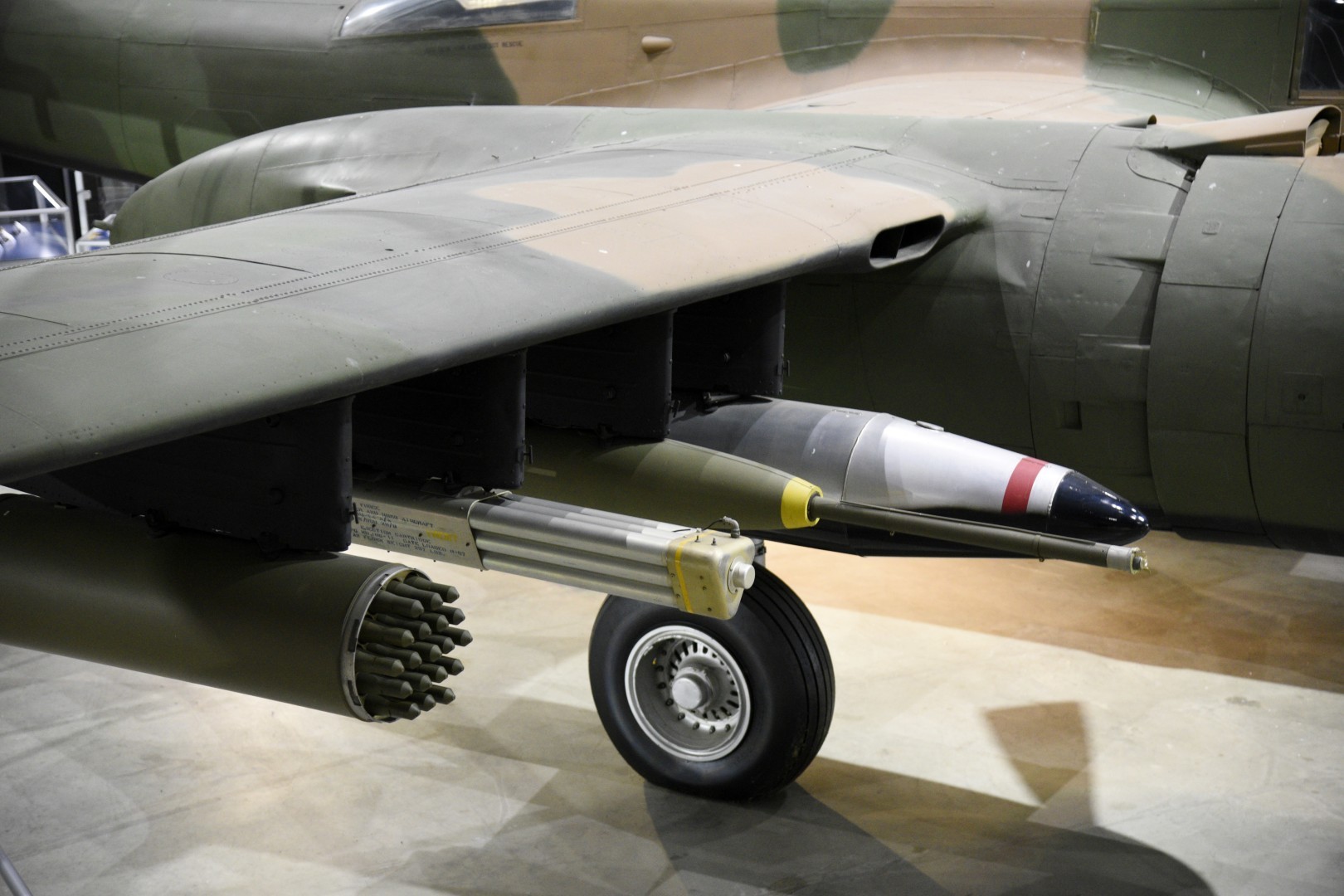
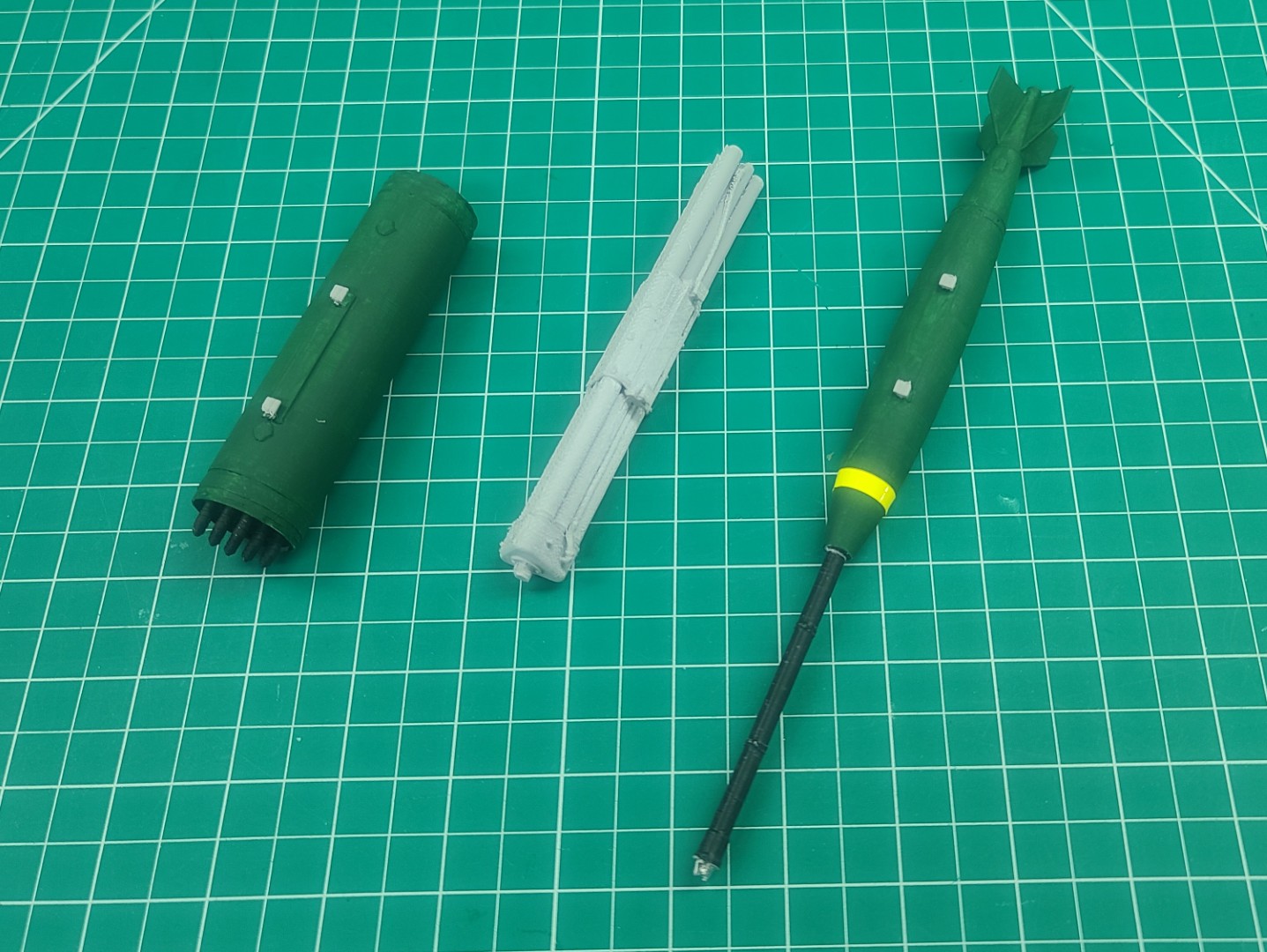
Stay tuned for more to come!!!
A-26 Invader Build Description.
A-26 Invader 3D Printed Parts in .3mf format.
3DAeroventures X-100 Infinity Wing V2
Well, it finally happened. Given that I had my new 3D printer up and running, it was only a matter of time before I would venture into an attempt at building a 3D printed RC airplane model. And to beat all, it was yet another electric powered RC model, which as you know from my other builds is out of the normal for me.
I started my web search for something that was an unusual design, not a large RC airplane model (15 - 40 size), something I would not attempt using balsa and plywood, and was not something with a hundred pieces to print out. Using these requirements I found a very nice website that had just what I was looking for, and that being the X-100 INFINITY WING V2, a 3D printable model designed by Eric Haddad which you can find on 3DAeroventures.
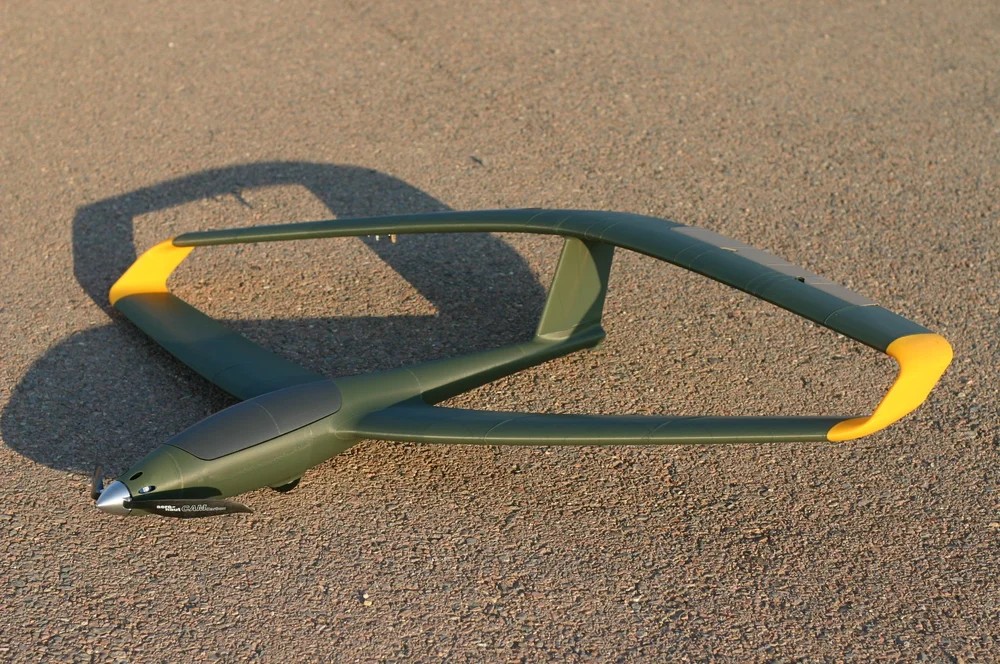

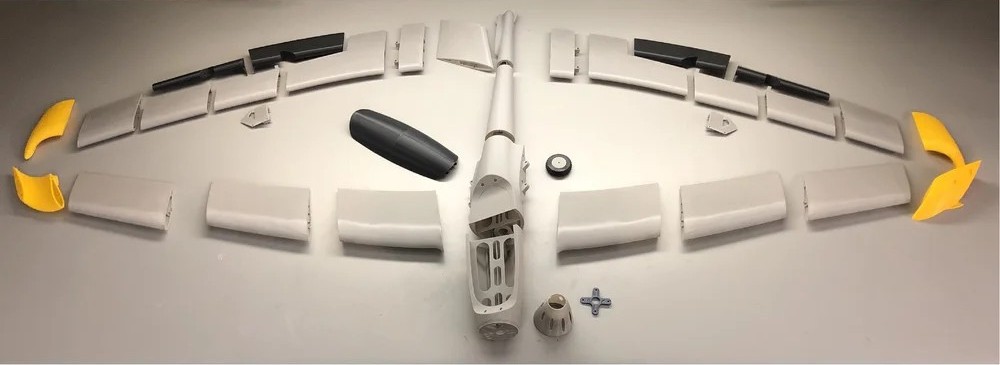
Images Source: X-100 INFINITY WING V2 Webpage.
Below you can see my completed X-100 Infinity Wing ready for first flight.
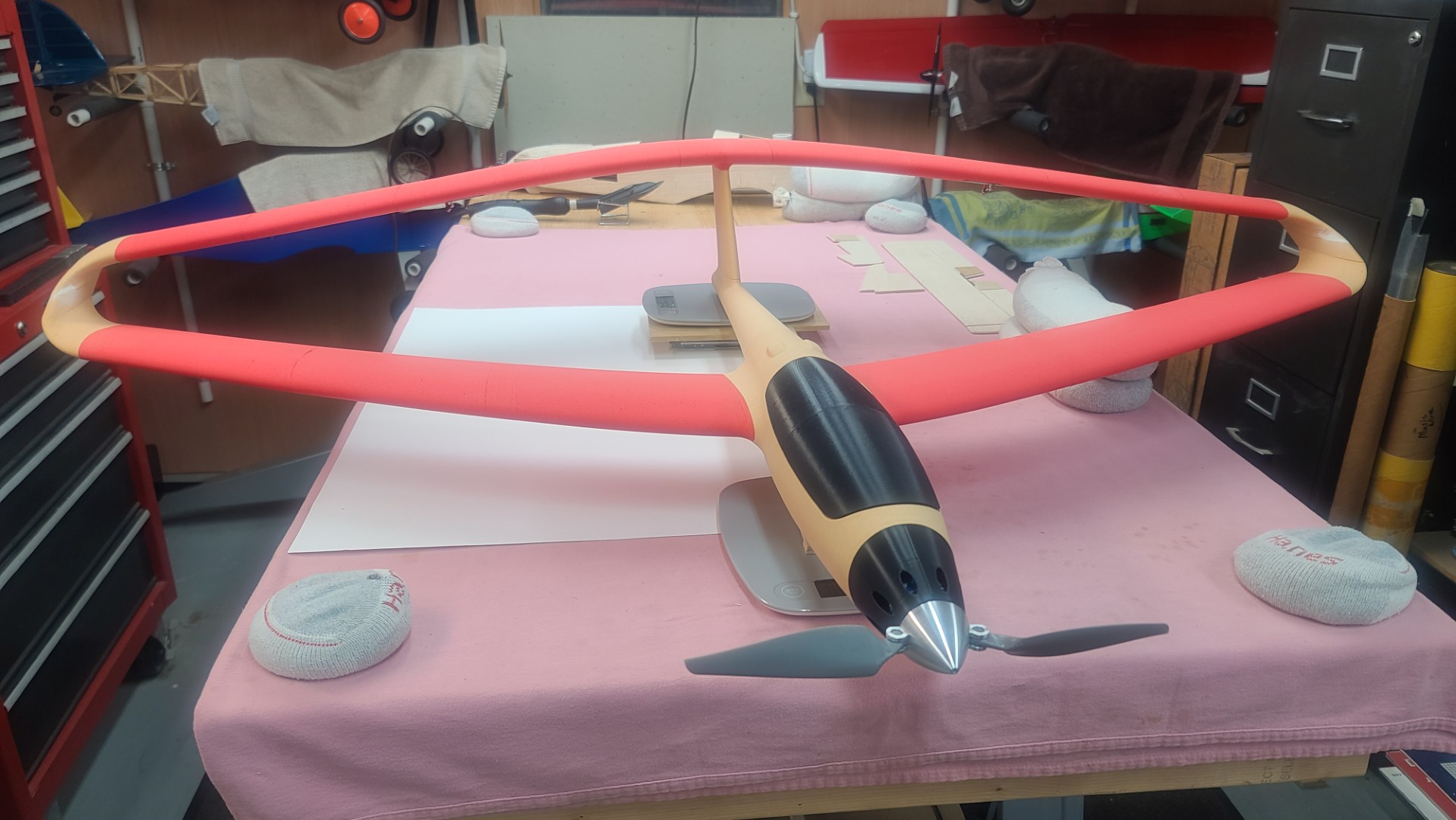
This updated posting is as of 16 August 2026, and for those who have not been following my regular webpage updates, you can read my Latest Version of my X-100 Infinity Wing Print & Builds Description to see everything I have been through up to this point.
Assembly of the X-100 Infinity Wing Upgrade Version
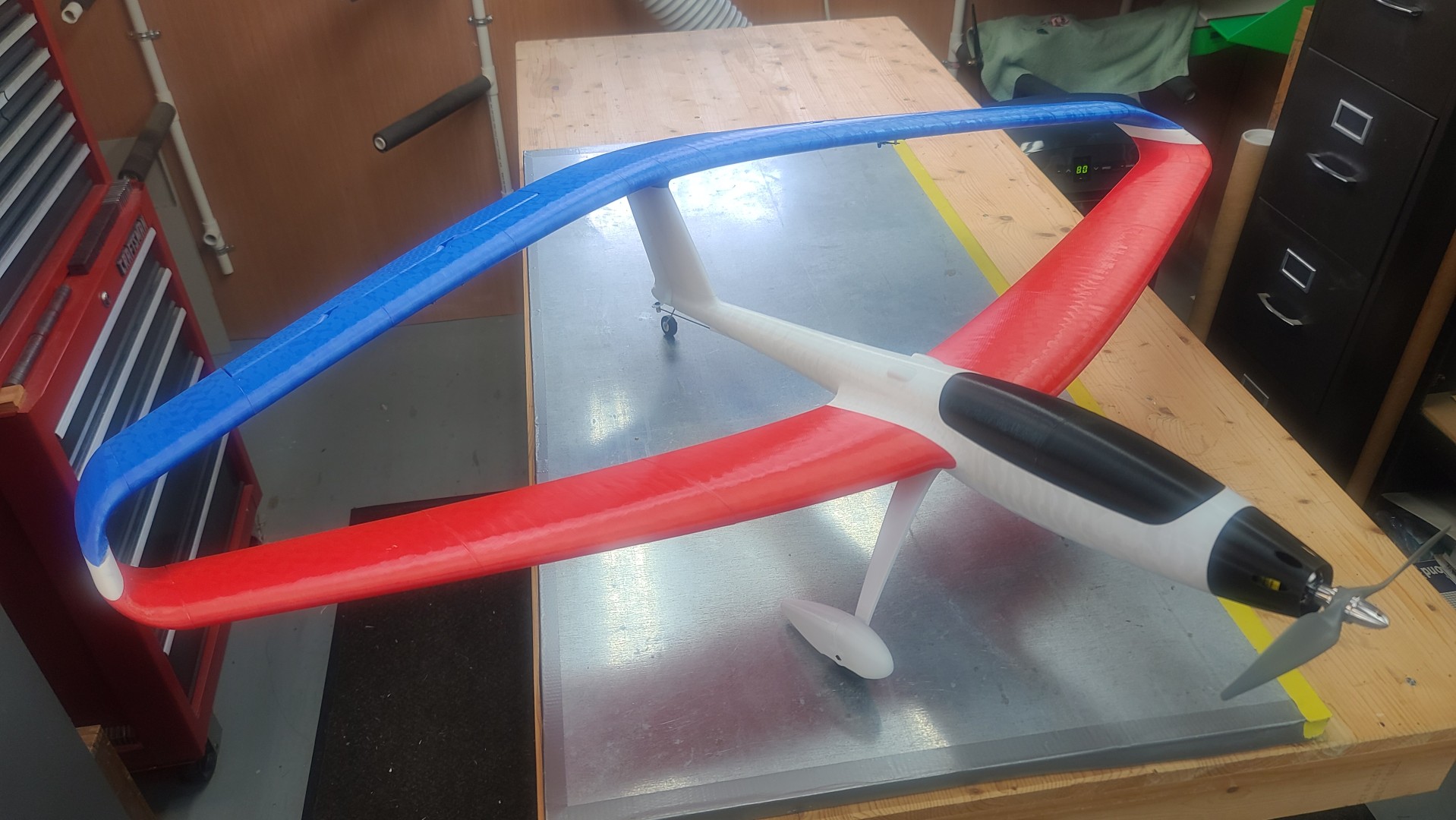
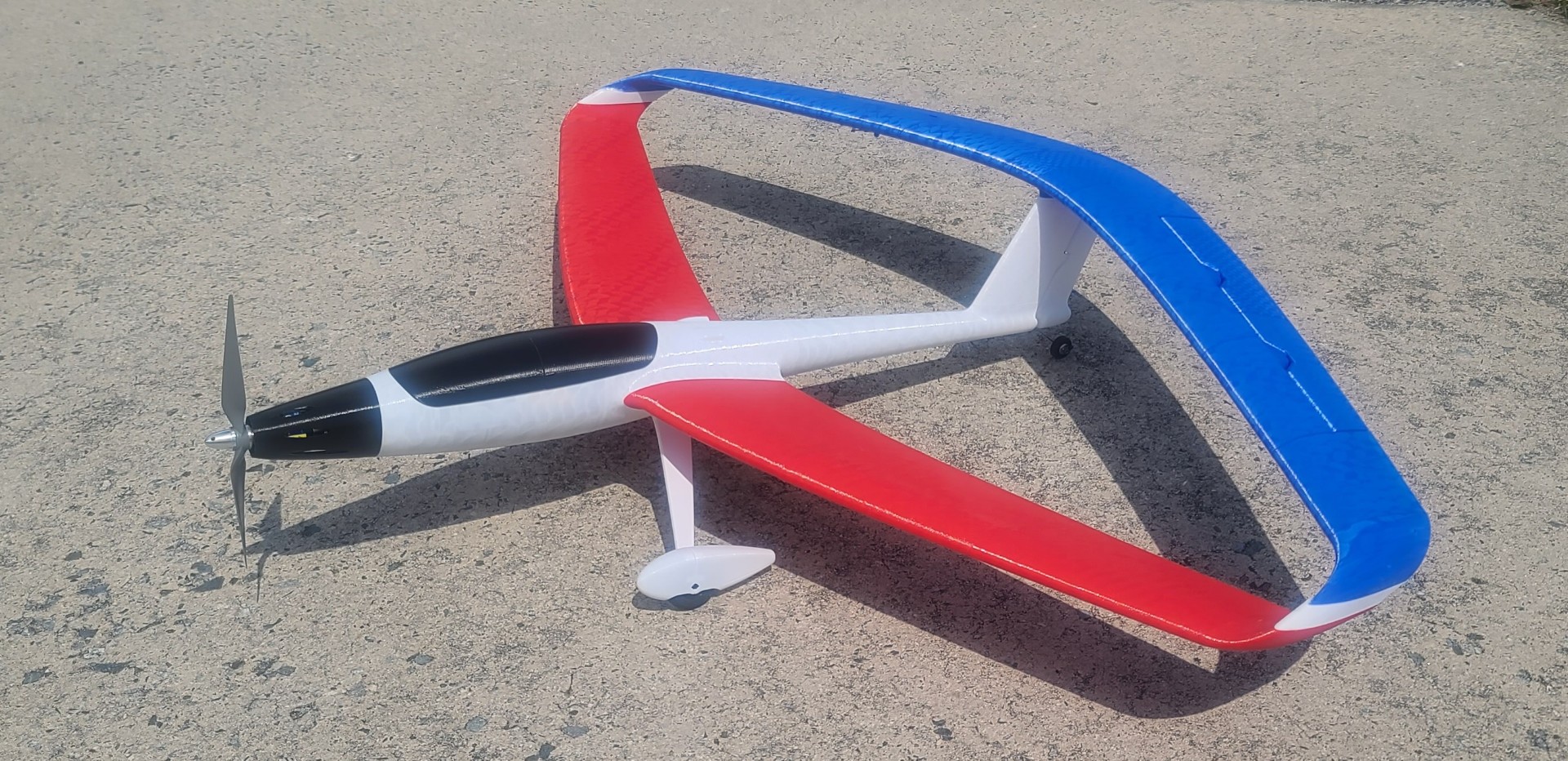
Stay Tuned for more to come!
X-100 Infinity Wing Print & Builds Description.
See All Images Taken During the X-100 Infinity Wing Print/Builds.
Kyles Designs RC RQ-4 Global Hawk
The RQ-4 Global Hawk is a high-altitude, long-endurance, remotely piloted aircraft with an integrated sensor suite that provides global all-weather, day or night intelligence, surveillance and reconnaissance (ISR) capability. Global Hawk's mission is to provide a broad spectrum of ISR collection capability to support joint combatant forces in worldwide peacetime, contingency and wartime operations. The Global Hawk provides persistent near-real-time coverage using imagery intelligence (IMINT), signals intelligence (SIGINT) and moving target indicator (MTI) sensors.
This RQ-4 Global Hawk 3D printed RC model was designed by Kyle Germanton with help from his co-designers Thomas Heuer and Chris Parent. You can see more of their 3D models on Kyles Designs RC, SODYs3D, and on Cults 3D. This model was also featured in my September 2025 BOTM Edition.
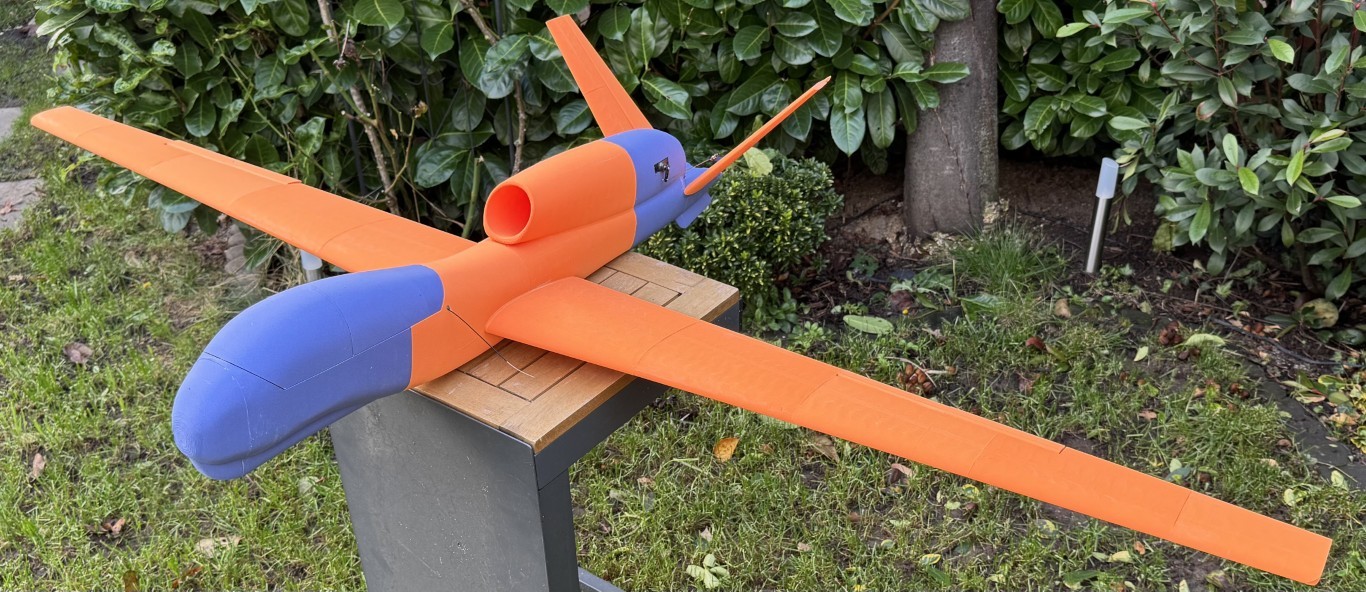
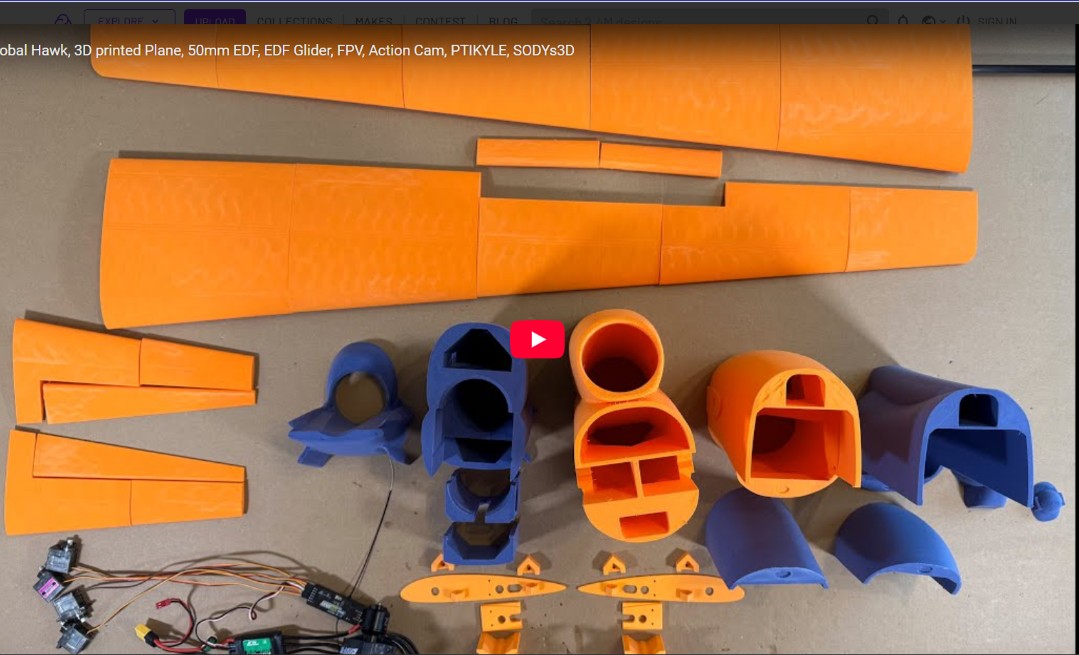
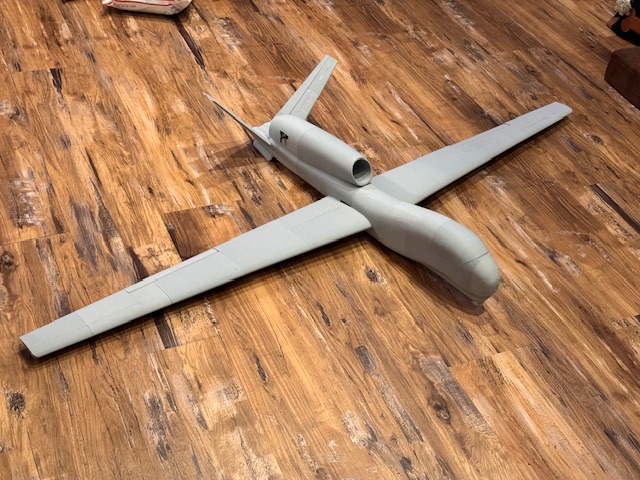

Images Source: Cults3d.com.
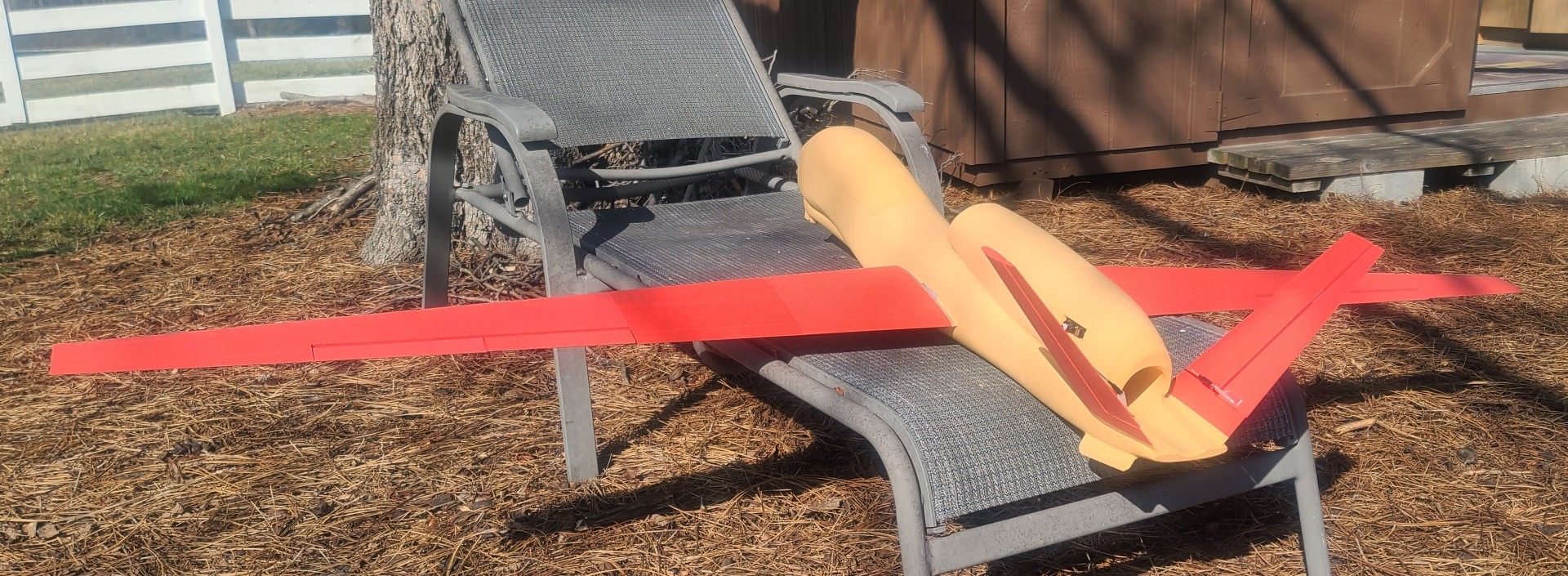
I picked the RQ-4 3D model for a couple reasons. First, I wanted a 3D printed model that would be simple to build and easy to fly. Second, I worked on the USAF Global Hawk program for six years as a flight test manager and the Air Vehicle IPT program manager.
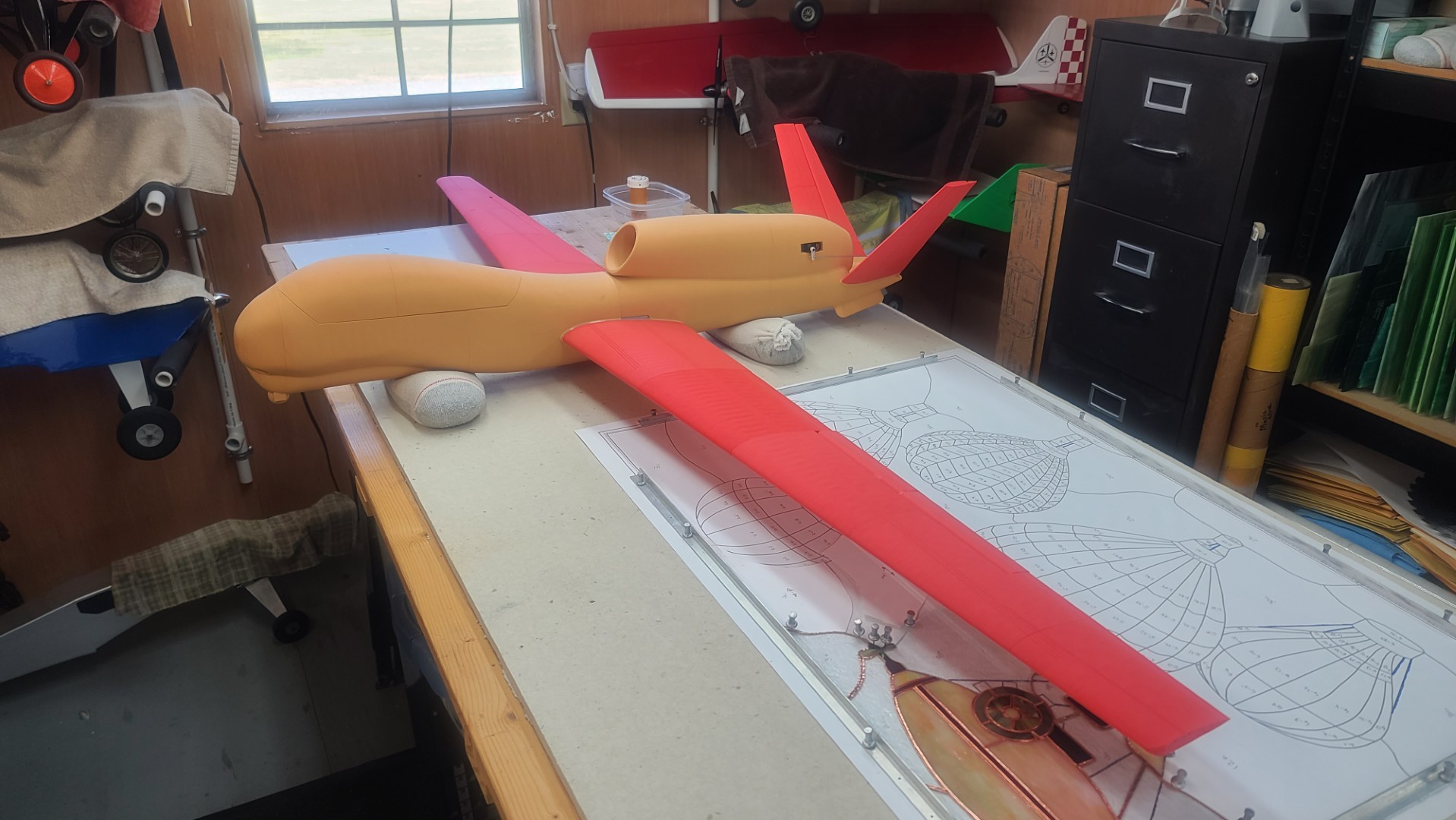
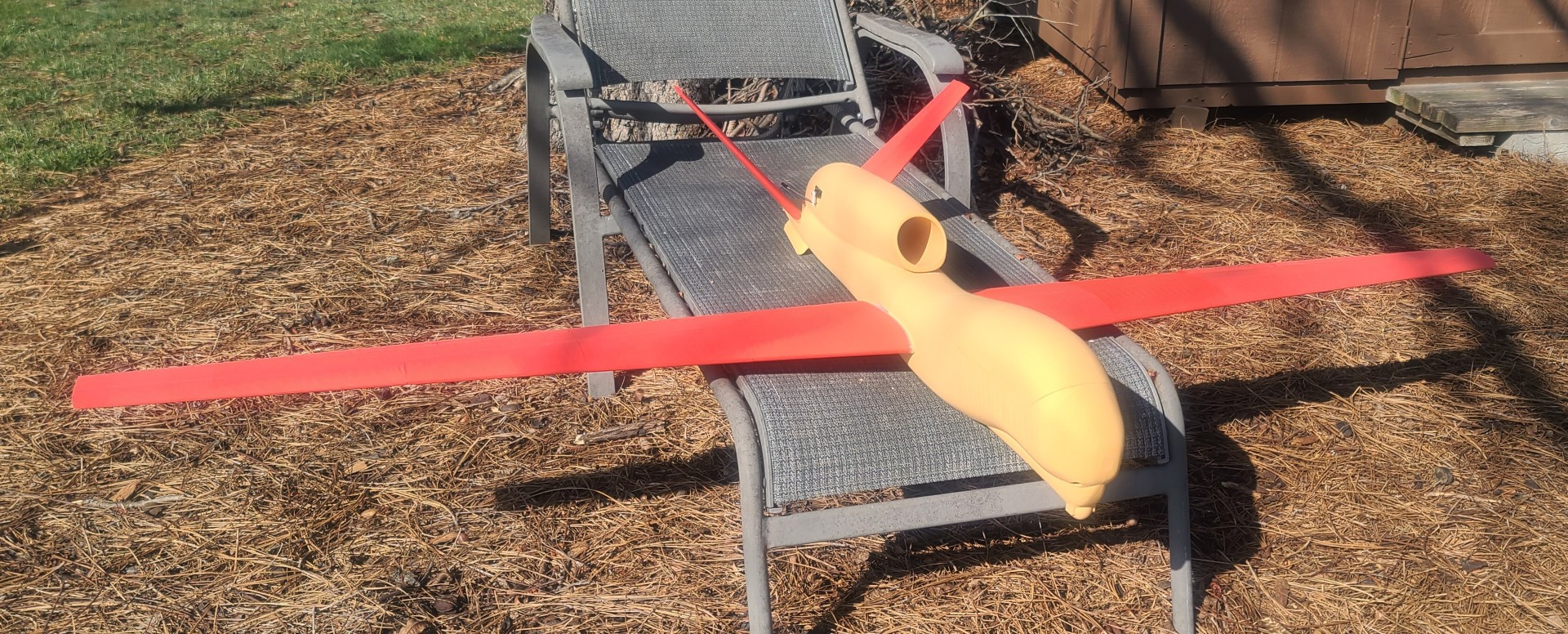
The three images below show you my finished RQ-4 Global Hawk. Now all I need to do is execute a first flight that does not end up similar to my X-100 Infinity Wing first flight.
RQ-4 Global Hawk Print/Build Description
See All Images Taken During my RQ-4 Global Hawk Print/Build.
First 3D Models off My Ender-3 V3 Printer
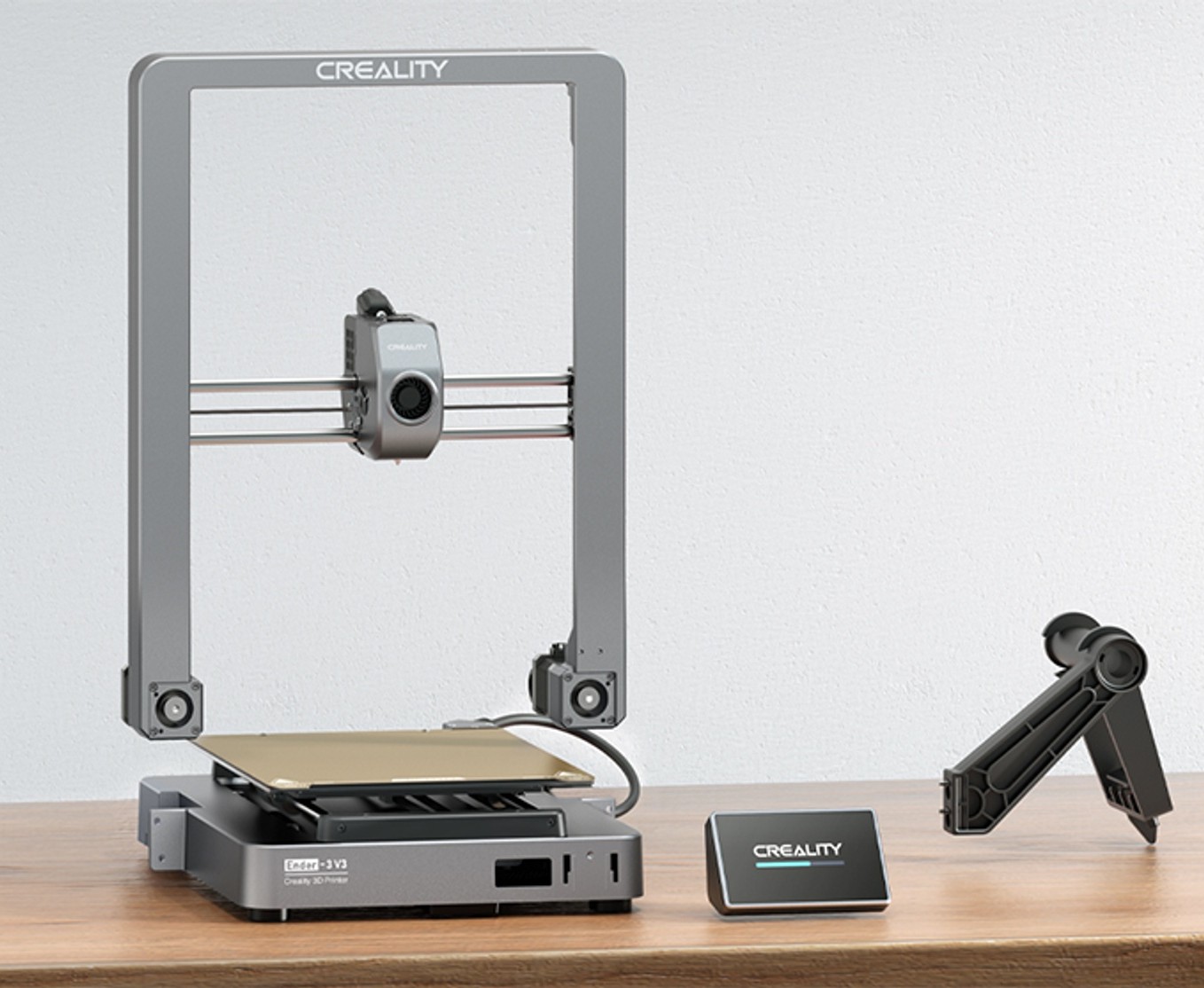
Setting up the Creality Ender-3 V3 printer was straight forward, simple, and clearly explained in their instructions. The Ender-3 V3 comes in highly pre-assembled modules. Even a first-time 3D printer user like me can put it together within 10 minutes. What is really nice is the one touch auto-calibration feature. I would recommend putting some thread lock on the machine screws that connect the gantry to the base.
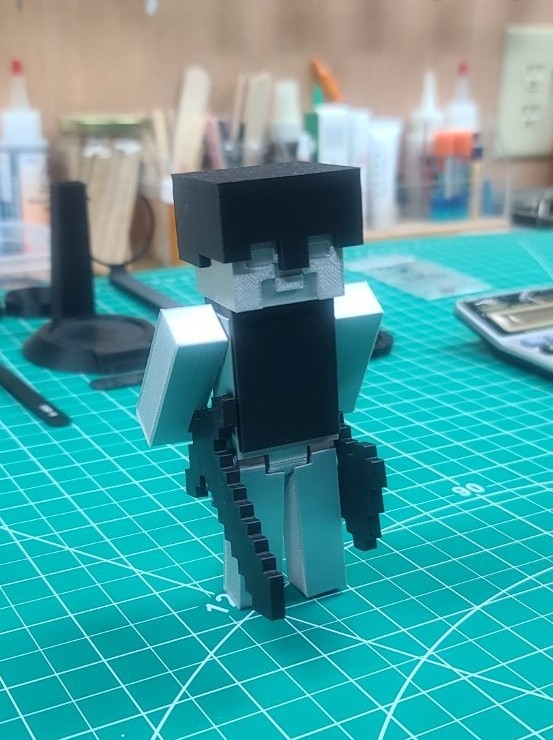
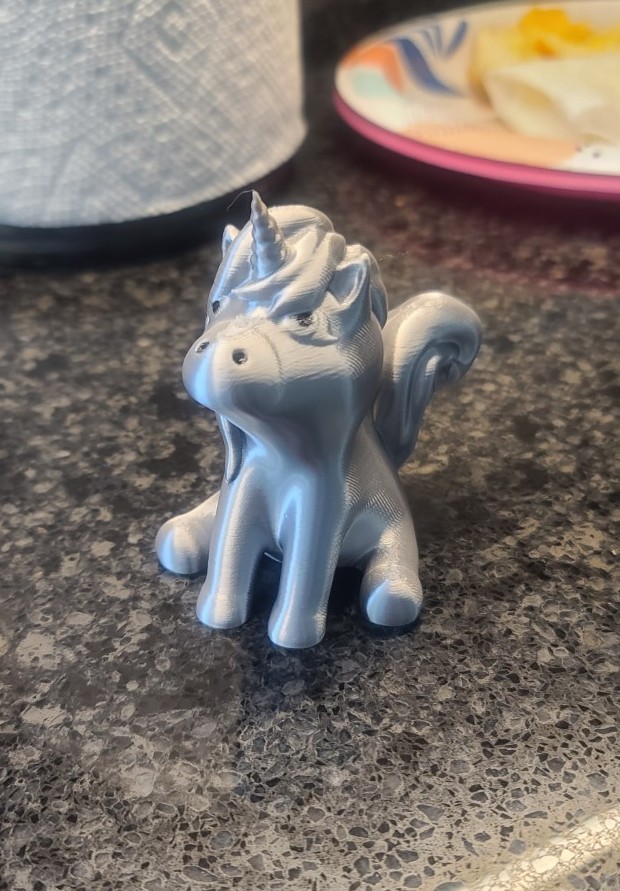
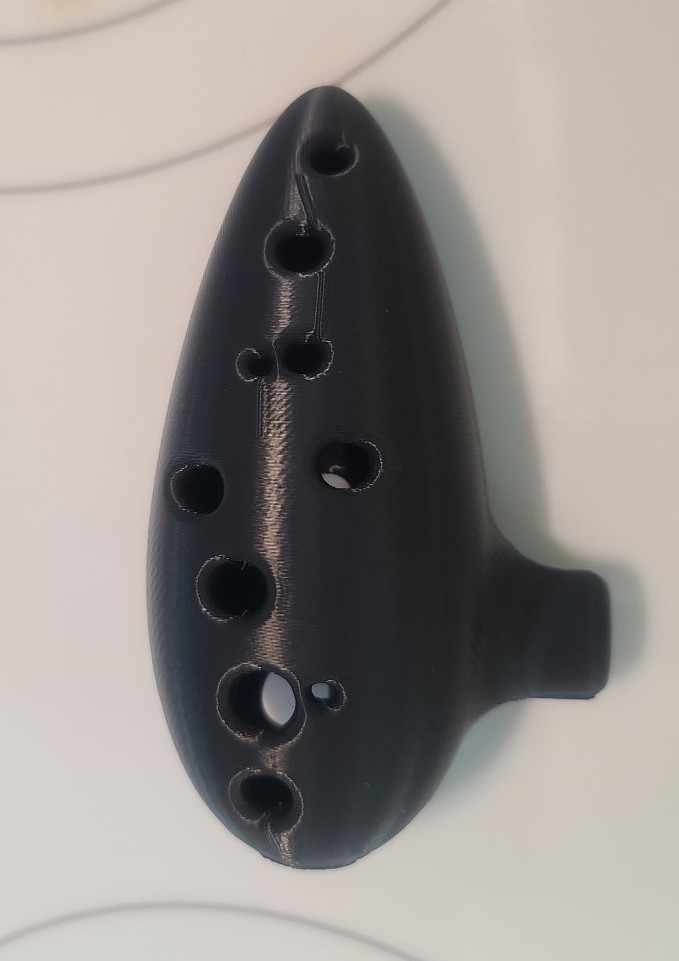
To try out my new printer I searched the web to find a couple models I could make for my grandchildren August and Everly, and their father (my youngest son) Ryan. For Gus I found Minecraft Steve by LinkMertens on Thingiverse, for Everly I found a Cute Unicorn by Hannah Bauer on Printables, and for Ryan I found a Musical 12 Hole Ocarina-flute on Thingiverse.
I took each of the 3D model STL files, ran them thru Creality Print 6.2, and the three images below show you the first 3D models off my new 3D printer. Gus and Everly are now looking forward to finding other models I can print for them, and Ryan needs to learn how to play the Ocarina. The Ocarina (otherwise known as a potato flute) is a wind musical instrument; it is a type of vessel flute. Variations exist, but a typical Ocarina is an enclosed space with four to twelve finger holes and a mouthpiece that projects from the body.
Secret Butterfly Box
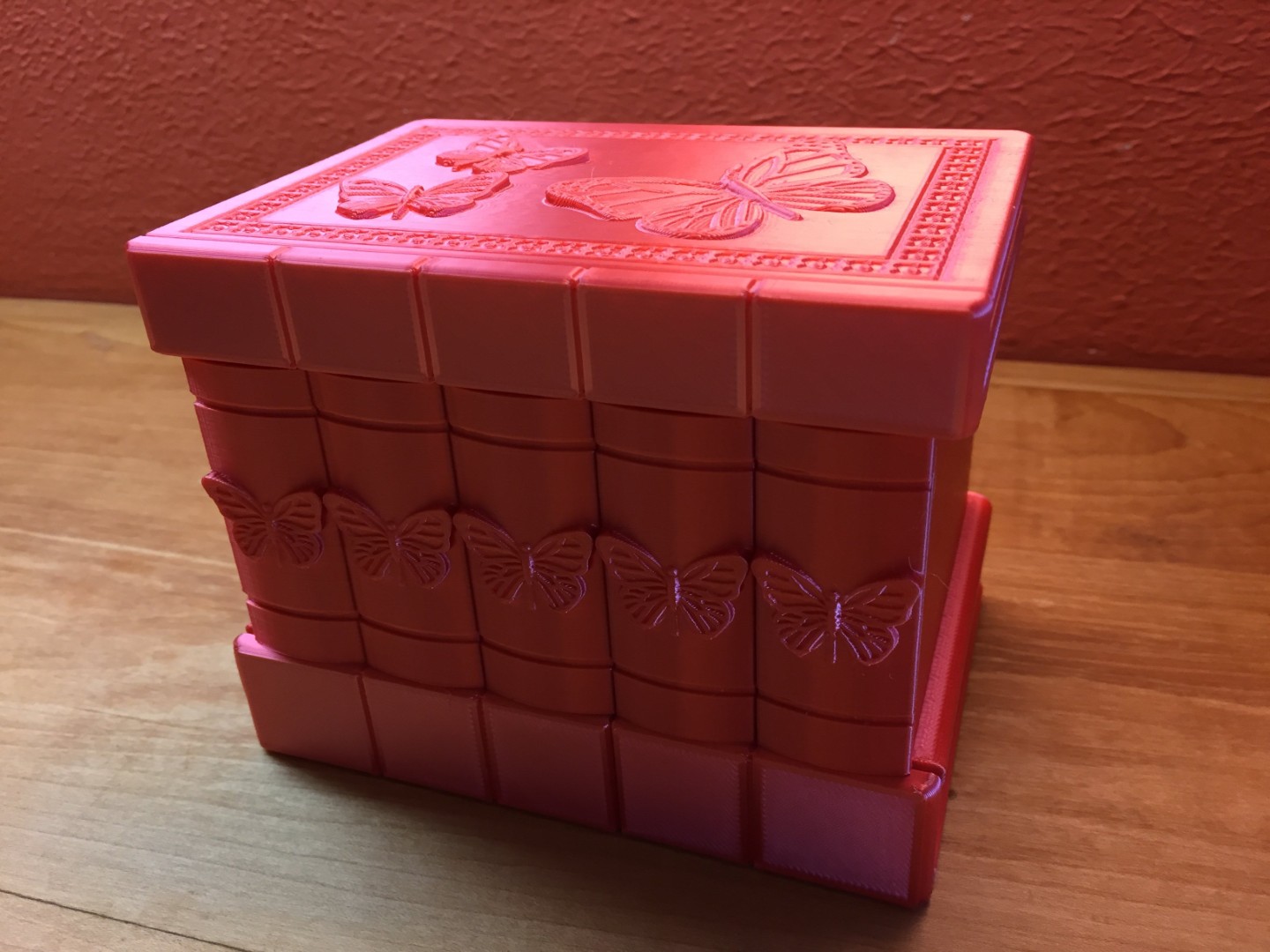
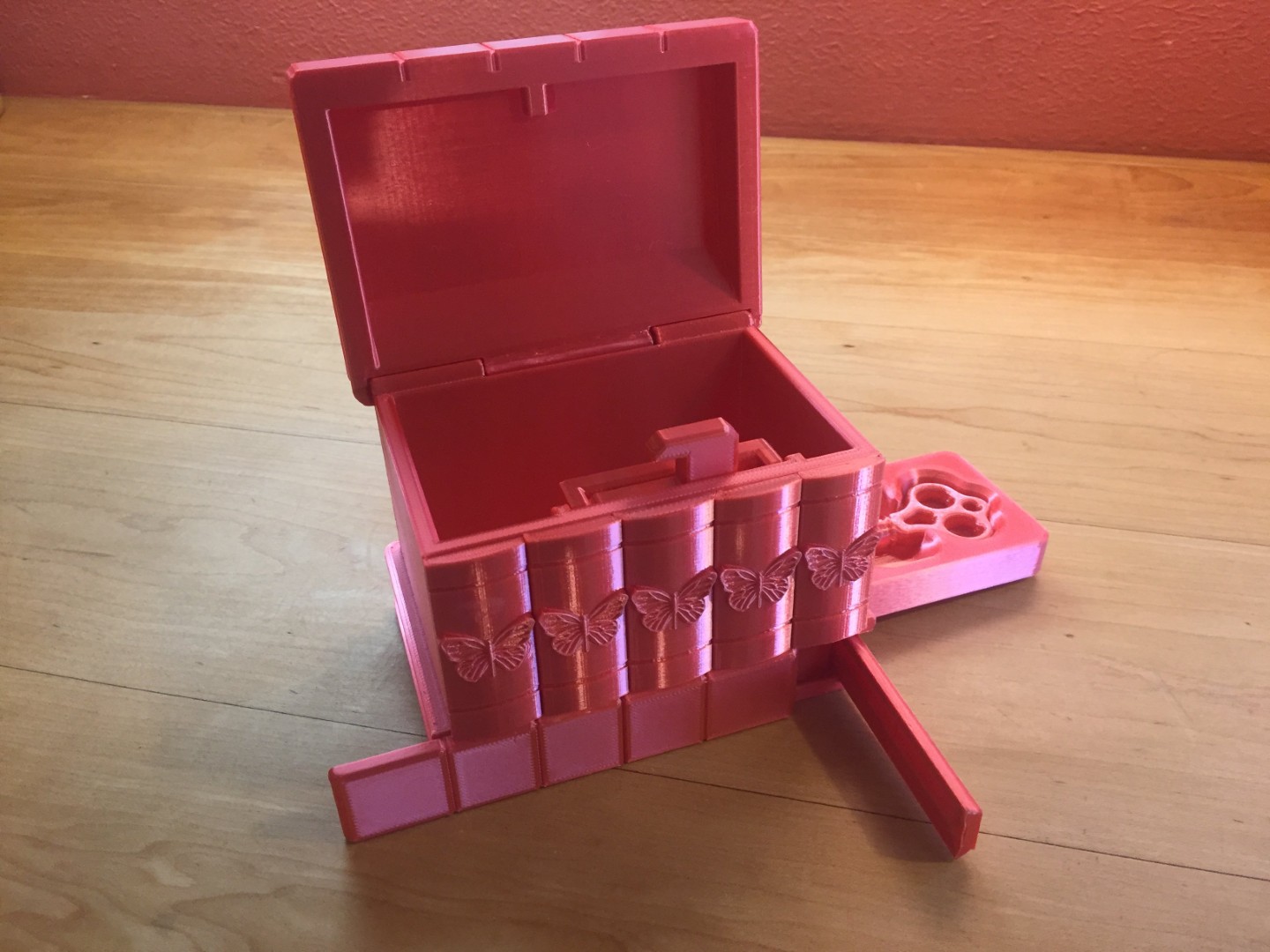
While I was busy printing out all the parts needed for the Dark Techno Isopodius Transport/Tank, Carolyn next found a very nice 3D model for our granddaughter Everly. As shown in the images below, for our second project we will work together to build a Secret Butterfly Box. This was designed by 3DPRINTINGWORLD and found on the web @: Thangs.com.
Source of Images: Thangs.com.
This is a remix of the Korean Secret Box. Its a secret puzzle box. There is a secret way of opening it... First you must find the hidden key... Then you must find the key hole...
According to the designer, once we have all the parts printed, we can view the Assembly Video containing the assembly instructions. Besides the printed parts we will need one piece of 1.75mm filament 5 inches long, a standard pen spring, and some super glue. There also is a How to Open Demonstration Video.
I started this project 3D printing the spring with Clear Creality Hype-PETG, and then the key with Giantarm Silk Metallic Silver PLA 3D printer filament, a 0.4mm printer nozzle, and my custom Creality Print 6.2 slicer settings for Silk PLA. Once those were finished I then printed the key tray using Creality White Hyper-PLA. All of the remaining 13 parts for the Secret Butterfly Box were printed with Pink ELEGOO PLA+ 3D printer filament using a 0.4mm nozzle.
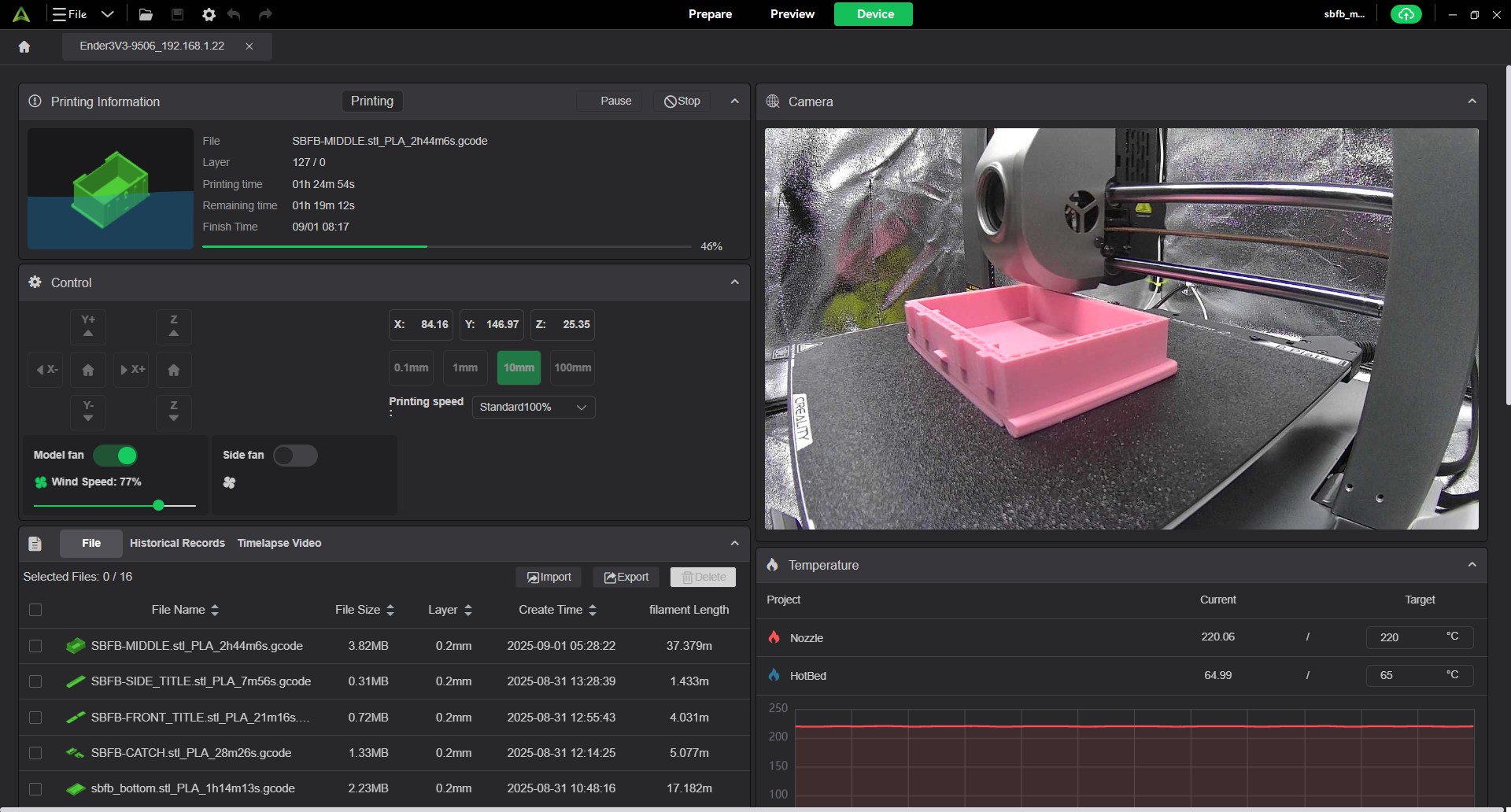
The left image below is a screen shot from Creality Print of the print status for the box middle section. As you can see in the upper left of the image, this was taken at 1 hour 25 minutes into the print, with 1 hour 19 minutes remaining, or 46% complete. The right image shows the results of all the 3D printing. Now to review the Assembly Video and put this project together.
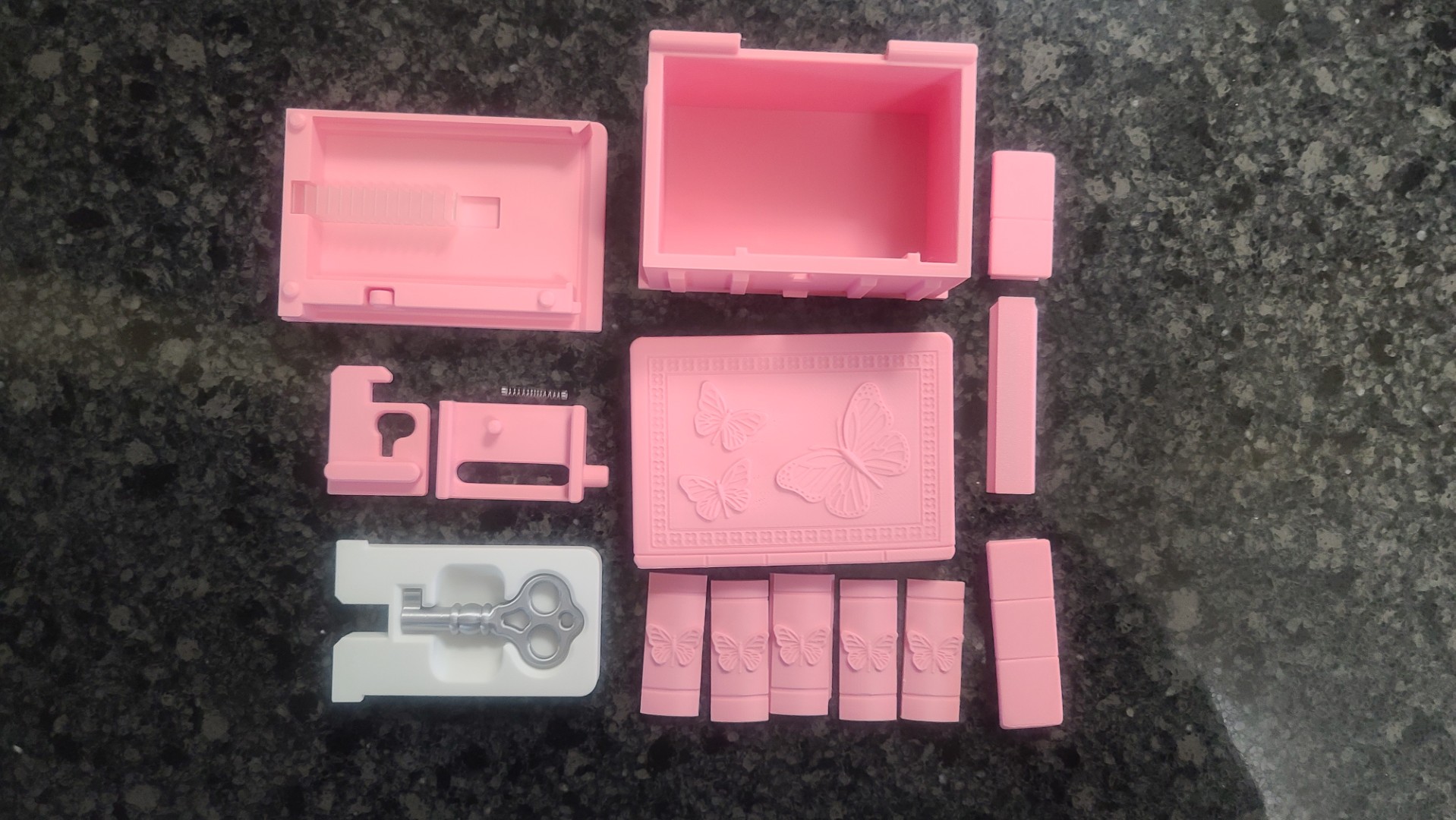
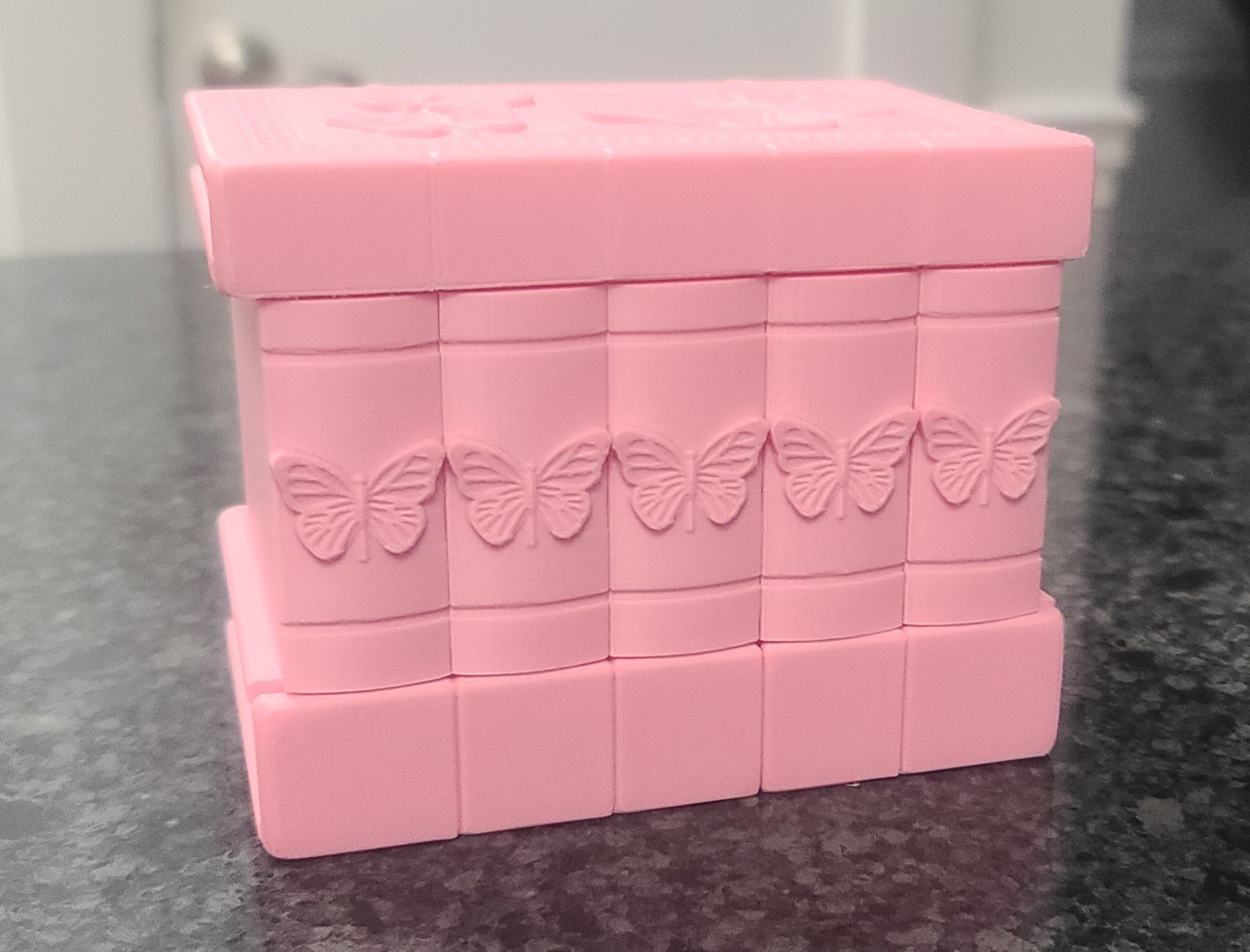
Majestic Pegasus Statue
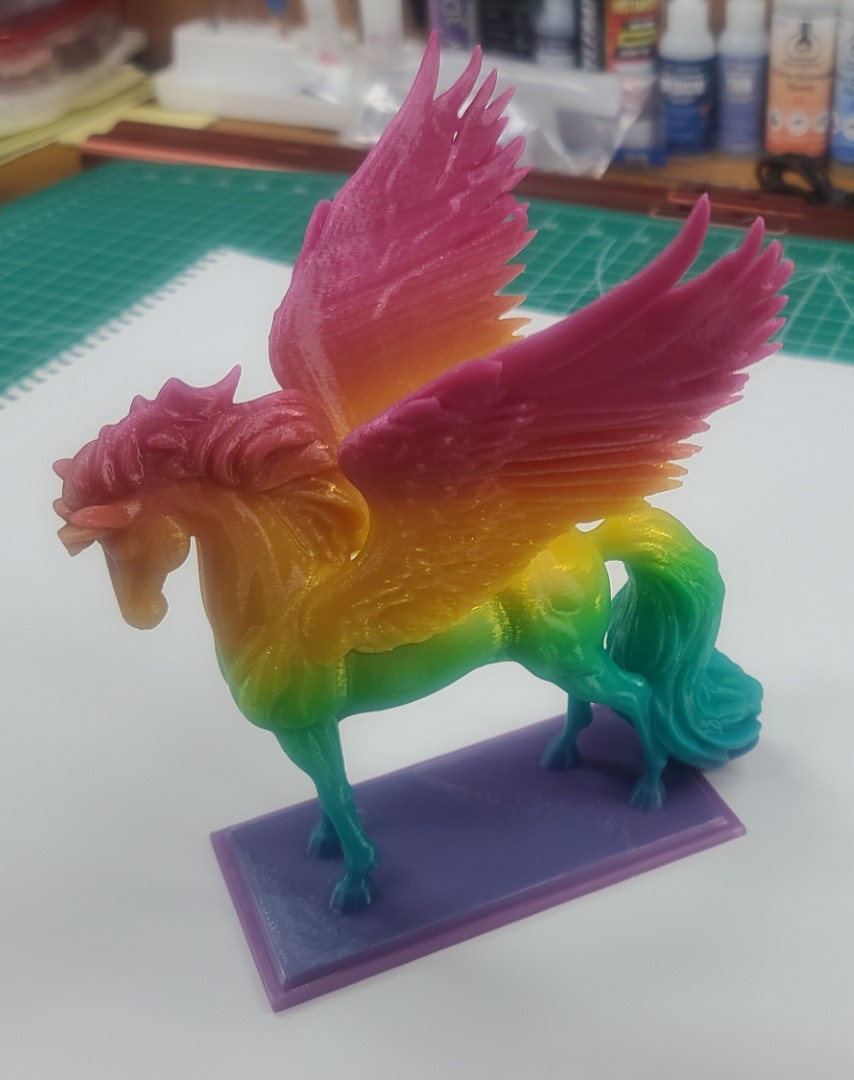
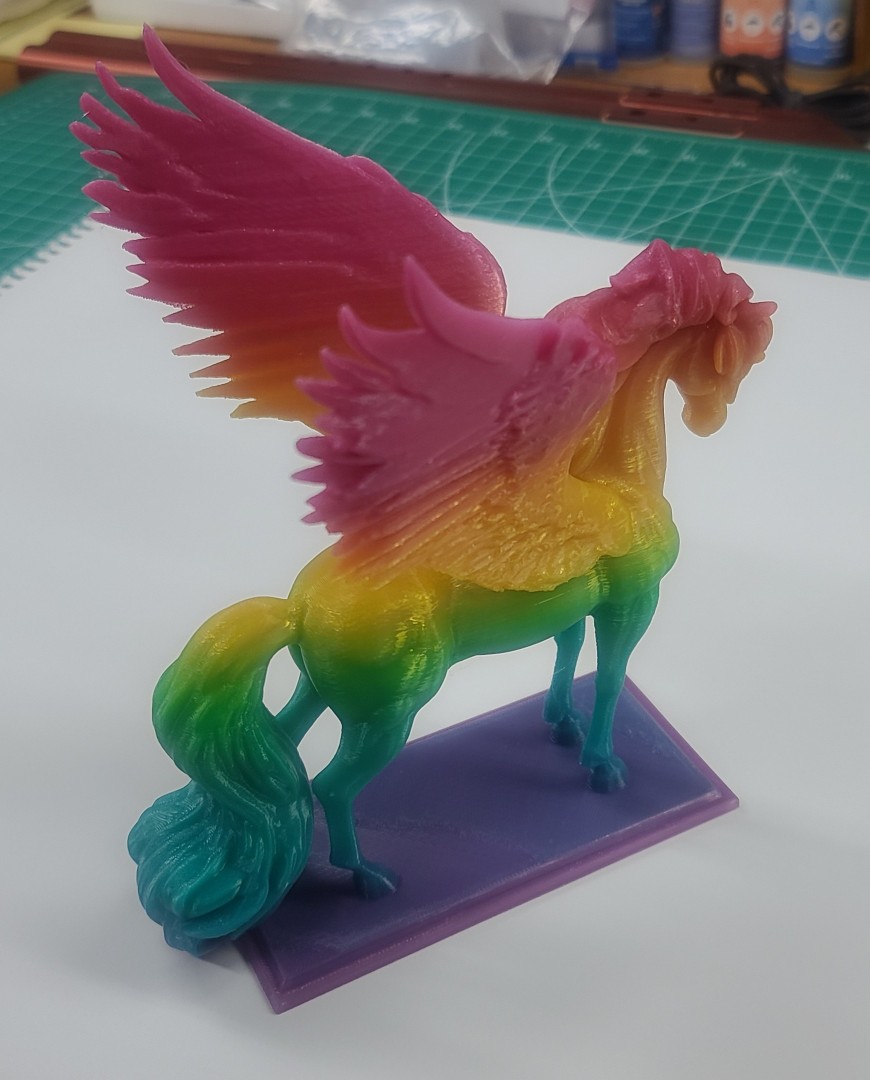
During a recent web search I found a very nice 3D model for my granddaughter Everly. She loves horses, so when I stumbled on the Majestic Pegasus Statue on Makerworld.com, I just had to make this a new 3D project. The free model is from the “Triple G Workshop” and had many very nice comments, ratings, and images from other 3D modelers.
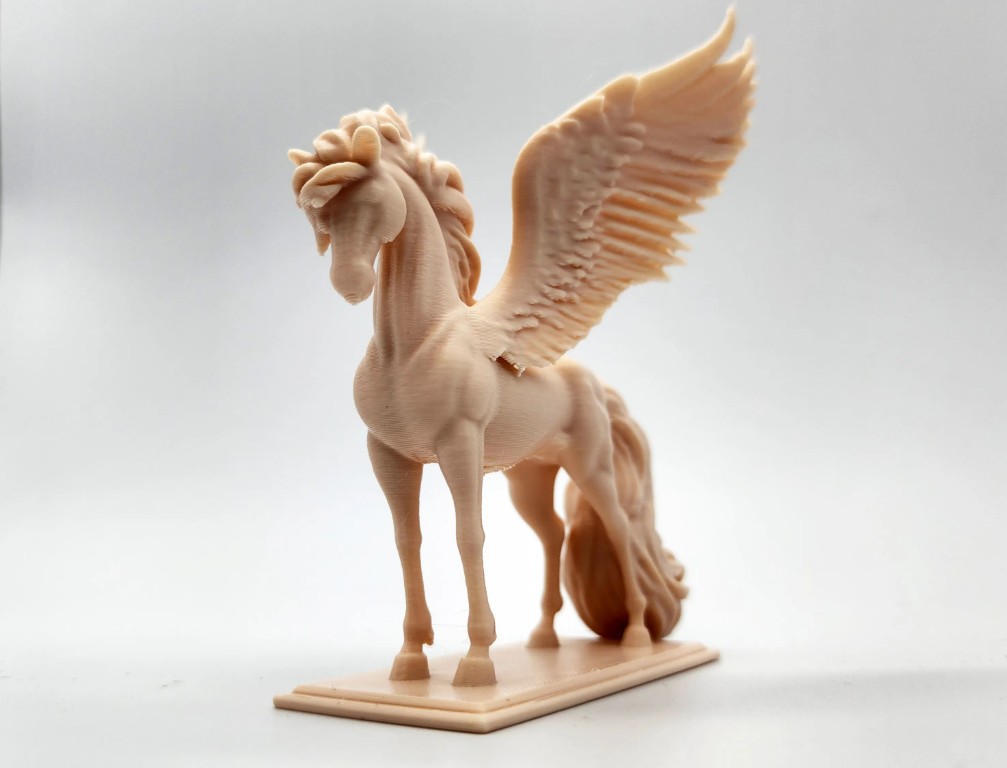
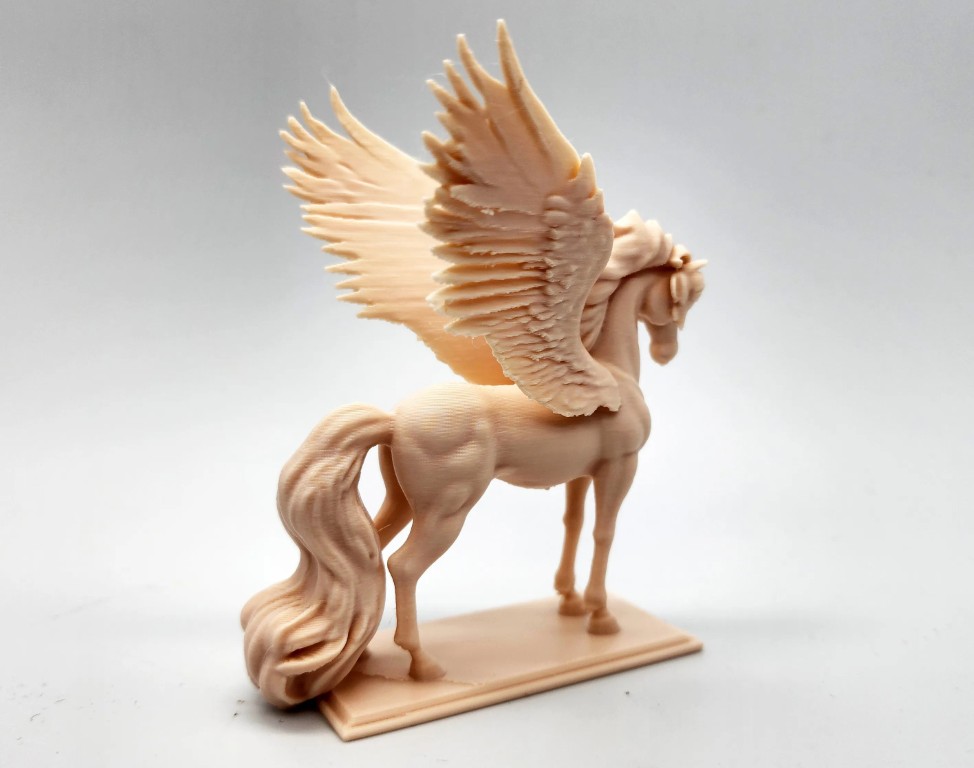
This project was printed from a single STL file (23.7 meg) on my Ender-3 V3 printer using some Panchroma Gradient “Translucent Rainbow” PLA filament I had received for a Christmas gift from my oldest son and daughter-in-law. I set up the model in Creality Print at a 200% scale with a profile of Organic Tree supports on the build plate only, a 0.2mm layer height, with 3 walls and a 16% sparse infill density, using a 0.4mm nozzle. As you can see in the Creality Print screen capture image below (Click on the image to enlarge), this resulted in a print time of 7 hours 49 minutes, using 68 meters of filament at a total weight of 203.5 grams.
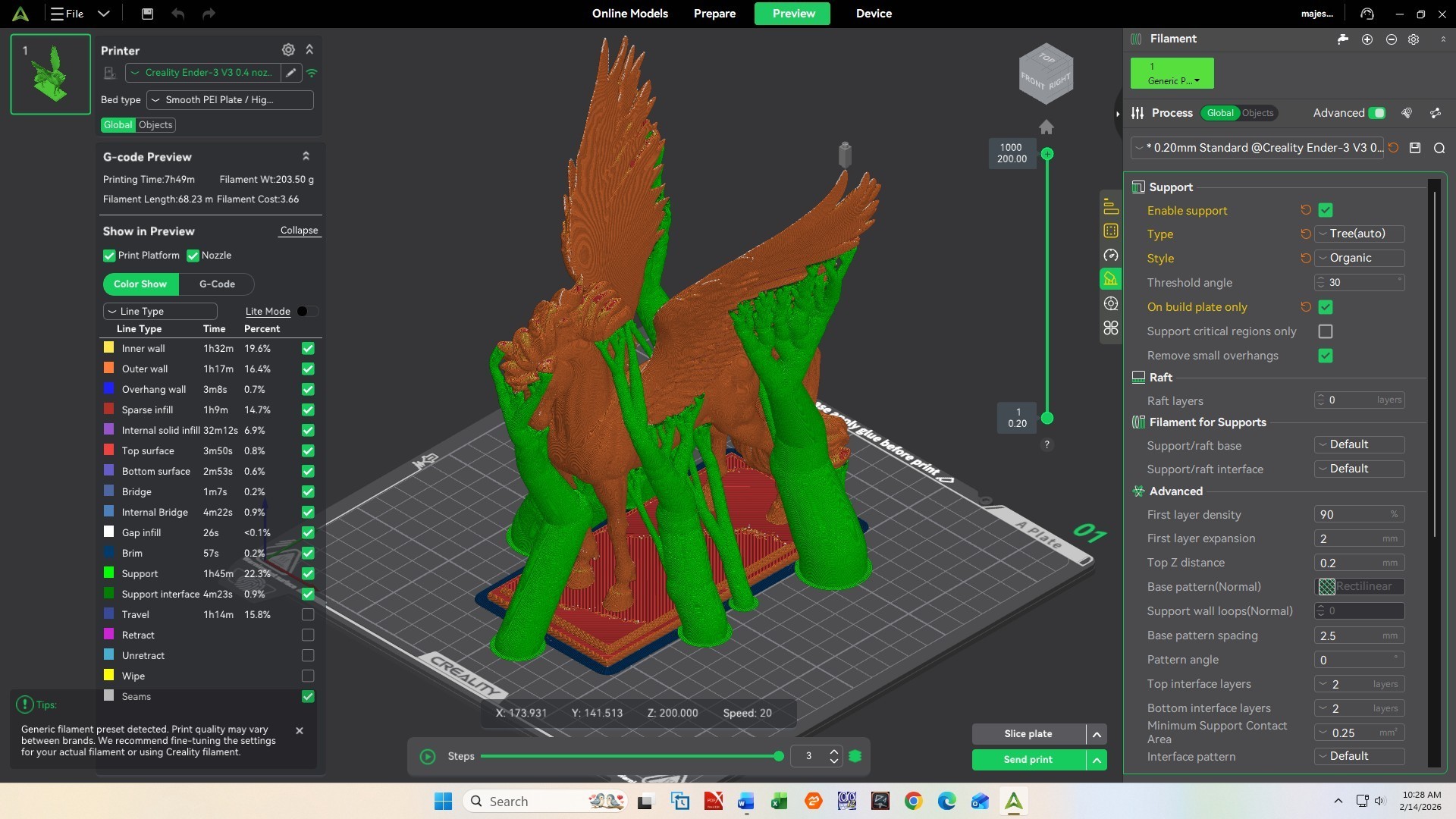
After carefully removing all the tree supports, as shown in the next two images my resulting 3D model turned out pretty nice. I think Everly will be very happy.
Haunted Skull Key Holder
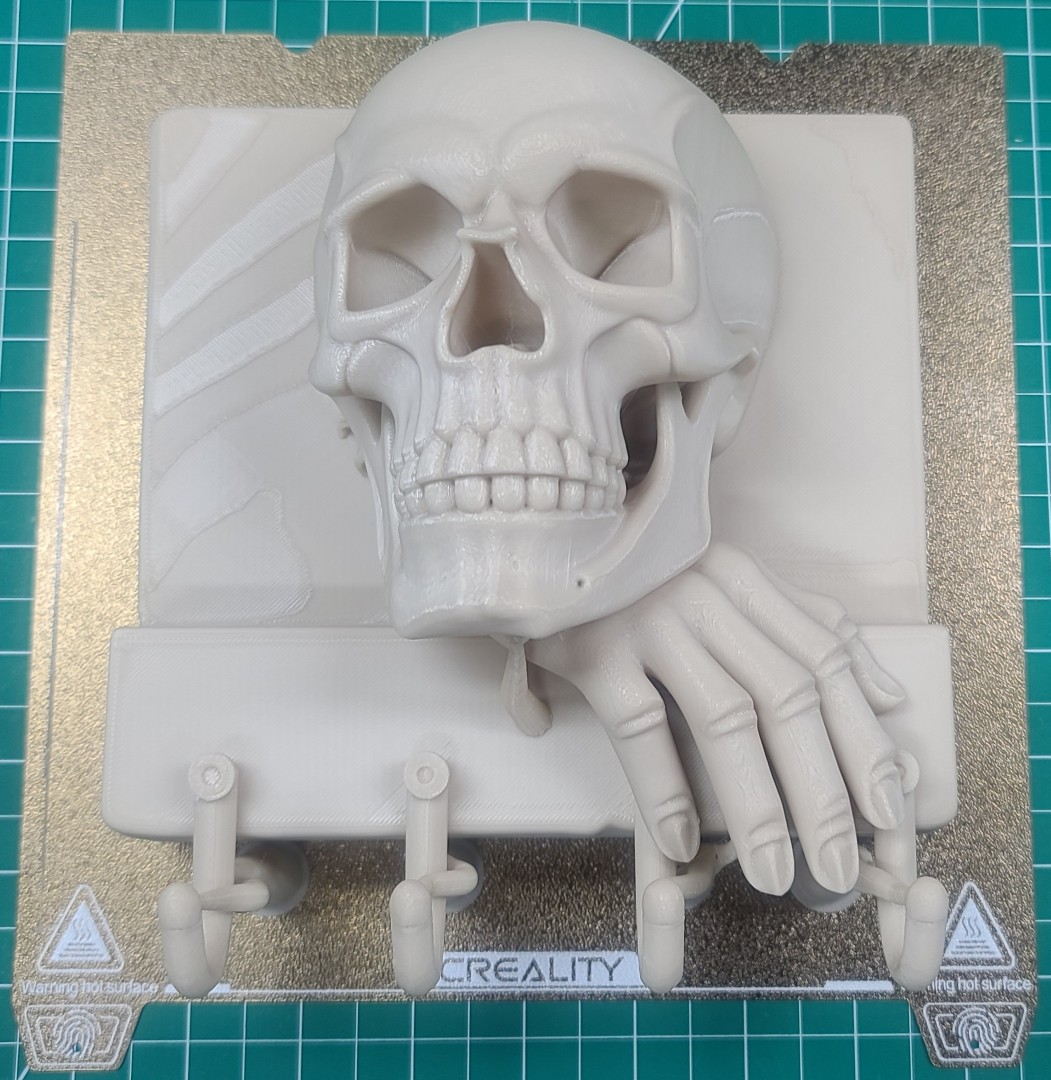
This project is a gift for my daughter-in-law. She loves Halloween and has all kinds of decorations she puts out each year, so I figured I'd make her something she could add to her collection. I found the nice wall mounted Haunted Skull Key Holder in the left image below @ Cults3D. This is from EternaForm3D, and I believe it is a remix.
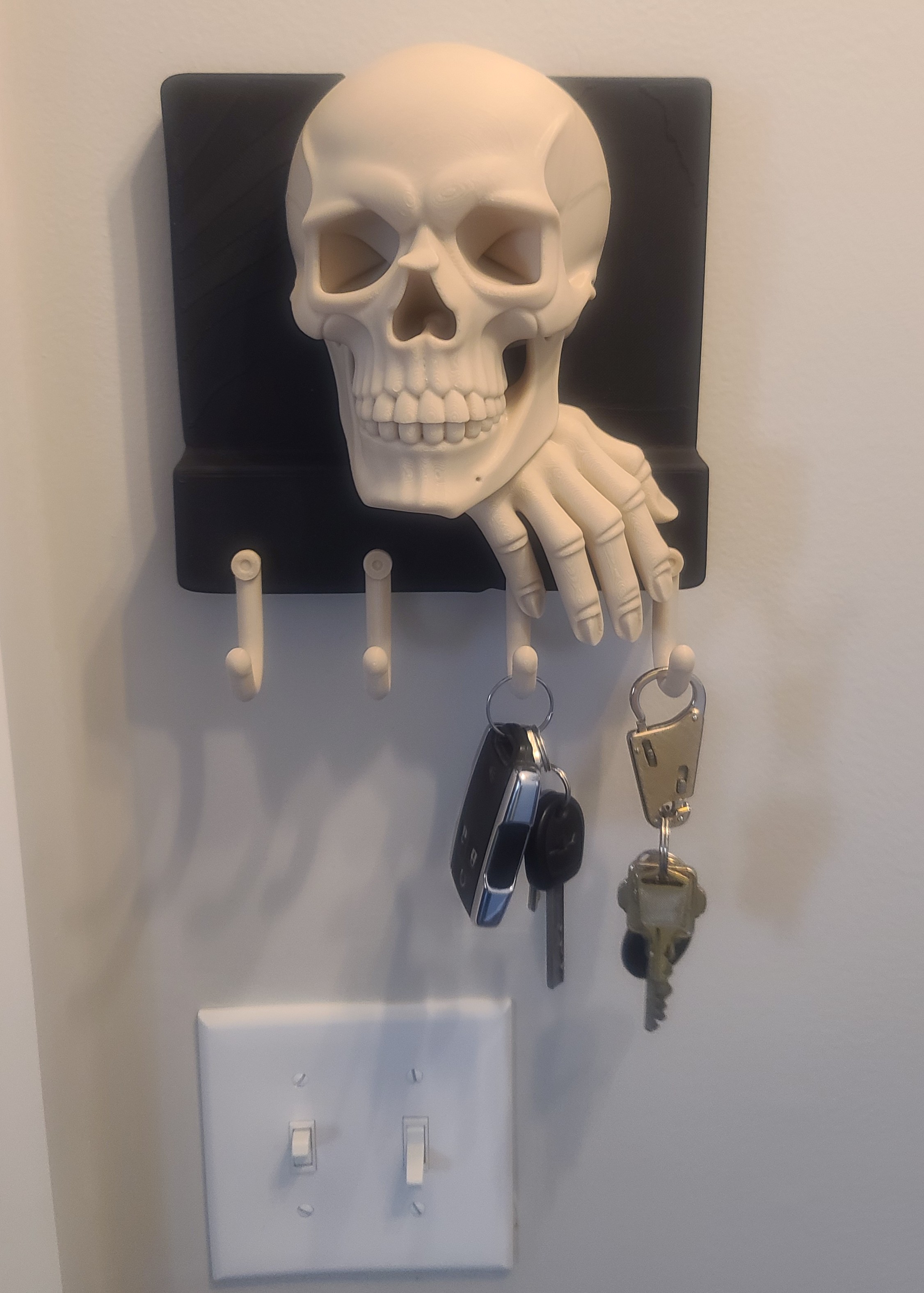
I setup the single STL file in Creality Print 6.2 using a 0.4mm nozzle, 0.2mm layer height and eSun PLA+ Bone White filament. The only modification I made was to slice off some of the backside to remove the protruding skull so the final piece would hang flat against the wall. Even at a 200mm/s print speed, the single piece part you see in the right image took 8 hours and 21 minutes to print. I think it turned out pretty nice, and I know she will love it. After painting the stone background with some flat black acrylic paint, the final model was mounted to a wall in their TN home as seen in the last image below.
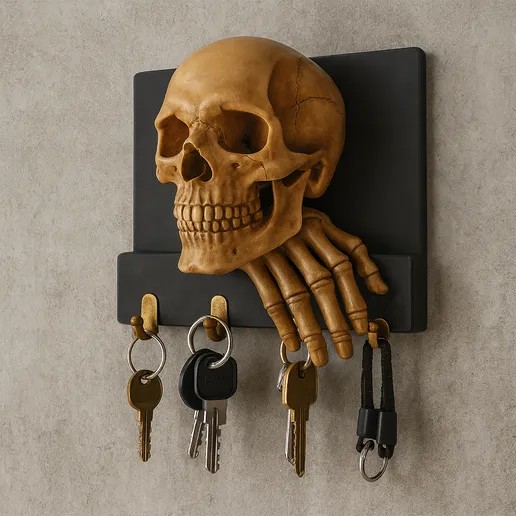
Source of Left Image: Cults3D Haunted Skull Key Holder Webpage.
Beetle “Ring Holder” Boxes
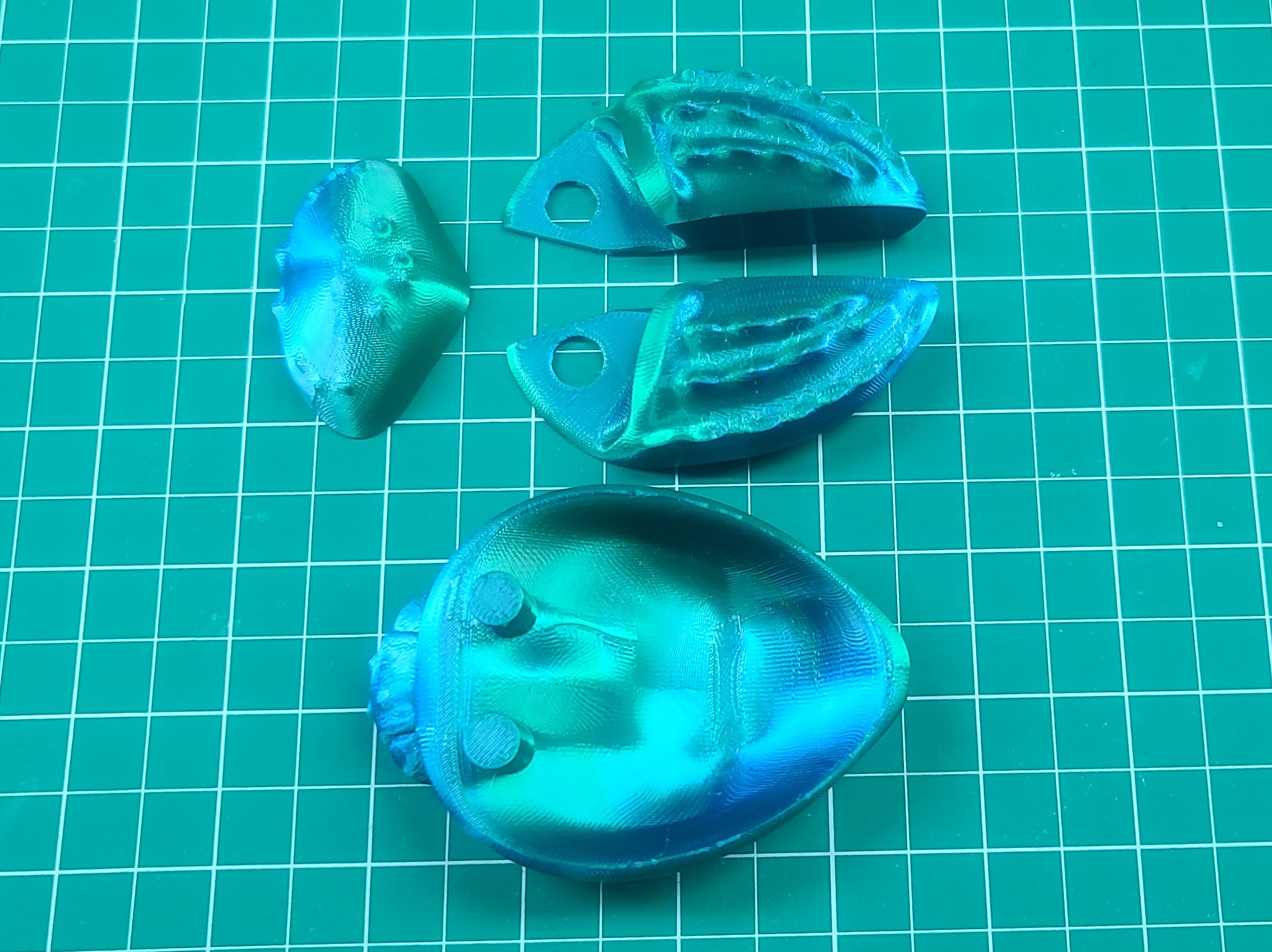
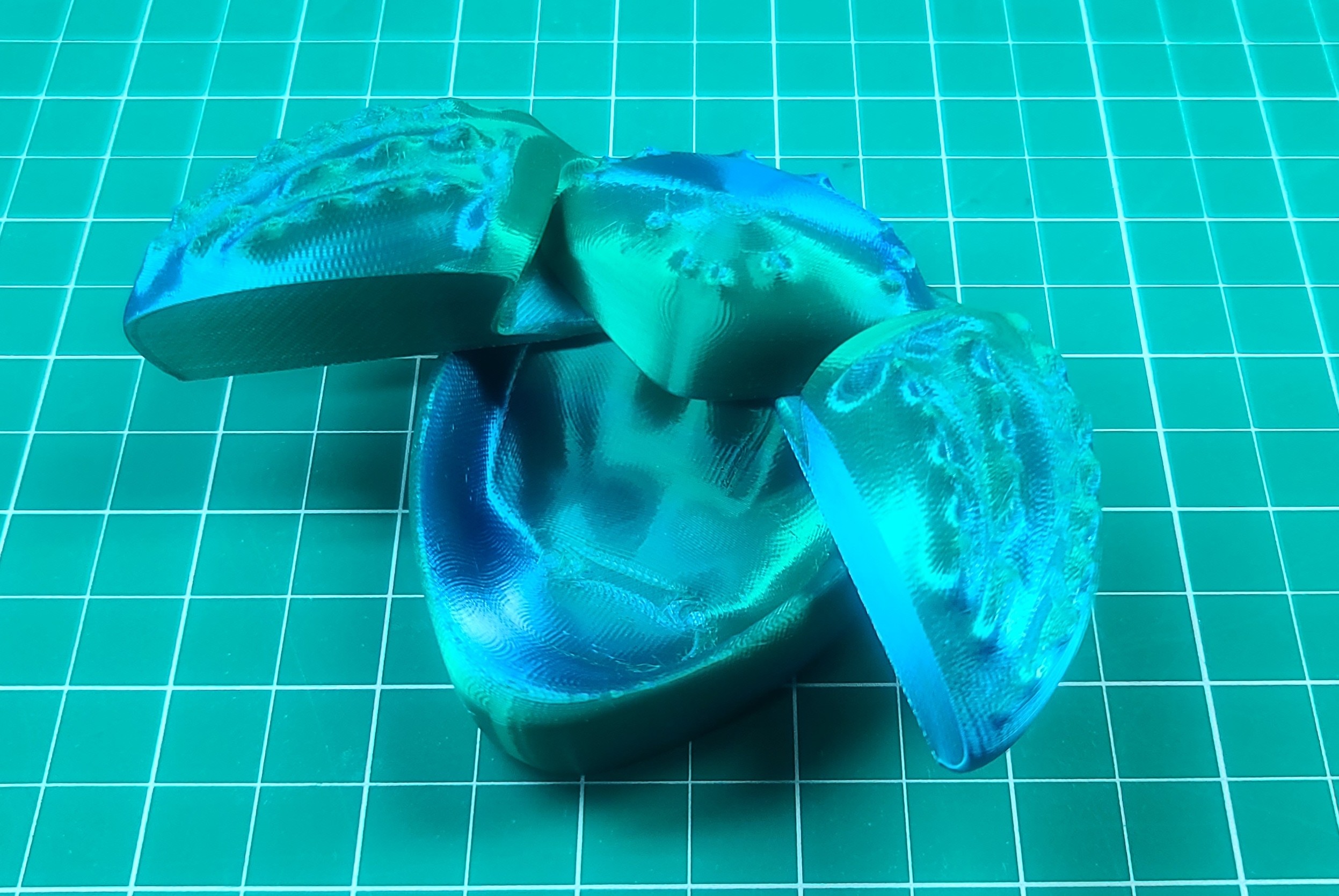
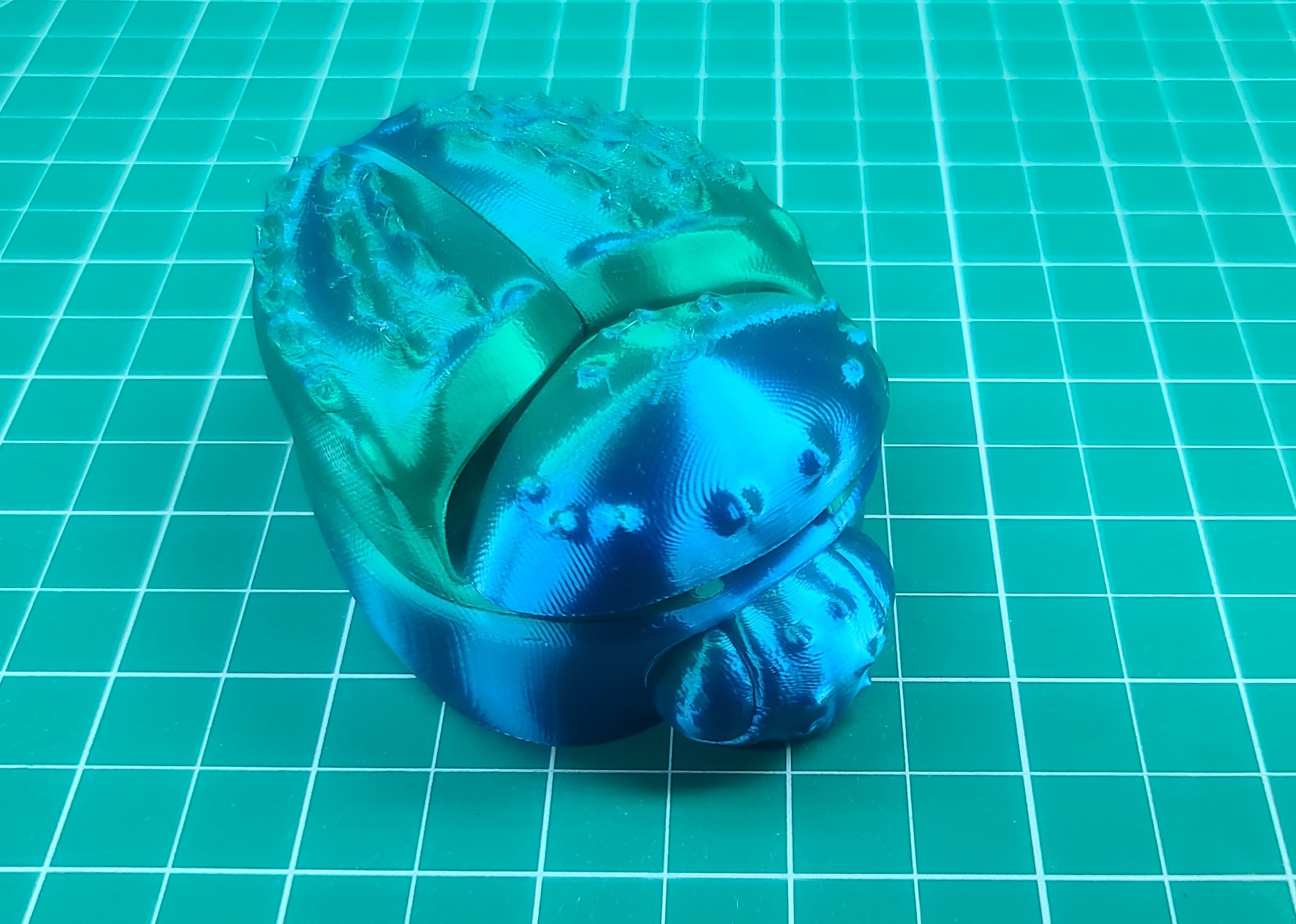
Carolyn found a couple more items that she wanted me to print out for Christmas gifts. The first one is a ring holder modeled as a Beetle. The STL files can be download for free from Cults3D, and comes in three parts that easily fit together! At 100‰ scale it fits a small ring. I 3D printed this model using my Creality Print 6.3 0.1mm Silk-PLA profile settings with a 0.4mm nozzle and ELEGOO Dual Color Blue Green Silk PLA filament. You can order this shiny 3D printer filament on Amazon or the Elegoo website. Total time required to 3D print all three parts shown in left image below was 6h 32m due to the thin 0.1mm layer height and slow print speed (50mm/s) needed to obtain a nice shiny finish using Silk-PLA. The final results after assembly are shown in the middle and right images below.
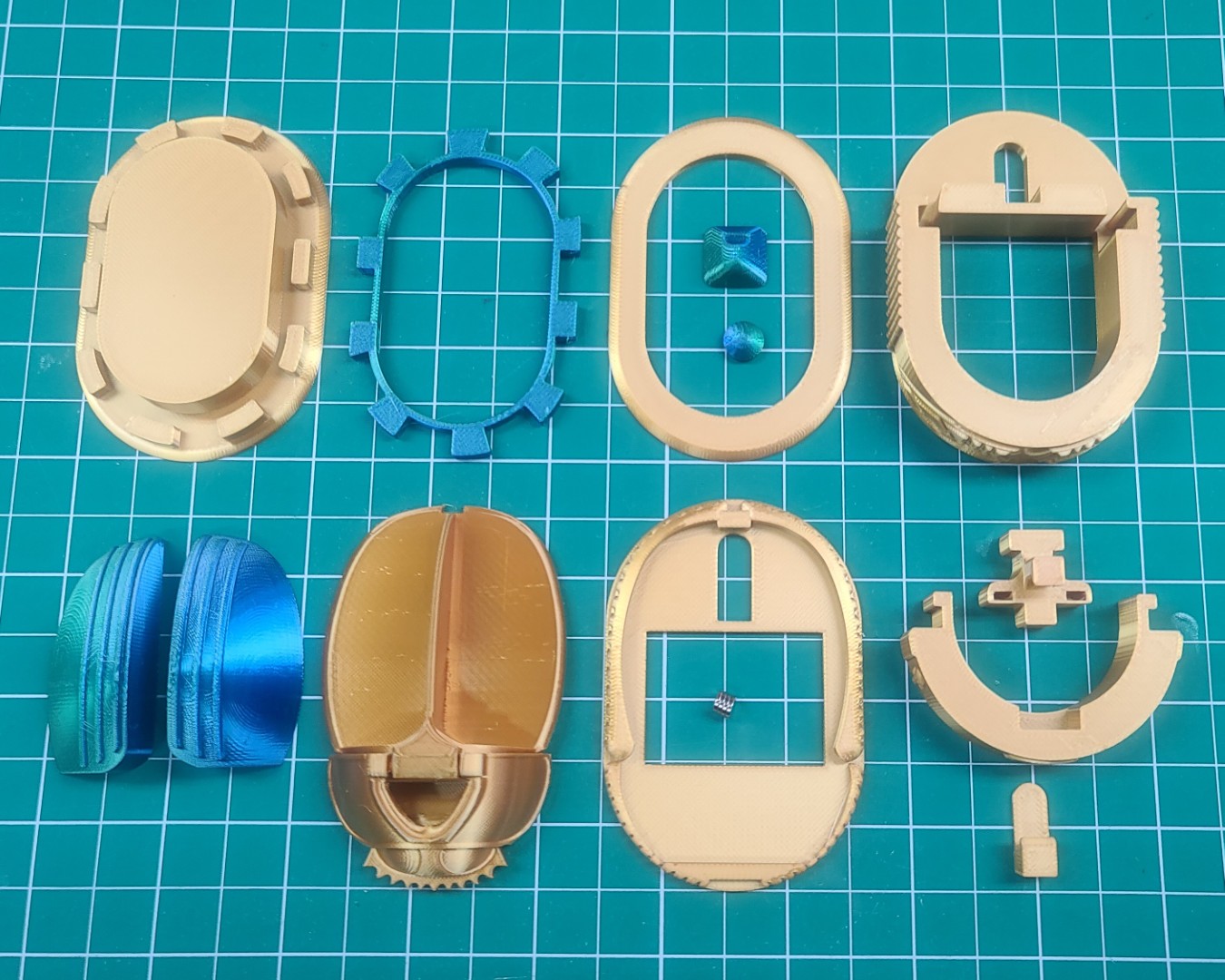
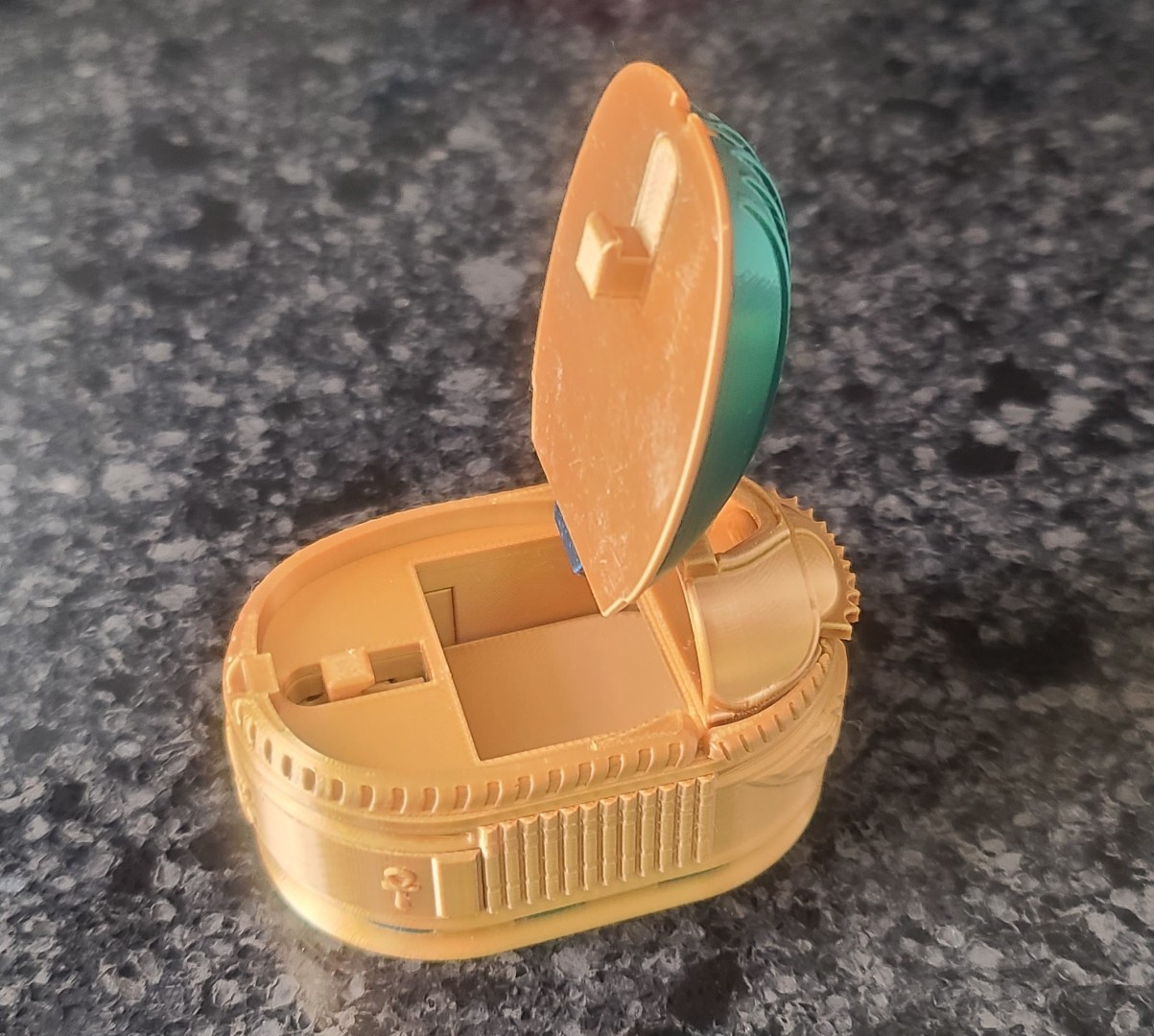
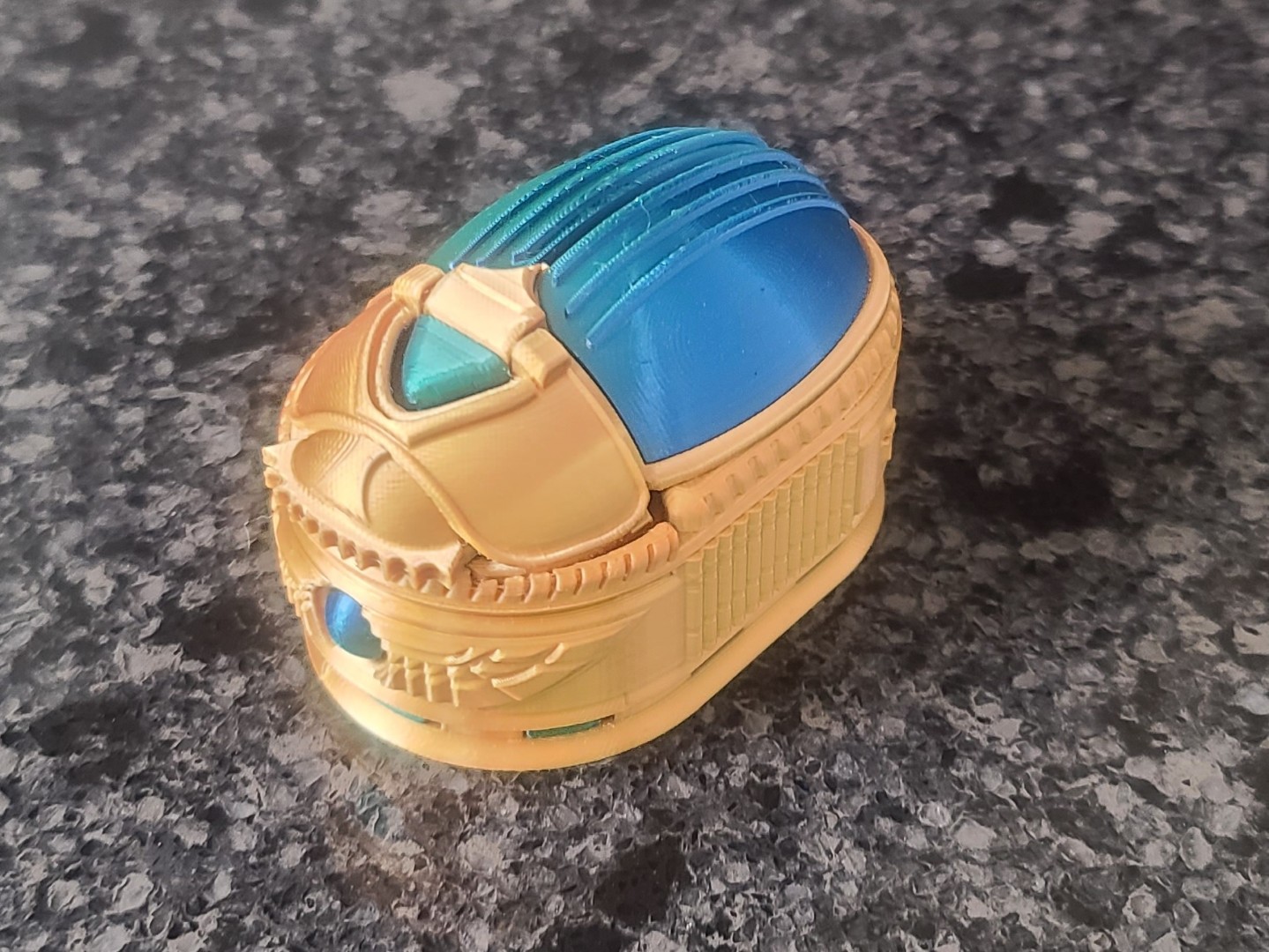
The other item is also a ring holder, but this time the model is a Scarab Beetle Box styled after the “Egyptian Revival” of the 19th and early 20th centuries rather than Ancient Egypt. To the ancient Egyptians, the scarab beetle was symbolic of the sun (Ra) moving across the sky every day (the beetle rolling a ball of dung was seen to represent this). This model has a stylized beetle with a winged Ra between his two front feet. The STL files and assembly instructions can be download for free from Thingiverse. There also is a Remix available at Scarab Beetle Box Remix, that adds holes for mounting four neodymium magnets (4x2mm) to a couple parts.
This model comes in 12 parts that easily fit together, and at 100‰ scale it fits a ring. The Scarab Beetle Box is a small model with a secret compartment which is accessed by pulling back a “secret drawer” and opening up the beetle's wing case. The box is locked by closing the wing case and pushing the drawer back into place. For this model I again 3D printed using my 0.1mm Silk-PLA profile settings with a 0.4mm nozzle. For most of the model parts I used GIANTARM Gold Silk PLA filament, and for the small jewels and wings I used ELEGOO Dual Color Blue Green Silk PLA filament. Total time required to 3D print all 12 parts shown in left image below was 11h 46m, again due to the thin 0.1mm layer height and slow print speed (50mm/s) needed to obtain a nice shiny finish using Silk-PLA. Some much for having a 3D printer capable of 600mm/s print speeds! The final results after assembly are shown in the middle and right images below.
SpaceX Starship 1:200 Scale Model
When I told my youngest son Ryan about my new 3D printer, he asked me if I could print him a 3D model of the SpaceX Starship for his work desk. After doing some web searches, I finally decided on a 3D model from Kmobrain - AstroDesign3D, which is located on the Printables website.
The SpaceX Ship “Starship S24” and Booster “SuperHeavy B7” model is a highly detailed 1:200 scale reproduction of the rocket currently under development for SpaceX's space transportation missions. The model consists of several pieces printed separately, which are easy to print and assemble. The finished model dimensions are approximately 25cm high and 9cm wide for the Starship S24, and 35cm high and 8cm wide for the Booster B7. There also is an updated version of the Starship which is based on Ship S33, and the Starship Hot-Staging Ring.
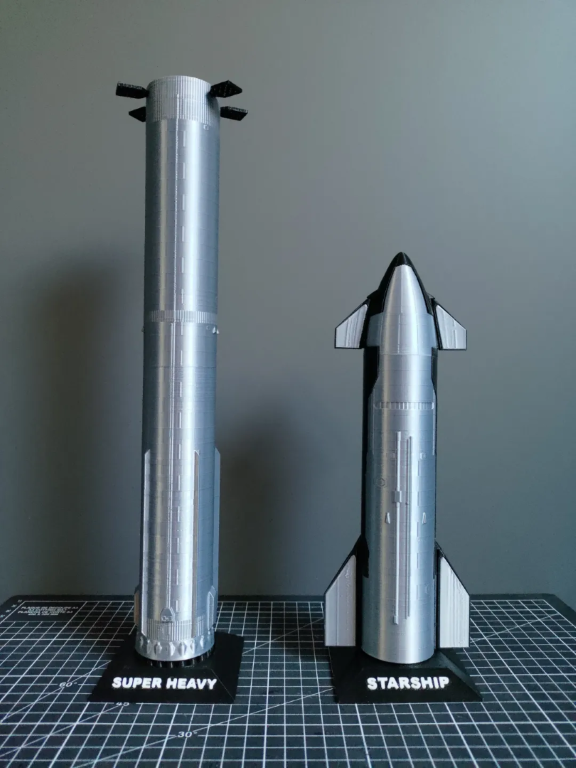
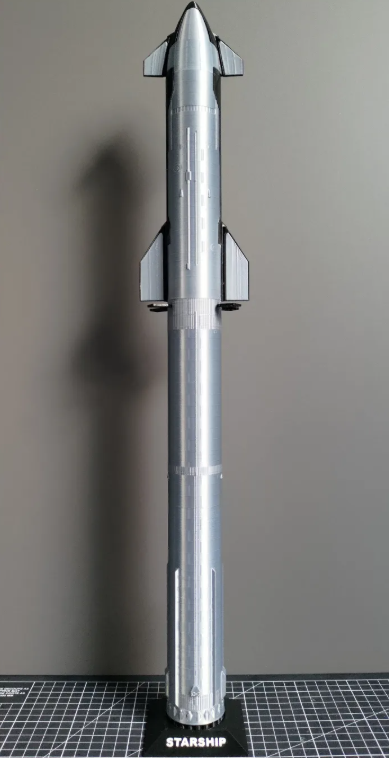
Source of Images: Printables.
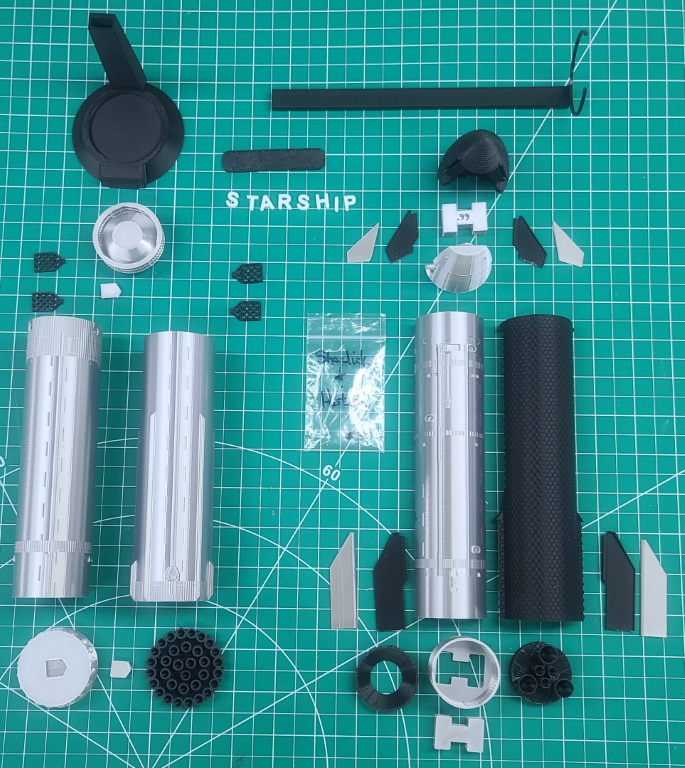
I downloaded all the STL files for both the original Starship/Booster and and the updated version 2. These are very nicely done models. I had no problems using them in Creality Print and only had to make minor size adjustments to the couplers to get the all parts to fit together properly. I printed all the black parts using Creality Hyper-PLA with a 0.4mm printer nozzle. To get a nice silver metal color, I printed all the metal parts using Giantarm Silk Metallic Silver PLA 3D printer filament using the same printer nozzle.
All the parts in the image below took 30+ hours to print, ranging from under a minute for the smallest parts to just under 4 hours for the large parts like the Starship and Booster tanks. This does not include the time to set-up the models in Creality Print. I will update this section once my son completes the assembly of his SpaceX Starship model.
Flying Dragon Book Nook
While talking to our mail-lady I happened to mention that I had gotten a 3D printer. When delivering my order of filaments, she asked if I would be willing to print out something for her. I told her that if she could provide me with an image of what she wanted, or a link to the image, I would see if I could find an STL file to print out her 3D model. Well, when delivering our mail several days later she showed me an image of a “Flying Dragon Book Nook” that was listed for sale on Etsy. After doing some web searches for similar items, I finally found a nice 3D model on Cults3d.com.
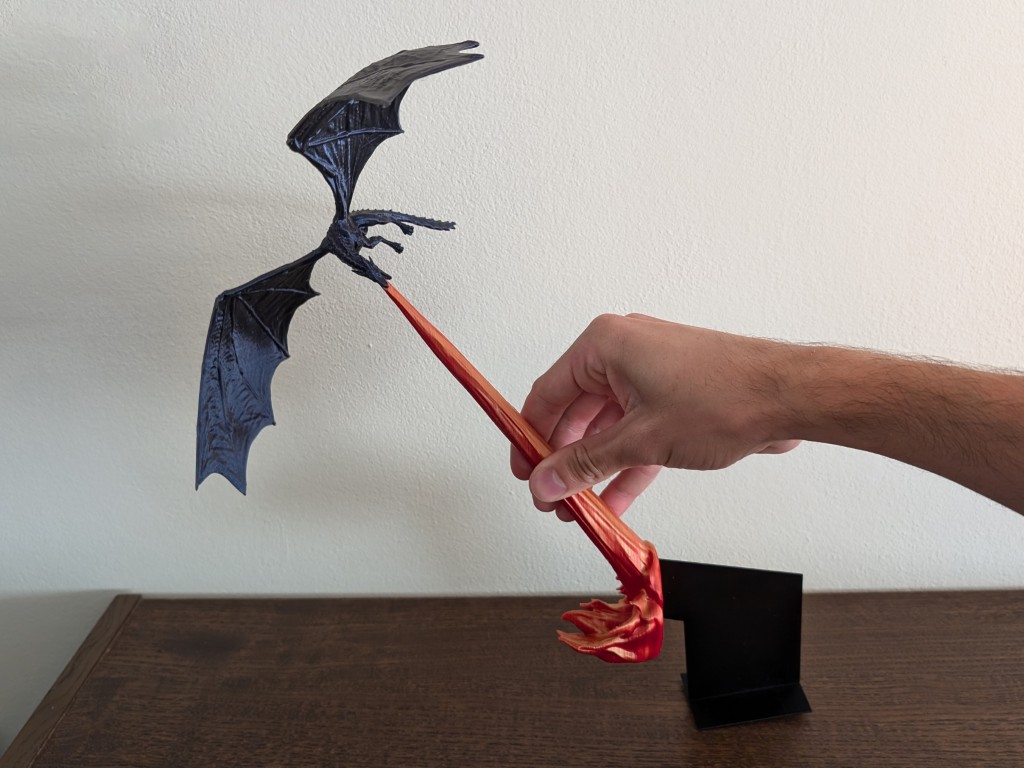
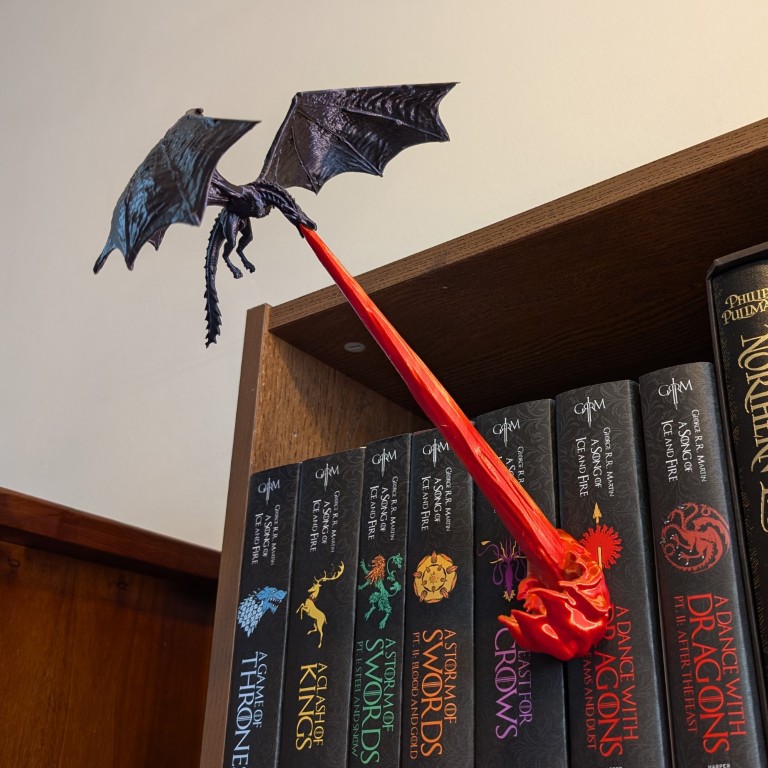
Source of Images: Cults3d.com.
Below you can see an image of my 3D printed “Flying Dragon Book Nook” trying to burn the books on my daughters-in-law's bookcase. It turned out pretty nice I think, and she really liked it.
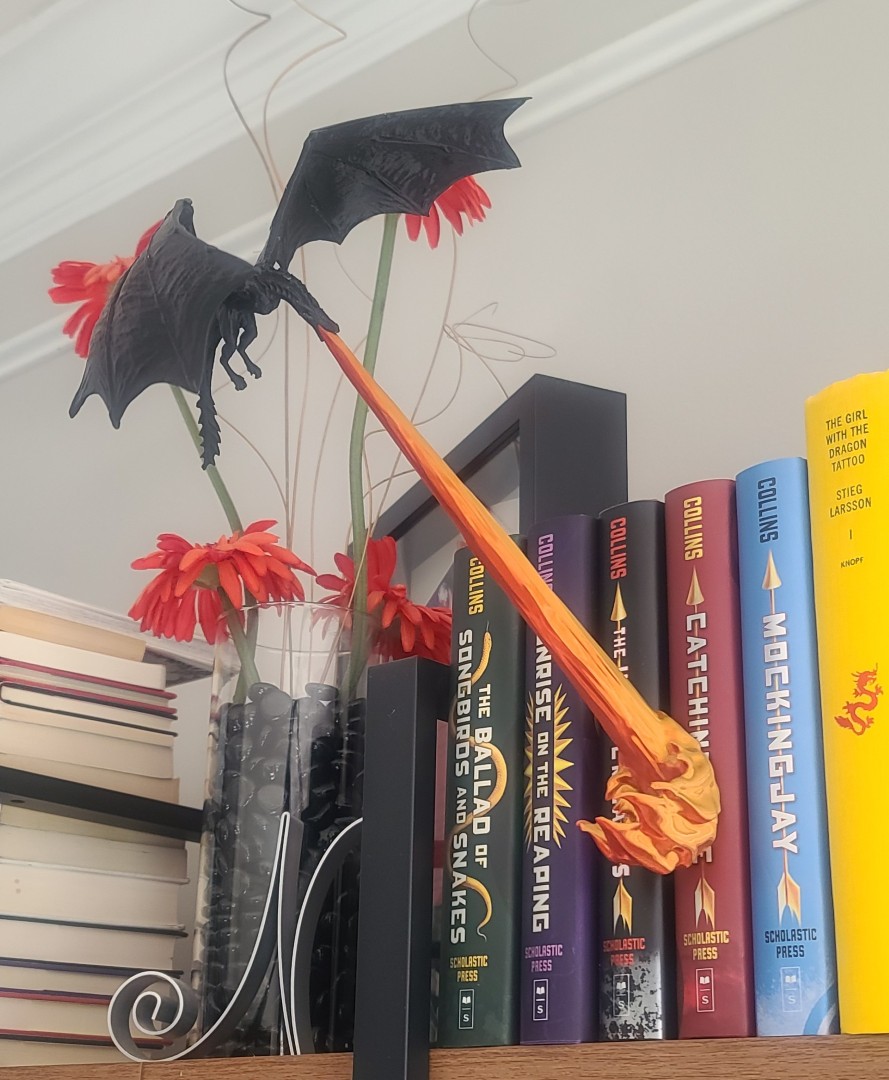
Miss Vintage WW1 Pilot Bust & Spandau Machine Guns
As I had indicated in My Miss Vintage Build Description, the selection of the pilots bust was still an open item for that build. I also had not planned to put any machine guns on the model due to their high prices to purchase, but now that I have my 3D printer, both of these items can be addressed.
For the pilot bust in the left image below, I found a WWI style pilot made by workshopbob using the body of Manfred WW1 Model Pilot Burst. This was found on Thingivers.com, and for the Spandau MG08 machine guns in the right image I found a 3D model by Wersy on Cults3d.com.
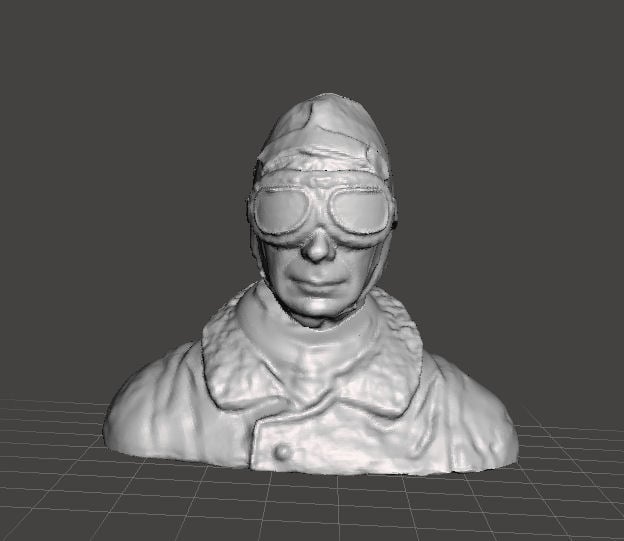
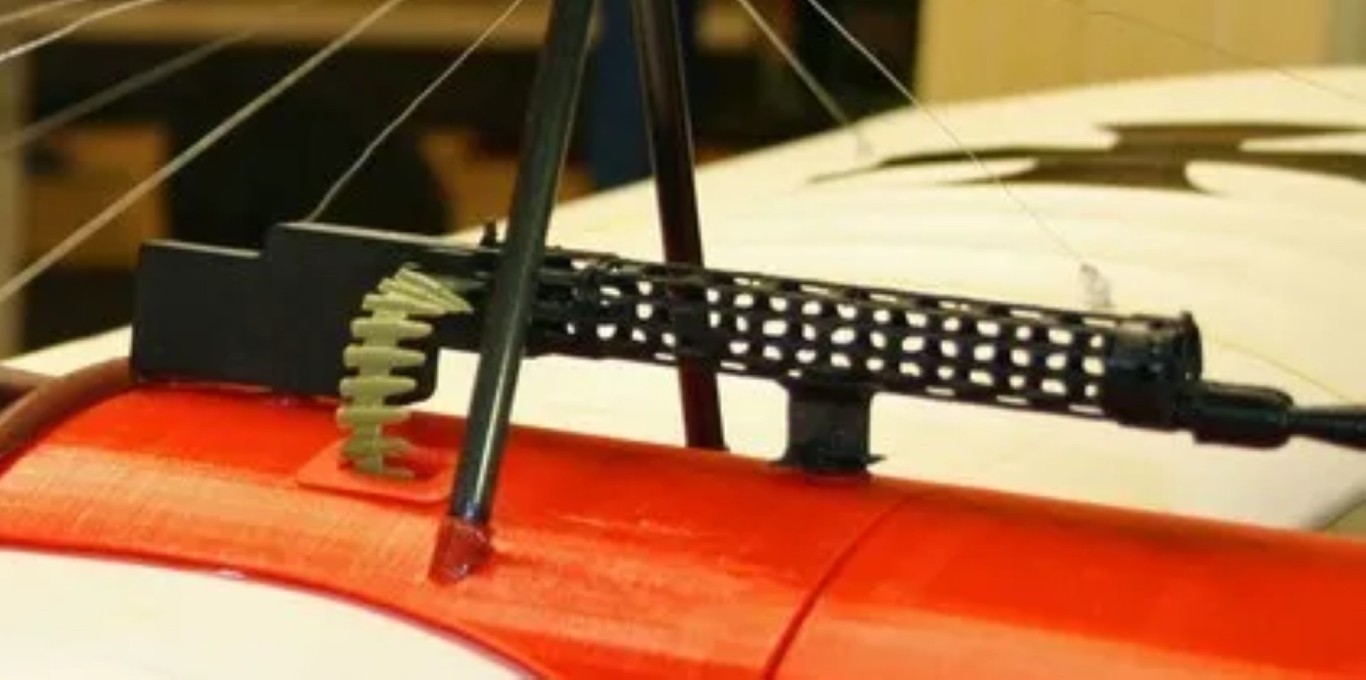
Source of Images: Thingivers.com, and Cults3d.com.
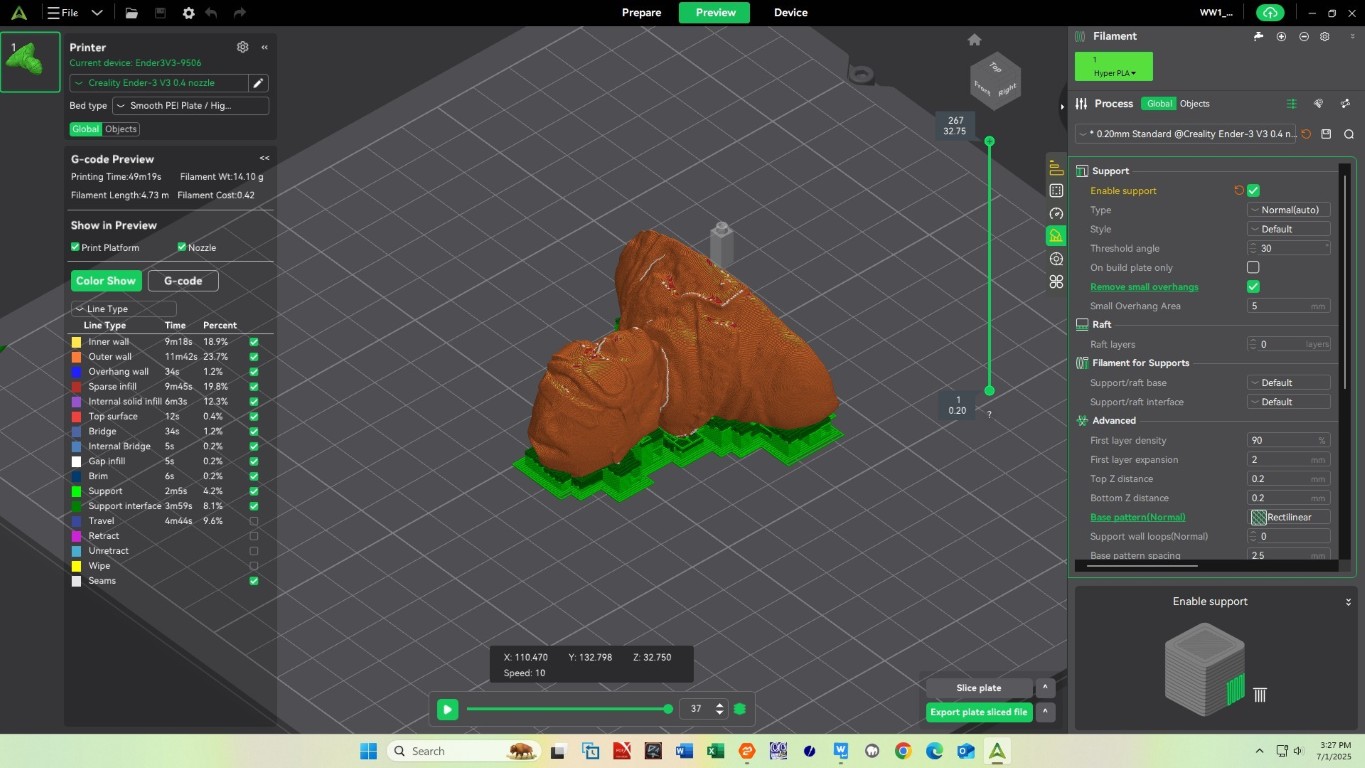
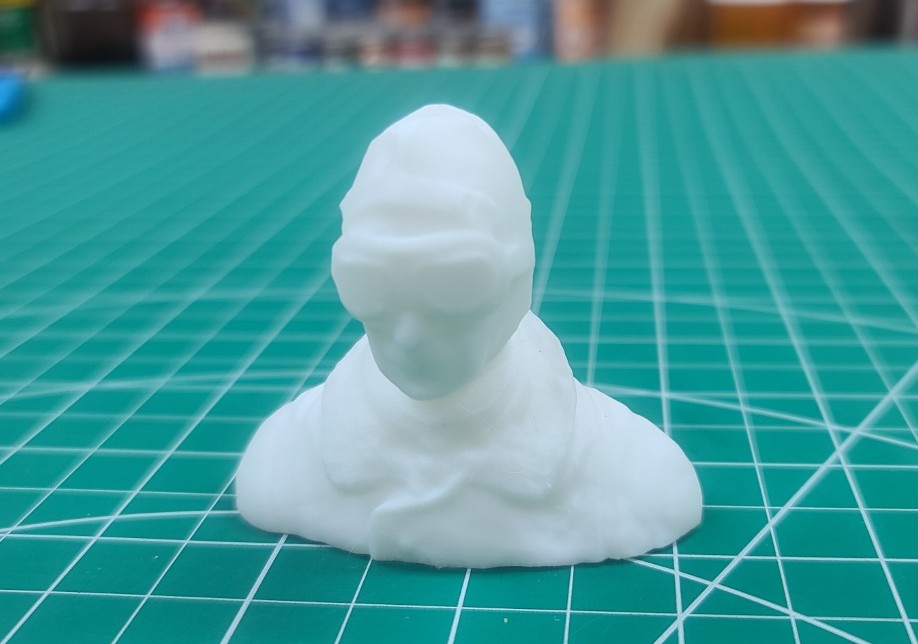
I imported the STL file I download for the pilot bust into Creality Print and adjusted the settings to scale the model for my Miss Vintage cockpit. The image below on the left is the print preview for the pilot bust. Note the print time of just over 49 minutes. The results of the printing using White Creality Hyper-PLA is shown in the image on the right. Now all I need to do is get my paints and fine brushes out to finish the bust.
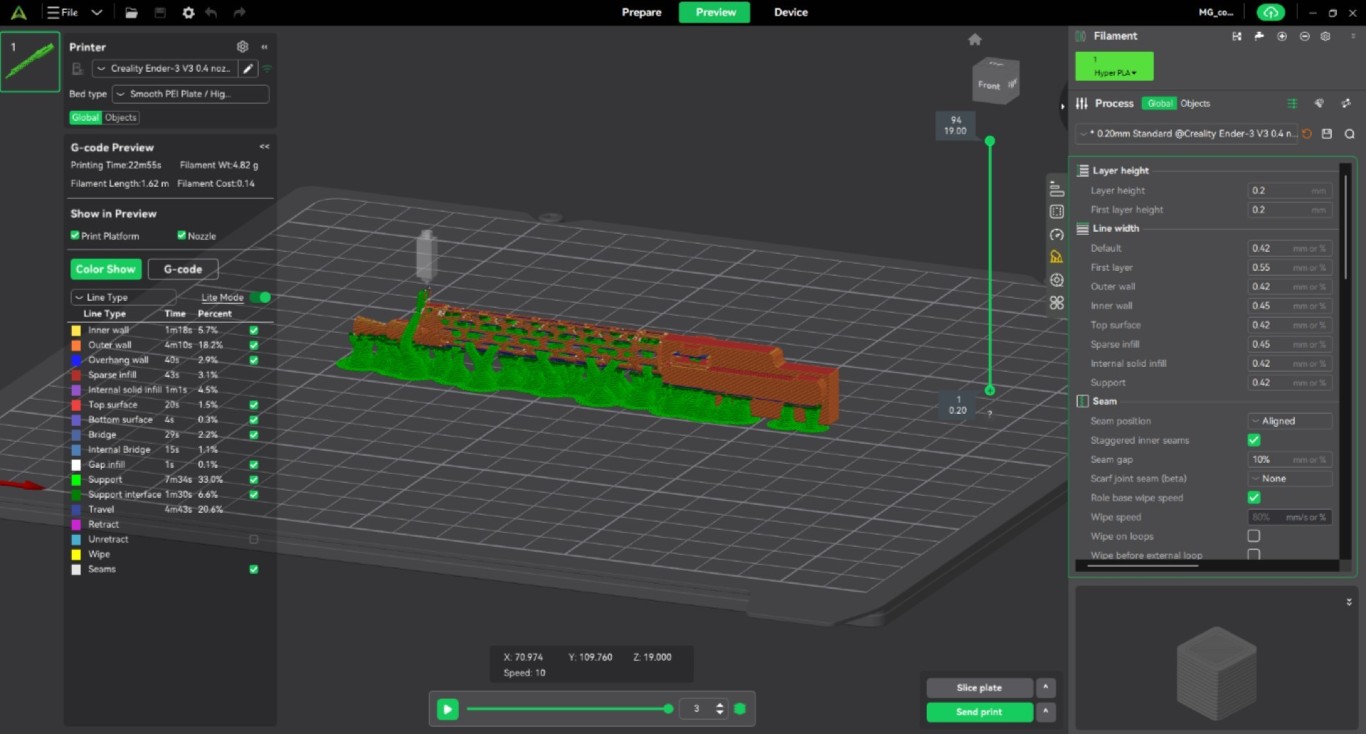
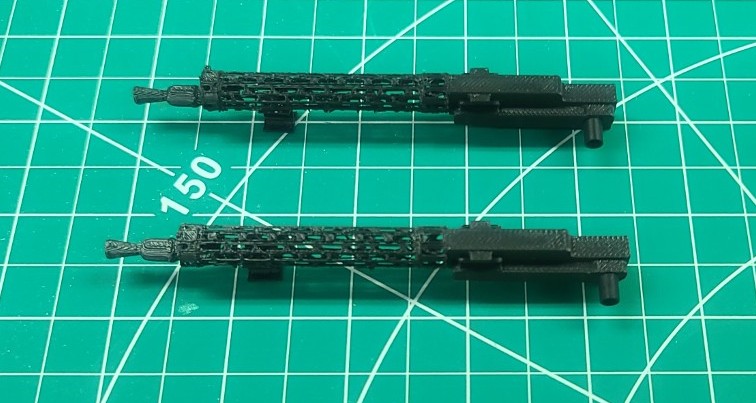
Next I imported the STL file for the Spandau Machine Gun into Creality Print and for a properly fit on my Miss Vintage I adjusted the settings to scale the model down to 60 percent. The image below on the left is the print set-up for a single gun. Note the print time of approximately 23 minutes. The results of the printing using Black Creality Hyper-PLA is shown in the image on the right.
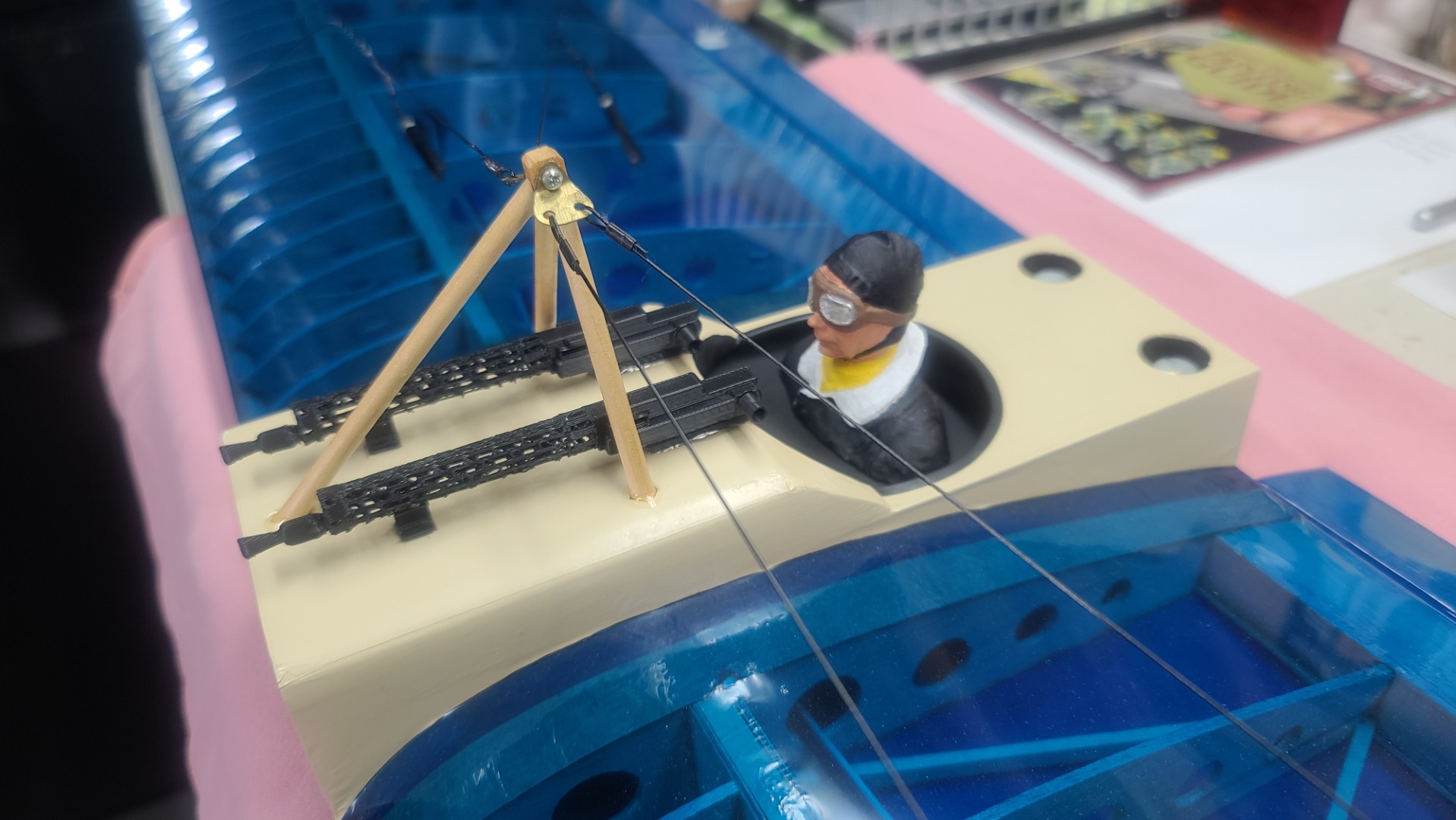
The final image below shows the painted pilot bust and two Spandau machine guns mounted on my Miss Vintage. Not bad for an old man.
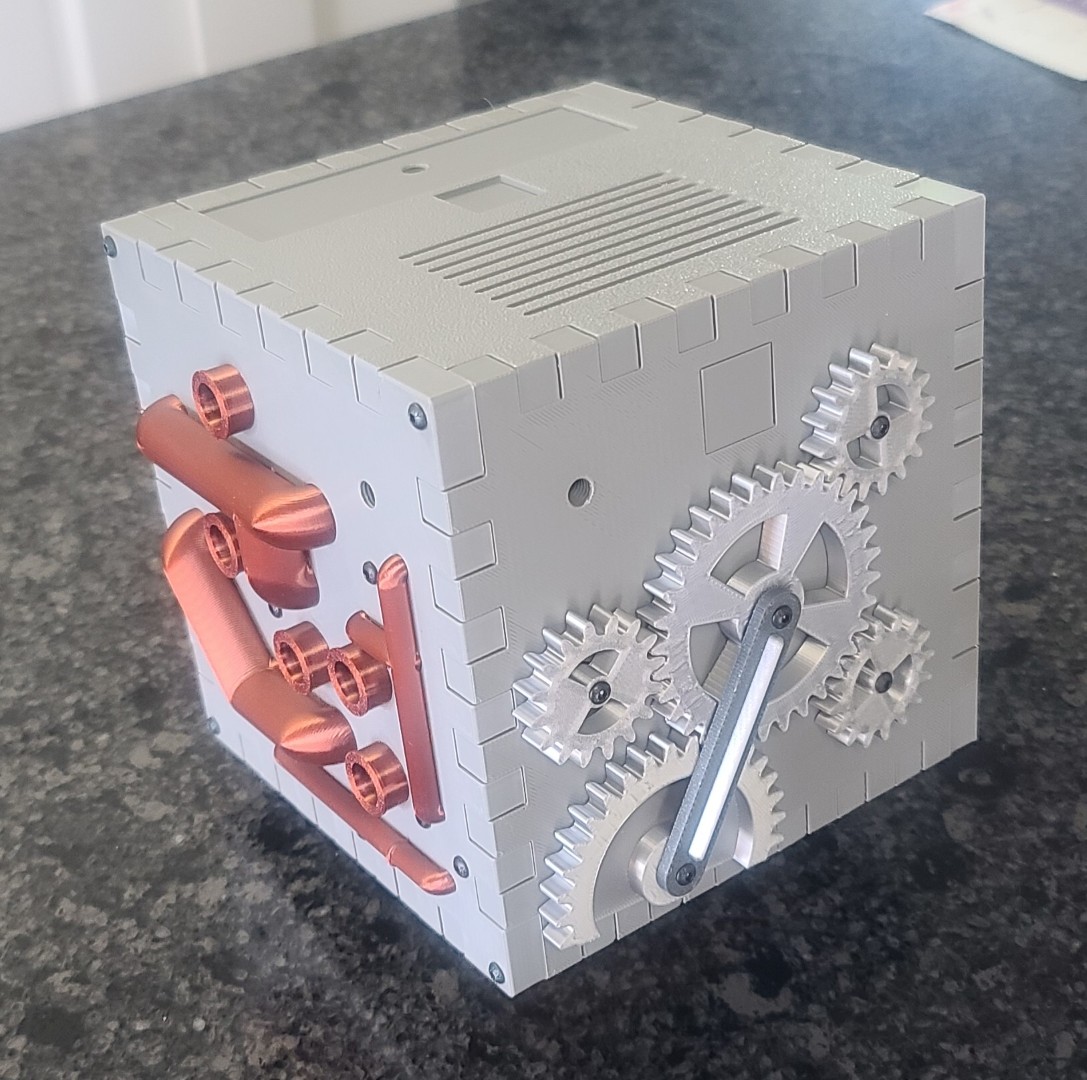
"The Cube" Puzzle Box
With Christmas 2026 fast approaching, I decided to start working on a new puzzle box for our Grandson August (Gus). After searching the web for many hours, I found just what I was looking for on makerworld.com. There I located a model by Zeko (BubblyEvil) called “The Cube” Puzzle Box shown in the images below. All 85 .STL files (or a .3MF slicer file) needed to print and build this model can be downloaded free from the makerworld.com webpage, or the Printables webpage.


Source of Images: makerworld.com.
This final posting is as of 15 October 2026. For those who have not been followed my regular webpage updates, you can read my "The Cube" Print & Assembly Description to see everything I have worked on up to this point.
"The Cube" Puzzle Box Assembly
With all the 3D printing finished, it was now time to start putting this interesting model together. Using the designers very nice Assembly Guide, the first thing I did was to gather together all the hardware listed in the “Full Bill of Material” table on page four. With that completed I started my model assembly with the Front Panel per pages seven through ten of the assembly manual.
Assembly of the model was not really difficult, and most of the parts fit as required with minor adjustments (holes drilled out to fit screws, sanding of surfaces to aid in model movements, addition of lubrication to some parts, etc.). But, during the assembly of the Left Panel, I needed to modify a couple parts. First, I modified the Gear Bar Lock (part 114) so that the lock spring (part 714) would fit without having to be compressed (as was shown in page 19 in the assembly manual). Then I modified the push button (part 110) to increase its strength by increasing the wall count and infill density. The M3x10mm screws pulled out of the first part I printed when I tested the operation of that assembly. Another small problem I found was the assembly of the Box (page 45 in the assembly manual), where I had to put flat washers behind the heads of the M4x10mm screws to hold the locking bar (part 712) against the box chassis (part 711).
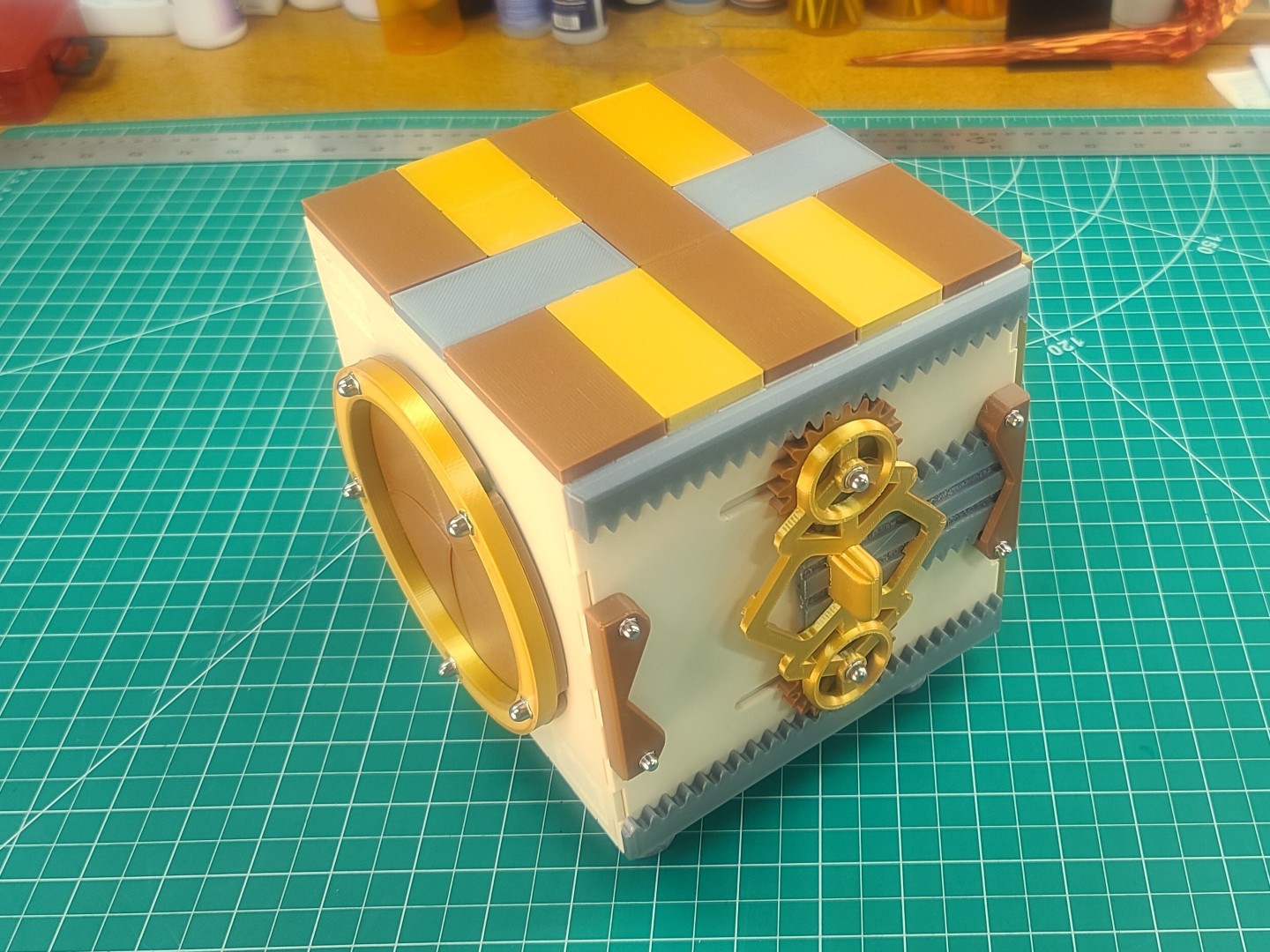
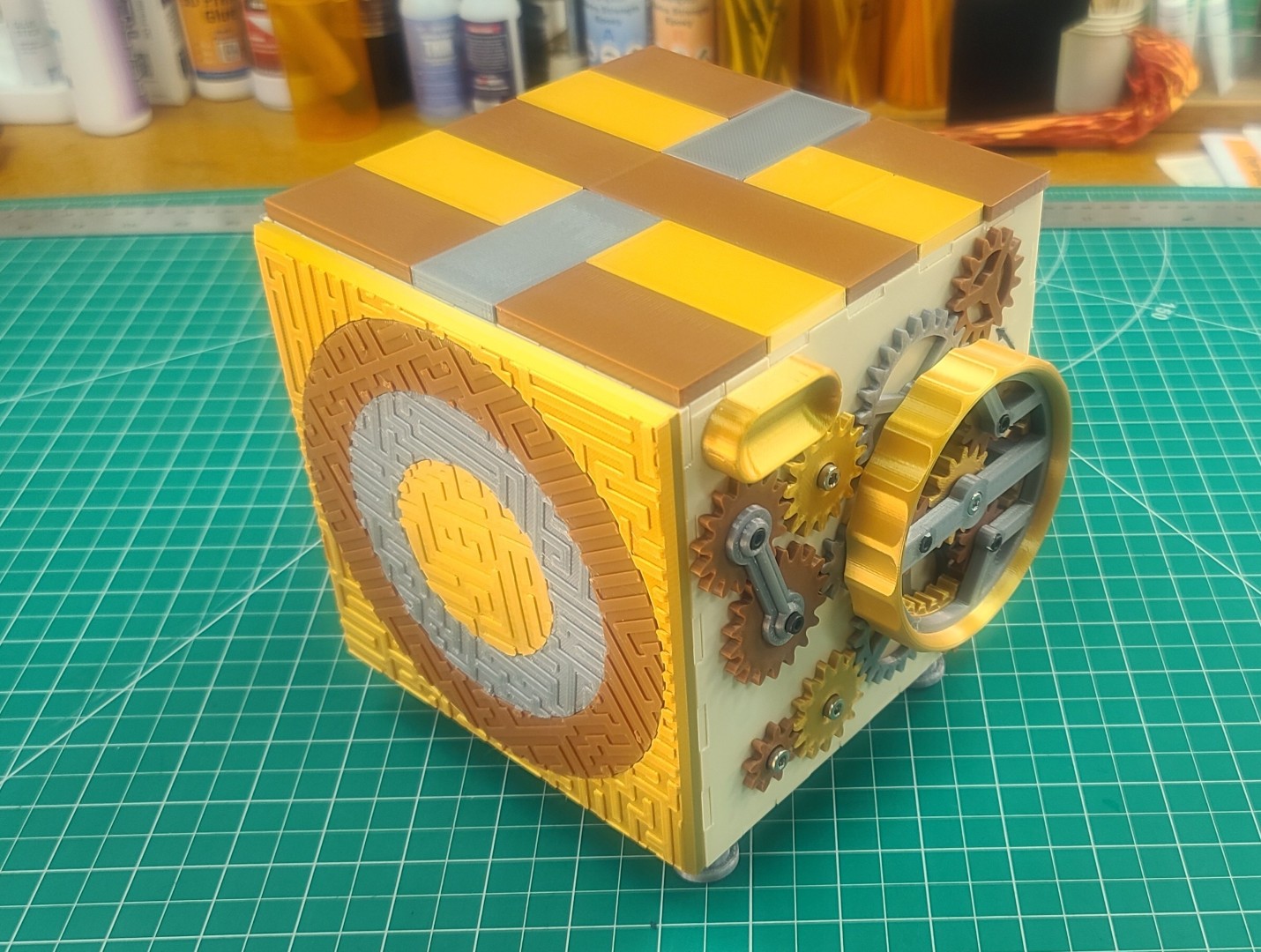
After lots of work putting all six sides assembled and getting my hands down inside the box to turn the many M3 screws needed to put everything together (all 289 individual pieces), I finally had my finished Cube Puzzle Box as shown in the last two images below.
"The Cube" Print & Assembly Description with an Optional Step-by-Step Solution Guide
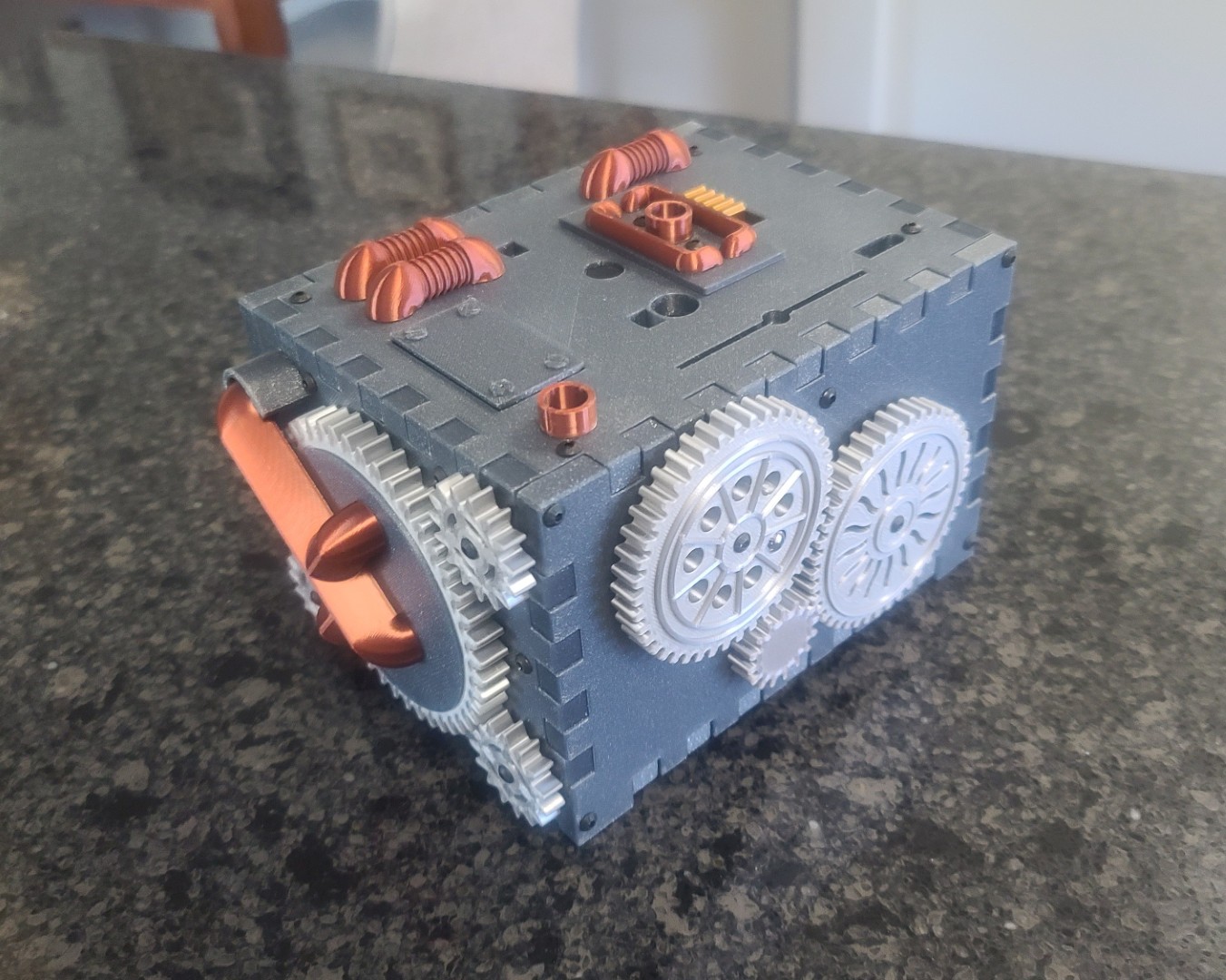
Steam Turbine Puzzle Box
I wanted to make a Christmas present for my oldest son Kent using my new 3D printer. I found a very interesting, nicely designed, great looking, and very complex to solve Steam Turbine Puzzle Box, designed by Ralph Hanson of flarPuzzles, which you can build using the STL files that are for sale on the Etsy flarPuzzles webpage. With the purchase you can download the 44 STL files and a detailed instruction manual.
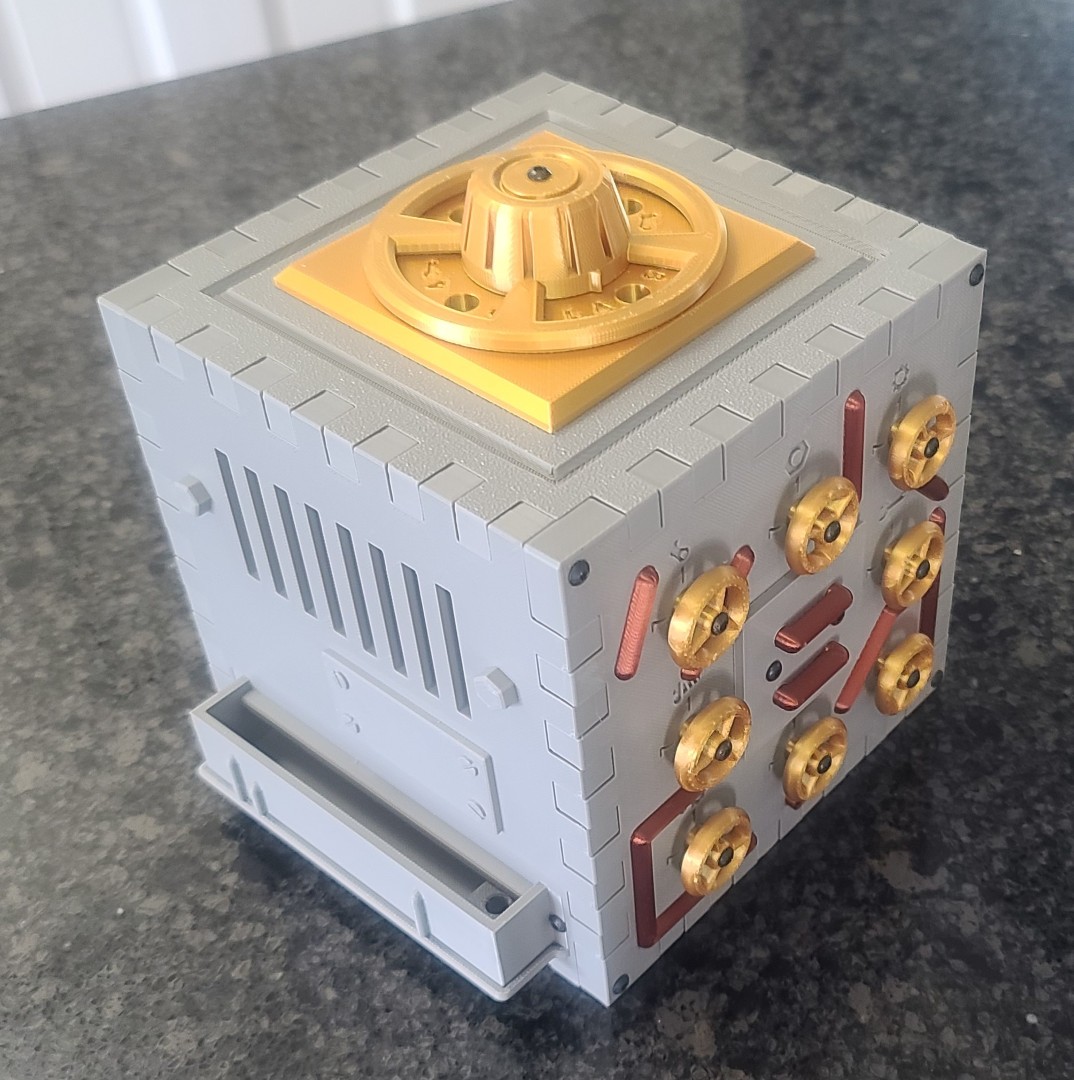
Overall, 3D printing was straight forward as long as you follow all the print setup recommendations in the instruction manual. All required hardware items were available on Amazon, as were the various PLA filaments I used. The puzzle box design engineering and 3D modeling is excellent, and everything fits together and functions like a champ! I highly recommend this puzzle. I guess I need to provide a couple images of my final product. Below you can see all of the sides of my 3D printed Steam Turbine Puzzle Box. Have fun making one yourself.
Steam Machine Puzzle Box
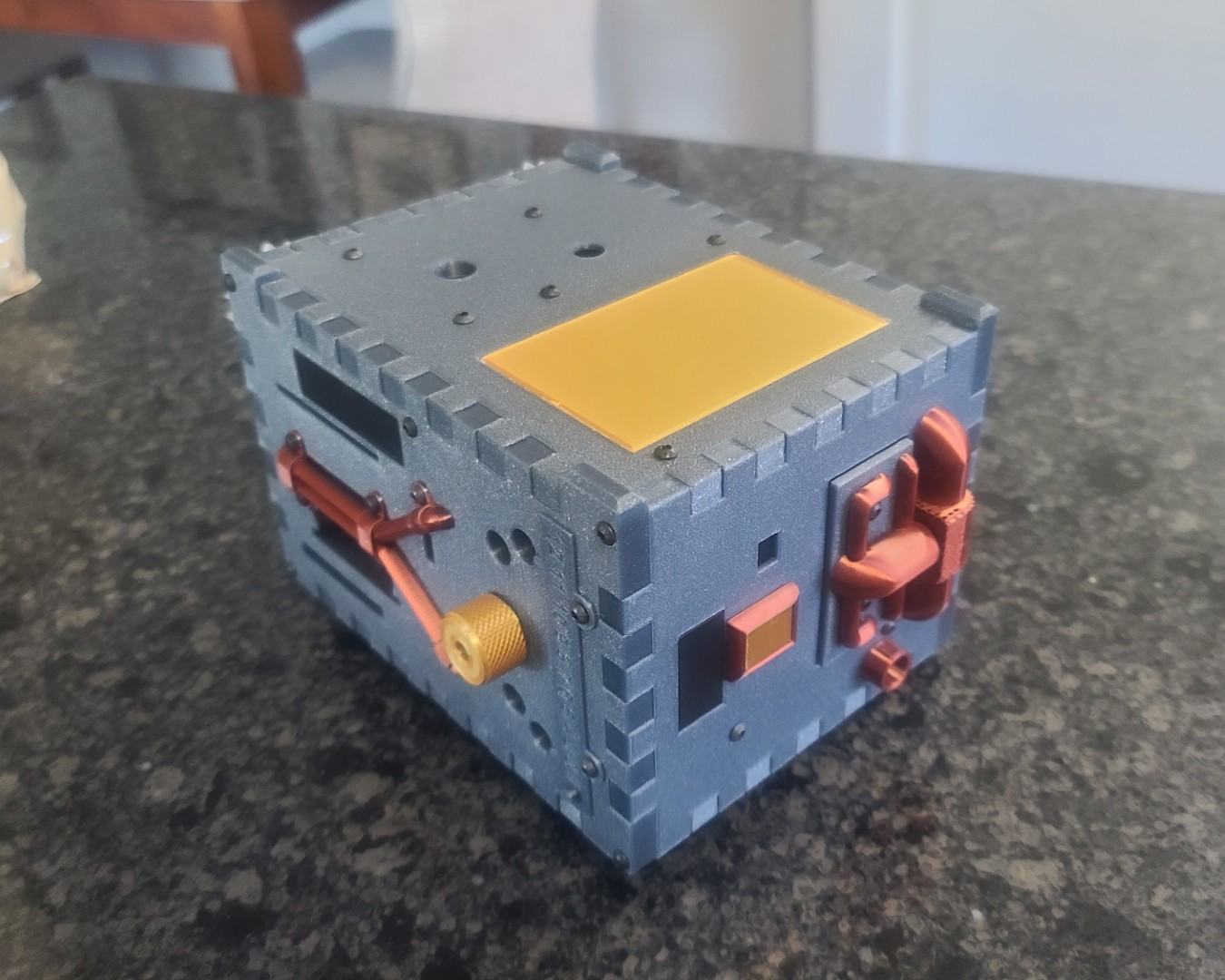
Having finished the Steam Turbine Puzzle Box for my oldest son Kent, I decided to make the Steam Machine Puzzle Box as a Christmas gift for my youngest son Ryan. This puzzle box is a follow-on design from the Steam Turbine Puzzle, and again it is very interesting, nicely designed, great looking, and very complex to solve. Designed by Ralph Hanson of flarPuzzles, all the required STL files and a detailed instruction manual are for sale on the Etsy flarPuzzles webpage.
Overall, as with the Steam Turbine Puzzle Box, 3D printing was straight forward as long as you follow all the print setup recommendations in the instruction manual. Again, all required hardware items were available on Amazon, as were the various PLA filaments I used. The puzzle box design engineering and 3D modeling is excellent, and everything fits together and functions like a champ! I highly recommend this puzzle. Note — The Mr. Puzzle video is nice, but toward the end of his solution he used an incorrect method of getting the Credit Card, and jumped over several steps the model designer intended to be used. I put a “Correct” detailed “Steam Machine Puzzle Box Solution Guide” at the end of my Steam Machine Puzzle Box 3D Print/Assembly Description. Below you can see all of the sides of my 3D printed Steam Machine Puzzle Box. Have fun making one yourself.
"The Heist" Puzzle Box
When I gave my youngest son Ryan his “Steam Machine” Puzzle Box as a Christmas gift, my Grandson August (Gus) went crazy solving the puzzle and really enjoys using it to store his treasures. So, I decided to see what I could find in the way of a puzzle box for him to call his very own. What I found was “THE HEIST.” A perfect project to show off your 3d printer and fire up your puzzle solving skills! Breaking into THE HEIST is not easy, and releasing the center diamond will take some SERIOUS SKILLS!!!! The Heist Puzzle Box is an original design by Leisure Luke. It's a 23 piece puzzle box that is SUPER EASY TO PRINT and requires no supports. Print it in PLA, and the parts without squiggly springs can be PETG or PLA. Very little plastic filament is needed for this project. All the required STL files can be downloaded for free from the Cults3D website or the Thingiverse Website.
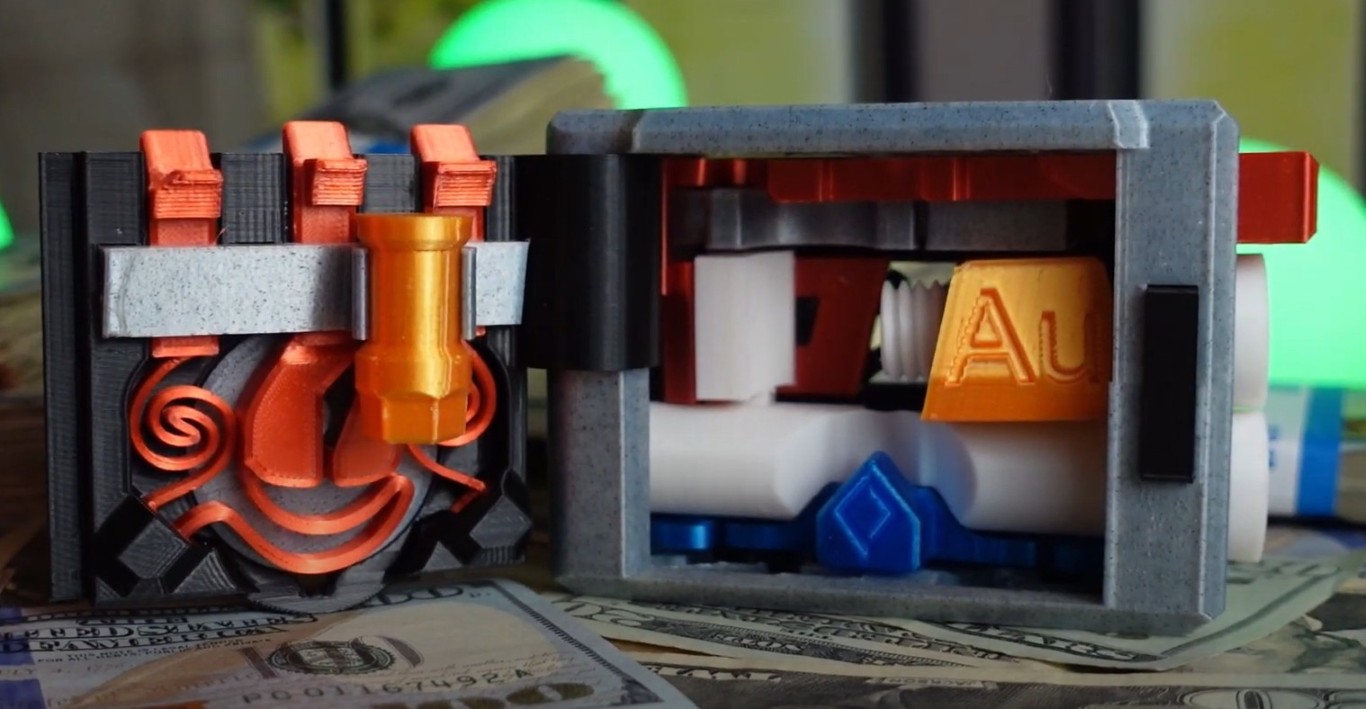
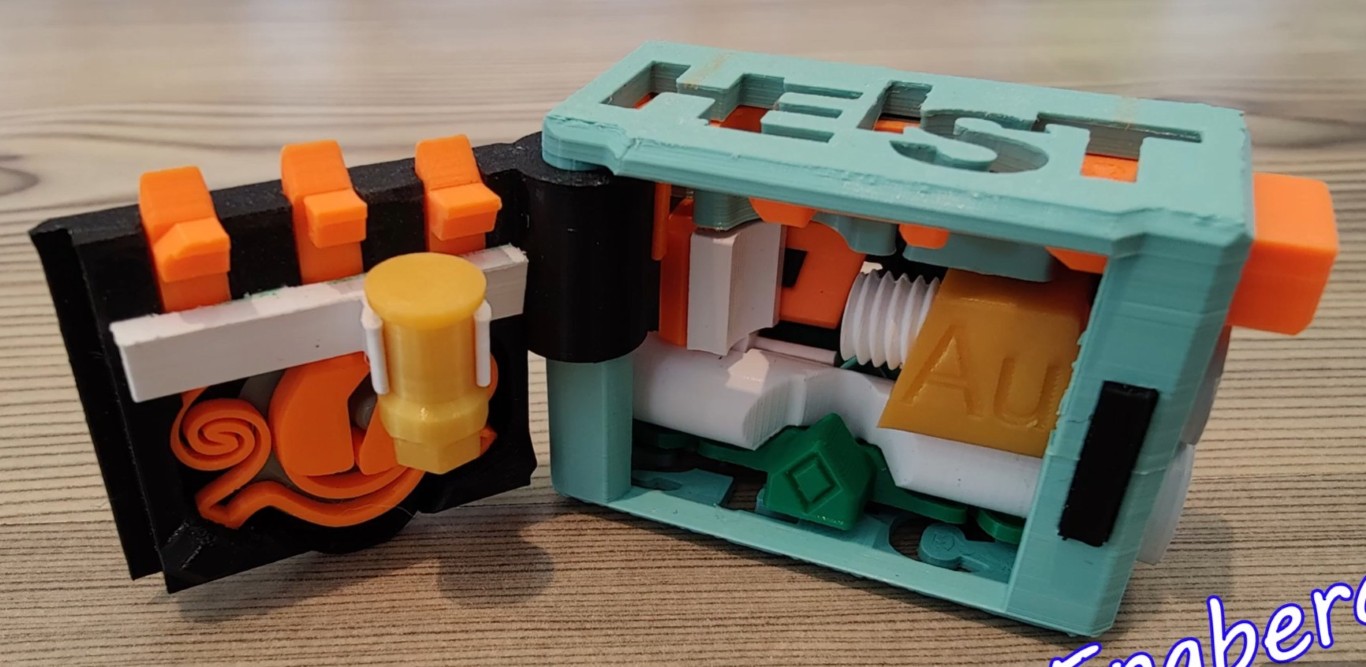
Source of Images: Screen captures from the YouTube Videos listed below.
Also available to aid you in the printing and assembly are the following videos: The Leisure Luke YouTube Video Channel, a Original Hilarious YouTube Homemade Commercial, an Assembly Instructional Video, and THE HEIST SOLVED Video.
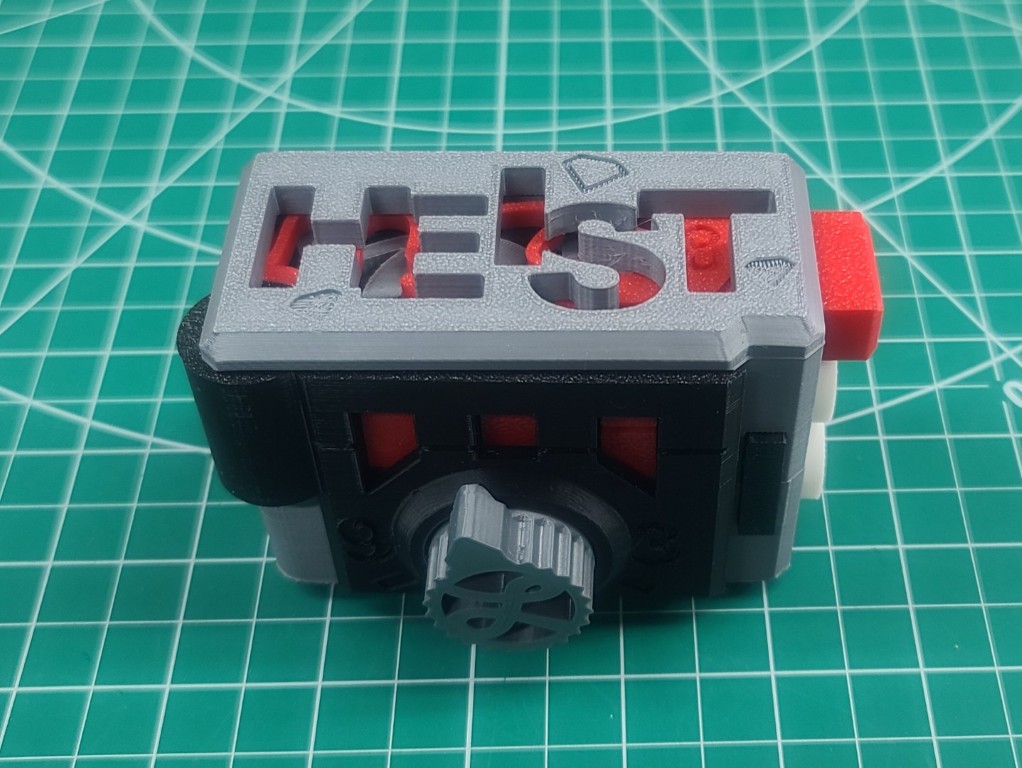
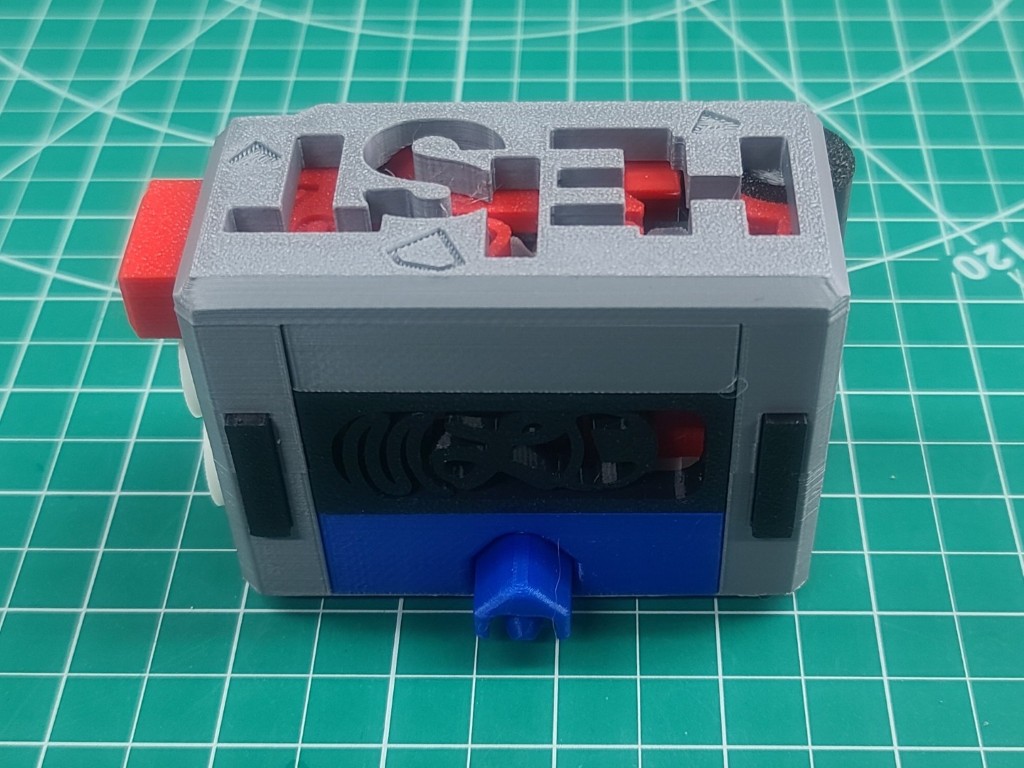
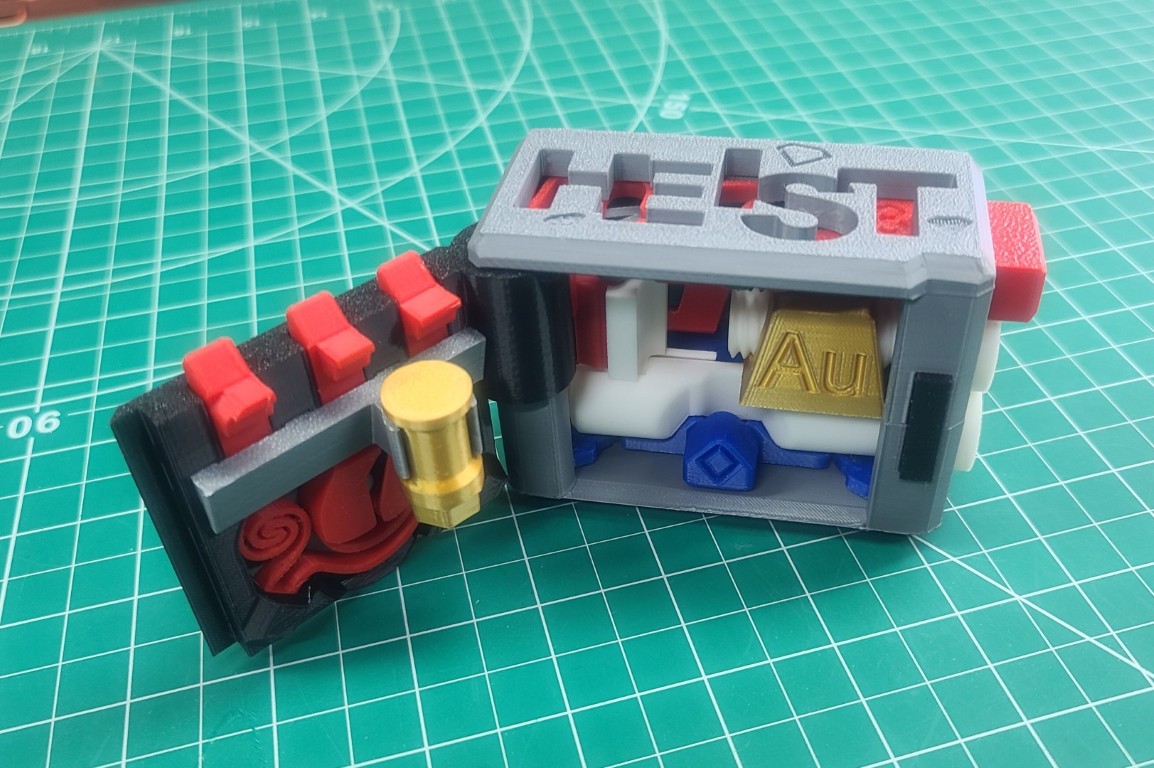
Below you see my 3D printed — “The Heist” Puzzle Box. I know my Grandson August is going to love it, and I hope you have fun making one for yourself.
Dark Techno Isopodius Transport/Tank
As was stated in the 3D Modeling & Printing Webpage Introduction, one of the drivers behind my getting a 3D printer was to “make toys for our grandchildren.” My wife Carolyn set off to find some 3D models that we could work on together to build some gifts for the 2025 Christmas. The plan was that she finds the 3D models, I print them out, she does the detailed painting, and then I assembly the finished models. Simple right? Well, we will see.
Using this strategy, Carolyn first found an interesting 3D model for our Grandson August (Gus). As shown in the images below, for our first project we would work together to build the Dark Techno Isopodius Transport/Tank. This was found on cgtrader.com.
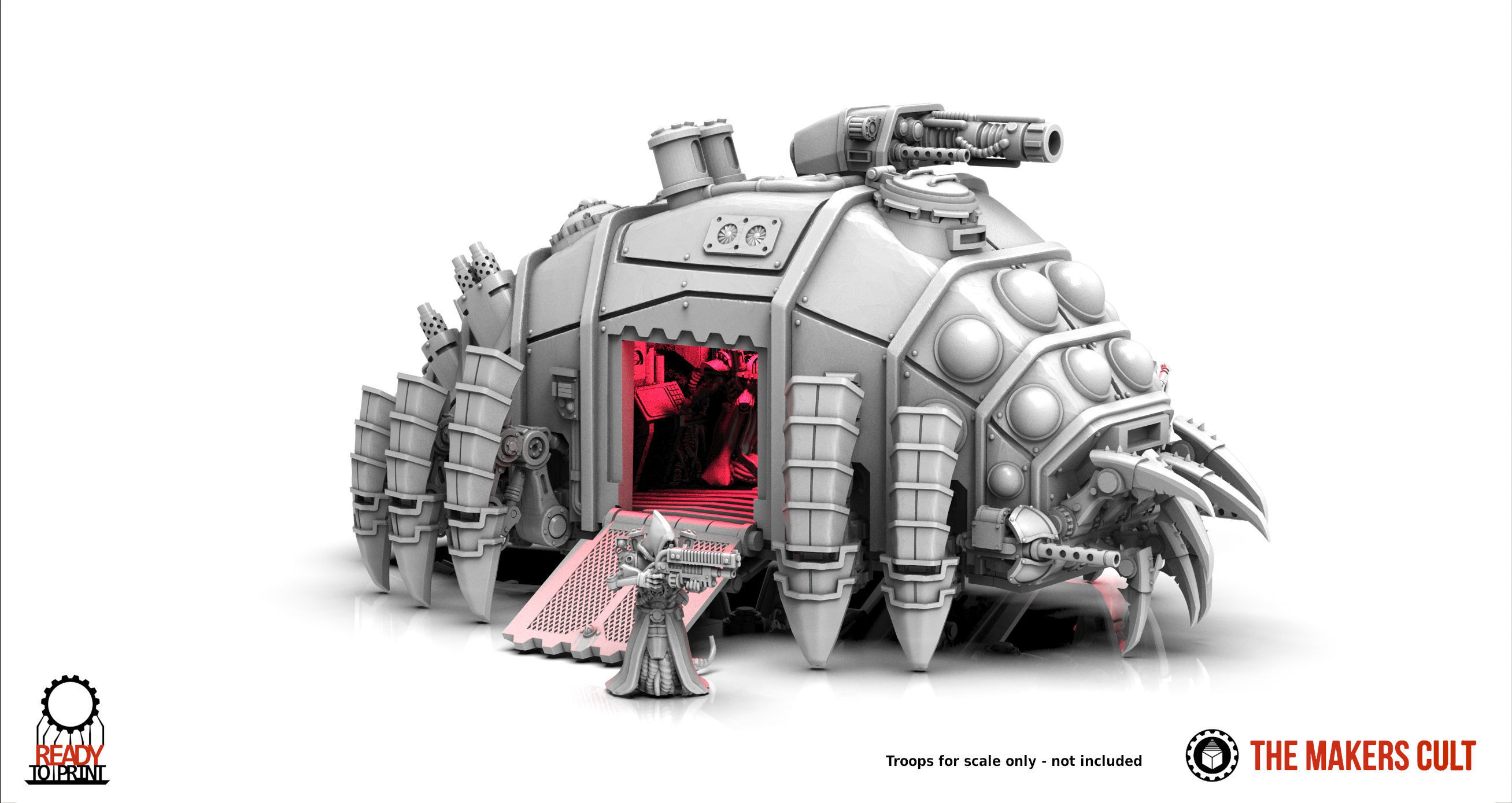
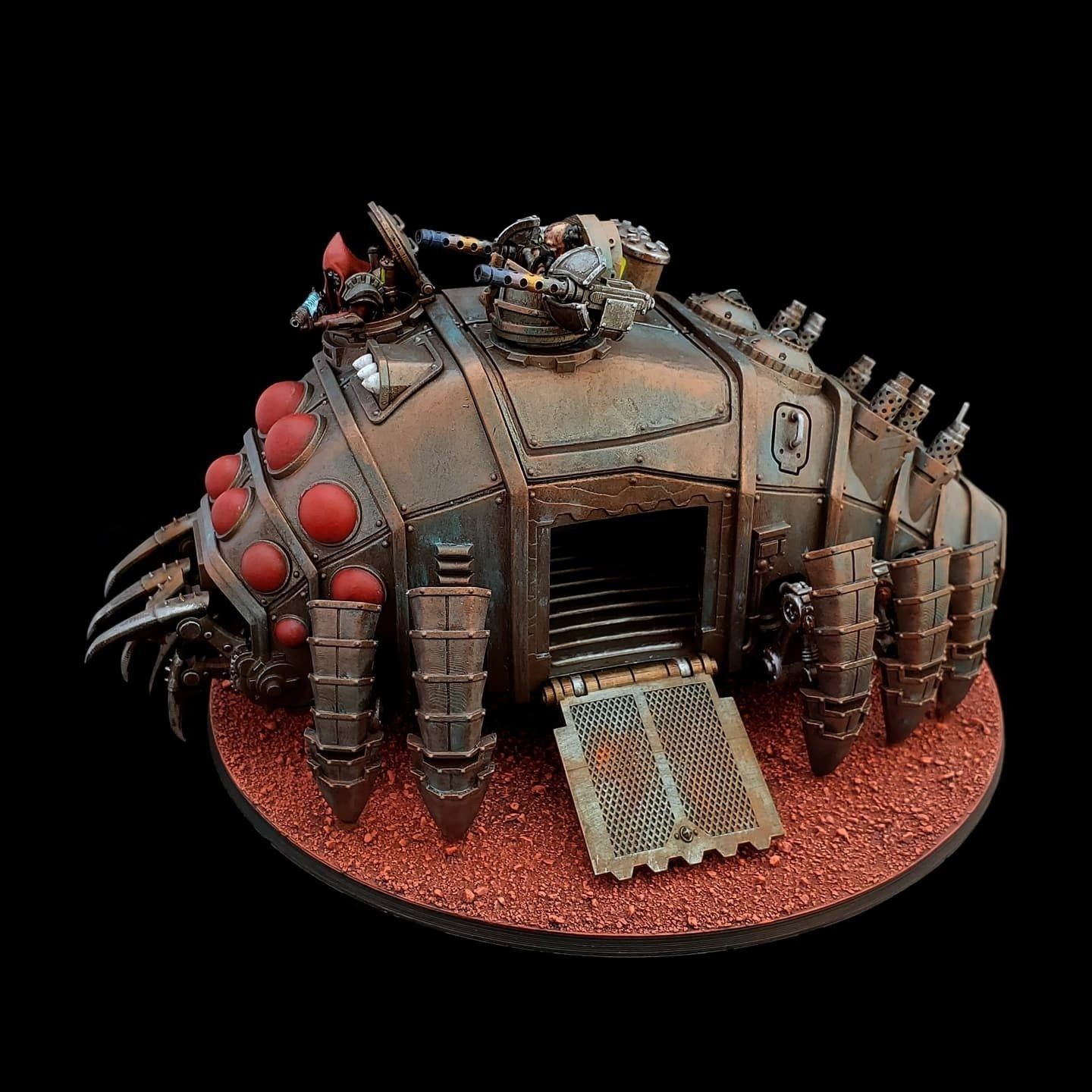
Source of Images: cgtrader.com.
After many hours of 3D printing, all 36 parts for the Dark Techno Isopodius Transport/Tank were complete. I elected to use the long barrel cannon turret which goes on the top of the middle section cover, and the missile launcher for the top of the second forward section. Click on the next image below (to open the spotlight box) so you can see the fine detail obtained on all the parts by using a fine (0.15mm) layer thickness with a standard 0.4mm nozzle and some Creality Gray Hyper-PLA in my Ender-3 V3. Now it's over to Carolyn for the detailed painting.
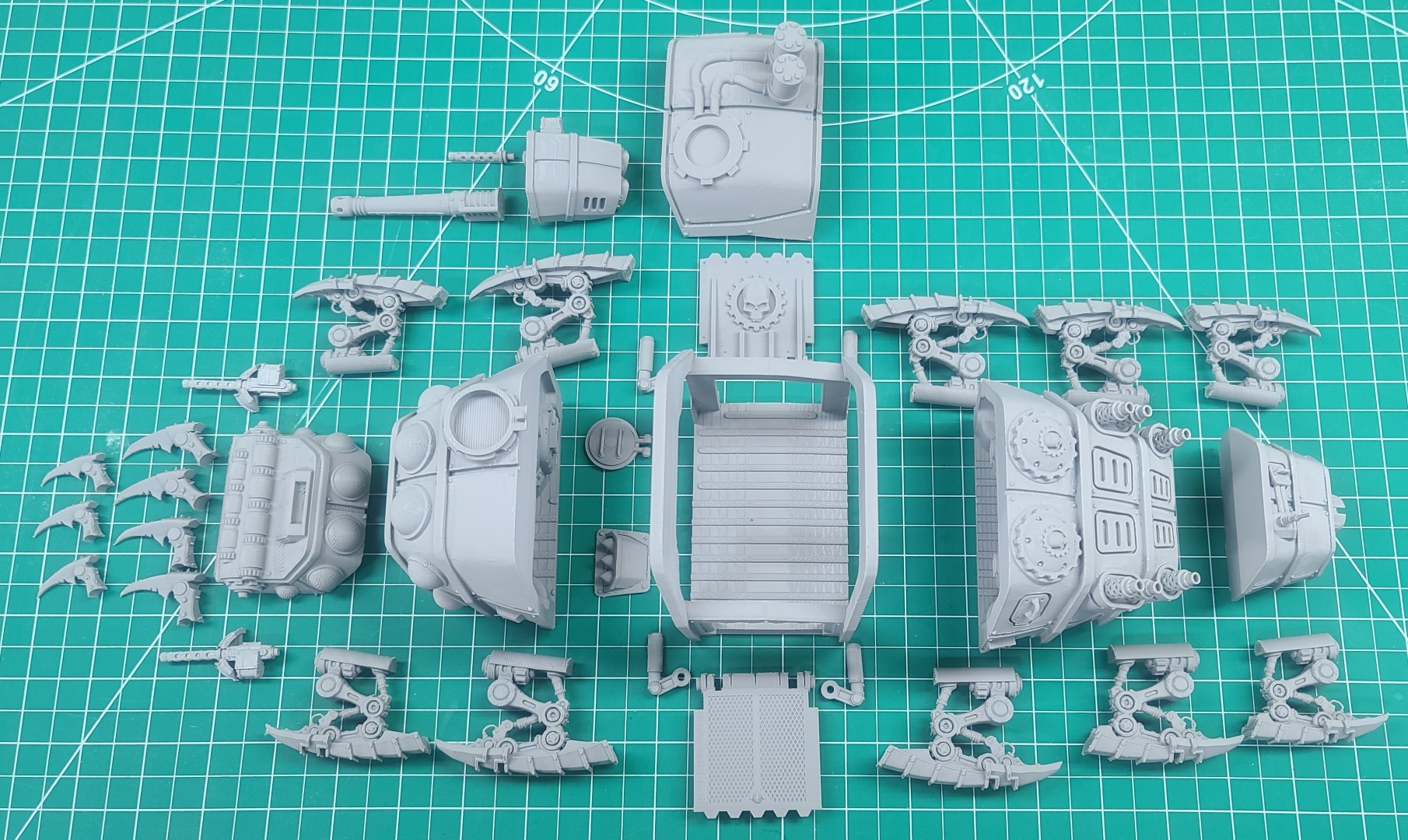
Dark Techno Isopodius Transport/Tank 3D Print/Assembly Description.
Dark Techno Odonatopter Gunship
Having completed the 3D printing of the Dark Techno Isopodius Transport/Tank for our Grandson August (Gus), I thought I would see if I could add something to his collection. So I went back to cgtrader.com to see what other models they might have in the same Dark Techno collection. As shown in the images below, I found an interesting model of a Gunship that was also modeled by “The Makers Cult.” All 3D files needed to print and build this model can be purchased from the cgtrader.com Dark Techno Odonatopter Gunship webpage.
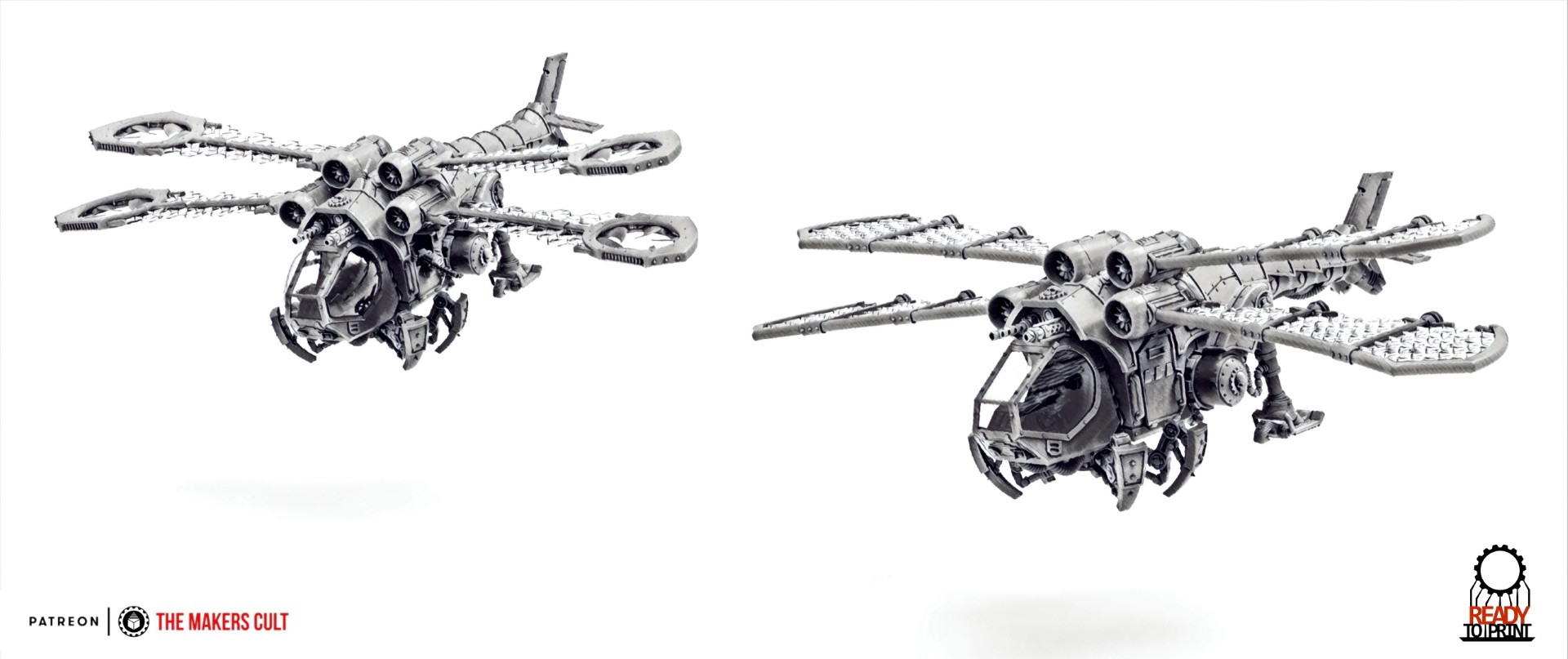
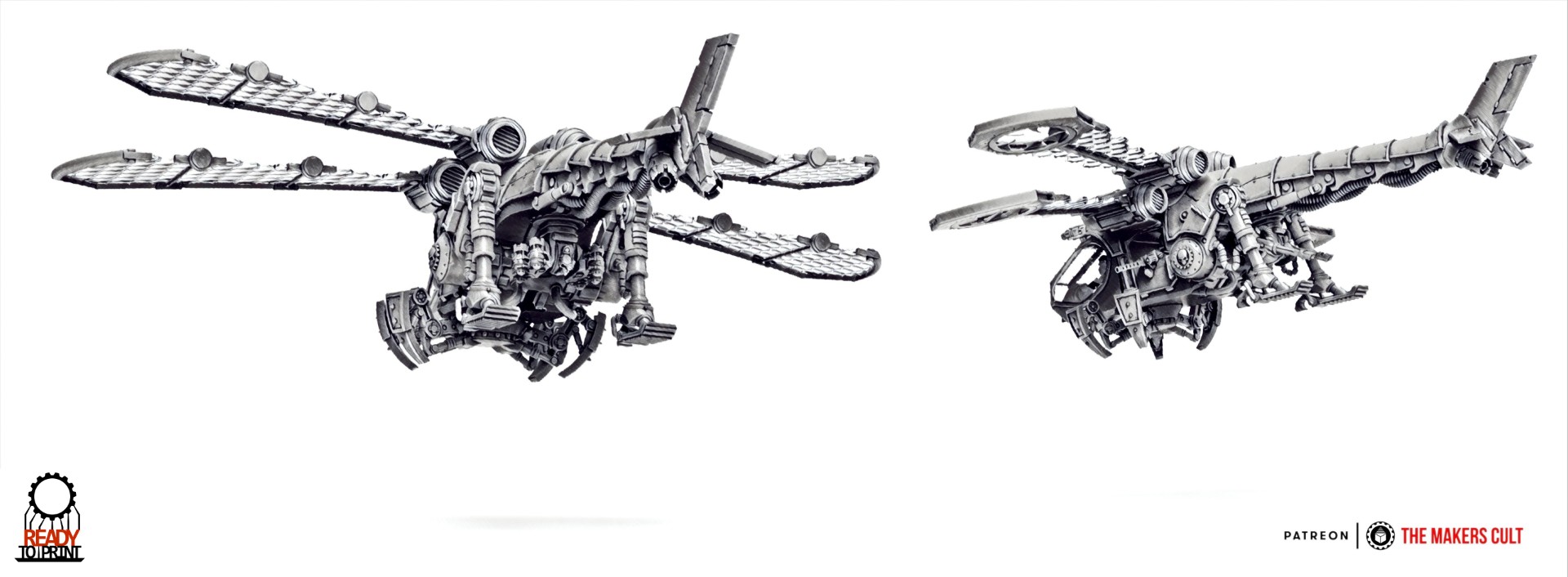
Source of Images: cgtrader.com.
After many hours of 3D printing, I had all Gunship 3D parts printed. Everything went together well with the assembly being fairly straight forward. The only issue I ran into was figuring out which of the jet engine pods was forward and rear. The final assembled Dark Techno Odonatopter Gunship is shown in the images below. Another model added to Gus's collection.
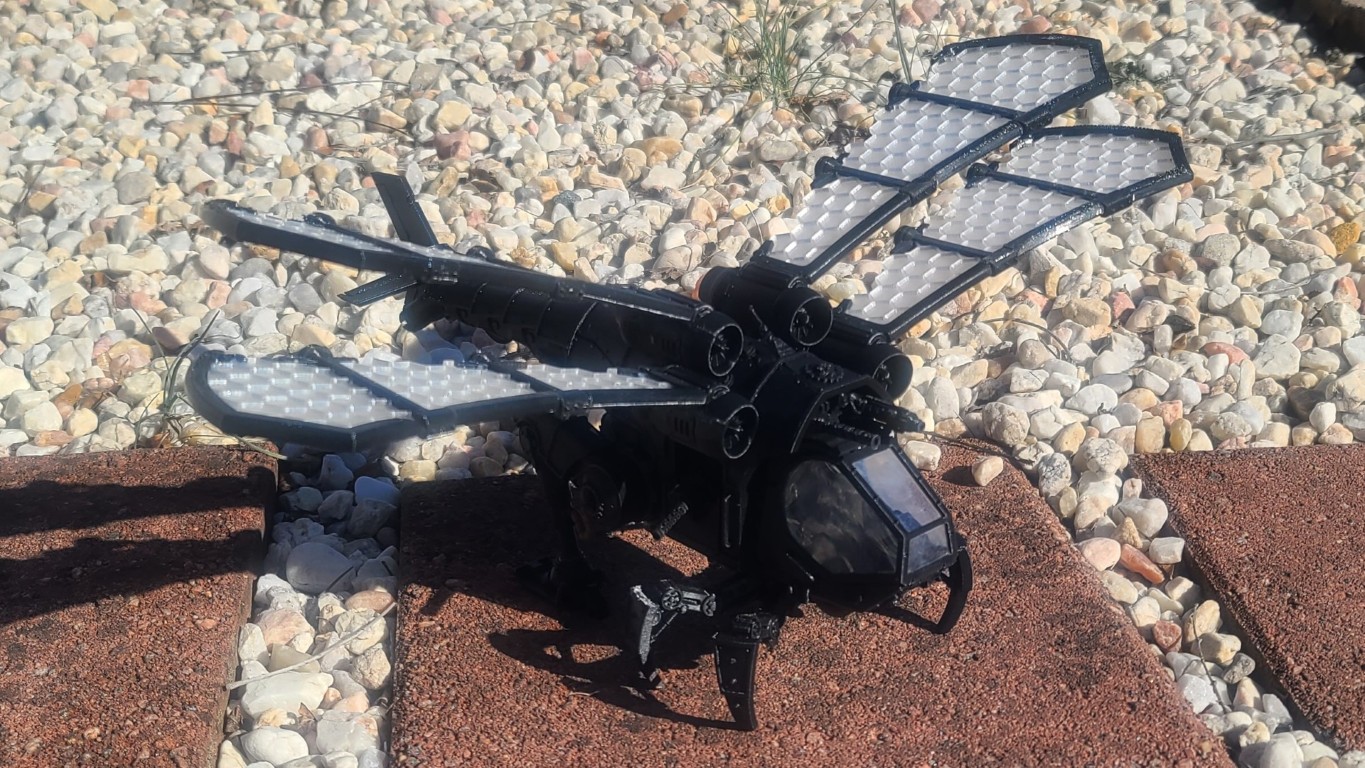
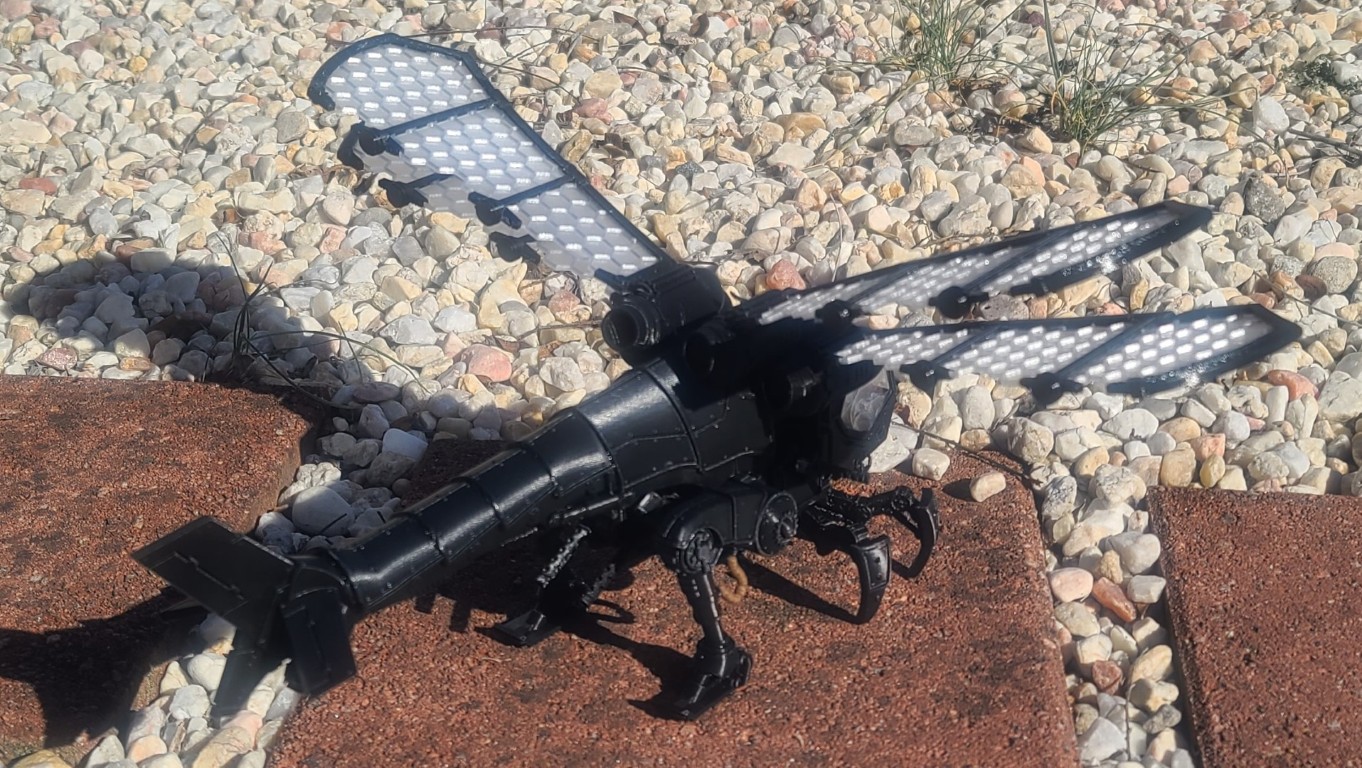
Dark Techno Odonatopter Gunship 3D Print/Assembly Description.
Tempest Knights Heavy Assault Resistance Eliminator (HARE)
I didn't want the 3D printer to cool down, so I starting 3D printing another 3D model to add to the collection we started for my Grandson Gus. This one is the “Tempest Knights - Heavy Assault Resistance Eliminator (HARE),” created by a modeler named “themakerscult,” which you can purchase from the cgtrader website.
The Heavy Assault vehicle is designed for use with the Tempest Warriors line of 30mm scale wargaming miniatures. The OBJ files include a couple different hull configurations as well as the following weapon options: Gatling Cannons, High Caliber Auto Cannons, Heavy Bolt Cannons, Heavy Flamethrowers, Laser Cannons, Phased Vulcan Array, Vulcan Heat Ray, Plasma Cannons, Twin Heavy Bolt Guns, Twin Laser cannons, and Twin Missile Launchers. The weapons are shown in Creality Print 7.0 in the bottom image below. The example model shown in the two top images below were printed on an Ender 3 at 0.12mm Layer height with a 0.4mm nozzle.
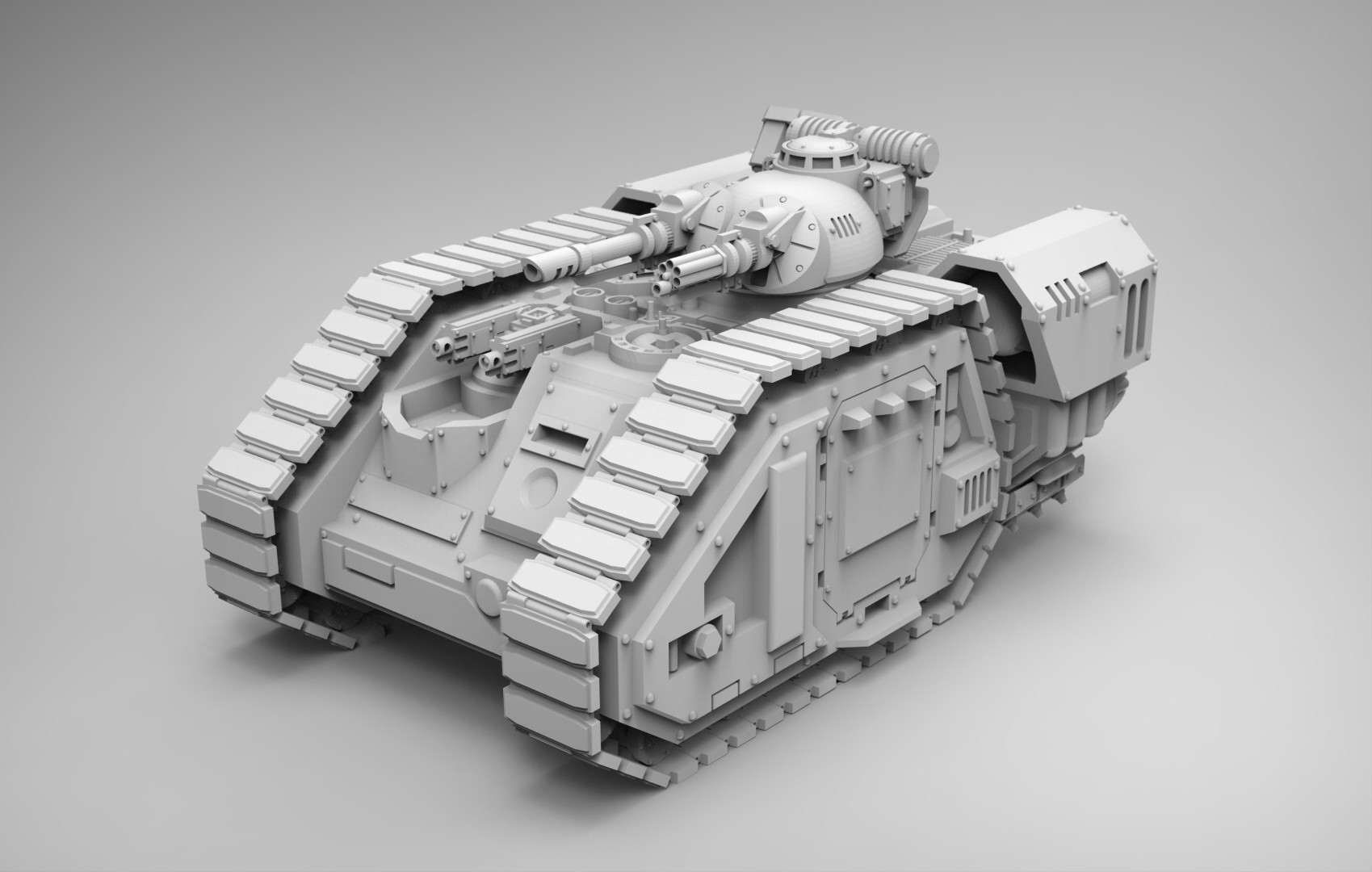
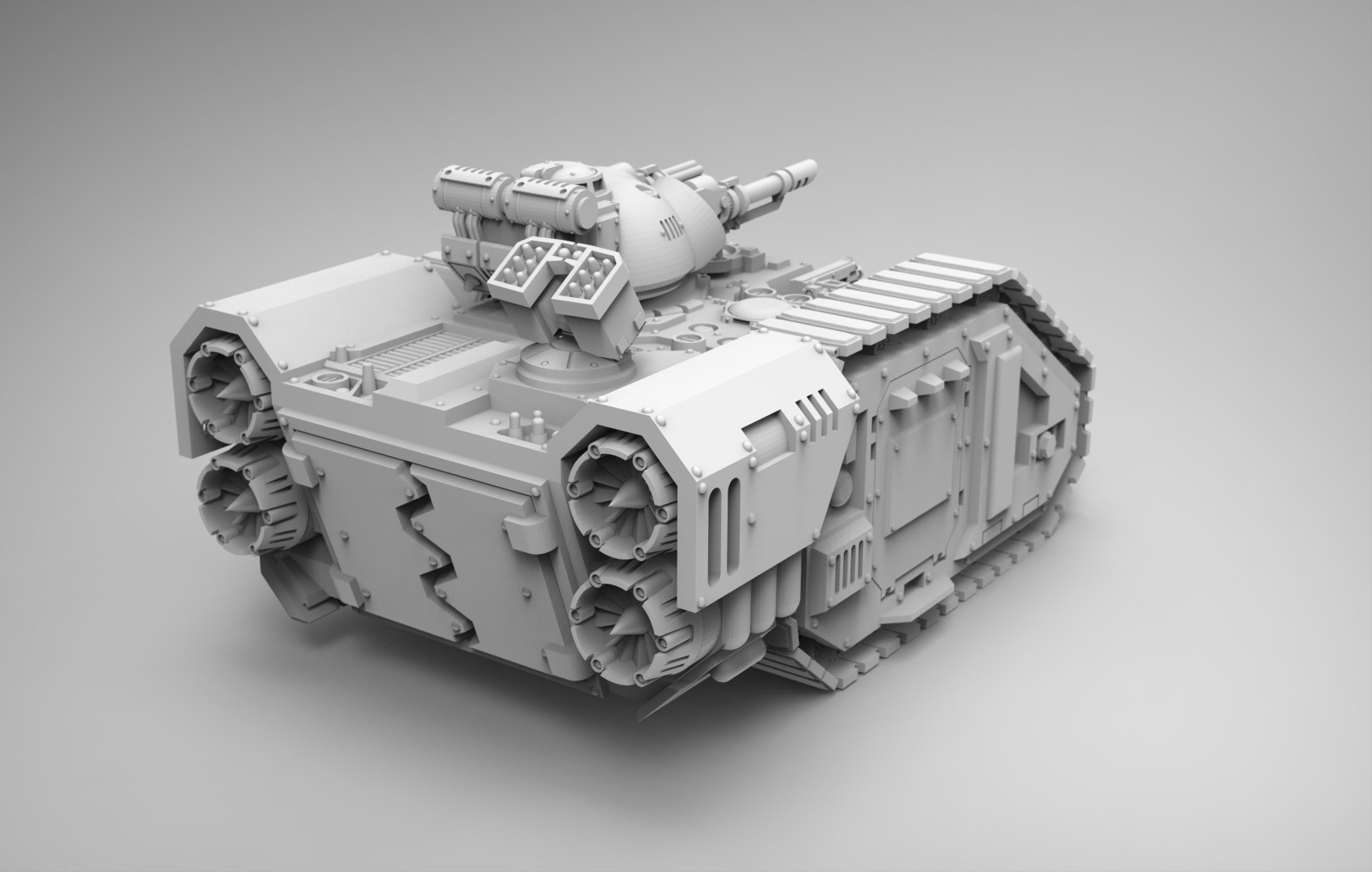
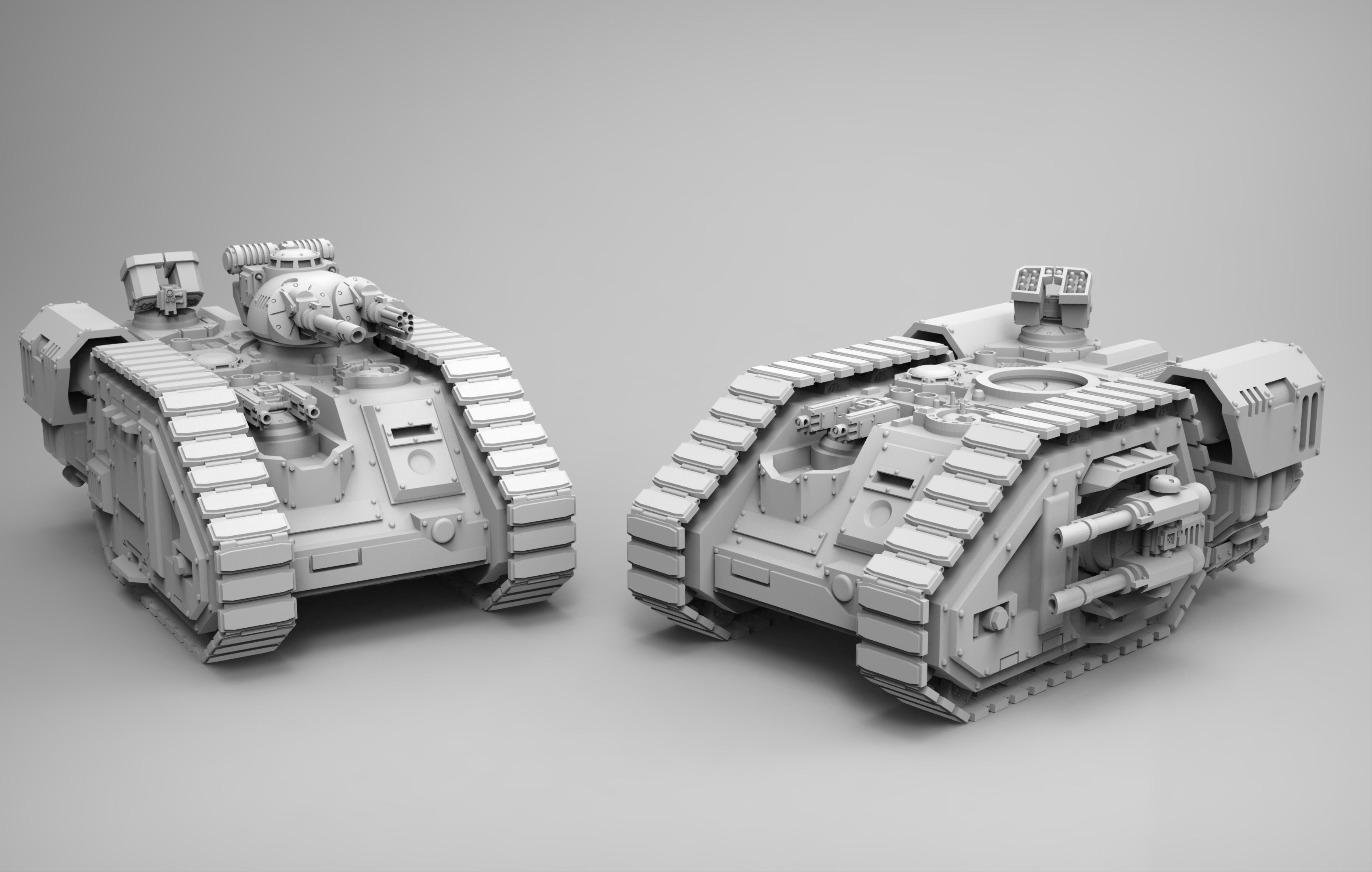
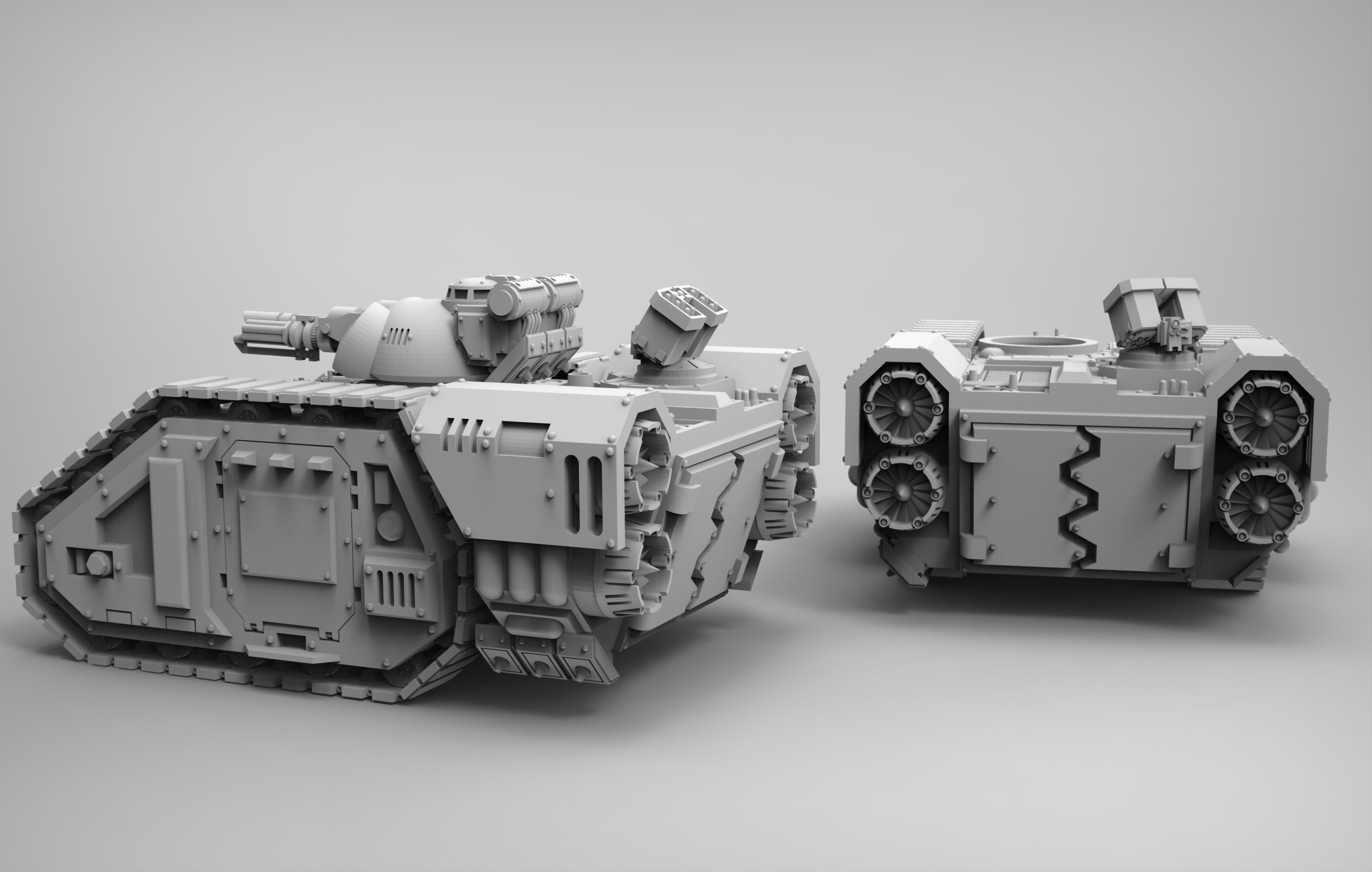
Source of Images: cgtrader website.
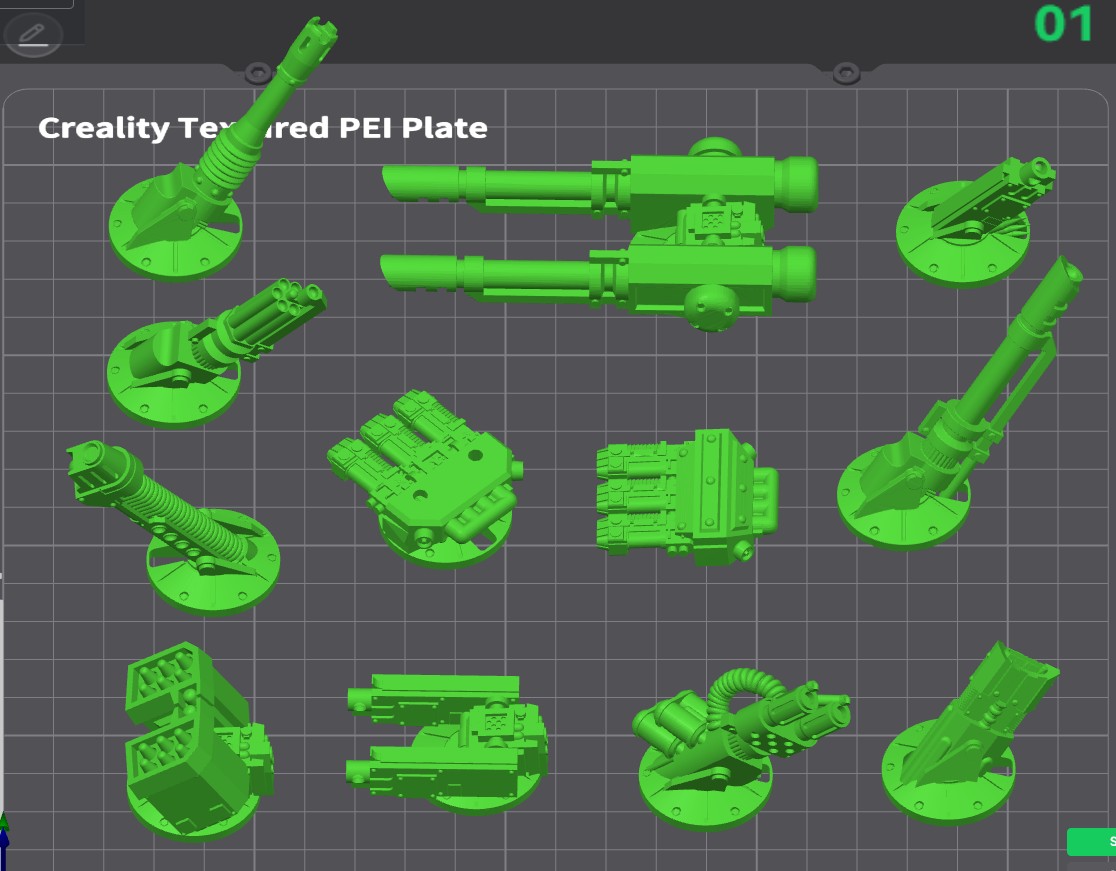
I started 3D printing the various HARE parts using a fine (0.15mm) layer thickness with a standard 0.4mm nozzle and some Elegoo Space Gray PLA in my Ender-3 V3. I elected to print the top turret hull configuration as well as the following weapons: High Caliber Auto Cannon and Assault Cannon on the turret; Twin Laser Cannons on each side of the hull; and a Twin Missile Launcher and Twin Heavy Bolt Guns on the top of the hull. After many hours of 3D printing, all 21 model parts were finally finished as shown below.
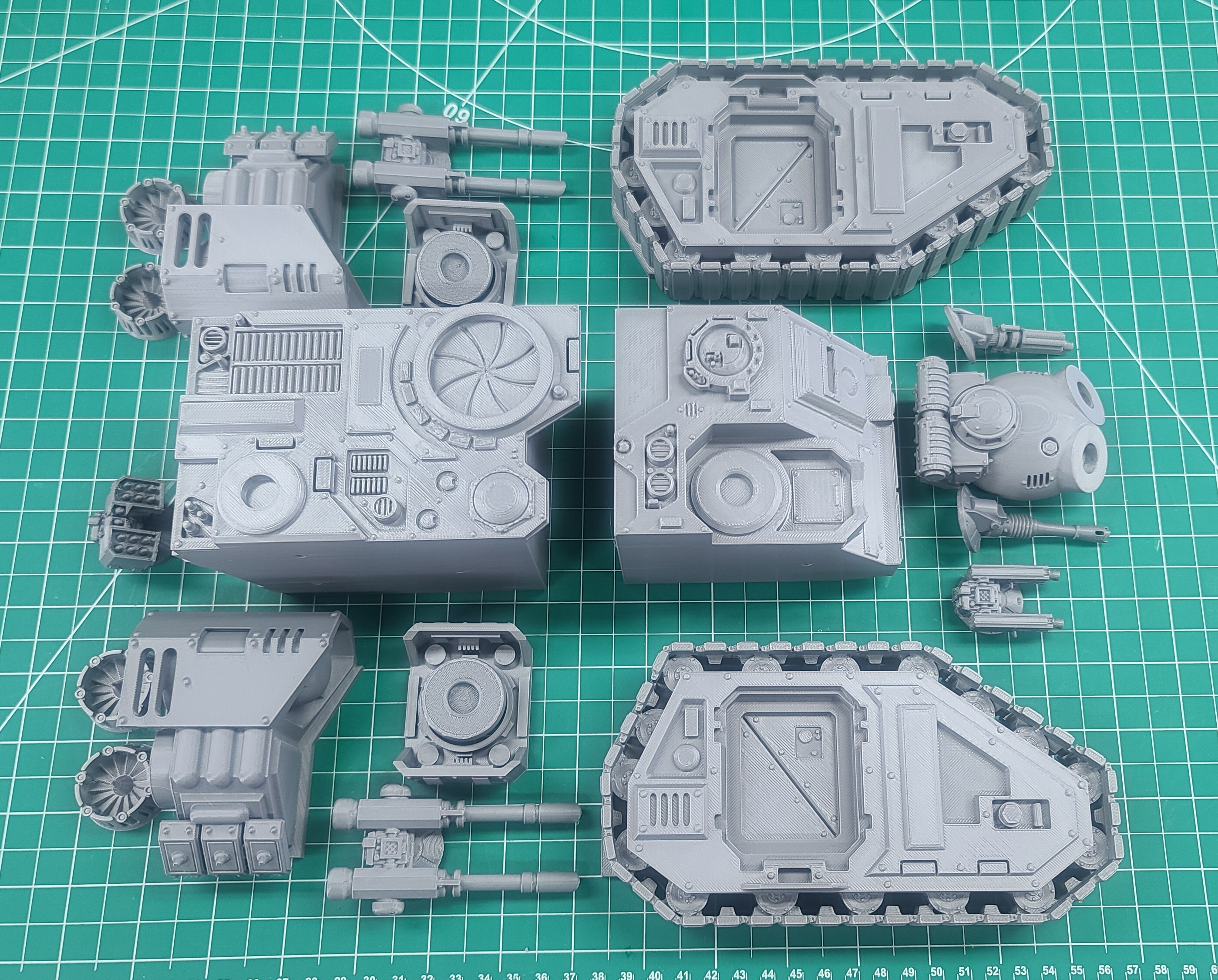
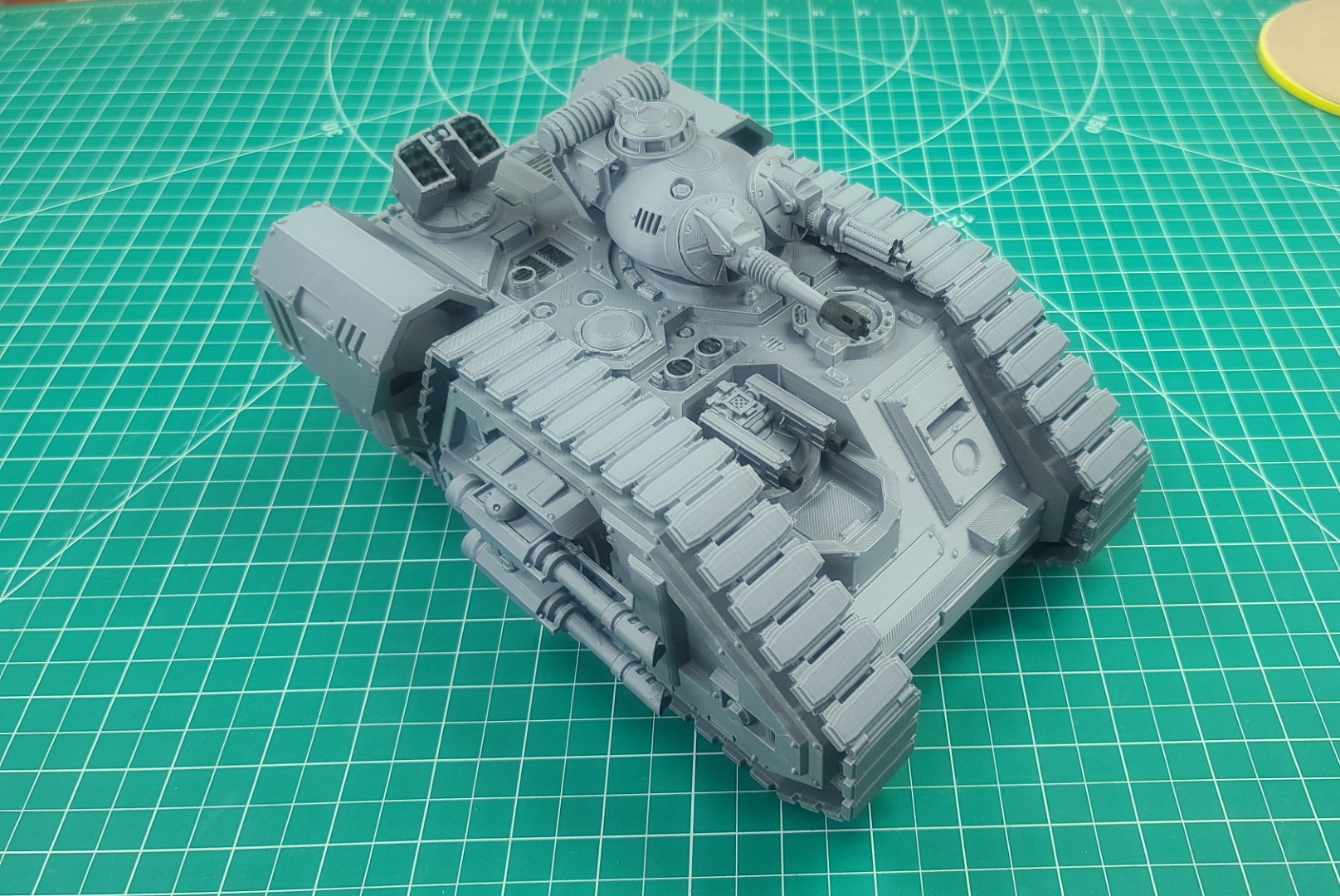
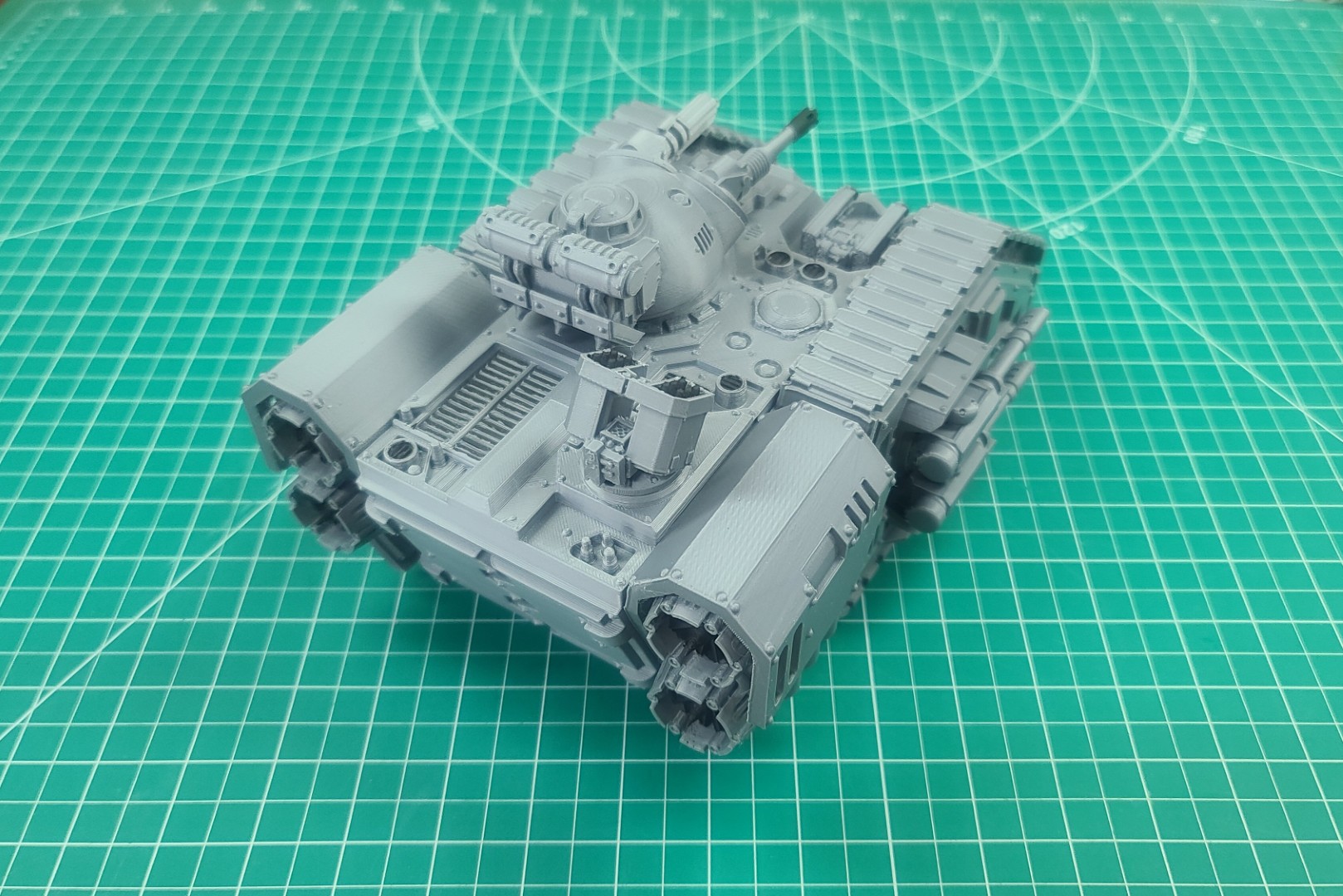
After a small amount of detail painting, I assembled the model using CA glue and some accelerator. All the parts went together very nicely, and the resulting 3D model shown in the next two images below measures approximately 250mm long x 180mm wide x 130mm high.
Imperial Force Utility Aircraft
With the completion of the Dark Techno Odonatopter Gunship for our Grandson August (Gus), the next item I wanted to add to his collection was another flying craft. So, I went back to cgtrader.com to see what other models they might have in a similar collection. As shown in the images below, I found an interesting model of another aircraft that was modeled by “redmakers.” All STL 3D files needed to print and build this model can be purchased from the cgtrader.com Imperial Force Utility Aircraft (IFUA) webpage.
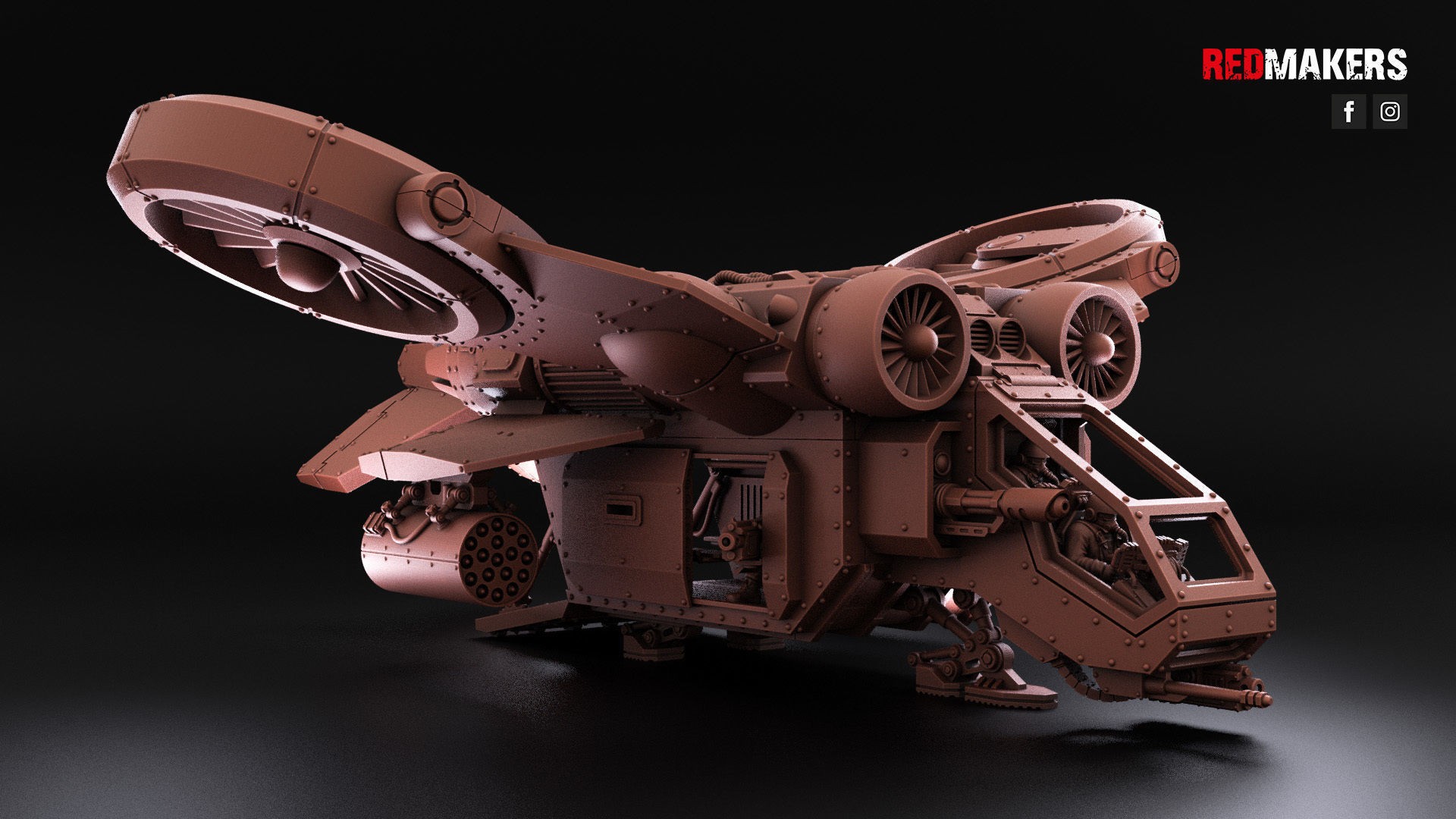
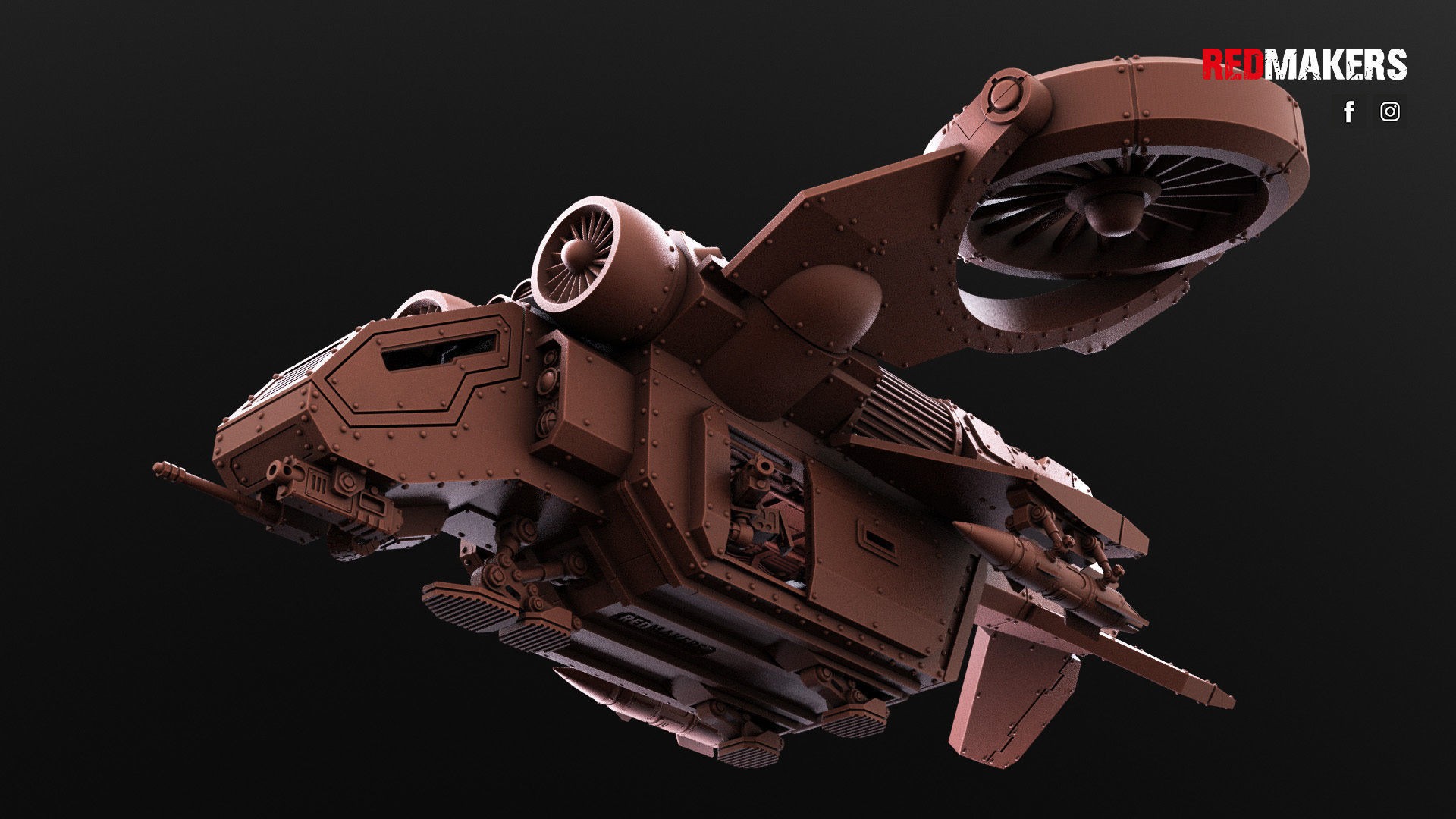
Source of Images: cgtrader website.
This multi-part kit contains everything you need to build a flying vehicle for the Imperial Force army. All the STL files contained in the online download purchase to make the various model parts can be seen in the next image below. Because the STL files are scaled for 28mm tabletop gaming, to match the scale of the other models in his collection I needed to scale all the model parts by 150%. This kit comes with various options: Multiple cockpit versions, with/without crew members, and with glass/armored windows; Tilting and rotating hover fans; Sliding hull side doors and an opening hull back entry ramp; Multiple weapons options (missile launcher pods, larger missiles, laser cannon, multi-laser); Doors on each side of hull with/without gunner crews. The model can be mounted on top of a stand with STL files provided.
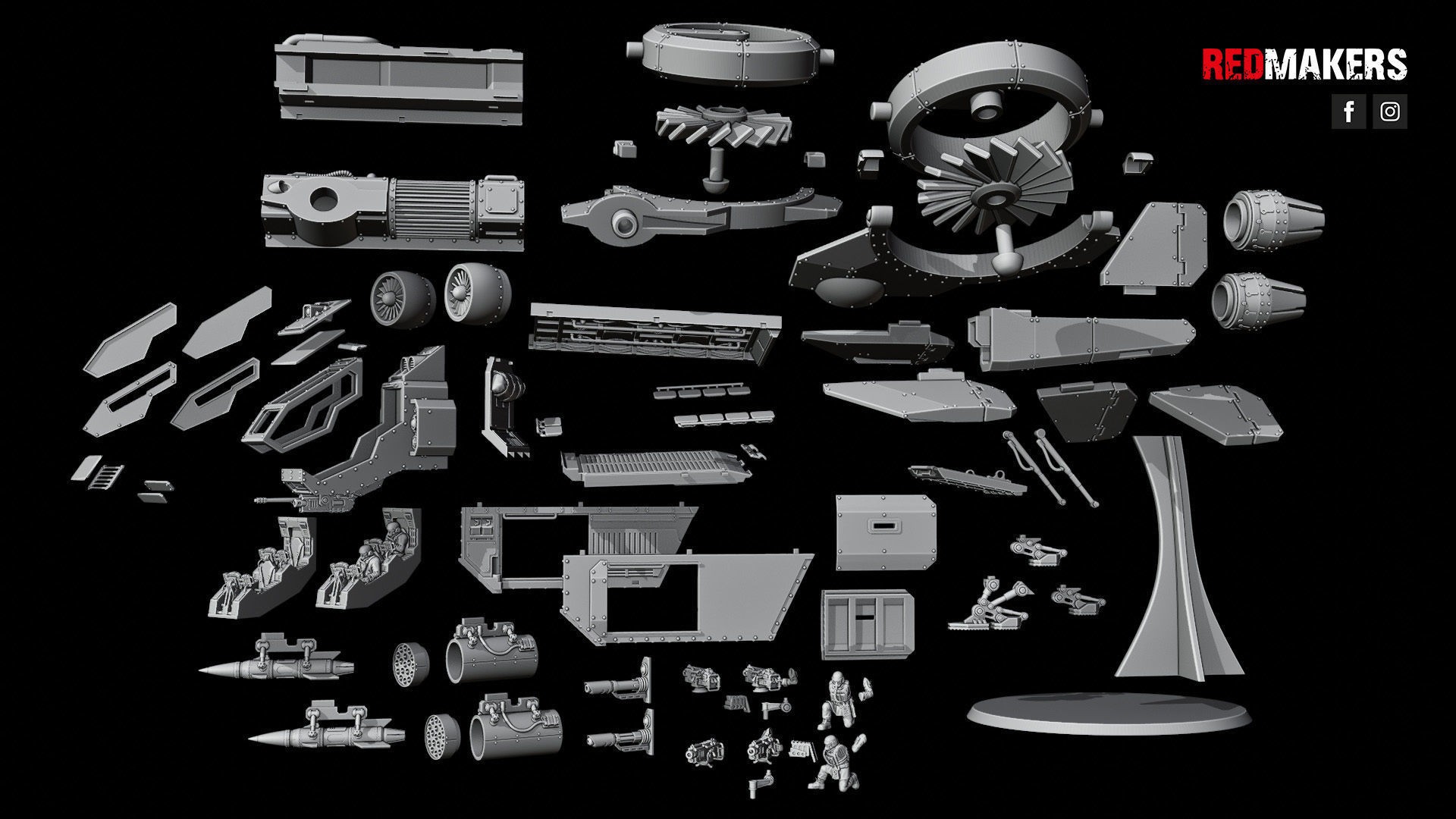
Source of Image: cgtrader website.
With all the parts printed, it was time to assemble the model. Following the assembly video, which is located on the model webpage, I only needed CA glue to assemble the model. All parts fit together nicely, and the assembly video was very helpful. The results can be seen in the next two images below. I think Gus will be very happy with this addition to his collection.
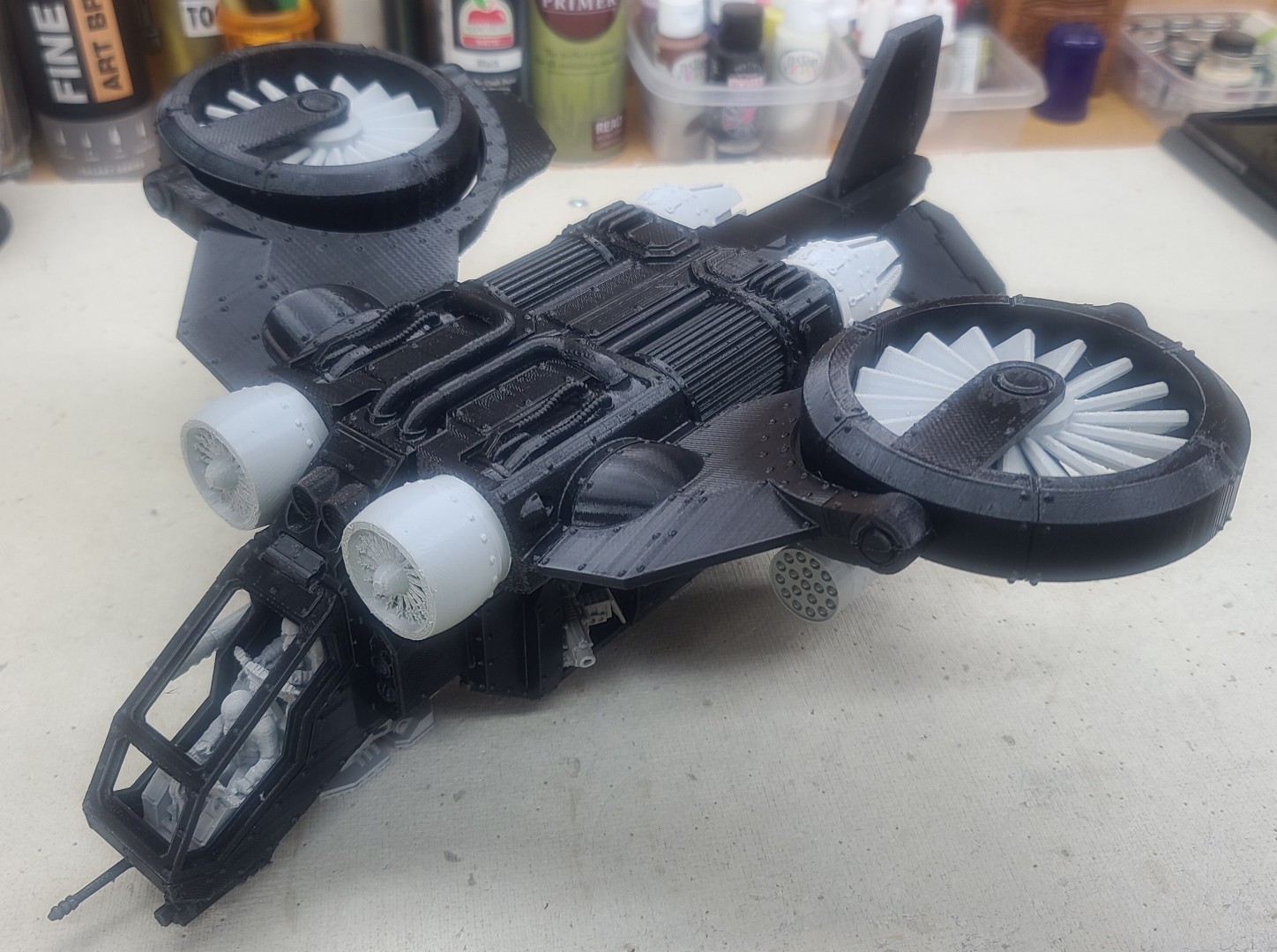
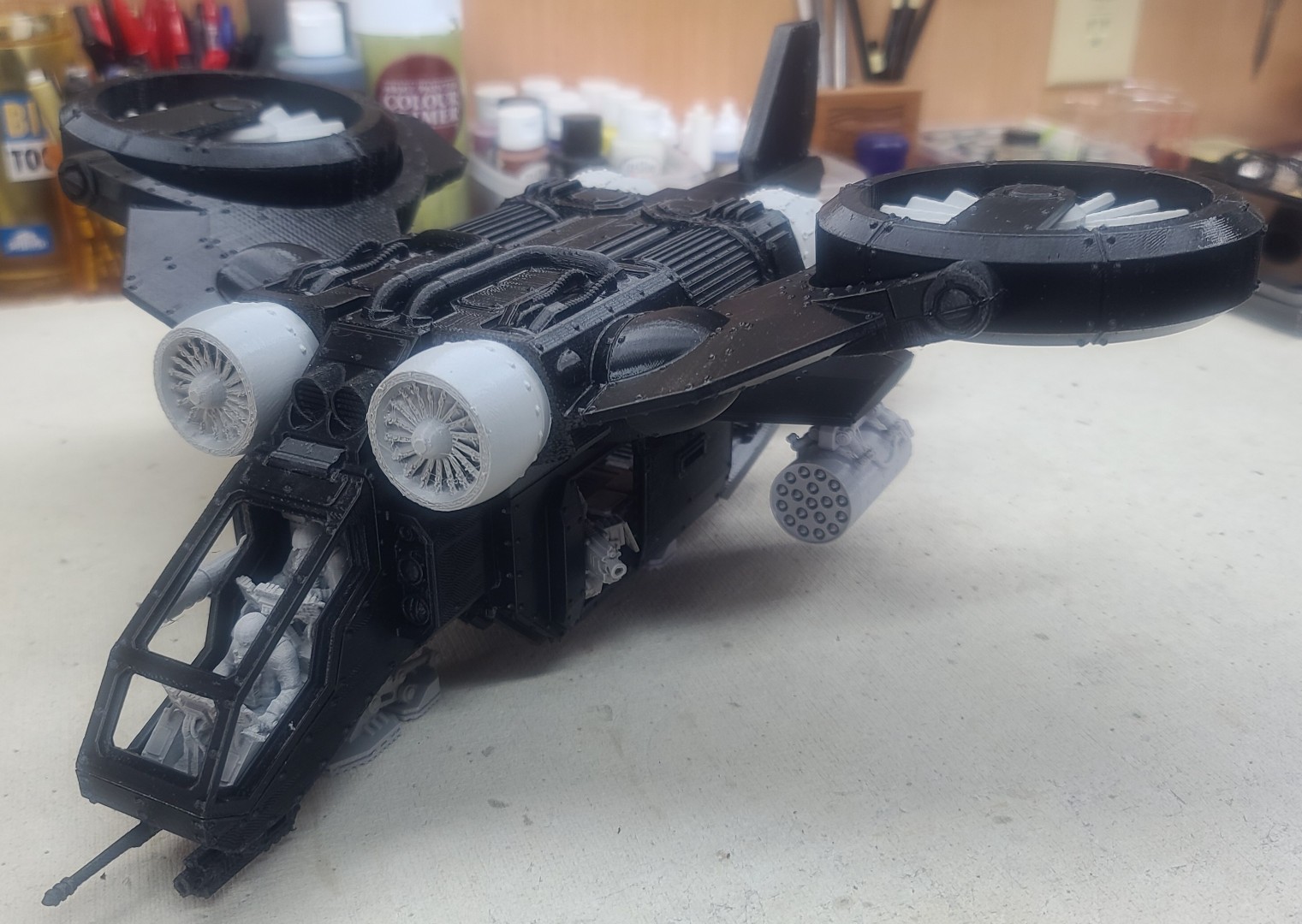
Imperial Force Utility Aircraft 3D Print/Assembly Description.
 All HTML & CSS Coded by Larry